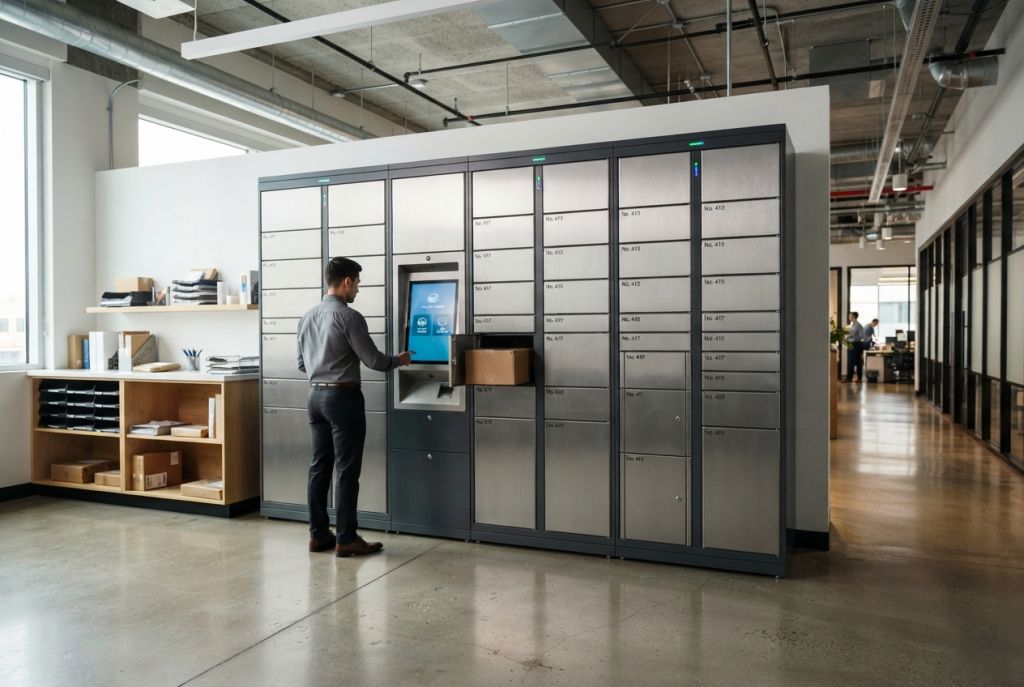
A smart locker is an electronically controlled locker that opens with a code, badge, phone app or biometric scan instead of a key. Software assigns each compartment, notifies the person collecting the item and records every opening, so packages, devices, food and personal belongings can change hands securely without staff.
Smart lockers started as package lockers in apartment lobbies and post offices. Today the same technology runs click-and-collect counters, hybrid-office storage, laptop hand-off at IT help desks, gym and spa lockers, ski storage and refrigerated food pickup. This guide explains what a smart locker is, how smart lockers work, the main types, where they are used and what drives cost. For product options and project help, see our Smart Locker Systems hub.
What Is a Smart Locker?
A smart locker combines three things: a steel cabinet divided into compartments, an electronic lock on every door, and software that controls who can open which door and when. A traditional locker is secured by whoever holds the key or knows the combination. A smart locker is secured by the system: it decides which compartment to use, issues a one-time code or recognizes a credential the user already has, and writes every deposit and pickup to a log.
That control layer is what makes the locker “smart”. It allows lockers to be shared instead of assigned, to be used around the clock without staff, and to be managed remotely across many locations from one dashboard.
How Smart Lockers Work
Almost every smart locker, whatever it holds, follows the same four steps:
- Deposit. A carrier, staff member or user places an item in the locker. The system picks a free compartment of the right size and records who loaded it and when.
- Notify. The recipient gets an email, text or app message with a pickup code or QR code, or is simply told their item is ready.
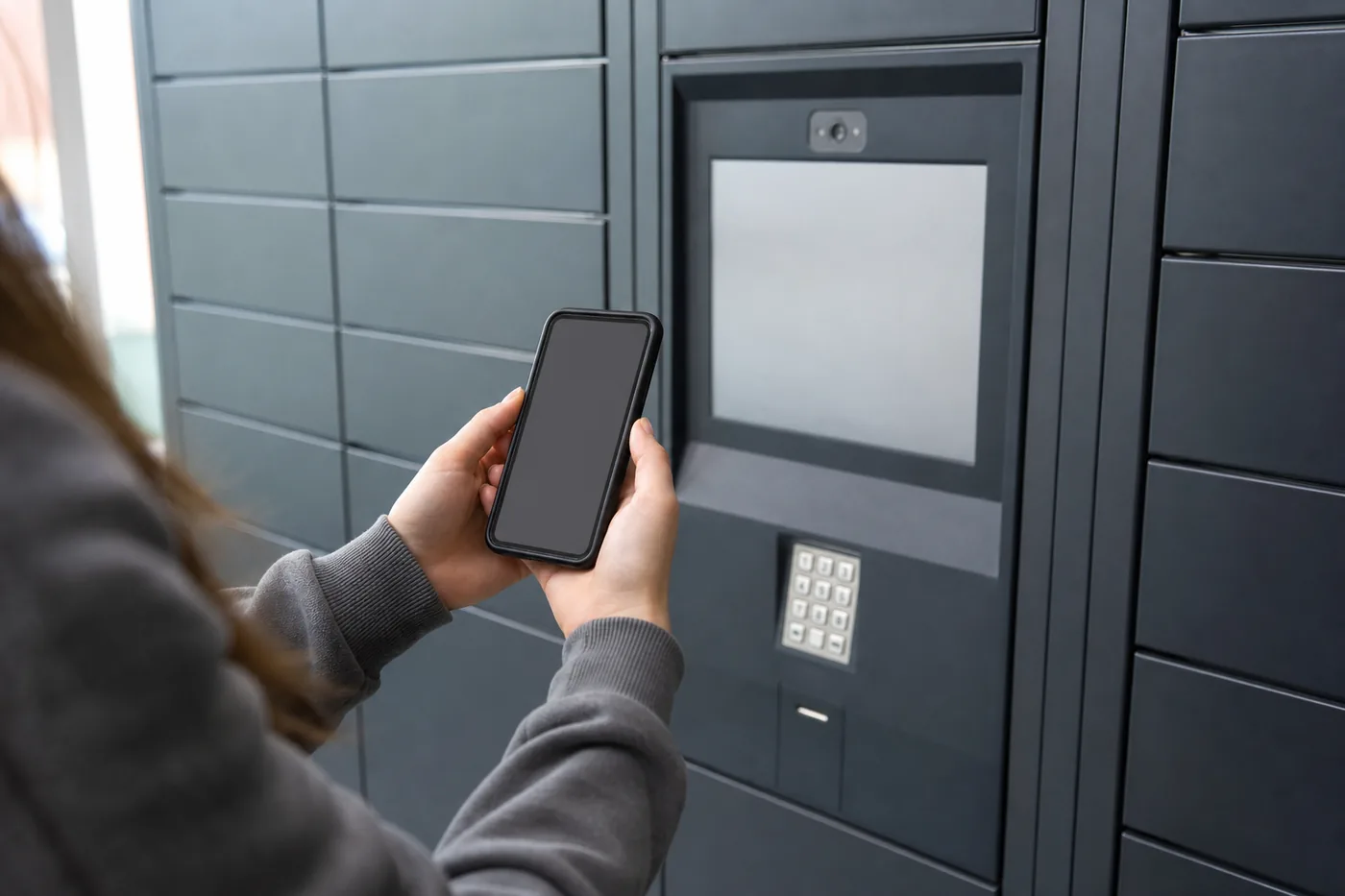
- Authenticate. At the locker the recipient enters the code, scans the QR code, taps a badge or wristband, opens the door from an app or uses face or fingerprint recognition.
- Collect and log. The correct door opens, the item is removed and the transaction is closed in the software, freeing the compartment for the next user.
Behind the kiosk sit the core components: the cabinet and compartments, electronic locks with door sensors, a touchscreen or keypad, readers for QR codes, barcodes and RFID cards, sometimes a camera, and cloud or on-premises management software that sends notifications, produces reports and connects to other systems through an API. Lockers reach the network by Ethernet, Wi-Fi or cellular. Our smart locker software guide covers hosting and integration choices.
Types of Smart Lockers
Smart lockers are grouped by what they hold. The same management platform often runs several types at one site.
| Type | What It Holds | Typical Setting |
|---|---|---|
| Parcel lockers | Packages and mail | Mailrooms, campuses, offices, retail |
| Food lockers | Meals and groceries, refrigerated, frozen or heated | Restaurants, grocery, campus dining |
| Storage & day-use lockers | Personal belongings | Hybrid offices, gyms, spas, venues |
| Charging lockers | Phones, tablets, laptops while charging | Schools, offices, events |
| IT asset & tool lockers | Laptops, devices, tools, PPE | IT help desks, plants, warehouses |
| Medical lockers | Medications, supplies, scrubs | Hospitals, clinics, pharmacies |
| Specialty lockers | Skis and snowboards, evidence, keys, documents | Ski areas, law enforcement, government |
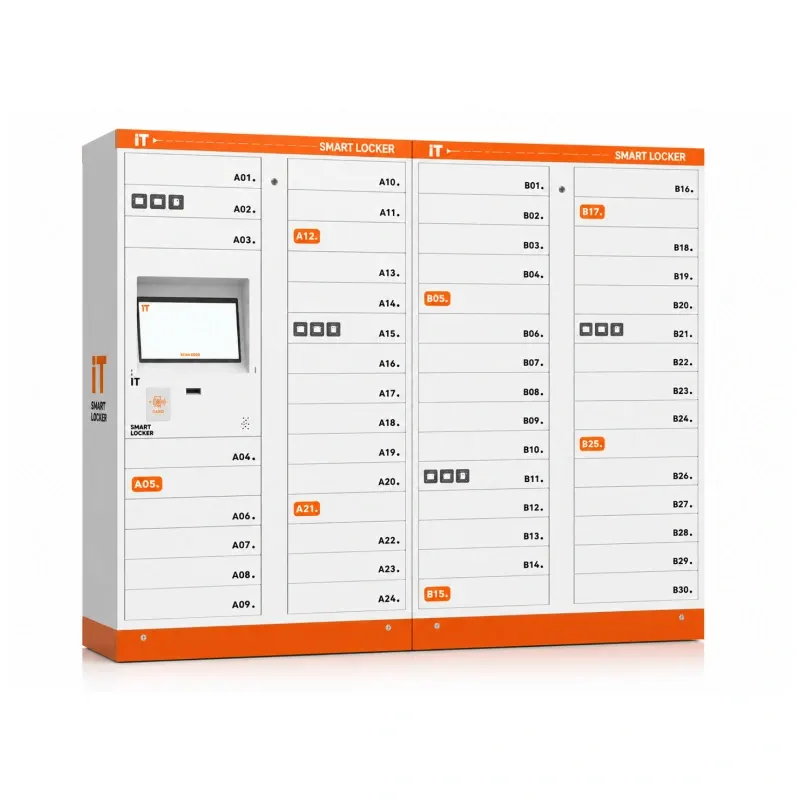
Two other distinctions matter when comparing products. Shared (day-use) versus assigned: shared lockers are claimed for a visit and released, assigned lockers belong to one person. Indoor versus outdoor: outdoor units need weather-rated cabinets, lighting and anchoring, while indoor units can be lighter and simpler.
Where Smart Lockers Are Used
- Offices and hybrid workplaces: hot-desk storage, mailroom parcels and IT device hand-off. See office smart lockers.
- Retail: buy-online-pickup-in-store, curbside and returns. See retail smart lockers.
- Universities and campuses: package pickup, library holds and testing-center phone storage. See university parcel lockers and Utah campus smart lockers.
- Libraries: 24/7 hold pickup and device lending. See library smart lockers.
- Gyms, fitness clubs and spas: keyless member lockers opened by wristband, card or app. See gym smart lockers.
- Ski areas: self-service ski, snowboard and bag storage. See ski resort smart lockers.
- Manufacturing and warehouses: tool, PPE and device issue and return with accountability. See industrial vending and smart lockers.
- Healthcare and law enforcement: supply and medication distribution, evidence transfer and chain of custody.

Smart Lockers vs. Traditional Lockers
| Feature | Traditional Locker | Smart Locker |
|---|---|---|
| How it opens | Key, padlock or combination | Code, QR, badge, app or biometrics |
| Who controls access | Whoever holds the key | Software rules and admins |
| Record of use | None | Time-stamped log of every opening |
| Sharing | Usually assigned | Shared, assigned or both |
| Remote management | No | Yes, from a dashboard |
| Power and network | Not needed | Needed at each kiosk |
Traditional lockers are still the right answer for many locker rooms and break rooms, where one person uses the same locker every day and no hand-off happens. For those, see our employee lockers. Smart lockers earn their place where items change hands, where lockers are shared, or where an audit trail matters.
What Drives Smart Locker Cost
Smart locker prices vary widely, which is why reliable quotes are built per project. The main cost factors are:
- Compartment count and size mix — more doors and larger doors mean more cabinet.
- Kiosk and access hardware — touchscreen size, RFID, QR, camera, biometric readers and payment terminals.
- Construction — indoor or weather-rated outdoor, refrigerated, frozen or heated compartments, charging modules.
- Software — licensing model, hosting, and integration with access control, ILS, HR, rental or POS systems.
- Site work — power and data at each bank, anchoring, and accessibility requirements.
- Freight, installation and training — delivery, setup, configuration and staff training.
The best way to control cost is to size from real data — peak daily deliveries, attendance or transactions — and to start with a modular main unit that can take add-on side units later. Our parcel locker sizing guide walks through the compartment math.
Features to Look For
- Multiple access methods, so users can open doors with something they already carry
- Cloud management with remote door release, occupancy views and reports
- An API or third-party integration for the systems you already run
- Modular main and side units, so capacity can grow
- ADA-compliant kiosk and compartments in accessible reach
- Emergency opening for power or network failures
- Door sensors and a complete, exportable audit log
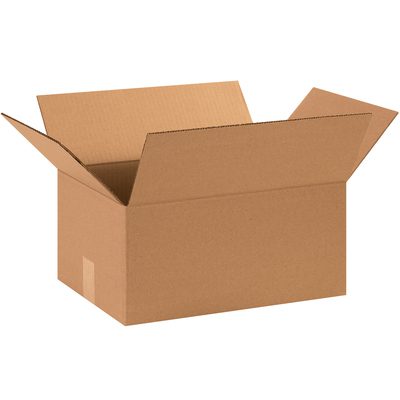
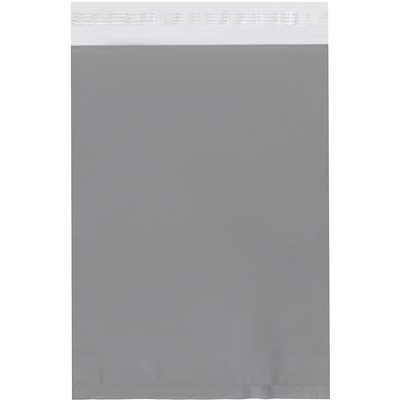
Related Packaging: Boxes & Mailers
Not smart locker equipment. Our online store does not sell smart lockers; these are shipping supplies for teams that ship and receive the parcels smart lockers hold. Smart locker systems are quoted per project — call (800) 326-4403.

Frequently Asked Questions
What is a smart locker in simple terms?
A smart locker is a locker with an electronic lock that opens with a code, badge, phone or biometric instead of a key. Software assigns the compartments, notifies users and records every opening.
How do smart lockers work?
Someone deposits an item and the system assigns a compartment and records it. The recipient gets a code or uses their badge or app, authenticates at the kiosk or door, and the right compartment opens. Every step is logged in the management software.
What are the main types of smart lockers?
The main types are parcel lockers, food pickup lockers (including refrigerated and heated), storage and day-use lockers, charging lockers, IT asset and tool lockers, medical lockers and specialty lockers such as ski and evidence lockers.
How much does a smart locker cost?
Cost depends on compartment count and sizes, the kiosk and access hardware, indoor or outdoor and climate-controlled construction, software licensing and integration, freight and installation. Because these vary so much between projects, smart locker systems are quoted per project.
Are smart lockers more secure than traditional lockers?
Usually, yes. There are no keys to copy or lose, credentials can be revoked instantly, and every opening is recorded with a time stamp, so it is clear who accessed a compartment and when.
Do smart lockers need internet?
Most smart lockers use a network connection for notifications, remote management and reporting, by Ethernet, Wi-Fi or cellular. Many models also include emergency opening so items can be retrieved if power or the network fails.
Related Smart Locker Resources
- Smart Locker Systems hub
- Parcel lockers and Utah parcel lockers
- Utah smart lockers
- How parcel delivery lockers work
Need Help Choosing a Smart Locker System?
Material Handling USA is an authorized DC Locker dealer. We help organizations choose, configure and install smart locker systems nationwide.
Call: (800) 326-4403
Email: sales@mh-usa.com