
Home / Law Enforcement / E-Systems Group Consoles
Law Enforcement Dispatch Consoles from e-SystemsGroup
Purpose-built 24/7 consoles for dispatch centers, police departments, and command rooms — engineered for large monitor arrays, real cable and power management, secure equipment storage, and operators who sit at them around the clock.
24/7
Continuous-duty construction
5
Console product lines
ANSI & BIFMA
Certified manufacturer
13
HIVE charging outlets standard
A Dispatch Console Is Not a Desk
Office furniture is designed for a person who uses one or two monitors, leaves at five, and does not have a radio system, CAD workstation, recording gear, and mapping displays living inside the work surface. A dispatch console is designed for the opposite case: a position occupied every hour of every day, carrying more technology than the operator can see, where a failure has consequences.
e-SystemsGroup builds for those 24/7 command and control environments — design, manufacturing, and installation from one source — and is certified by ANSI and BIFMA, which means the furniture is tested against recognized standards for comfort, safety, and durability rather than a marketing claim.
Material Handling USA specifies, quotes, and installs these consoles alongside the racks, charging cabinets, and evidence and equipment storage that go into the same buildings.

- Welded steel frames rather than particle-board casework, because the structure carries monitor arrays and gets hit by chairs for twenty years
- Monitor mounting engineered into the frame, not clamped onto a desk edge
- Cable and power pathways designed in, so a technician can trace a run without crawling under a live position
- Serviceable equipment bays that let you pull a workstation without shutting the position down
- Sit-stand adjustability for the operators who need it across long shifts
- Configurations built to the room, including curved arcs, corners, and multi-tier screen arrays
The e-SystemsGroup Console Lines
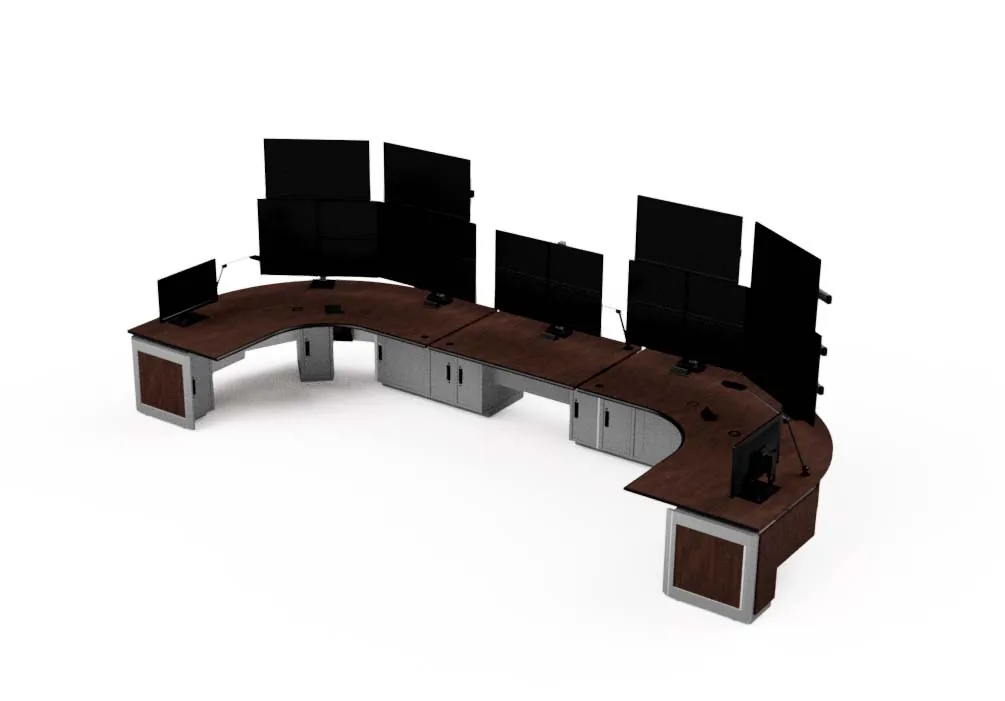
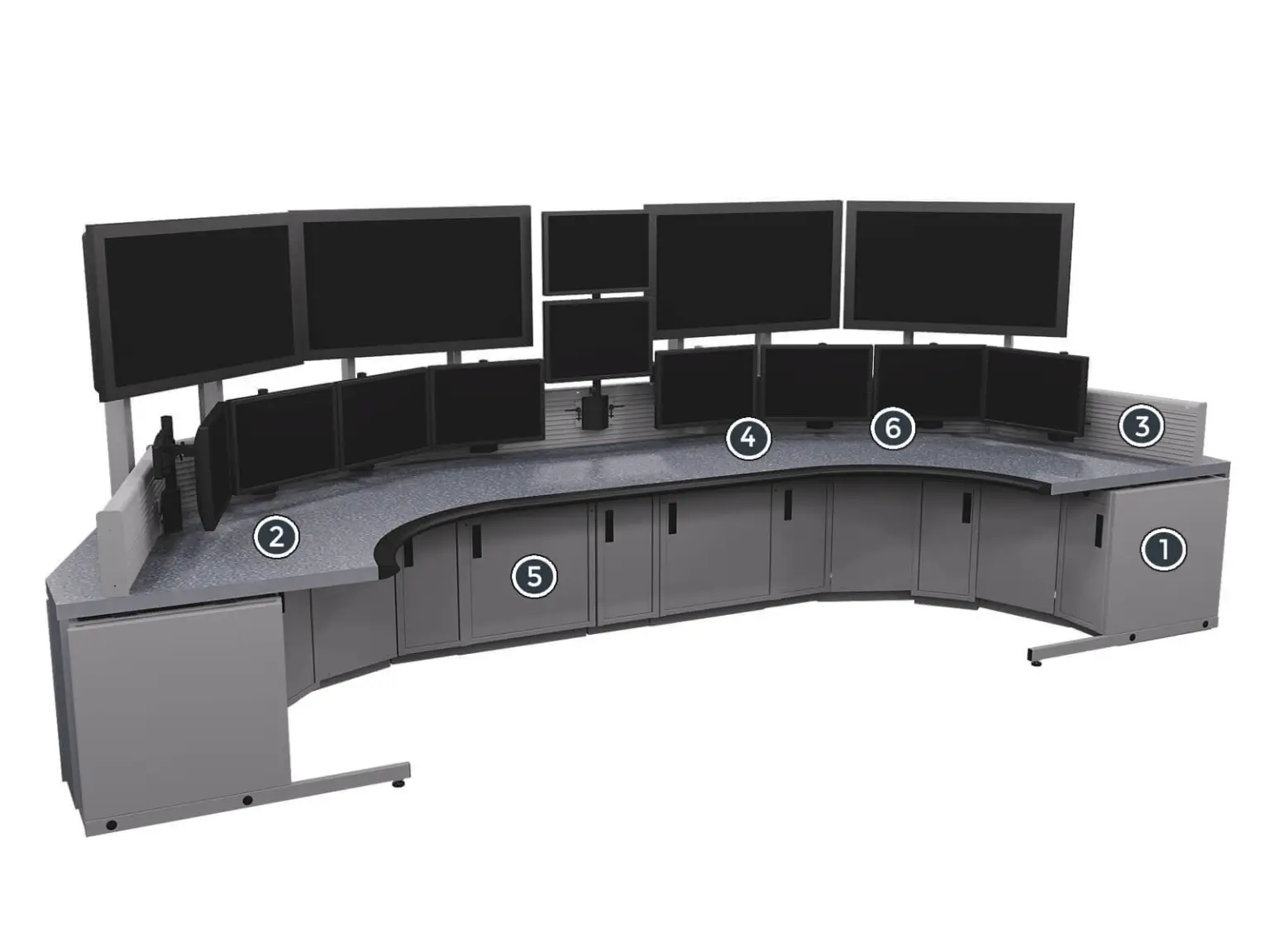
Five console platforms, each aimed at a different problem. The right one depends on the screen array, how much equipment lives in the console, whether operators need sit-stand, and how often the room gets reconfigured.
 Benchmark Ergo — “Hercules”Built for strength. The answer for large-scale screen arrays, heavy technology integration, and operator enhancement — the platform most often specified for primary PSAP dispatch positions.
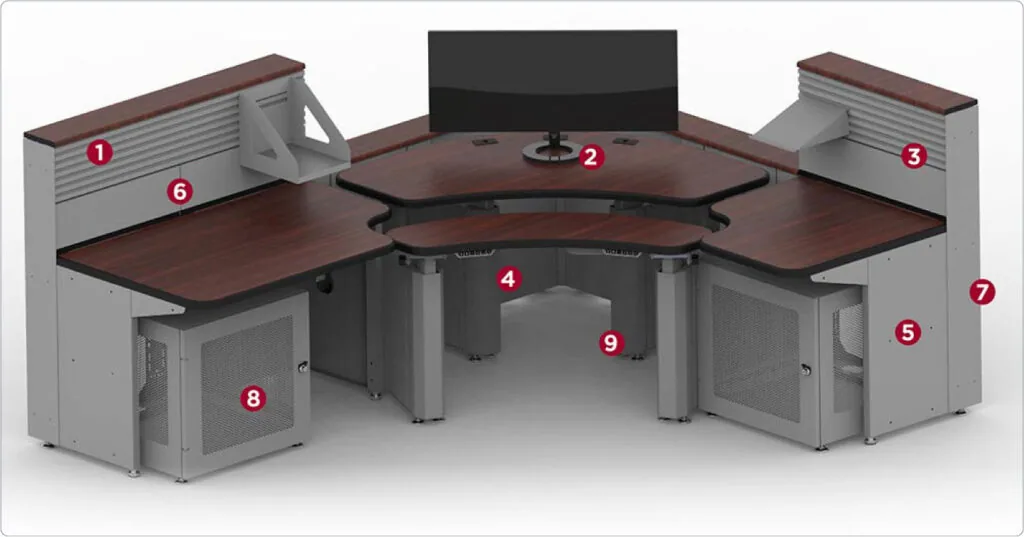 Contour — “The Contortionist”Designed with the flexibility of office furniture but built from rugged steel to be a true 24/7 control room console. e-SystemsGroup recommends this line for law enforcement.
 ITRAC — “The Workhorse”A 12-inch frame system that supports an unusual amount of integrated computer gear, wiring, and power support. When the equipment count is the problem, this is the platform.
 Mobilize — “Light Speed”Sit-stand adjustable monitor positioning with an optional tilting surface, built for rapid deployment and storage — useful for EOC and surge positions that are not staffed year-round.
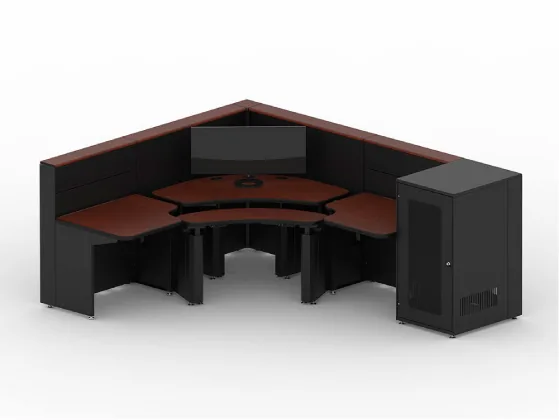 The Guardian — “The Protector”Designed around present and future security technologies with sturdy steel welded construction — the security operations counterpart to the dispatch lines.
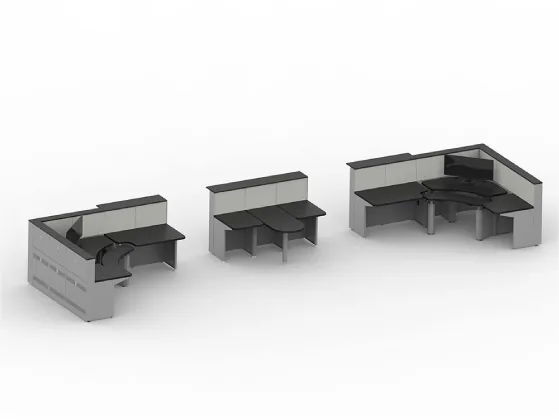 Custom configurationsEvery line is configured to the room: single or multiple monitors, straight, L-shaped, corner, or curved arcs, with the storage and equipment bays you actually need.
Monitor Arrays: Get This Right First
Everything else on a console follows from the screen count and the way those screens are arranged. Dispatch positions commonly run four to eight displays across one or two tiers — CAD, mapping, radio control, camera views, and administrative applications — and the array determines the frame, the work surface depth, and the sightlines from the operator to the room.
Pin these down before you compare quotes:
- Screen count now, and the count you want headroom for in five years
- Single tier or second tier — a second tier changes the frame and the viewing distance
- Display sizes and weights, so the mounting and frame are rated for the real load
- Articulating arms versus fixed slat mounting, and whether operators reposition mid-shift
- Whether any position also faces a shared video wall — that constrains monitor height
- Cable routing for each display, including video extenders and KVM if the gear is remote
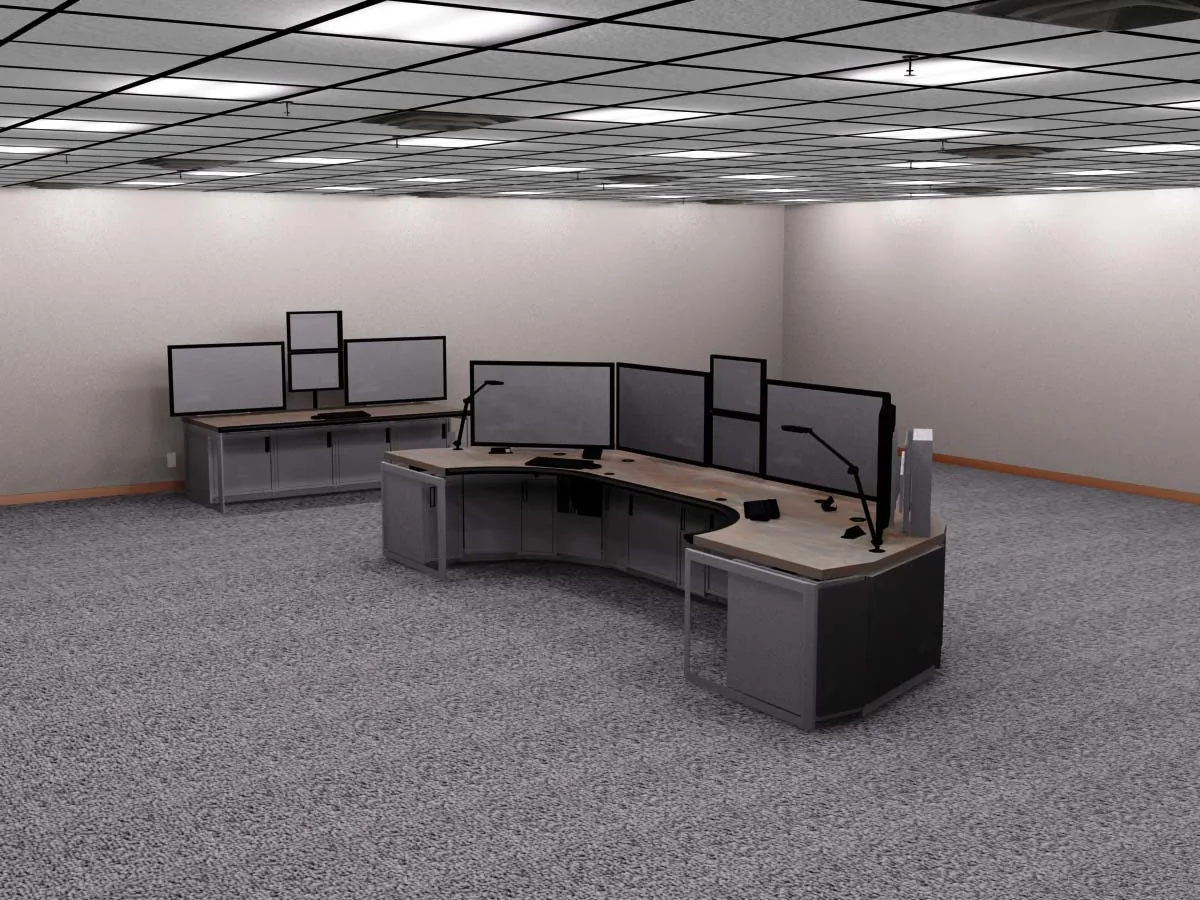
Plan for growth honestly
Adding a monitor to a console designed for the exact current count usually means new mounting hardware and sometimes a new frame section. Specifying one position of spare capacity is much cheaper than retrofitting a room full of consoles two years later.
Ergonomics for People Who Sit There for Twelve Hours
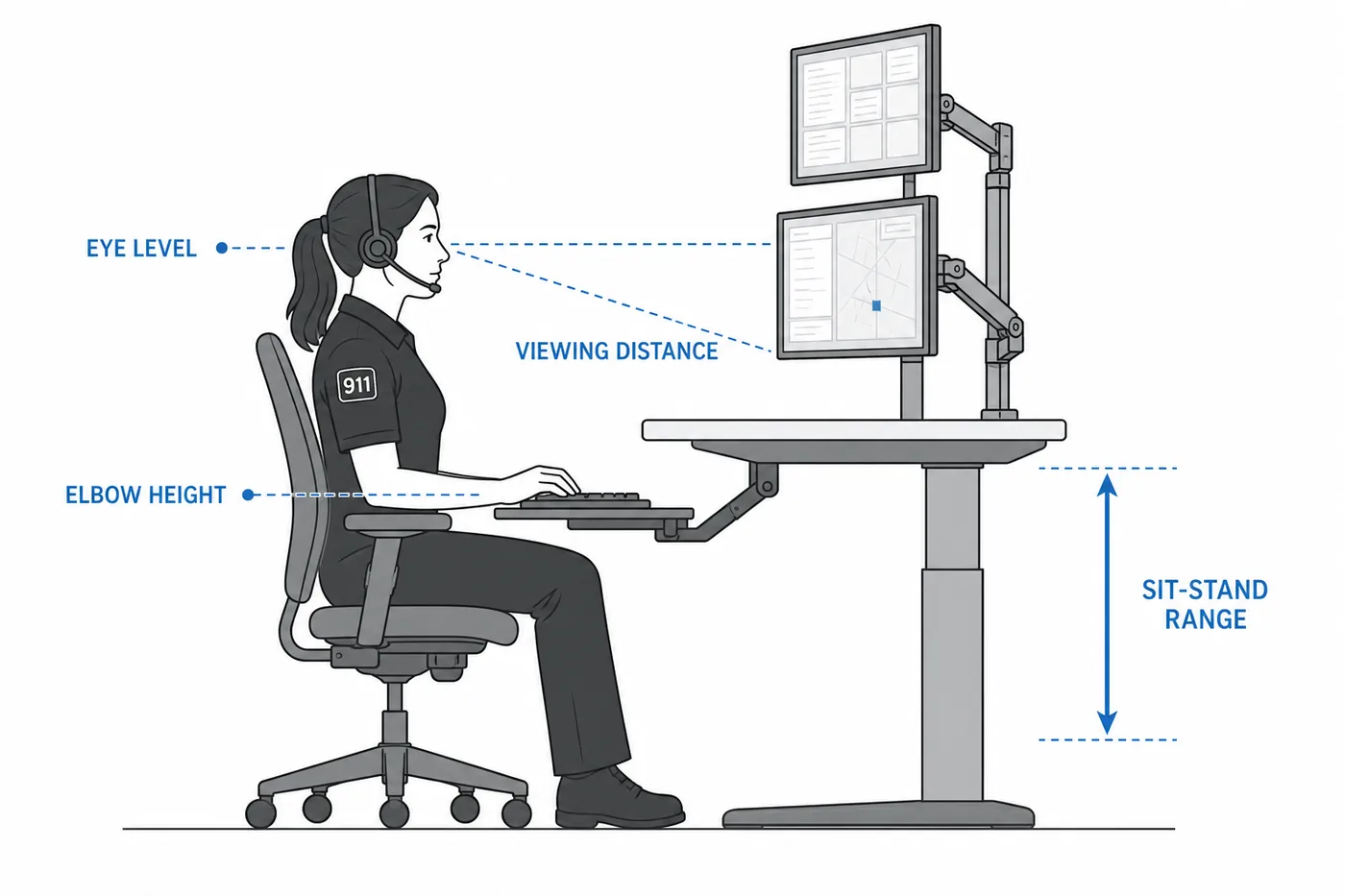
Dispatcher fatigue and injury are operational problems, not comfort preferences. A console that forces a neck angle or a reach will produce complaints, then claims, then turnover in a role that is already hard to staff.
- Sit-stand adjustment so operators can change posture without leaving the position — standard on Mobilize and available across the lines
- Primary monitor at eye level with the rest of the array within a comfortable head-turn, not a body twist
- Keyboard and mouse at elbow height with the surface depth to support forearms
- Adequate viewing distance for the display size, which is why surface depth matters as much as width
- Task lighting and glare control — dimmable, indirect, and positioned so screens are not washed out
- Personal environment options where available, since a 24/7 room never suits everybody at once
- Chair clearance and travel designed with the console, not discovered after installation
Cable Management, Power, and Heat
This is where consoles are won and lost. A dispatch position can carry dozens of cables, several power supplies, and equipment that generates real heat inside an enclosed cabinet. Managed badly, you get a rat's nest nobody will touch during an incident, tripped circuits, and gear that runs hot and dies early.
The e-SystemsGroup platforms are built to integrate wiring, computer gear, monitors, and power support systems — ITRAC's 12-inch frame exists specifically for high equipment counts. What to specify:
- Vertical raceways and horizontal channels sized for the real bundle, with slack for service
- Separation of power from data runs to limit interference
- Power distribution inside the console with adequate outlet count and surge protection
- UPS location planned deliberately — weight, heat, and battery replacement access
- Ventilated panels or active airflow wherever equipment is enclosed
- Service access from the operator side or the back, without dismantling the work surface
- Grommets and pass-throughs positioned so cables do not cross the knee space
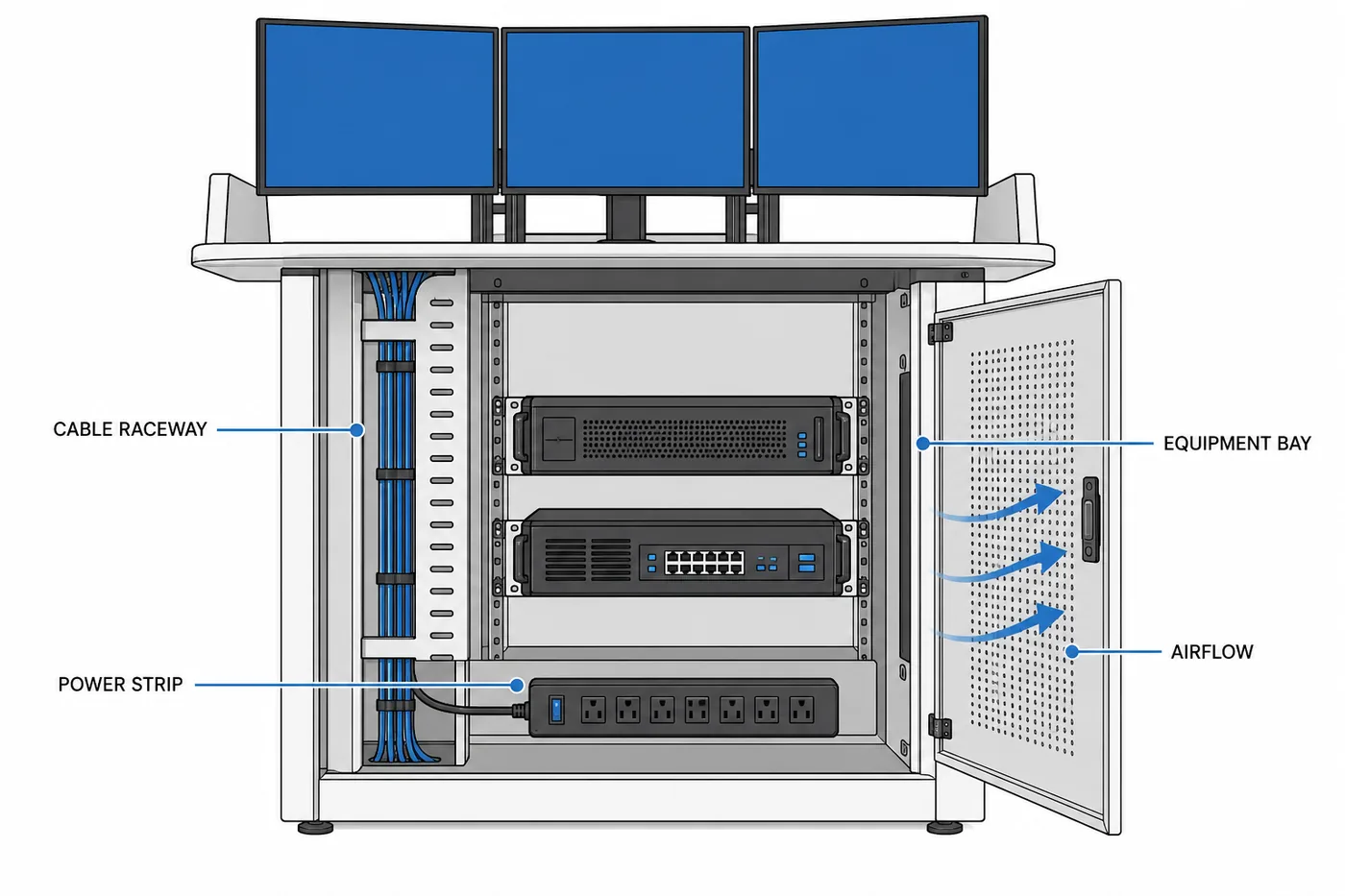
Secure Equipment Storage in the Console
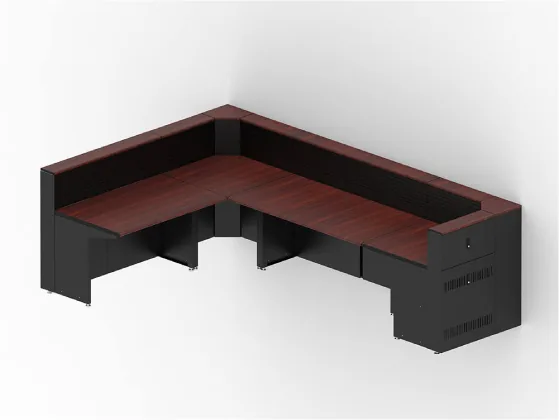
Consoles are made from steel and laminated panel construction and are available in a range of dimensions so they can be customized to the workspace and the technology going into it. That matters most in the cabinet volume: what is stored, what is racked, and what is locked.
| Storage element | Typical use |
|---|---|
| Rack-mounted equipment bays | CAD workstations, radio interface gear, recorders, network hardware — on slides for service |
| Locking drawers and cabinets | Keys, media, controlled forms, personal items on shift change |
| CPU holders and slide-out shelves | Workstations that need to come out without pulling cables |
| Charging drawers | Handheld radios and devices at the position rather than down the hall |
| Overhead and tower storage | Manuals, references, headsets, and supplies within reach |
HIVE™ Handheld Charging Cabinet
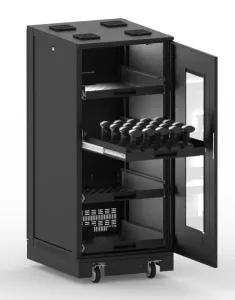
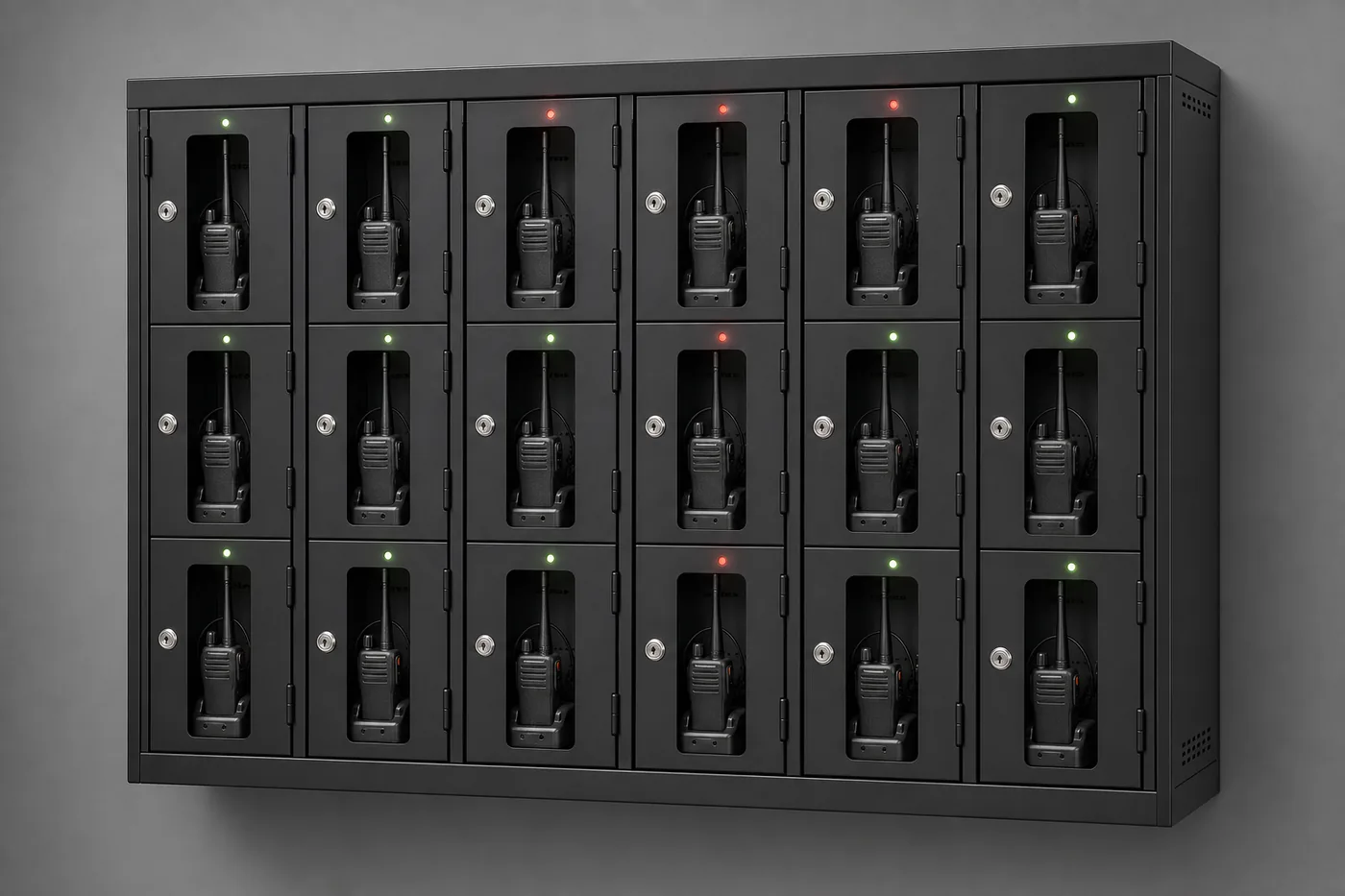
Radios, scanners, and body cameras that do not come home charged are an operational failure that shows up at the worst time. The HIVE is a high-density charging cabinet built to solve that specifically: fast charging, secure storage, and cord management for handheld devices and their charging cradles.
| Feature | Specification |
|---|---|
| Construction | Fully welded heavy-duty metal, completely enclosed |
| Security | Quick-release door swing handle with key lock; inset shatterproof polycarbonate window; rear access panel with internal lock |
| Power | Power strip with 13 outlets supporting 13 charging cradles, with the consolidated power supply secured at the rear of the shelves |
| Drawers | Four retractable vented drawers, each with 19.2″ width × 21.2″ depth × 11.6″ height of storage space |
| Cooling | Four top-mounted thermodynamic fans, plus vent openings in each drawer for vertical airflow so batteries charge efficiently |
| Placement | Recessed back panel allows the cabinet to sit flush against a wall |
| Mobility | Heavy-duty casters — two recessed locking, two non-locking |
| Shelving | Anti-rollback shelf design |
| Finishes | Multiple colors and finishes; custom colors carry a ten-unit minimum |
HIVE options worth considering
- Integrated LED light strip for visibility inside the cabinet
- Additional power strip adding 14 more outlets for higher device counts
- RFID lock upgrade (13.56 MHz) to tie access to existing agency credentials
- Seismic anchor kit for seismically active zones
The accountability question is the real reason agencies buy these: one known location, one lock, and devices that are charged and present at the start of every shift. Pair the RFID upgrade with your existing badge system and you also get a record of who opened it.
Server Racks and Equipment Enclosures
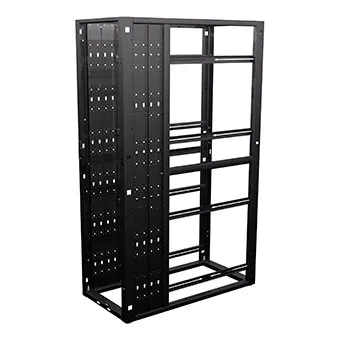
The consoles are the visible half of a dispatch center. The equipment room behind them carries the CAD servers, recording systems, radio infrastructure, and network gear that the positions depend on, and e-SystemsGroup builds that side too.
| Product | Where it fits |
|---|---|
| ESG Rack Platinum 1.0 | General-purpose server and network enclosures for agency equipment rooms |
| Platinum 2.0 / AI racks | Higher-density deployments with heavier power and cooling demands |
| Zone 4 seismic server enclosures | Facilities in high seismic design categories where anchorage and enclosure rating are specified |
| Custom and wall-mount racks | Small equipment rooms, closets, and remote sites where a full cabinet does not fit |
Specifying the racks and consoles together keeps cable pathways, rack elevations, and service clearances coordinated instead of discovered on installation day.
Room Layout and Sightlines

Console selection and room layout are the same conversation. A curved arc gives every operator a view of a shared video wall; a corner configuration fits a small PSAP into an odd room; an island arrangement lets a supervisor see every position at once.
- Sightlines from each position to any shared display wall
- Supervisor position with a view of the floor without sitting behind a wall of monitors
- Circulation behind positions wide enough for a chair, a technician, and a relief operator
- Door placement, so nobody walks through an operator's field of view during a call
- Equipment room adjacency and the cable pathway between it and the consoles
- Acoustics and lighting — a room full of hard surfaces makes radio traffic harder to hear
- Break relief and shift handoff, which is when two people occupy one position
Where a video wall is part of the room, monitor heights at the console have to be coordinated with it. Consoles that are perfect in isolation can block the wall for the row behind them.
Send us the room dimensions, door and column locations, equipment list, and staffing plan. We will come back with a layout and console configuration rather than a catalog page.
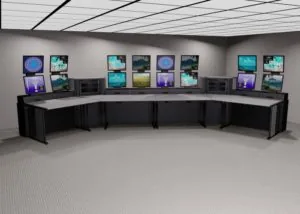
Who Uses These Consoles
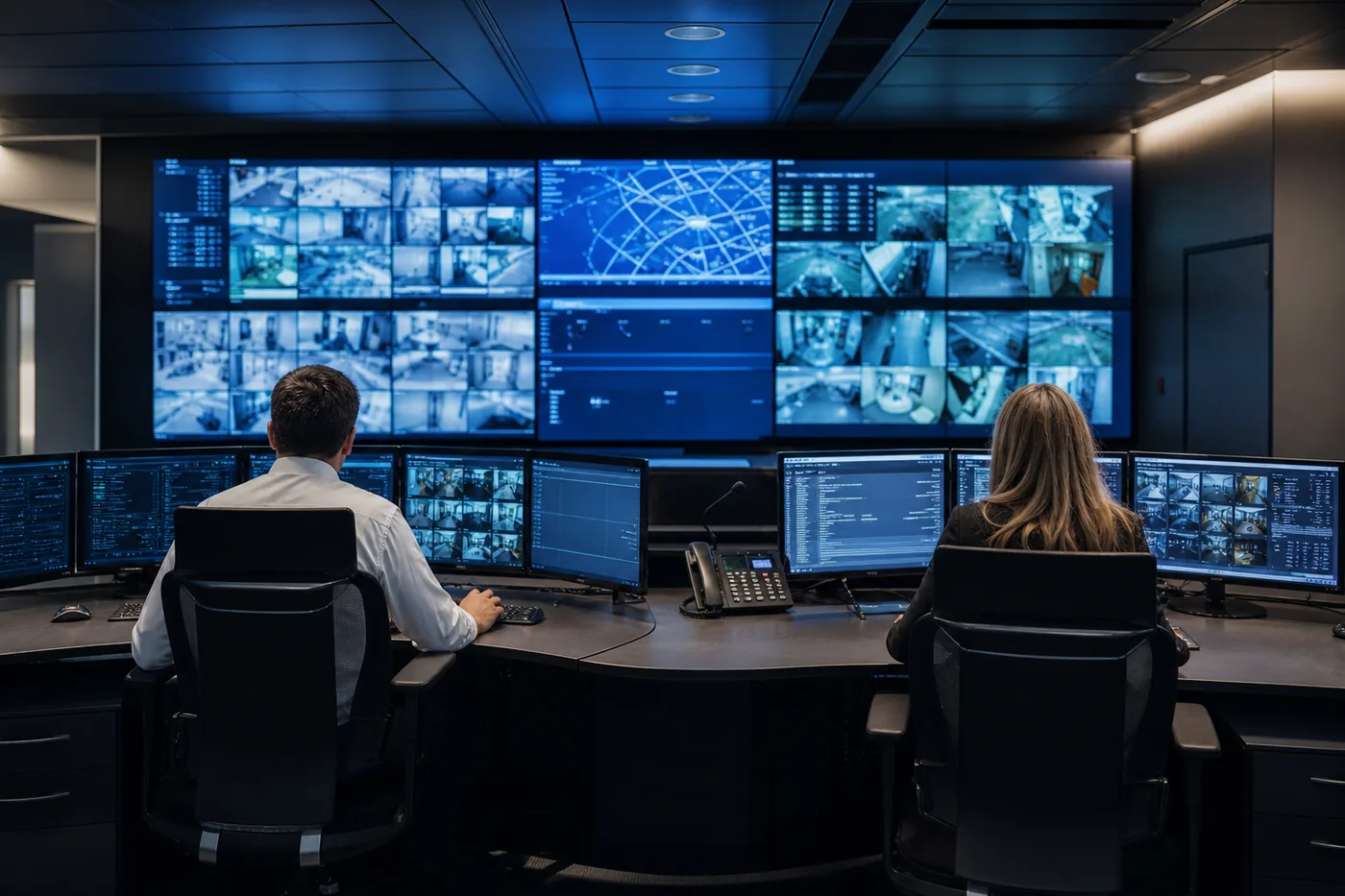
How a Console Project Runs
Needs assessment
Positions, staffing pattern, screen counts, equipment list, and what is failing in the current room. If you are renovating, we look at what you are keeping.
Room and layout design
Console geometry against the actual room: sightlines, circulation, video wall, equipment room adjacency, power and data locations.
Console selection and configuration
The right platform for the array and equipment load, configured with the storage, mounting, and adjustability the operators need.
Drawings and approval
Layouts and elevations for your review and for the trades who have to land power and data in the right places.
Manufacturing
Consoles are built to the approved configuration, with finishes selected to the room.
Installation and cutover
Delivery, assembly, and equipment transfer, sequenced so the center stays operational — often position by position, sometimes with temporary positions.
Adjustment and turnover
Monitor positioning, sit-stand ranges, cable dressing, and a walkthrough with supervisors and the operators who actually sit there.
Cutover is the part people underestimate
A dispatch center cannot go dark for a furniture delivery. Plan the sequence, the temporary positions, and the equipment moves with your radio and IT vendors before the trucks are scheduled. We build the installation plan around staying live.
Keeping Consoles Working
Do
- Keep ventilation clear on any enclosed equipment bay, and check airflow after equipment changes
- Clean surfaces and screens regularly with mild cleaners — it extends finish life measurably
- Dress cables after every equipment change instead of leaving service loops on the floor
- Re-check monitor heights and sit-stand ranges when staffing or displays change
- Keep the console configuration drawings with your facility documentation
Do not
- Load a console beyond its rated weight capacity, especially on monitor mounts and slides
- Use harsh chemicals or abrasives on laminate and painted steel surfaces
- Block vents with stored material, boxes, or personal items
- Add displays or equipment without checking mount ratings and circuit capacity
- Defeat locks or leave equipment bays open for convenience during a shift
Frequently Asked Questions
What is the difference between a dispatch console and a standard desk?
How many monitors can a console support?
Are these consoles suitable for 24/7 dispatch operations?
What materials are the consoles made of?
Can consoles be configured for our specific room layout?
Can consoles integrate with our existing technology?
Do the consoles come with a warranty?
What does installation involve, and can we stay live?
How long does a custom console take?
Do you offer server racks and secure storage alongside consoles?
Related Products & Resources
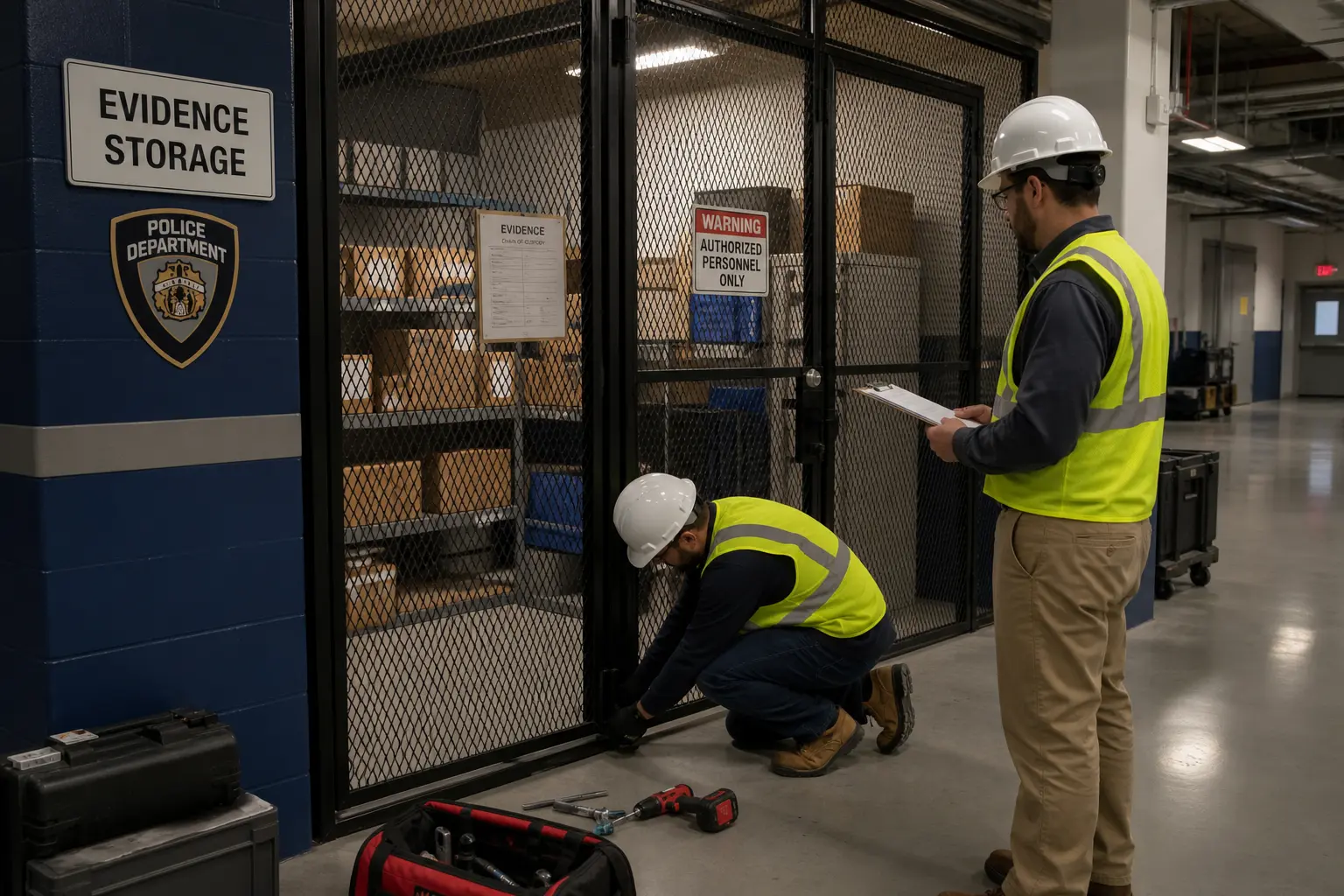 Law Enforcement StorageEvidence storage, weapons and tactical gear lockers, and equipment storage for public safety facilities.
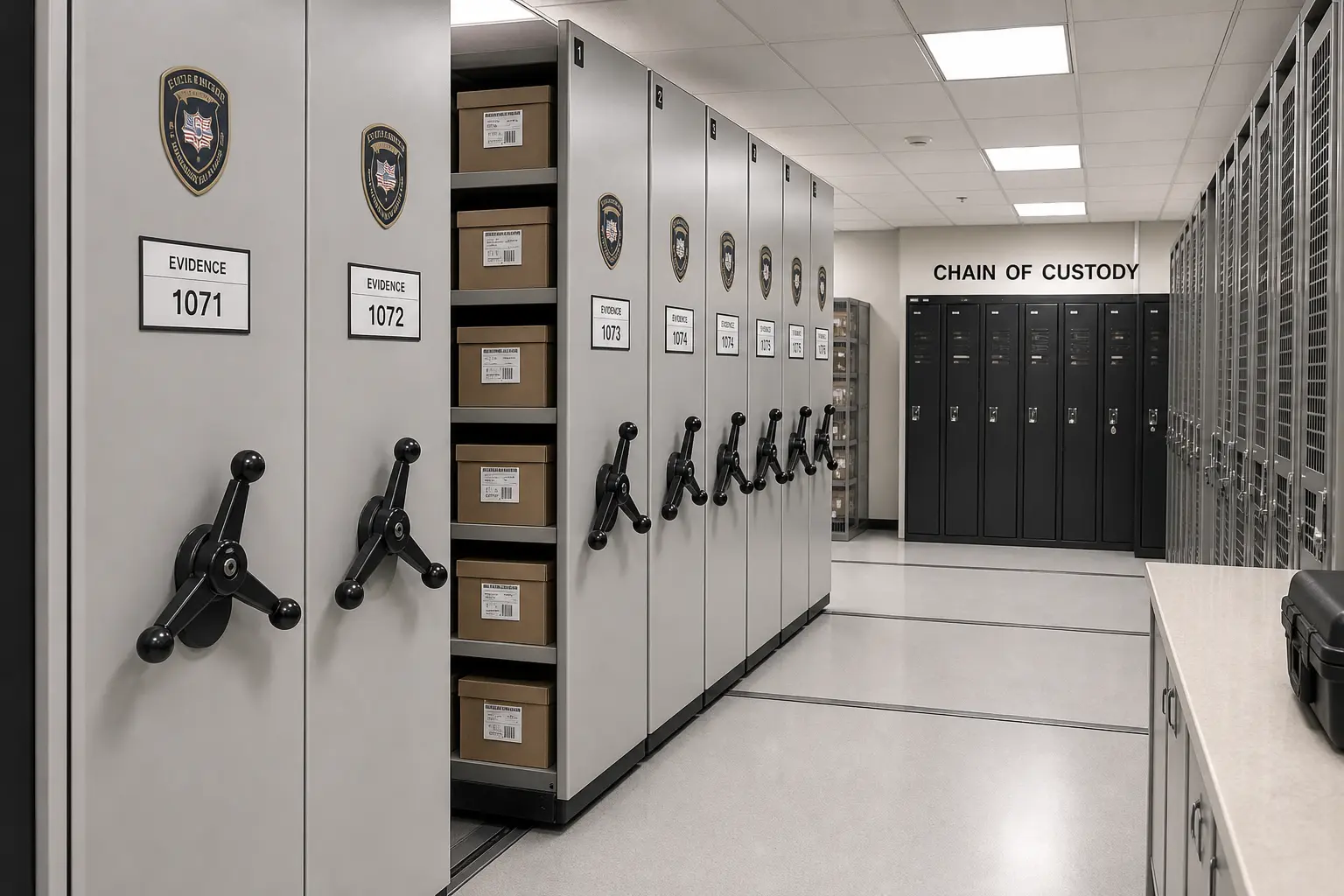 Evidence Storage Room DesignLayout and equipment design for property and evidence rooms.
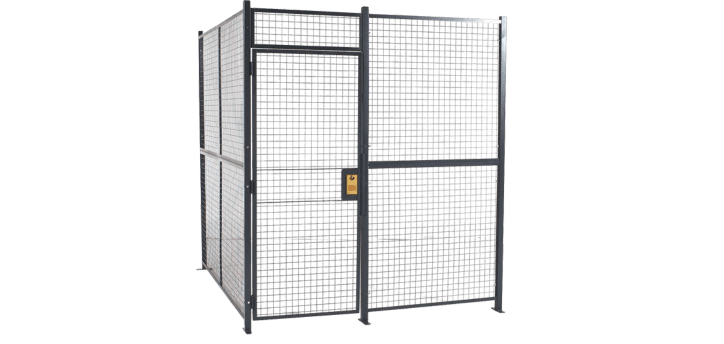 Server CagesSecure wire enclosures for the equipment rooms behind your consoles.
Ready to Design Your Dispatch Center?
Send us your room dimensions, position count, screen counts, and equipment list. We will come back with a layout, a console configuration, and a quote.