
My Project Binder
Keep one project in one place. Save the specifications, drawings, BIM and CAD files, guides, design tools and planning results you are working from, and get a private link that reopens the whole thing on any device and can be sent to everyone else on the project.
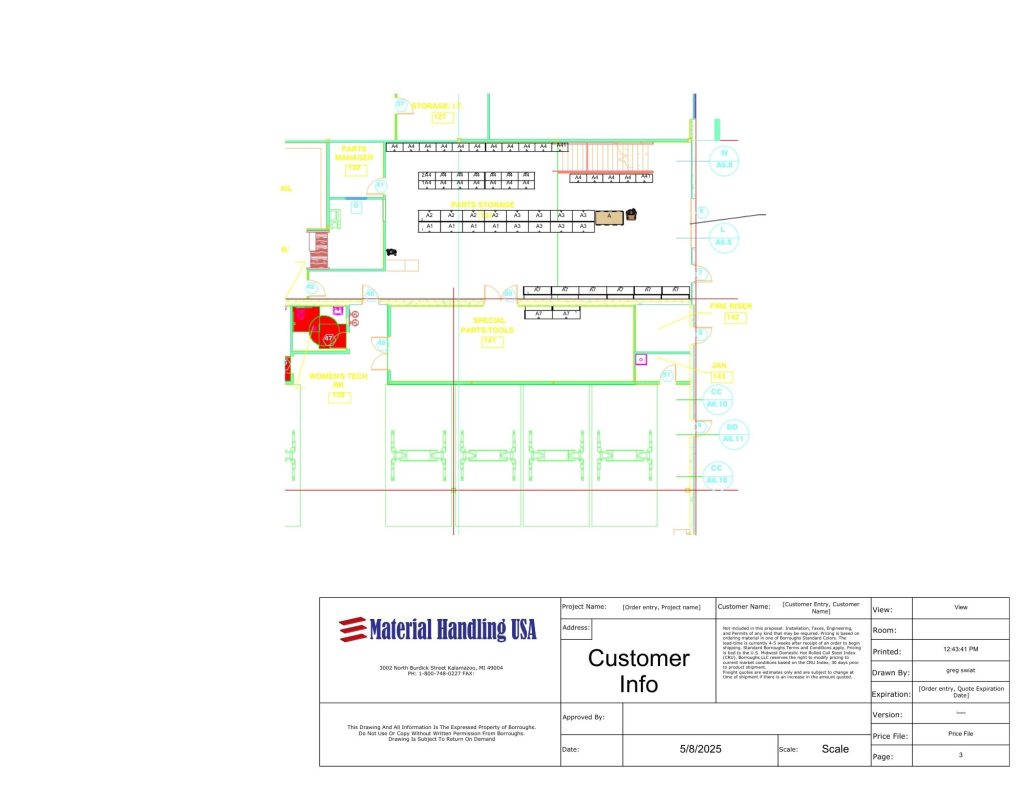
Storage projects are lost in inboxes, not in warehouses
A storage project almost never happens in one sitting. Somebody measures a building in March, pulls a specification in April, gets a layout drawn in May, and by the time the budget cycle comes round the drawing is in one person’s downloads folder, the specification is attached to an email nobody can find, and the person who did the measuring has moved on. The project does not fail because the products were wrong. It stalls because the project itself was never anywhere.
That is expensive in a way nobody records. Work gets redone. Quotes come back on different bases because each one was requested from a different version of the scope. Decisions made months earlier get re-argued because the reasoning behind them lived in a conversation. And the person who has to defend the number in a budget meeting has to rebuild the whole story from memory.
This is the fix, and it is deliberately unambitious: a place to keep the things you already have. Save what matters, add to it whenever you come back, and hand the link to whoever needs it. Nothing is added automatically, nothing is hidden, and everything links to the live page on our site so what you open is always current.
Who this is for
- Facility and operations managers running a storage project alongside their day job
- Project managers coordinating a fit-out across several trades and several months
- Architects, engineers and designers collecting product data, specifications and CAD for a submittal
- Procurement teams who need every quote requested against the same documented scope
- Anyone who has used one of our planning tools and wants to keep the result
What you need to hand
- A project name and what stage it is at — research through to ready to bid
- Optionally: project type, city and state, area involved, and the date it has to be in service
- Any specifications, BIM/CAD and Revit content, guides, design tools or product pages you want to keep
- Your own notes and reminders, in your own words
- The people on the project, if you want the binder to be something you can hand over
Don’t have all of it? Every field that can be left blank, can be — the tool tells you which missing number would change the answer most.
Build your binder
Your binder saves and gives you its private link with no email address required. We only ask for your details if you want it emailed to you, want the project reviewed, or want what is in it priced.
Prefer a full window? Open the project binder in a new tab.
How it works
Name the project and say where it stands
The stage you pick is not scored against you — it decides what is useful. Somebody researching does not need a specification checklist, and somebody at bid stage does not need an introduction to pallet rack.
Save the things you are working from
Search our specifications, Revit and CAD content, checklists, guides, design tools and product references, and keep the ones relevant to this project. Add your own notes for the things that live in your head.
Get your private link
The binder saves to a link of its own. Bookmark it, put it in your project folder, or email it to the rest of the team. It reopens on any device with everything still in it.
Come back and add to it
Projects move slowly. Every time you return, the binder is as you left it, and anything you add is there for everyone with the link.
What you get, and what it is honestly for
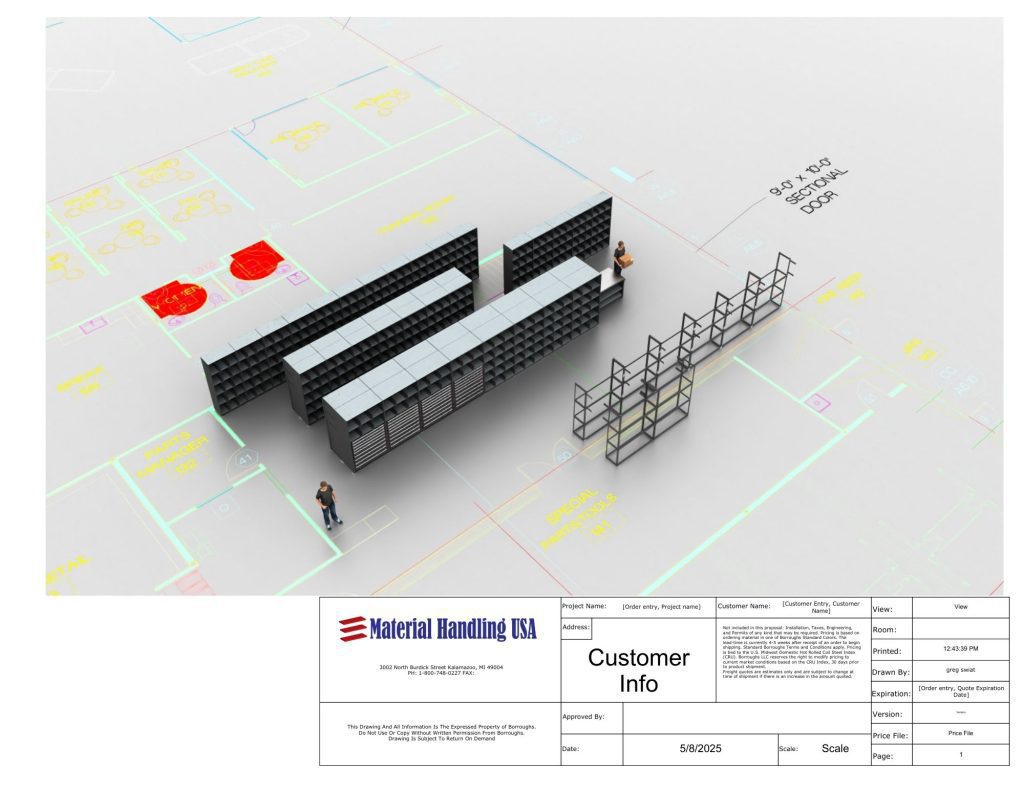
A private, shareable link. The binder is not tied to a login or to one browser. Anyone you send the link to can open it, which is what makes it useful and also why you should treat it like any other project link and share it only with your team.
Everything in one list, with its type. Specifications, BIM/CAD/Revit content, design tools, guides and product references are grouped so you can see at a glance what the project has and what it does not.
Your planning-tool results attached. If you have run the opportunity scanner, the rack comparison or any other tool on this browser, those runs are attached to the binder so anyone reviewing the project can see what you already worked out.
An honest list of gaps. If you say the project is at design stage and there is no specification saved, the binder says so. It is not a sales prompt; it is the same thing a colleague would point out.
Live links, never copies. Every saved item points at the current page on our site, so a specification you saved in March is the March-or-later version when you open it in July, not a stale PDF.
What this tool does not do
A binder is a working file. It is not a submittal package, an approved design, a quote or a contract document.
- Nothing saved here has been checked against your building, your codes, your loads or your fire protection. That happens in a review with a person.
- The binder does not upload or store your own drawings and files — it keeps links, notes and the results of tools you ran here.
- Anyone with the link can open the binder. It is private in the sense of being unlisted, not in the sense of being password protected.
- Product information comes from the live pages on this site. Where a manufacturer changes a product, the page changes with it and the binder follows.
- No pricing appears in the binder. Cost depends on configuration, quantity, freight and installation, and comes from a person.
Products and related tools
All planning tools
Every free tool that produces a result worth keeping in a binder.
Warehouse Opportunity Scanner
Start here if the project is still a suspicion rather than a scope.
Rack System Comparison Calculator
Decide the rack type before anyone prices steel.
Specification and RFP Analyzer
Read a spec or an RFP and see what it is really asking for.
Design tools and configurators
Lay out shelving, rack, lockers, mezzanines and more, and save the result here.
Specifications library
Written specifications you can save straight into a binder.
Common questions
Do I have to give my email to use the project binder?
How long does my binder last?
Can I share the binder with my architect or my boss?
What can I actually save in it?
Can I upload my own drawings?
Does the binder give me pricing?
Have someone review what you have put together
Send the binder in and a specialist reads what you have saved, tells you what is missing, and says which parts are worth doing first — usually the free ones before the capital ones. No obligation, and no pricing pressure.