
RFID Based Failsafe Medical Inventory Alert System
Plan Pegasus EZSwipe RFID Kanban around your medical supply workflow. Compare the storage layout, replenishment responsibilities, and implementation requirements before specifying a system.
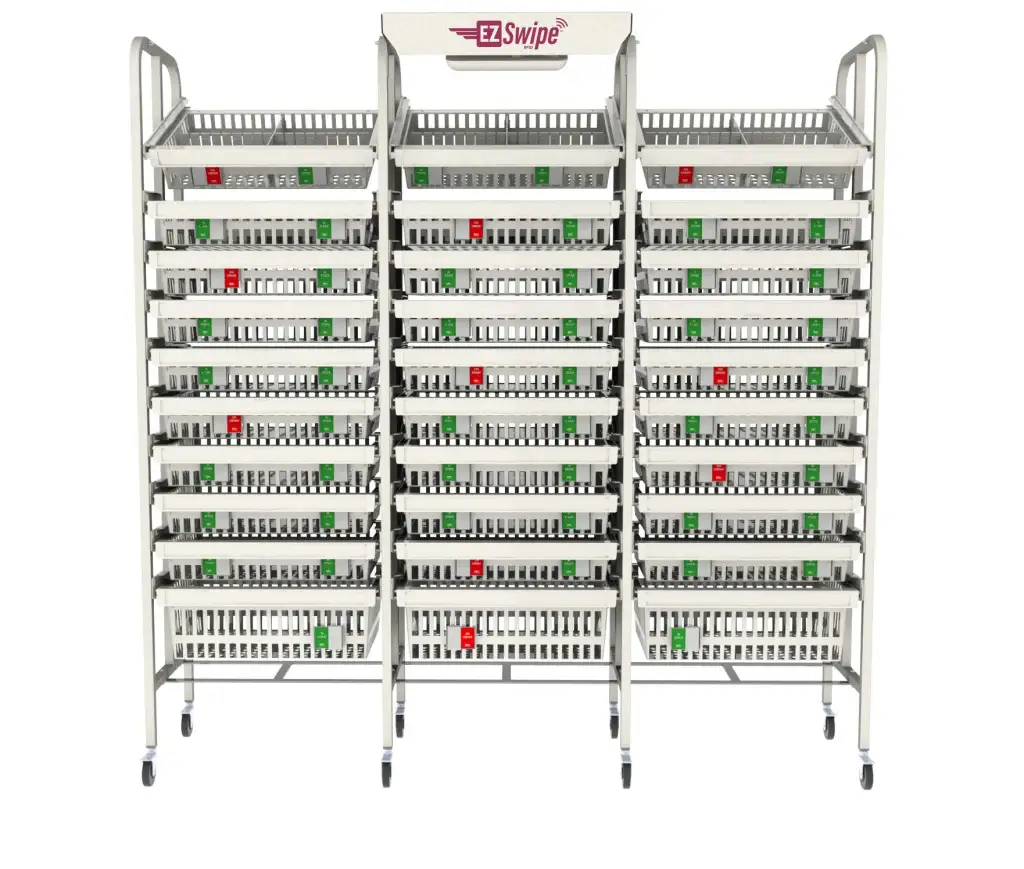
Start with the replenishment problem
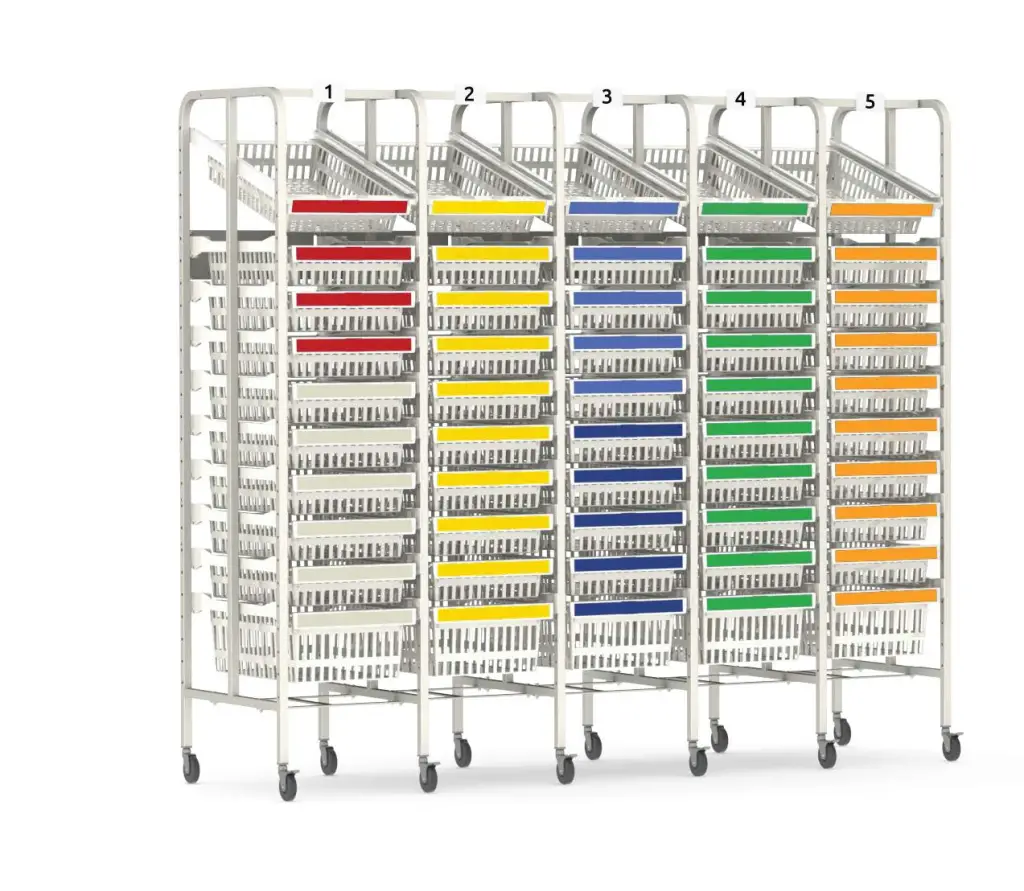
When evaluating an RFID medical inventory alert system, begin with the work that needs to improve. A supply room may have frequent emergency requests, unclear reorder responsibilities, crowded shelving, or items placed in inconsistent locations. Those problems need different responses. A larger rack alone will not resolve an unclear replenishment process.
Pegasus EZSwipe is an RFID Kanban approach to medical supply replenishment. Its published workflow combines front-bin stock, reserve stock, and a movable reorder indicator. Material Handling USA can help you turn a storage requirement into a project inquiry covering the room, product assortment, and people involved.
Before requesting equipment, document one ordinary replenishment cycle. Identify who takes supplies, who signals a shortage, who prepares the replacement stock, and who puts it away. Include nights and weekends. This gives the project team a practical starting point for evaluating the proposed workflow.
How the documented EZSwipe cycle works
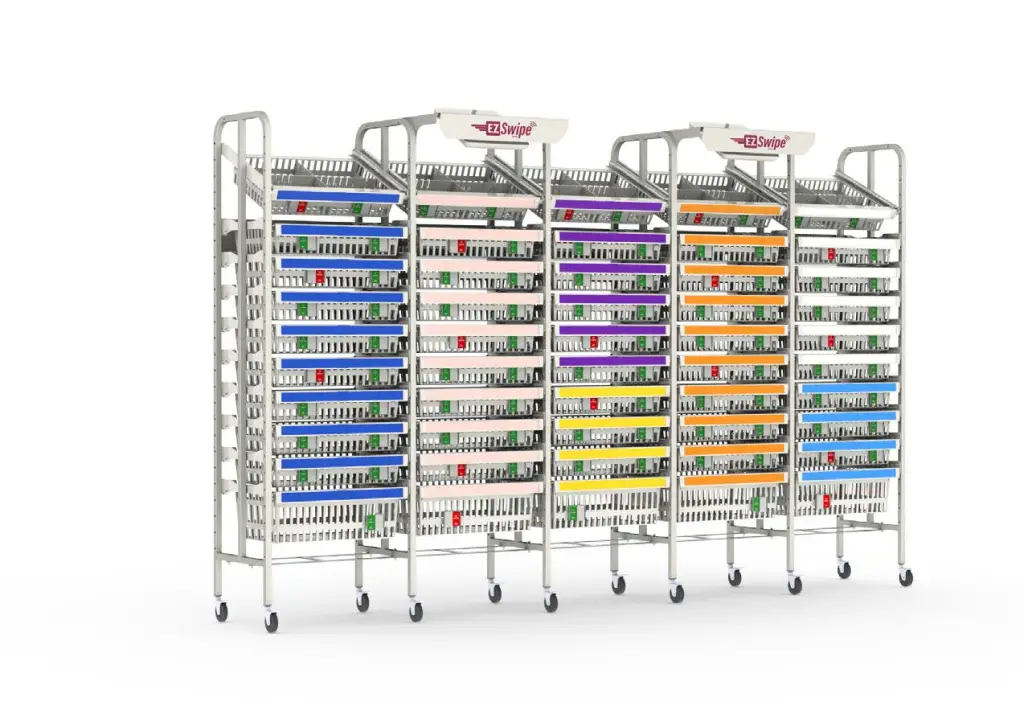
Use the front supply
Pegasus describes a front bin for routine use and a rear bin holding backup stock.
Signal replenishment
The person taking the final front-bin item moves the slider. The red indication identifies an item awaiting replenishment.
Restore the location
The supply technician rotates reserve stock forward, places new stock behind it, and resets the indicator.
The supplier should demonstrate that sequence using the exact configuration under consideration. Ask to see how a signal becomes an actionable replenishment task and how completion is recorded. Include the people who will use the system in that demonstration, not only the purchasing team.
A useful trial includes a missed signal, a partial delivery, and an item that is temporarily unavailable. Agree on the response to each exception before expanding the system to additional locations. The normal cycle and the exception process should be equally clear.
Build an accurate item and location list

Create a starting inventory file with one row for each supply location. Record the item identifier, plain-language description, unit of issue, package dimensions, current quantity, and department. Distinguish a single unit from a box or case so that purchasing and replenishment staff interpret the same quantity consistently.
Measure actual packages rather than relying only on catalog dimensions. Packaging changes, protective wraps, and the way items are removed can affect usable basket space. Bring representative samples to the layout discussion, especially for long, bulky, fragile, or frequently selected items.
Identify duplicate locations intentionally. The same supply may be needed in two work areas, but each location needs its own ownership and replenishment plan. Record which substitutions are allowed and who approves a change. The supplier can then review the proposed equipment against a clear list instead of an informal request for more storage.
Set reserve quantities from the real service cycle
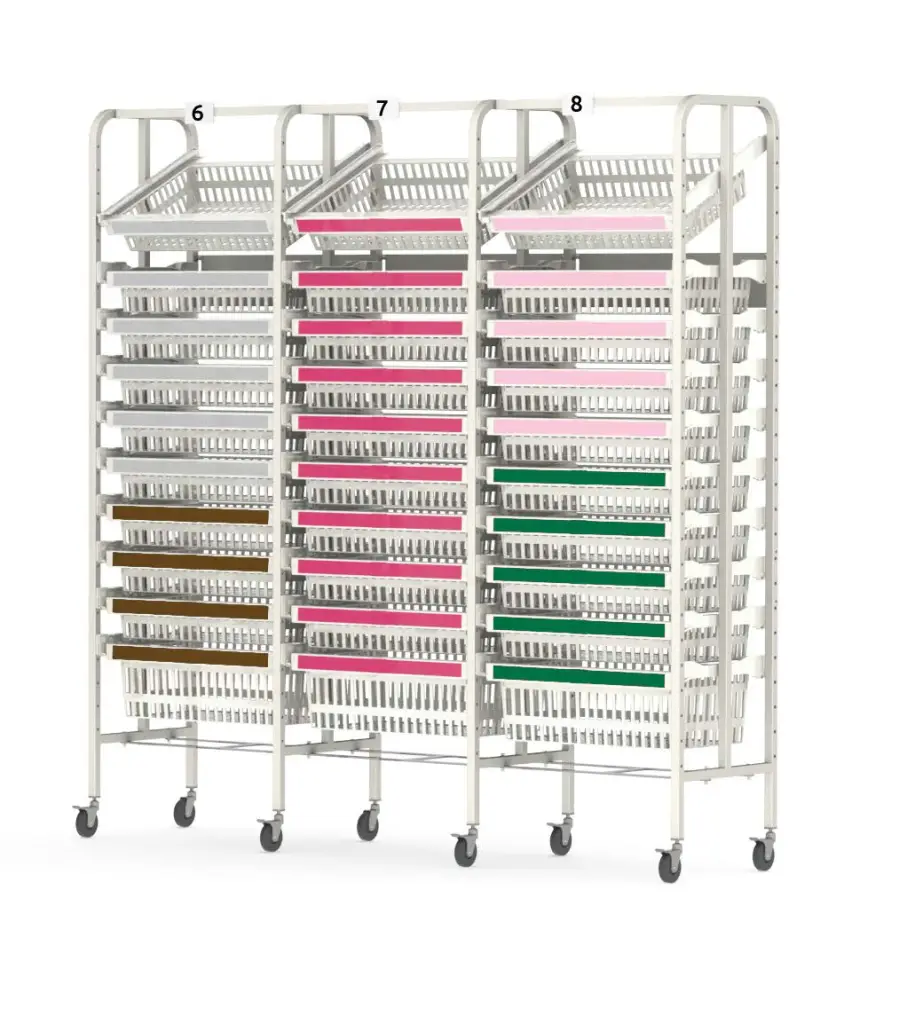
Reserve stock should be discussed in relation to demand and the time required to replenish the location. Ask your materials-management team to review ordinary consumption, demand variation, delivery frequency, and the response to an urgent shortage. A generic basket photograph cannot determine a suitable quantity.
Separate the decision about physical capacity from the decision about the operating stock level. A basket may hold more product than the department should routinely keep. Equally, an attractive compact arrangement may leave too little reserve for the actual service interval. Review both decisions together before approving the layout.
Establish who can change a quantity or move an item. After a product substitution or service-schedule change, recheck the location capacity and reorder settings. Keep the approved decision with the location record so later staff do not have to reconstruct why a particular quantity was chosen.
Fit the system into the room

Provide a measured floor plan showing doors, columns, fixed cabinets, work surfaces, and existing storage. Mark the paths used to collect and replenish supplies. Include door swings and the space needed to open or move the proposed equipment. Ask the project team to review circulation with the actual room users.
Consider the full replenishment route, including corridors, elevators, and the place where delivered stock is prepared. Equipment that fits its final position still needs a practical delivery and installation path. Record any restrictions on access hours or temporary staging space before scheduling the work.
Identify who will review accessibility, infection-prevention requirements, and facility-specific storage rules. Those decisions belong in the project specification. A product family name or an RFID feature should not be treated as proof that a particular room arrangement satisfies every local requirement.
Define software and infrastructure responsibilities
Bring the supplier and your IT team into the discussion before approving a purchase. Ask for a written description of the proposed readers, network connections, software access, user accounts, and any integration with existing materials-management systems. Confirm which components and services are included in the quote.
Request a demonstration of the exact information available to each user. Distinguish a replenishment signal from a physical count of every item. If the project needs item-level identification, expiration management, lot information, or a particular interface, have the supplier confirm that requirement specifically rather than assuming it follows from the word RFID.
Document responsibility for installation, configuration, support, and future changes. Ask about service arrangements and what happens during a network or power interruption. The department should have an agreed manual process for keeping supplies moving while an issue is investigated.
Plan delivery, replenishment, and related equipment
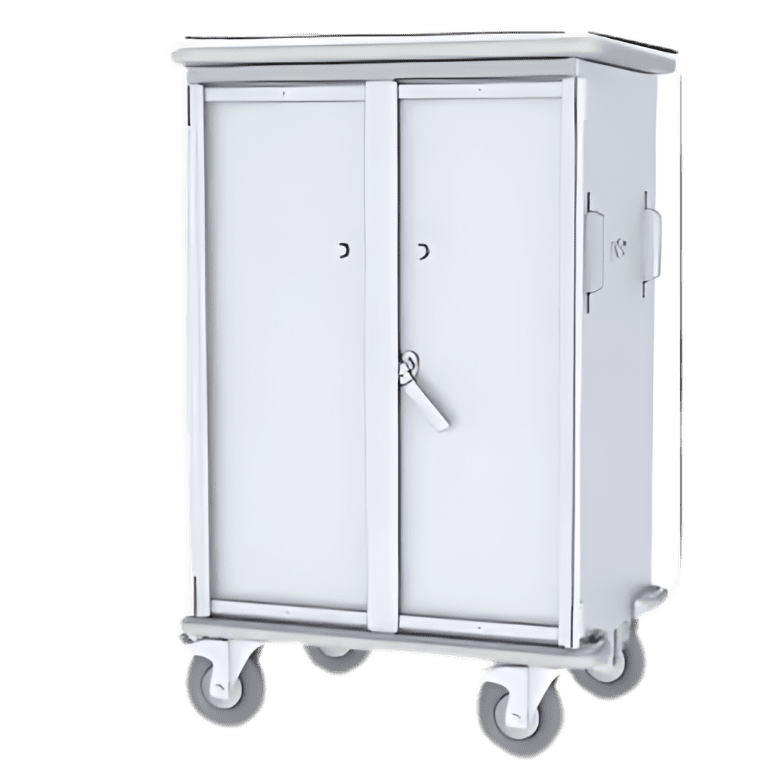
The transport step deserves its own review. Explain how replacement supplies move from receiving or central storage to the point of use. Identify whether the project needs separate carts, staging surfaces, or other handling equipment. Related product photos illustrate options; they do not establish what is included with the RFID system.
Ask the supplier to itemize racks, baskets, indicators, readers, software, accessories, installation, and training as applicable to the proposal. Compare quotations against the same scope. Resolve an omitted component or an unclear service responsibility before approving the order.
For a phased installation, agree on the sequence of rooms and how temporary stock will be managed. Keep access to essential supplies available under the facility’s approved plan. Record who signs off each phase and who receives the final equipment and support documentation.
Run a focused pilot before wider rollout

Select a manageable area where the team can observe both normal activity and replenishment exceptions. Record a baseline before the trial: emergency requests, time spent locating supplies, replenishment workload, and locations requiring correction. Use measurements your team can collect consistently rather than adopting an advertised savings percentage as a target.
Assign a pilot owner and a review date. Ask users which labels are unclear, which locations are difficult to reach, and which steps are being skipped. Include the staff delivering replacement stock; their experience may reveal a problem that is not visible from the clinical side of the room.
At the review, decide what to retain, change, or investigate. Record approved adjustments before applying them elsewhere. Expansion should follow a workflow that the team can explain and repeat, with responsibility for maintaining it after the initial project team moves on.
Make handover useful for everyday staff
Training should use the installed equipment and representative supplies. Have staff practice taking the last front-bin item, recognizing the reorder indication, and reporting a problem. Have replenishment staff demonstrate the restocking sequence. Provide concise local instructions in the format the department already uses.
Keep an equipment list, location map, approved quantities, supplier contacts, and support responsibilities together. Include the procedure for requesting a new item or relocating an existing one. When staff or products change, these records help the next person maintain the intended arrangement.
Schedule an early follow-up after the room is in ordinary use. Review exceptions and correct confusing labels or assignments promptly. A clear handover and an owner for ongoing changes are practical parts of the specification, not tasks to leave until the equipment has arrived.
Agree on acceptance checks before installation
Write down what your team will verify before accepting the completed installation. For each test, identify the person responsible, the expected result, and the record that will show it was completed. This makes the handover less dependent on an informal demonstration on delivery day.
- Compare delivered equipment and accessories with the approved schedule.
- Check that location labels and item descriptions match the agreed inventory file.
- Demonstrate a normal replenishment request and its completion using the proposed software.
- Review how an unavailable item or incomplete delivery is reported to the responsible team.
- Confirm that designated users can access the functions assigned to them.
- Identify the support contact and the approved procedure during a service interruption.
Record unresolved items with an owner and a completion date. A rack that looks finished is not the same as an operating process that has been accepted. Keep the test results with the equipment and training records so future changes can be compared with the original handover.
Frequently asked questions
Does EZSwipe count every individual supply item automatically?
The documented Pegasus workflow uses a slider to signal replenishment when front-bin stock is exhausted. Do not equate that signal with an automatic count of every item. Ask for a demonstration of the data available in the specific proposed system.
Does the system automatically manage expiration dates?
That capability has not been established by the EZSwipe workflow documentation used for this page. If expiration or lot management is required, include it in the specification and obtain written confirmation of the proposed solution. Keep the facility’s existing review procedures in place.
What should we provide for a layout review?
Provide room dimensions, fixed obstructions, an item list, package sizes, quantities, and the replenishment route. Explain operating hours and identify the staff responsible for taking supplies and restocking. Representative product samples can help resolve questions about usable storage capacity.
How should we choose the amount of backup stock?
Have materials management review consumption, demand variation, replenishment time, and the response to supply interruptions. Confirm that the proposed basket arrangement can hold the approved quantity. Revisit the decision when products, service frequency, or departmental activity change.
Are carts, software, and installation included?
Inclusions depend on the quotation. Request an itemized scope identifying equipment, accessories, software, setup, training, and support as applicable. Treat related transport or storage equipment as a separate selection unless it is expressly included in the approved proposal.
Can we start with a small project?
Discuss a defined pilot area with the supplier and the department. Agree on the proposed configuration, responsibilities, measurements, and review date before starting. Use the results to determine whether the same arrangement should be changed or extended to other areas.
Does RFID establish regulatory compliance by itself?
No. The facility must review the specific equipment, room arrangement, procedures, and applicable requirements. Ask the responsible reviewers to identify their criteria before approval. Avoid treating a technology label or a general product description as a complete compliance assessment.
How do we request a project quote?
Contact Material Handling USA with your location, room plan, supply list, and implementation goals. Identify any software or workflow requirements that must be confirmed. Call (800) 326-4403 or use the quote form to begin the project discussion.
Related healthcare storage planning
For a broader project, explore Pegasus Medical storage solutions and healthcare material-handling solutions. Bring the proposed RFID workflow into the same discussion as room layout, transport, and responsibility for replenishment.
Plan your medical inventory storage project
Share the room, supply list, and replenishment challenges. We can help organize a project inquiry for the configuration your team needs to review.