
SupplyPoint Intelligent Vending for Inventory Control
SupplyPoint intelligent vending combines controlled storage with software for issuing and managing tools, supplies and selected assets. Material Handling USA helps you evaluate the inventory, hardware and operating process before choosing a configuration. Start with the items and the level of control they need, then define replenishment, returns and reporting around the work performed at your facility.

Define the inventory-control problem
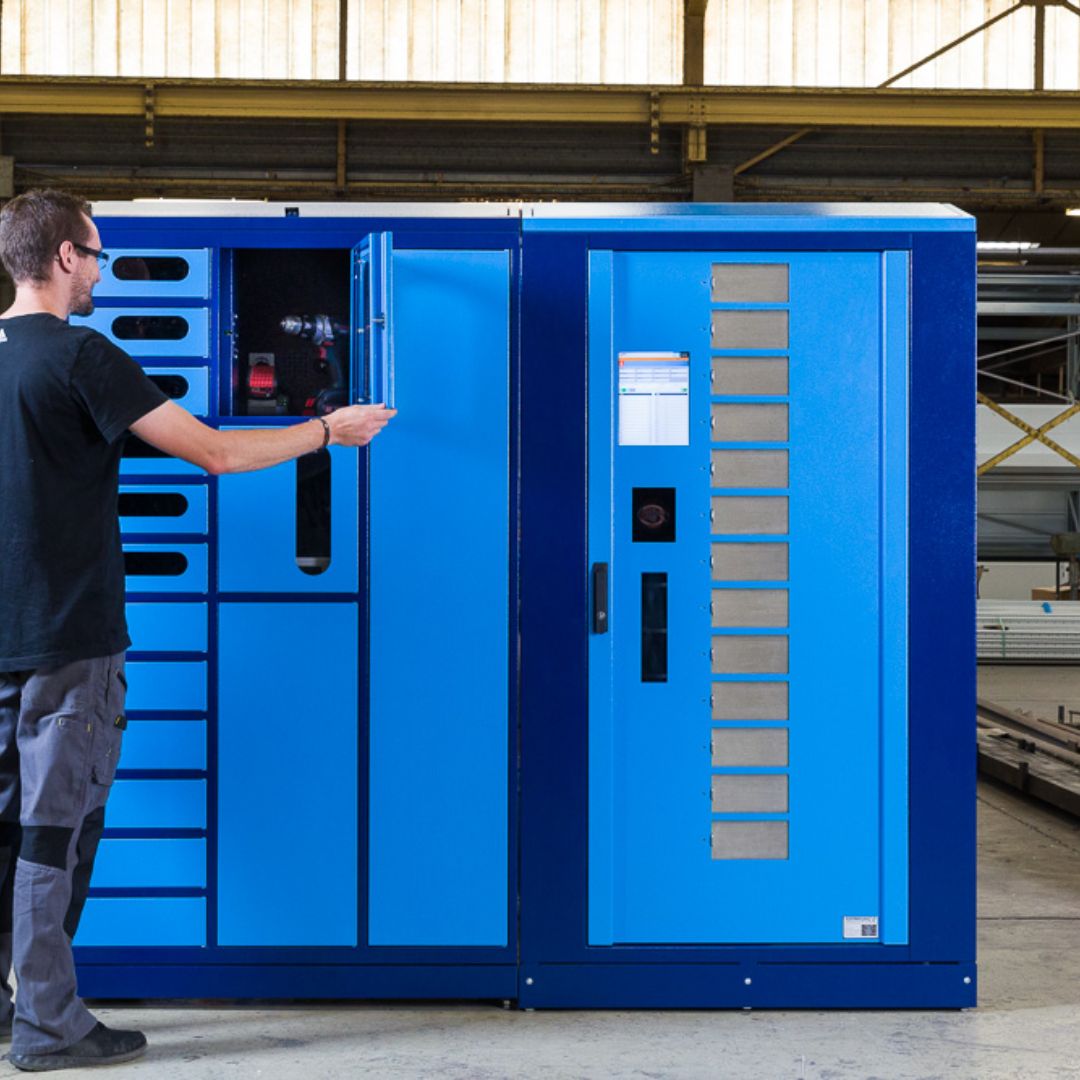
Industrial vending is useful when a business needs a more consistent way to make inventory available and record its use. The problem may be unrecorded issues, frequent stockouts, excess stock or time spent walking to a central store. Each problem suggests different requirements, so the initial assessment should explain what needs to change and how that change will be measured.
Collect an item list with descriptions, dimensions, packaging, quantities and usage history. Include the people or departments using the inventory and the locations where it is needed. Identify items that cause disproportionate disruption when unavailable. A low-cost spare can be operationally important even when its purchase price is small.
Choose the required level of control
Some items need individual asset identification. Others need quantity tracking by package, box or piece. A shared compartment may be appropriate for one inventory class while another requires more restricted access. Define these differences before selecting hardware, because the physical access method and the transaction record must support the same objective.
- Separate consumables from items expected to return.
- Identify authorized users, departments and issue quantities.
- Record packaging variations that affect dispensing or counting.
- Define what happens when an item is returned damaged or no longer usable.
Avoid beginning with a promised percentage reduction in consumption. A more reliable business case uses the facility's actual baseline and a clearly described operating change. Improved visibility may reveal previously hidden demand, and a better replenishment process may matter more than reducing issues. The project should support legitimate work while making inventory use easier to understand.
Compare the SupplyPoint hardware families
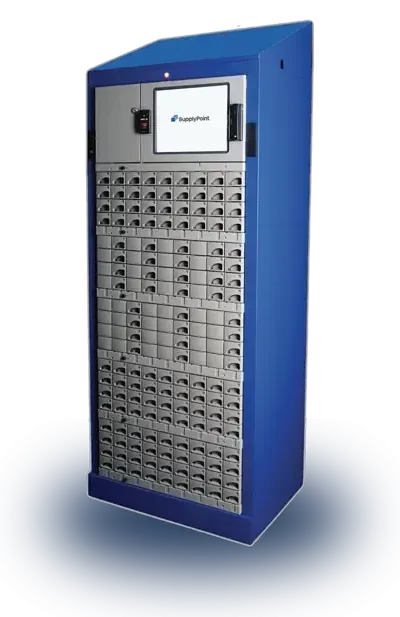
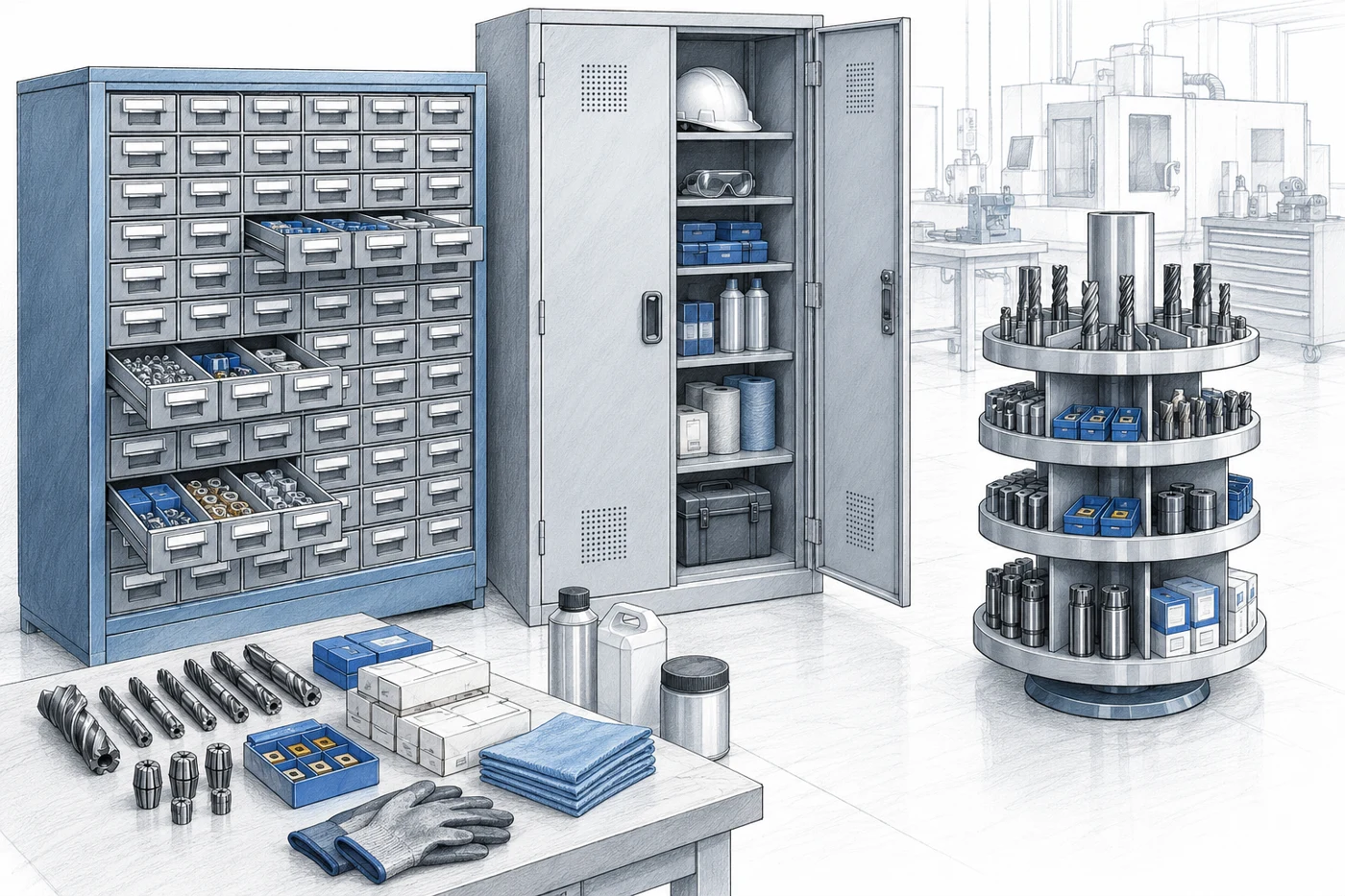
SupplyPoint's current hardware range includes progressive drawers, carousels, lockers, electronic cabinets and other inventory-management equipment. Examples include 28 Level, Modulo, RotoFlex, Rotopoint and Locker products. These are distinct configurations with different storage and access characteristics; selection should follow the item profile rather than a generic maximum-capacity claim.
Match the storage mechanism to the item
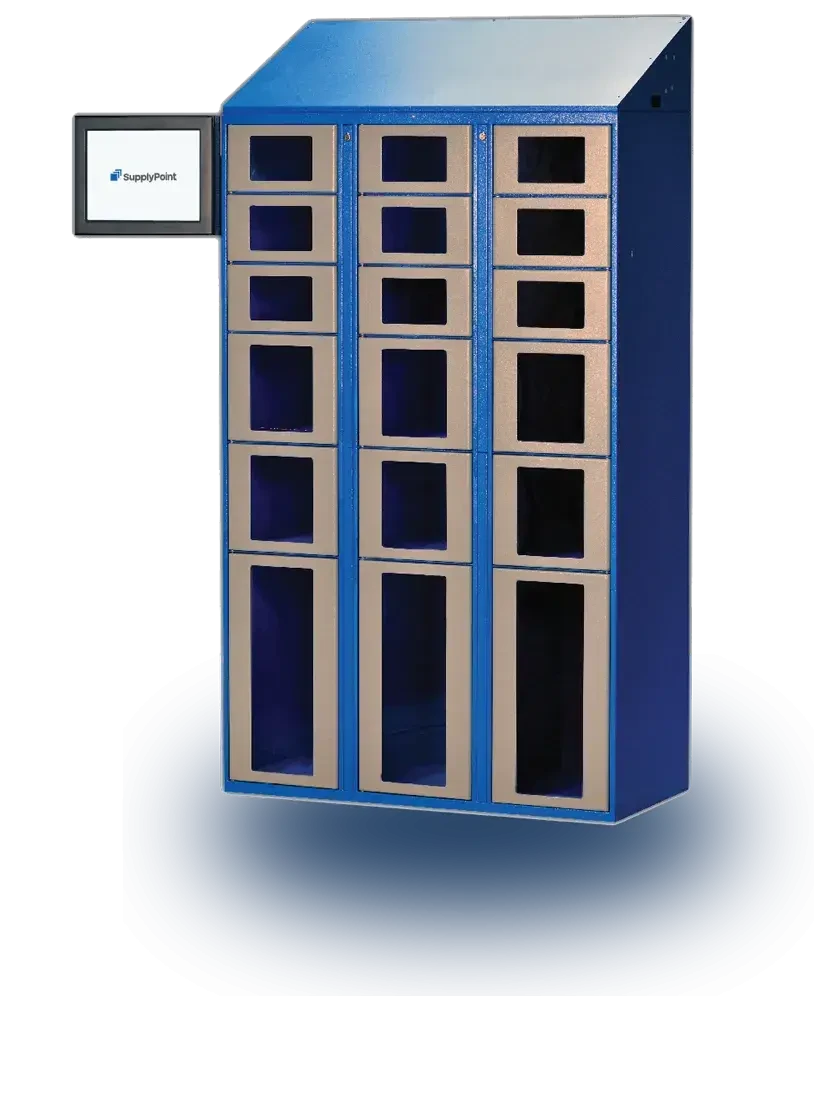
Progressive drawers can limit how far a drawer opens to provide controlled access to its compartments. Locker arrangements support larger items or different compartment sizes. Other equipment may suit a particular mix of products and issue patterns. Ask for a demonstration using representative stock so packaging, handling and return requirements are visible.
| Inventory need | Hardware direction to investigate | Important fit check |
|---|---|---|
| Small tools and consumables | Progressive drawers or suitable carousel | Item size, packaging and access control |
| Larger shared equipment | Locker configuration | Door opening, accessories and return process |
| Mixed stock in cabinets | Electronic cabinet arrangement | Quantity control and item identification |
| Existing attended stores | Crib or storeroom management | Workflow, records and integration scope |
Confirm the exact configuration
Review usable compartment dimensions and the proposed layout, not only the overall cabinet size. A published maximum number of compartments may use smaller spaces than the inventory requires. Include the largest items, unusual packaging and any accessories that must stay with an asset. Leave a clear record of the configuration approved for the order.
SupplyPoint's official 28 Level and Modulo pages describe different drawer arrangements and construction. Their published capabilities are useful starting points, but the final proposal should identify the actual hardware and software combination. Do not assume that a feature shown on one unit is included on every other model in the range.
Build a clear issue, return and exception process
The physical equipment and the user workflow should be designed together. Define how a person identifies themselves, finds the correct item and records the reason or destination when that information is needed. Keep the process focused on useful data. Excessive or unclear prompts can encourage users to choose arbitrary answers simply to complete the transaction.
Make item identification reliable
Use consistent descriptions and product identifiers. If two items look similar but serve different applications, include the information users need to distinguish them. Check that the physical location matches the software record after replenishment. A controlled door cannot prevent a wrong issue if the wrong item was loaded into the compartment.
For returnable equipment, define whether the user returns it to its original location, a dedicated return area or an attendant. Identify how condition and completeness are checked. A returned tool may need cleaning, inspection or calibration before it is available again. The system's status and the physical process must support that distinction.
Define exception ownership
Consider a failed identification attempt, an empty location, damaged packaging and a transaction interrupted before completion. Ask how the proposed configuration records and resolves each situation. Define who can make corrections and how those corrections are documented. Administrative access should reflect responsibility rather than being shared casually among everyone on a shift.
A staffed service window may remain useful for unusual requests or items requiring inspection. The vending system and the attended store can serve different parts of the operation. Define their boundaries and the transfer of records so an item does not become untracked when it moves from automated storage to an attendant for review.
Make replenishment part of the system
Identify
Confirm the item and location.
Replenish
Use the correct unit of issue.
Reconcile
Investigate inventory differences.
Inventory control depends on what happens after stock is issued. A machine can record consumption accurately and still run empty if nobody owns replenishment. Define minimum quantities, reorder responsibilities and the process for loading new stock. Include supplier lead times and the time needed for internal receiving and put-away.
Use demand and lead time together
Review usage over a representative period and identify irregular demand. A shutdown or maintenance campaign can consume inventory differently from normal production. Set replenishment rules with those conditions in mind and review them after changes to the operation. A static minimum quantity should not become a permanent setting that nobody revisits.
Check the unit of issue against the unit of purchase. If the business buys boxes but issues individual pieces, the conversion must be clear in the records and replenishment procedure. Packaging changes can affect fit and counting, so assign responsibility for reviewing substitute products before they are loaded into the equipment.
Verify stock during loading
- Confirm the item identity and approved location.
- Record the quantity added using the correct unit of measure.
- Inspect packaging and remove unsuitable stock from the issue process.
- Resolve discrepancies before treating the location as available.
Keep a practical process for cycle counts and investigation of differences. The purpose is to understand whether a discrepancy came from loading, issuing, returns or a data correction. Treat the record as an operational tool rather than assuming that the presence of software makes physical checks unnecessary. Reliable replenishment is what turns transaction visibility into dependable availability.
Review software, reports and integration requirements
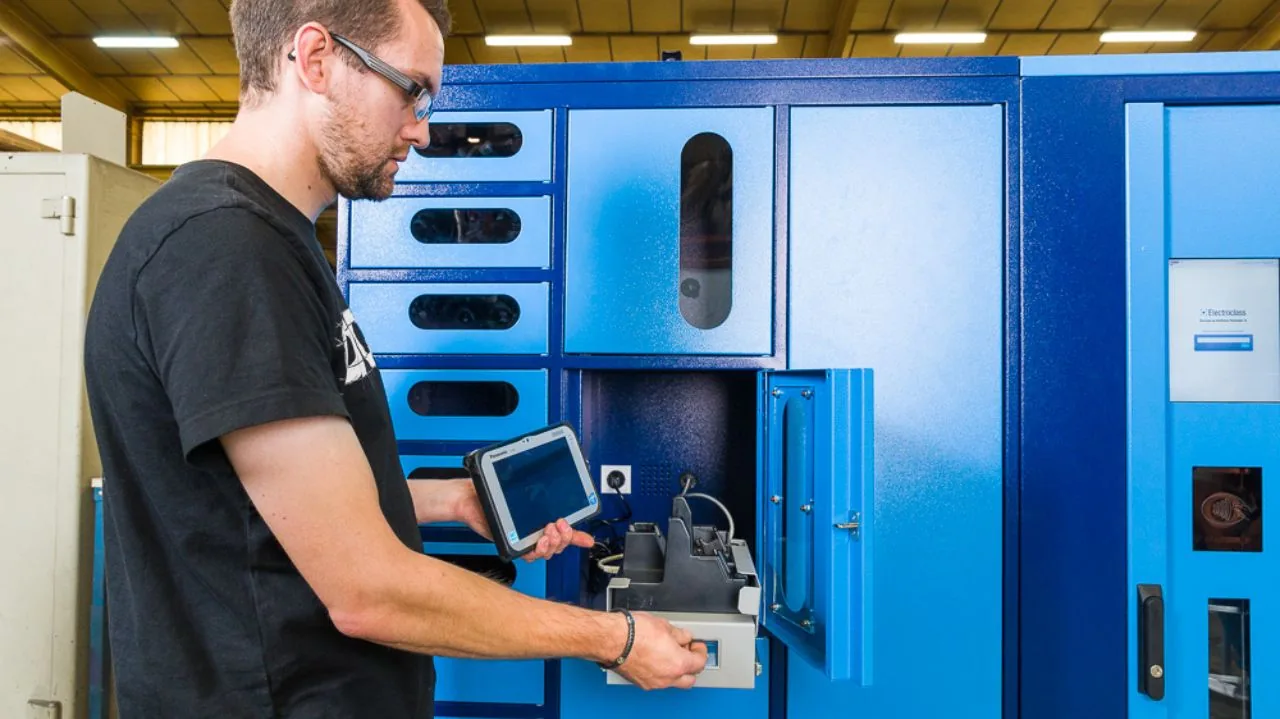
SupplyPoint identifies VendTel as its user interface and offers related software tools for inventory management and information exchange. The functions included in a particular project should be documented in the proposal. Bring IT, purchasing and operations into the discussion so the system's data and connections support the organization's actual requirements.
Start with the decisions reports must support
Define who uses each report and what action follows. A purchasing report may support replenishment, while an operations report may investigate usage by department or job. An asset report may identify overdue returns. Collecting information is only useful when someone understands the definitions and has responsibility for acting on the result.
Ask how records are corrected, exported and retained. Confirm administrative roles, user management and support arrangements. Where integration with another business system is required, identify the interface, data fields, update frequency and failure handling. Do not treat a general integration claim as evidence that a specific connection is already available or included.
Plan for service interruptions
Review behavior during network, power or equipment problems. Ask the supplier to demonstrate the recovery process for the proposed configuration. Establish how urgent inventory is accessed, who authorizes exceptions and how records are reconciled afterward. Keep the process workable for the shifts that operate outside normal office hours.
The related smart locker business guide addresses shared-device and return workflows in more detail. For a vending project, focus the software discussion on the inventory classes being managed. Different departments may need different permissions and reports even when they share the same physical installation.
Evaluate location, ownership cost and a pilot
Place equipment where it supports the work without creating a new congestion point. Review user approaches, open doors or drawers, replenishment access and service clearances. Include power and network requirements as applicable. Confirm that the proposed location falls within the equipment's specified environmental conditions.
Compare the complete ownership scope
Identify hardware, software, subscriptions, implementation, integration, freight, installation and training. Ask which support and maintenance services are included. Include the internal work needed to clean item data, label stock and train administrators. A cabinet price alone does not describe the effort needed to establish a reliable inventory-control process.
Use a pilot where it can answer meaningful questions before broader deployment. Select representative items and users, including common exceptions. Measure issue time, stock availability, replenishment effort and support requests. Record the conditions tested so the results are not applied to a very different department without another review.
Compare results with the baseline
Investigate why usage changes rather than assuming every reduction is beneficial. Reduced unrecorded issues may improve visibility; an overly restrictive permission setting may simply prevent staff from getting what they need. Review user feedback alongside the numbers. The goal is controlled availability, not reduced access to legitimate supplies.
Explain financial assumptions clearly when evaluating the project. Time released by easier access may increase productive capacity without immediately reducing payroll. Lower emergency purchasing may be a more direct benefit. Use the organization's approved approach to assessing costs and benefits, and distinguish measured outcomes from estimates that still need validation.
Prepare an implementation brief and handover plan
Inventory
Sizes, quantities and issue units.
People
Users, administrators and support.
Process
Returns, replenishment and reporting.
A useful implementation brief connects the inventory, hardware and process decisions in one place. Include the item list, dimensions, quantities, issue units, users and locations. Describe the required permissions, returns, replenishment and reporting. Identify unresolved questions so they can be tested before the final configuration is approved.
Assign responsibilities before launch
Name the owner of item data, the person responsible for replenishment and the team handling support. Confirm who manages users and how role changes are communicated. Define the installation scope for power, network and physical positioning. Arrange access and staging so delivery does not disrupt unrelated work in the facility.
At handover, check the hardware against the agreed configuration and test representative transactions. Confirm that item descriptions, locations and quantities are correct. Walk through an issue, return, replenishment and the agreed exception process. Record incomplete items and assign a resolution owner rather than treating equipment arrival as the end of implementation.
Maintain the operating model
Train ordinary users on the actions they need and administrators on the responsibilities they own. Keep support contacts and relevant documentation available. Review permissions, stock settings and recurring exceptions after the system has operated through a representative period. Changes in products or production schedules may require adjustments to the original configuration.
Material Handling USA can help structure the comparison of SupplyPoint options using your inventory and workflow requirements. Send a representative item list, photographs of the proposed area and a description of the problem to solve. That information supports a focused discussion about controlled access, dependable replenishment and useful inventory records.
Frequently asked questions
What can SupplyPoint intelligent vending manage?
The range supports different tools, consumables and assets through several hardware types. Suitability depends on item dimensions, packaging, the required access control and the proposed configuration.
Are lockers and progressive drawers interchangeable?
No. They provide different physical access and storage arrangements. Compare the actual items and issue process before choosing one or combining them in a wider installation.
Does vending eliminate the need to replenish stock?
No. Replenishment still needs an owner, accurate item data and practical stock rules. Transaction visibility helps only when the operation uses it to maintain availability.
Can the system connect to our business software?
Integration requirements must be checked for the specific systems involved. Confirm the interface, scope, data exchanged and support responsibilities in writing before assuming the connection is included.
Should we pilot the system first?
A pilot can test fit, user workflow and operational results when it includes representative items and exceptions. Define acceptance criteria and a baseline before the trial begins.
What is needed for a SupplyPoint assessment?
Provide an item list, dimensions, quantities, issue units, user counts, location details and required reports or integrations. Include the problem being solved and current replenishment and return procedures.
Build an Inventory-Control Project Brief
Share your application details, photographs and requirements with Material Handling USA to start a focused project discussion.