
Smart Lockers for Business Asset Management
Smart lockers for business can create a controlled handoff for shared equipment, tools and selected supplies. The strongest project starts with a clear problem: missing scanners, unavailable laptops, unrecorded returns or staff waiting for an attendant. Material Handling USA helps you compare the physical storage and operating process so the system supports the assets and people using it.
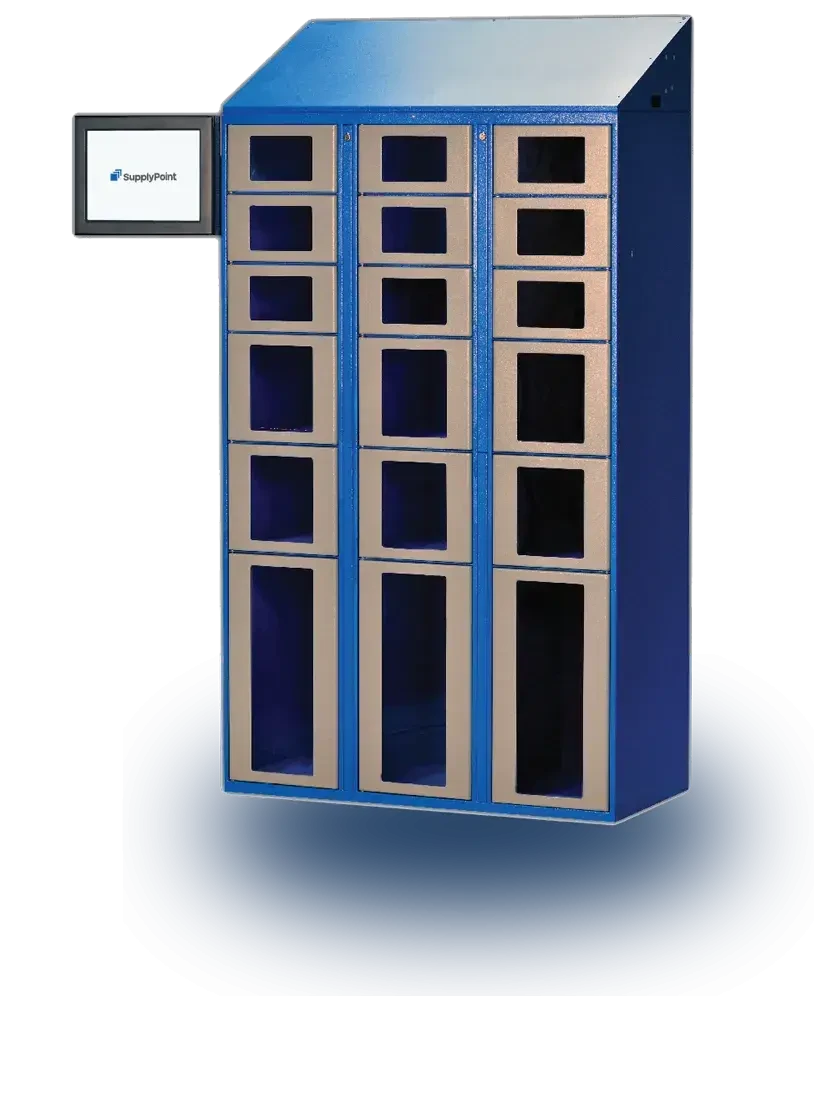
Identify the business problem before selecting hardware
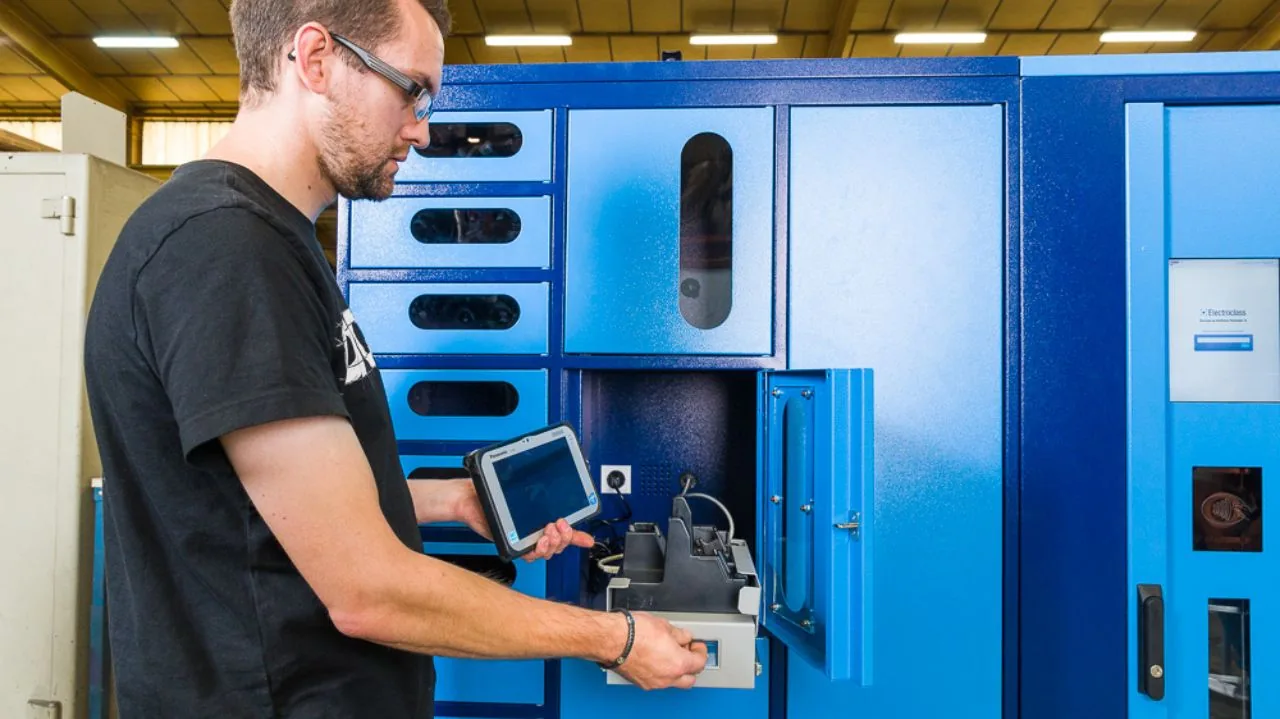
Lost equipment is only one reason to investigate smart lockers. A facility may know where an item is but still struggle to make it available to the next user. A returned device may need inspection, charging or repair before it can be issued again. A locker can support these workflows, but only if they are defined in the project.
Start with a short list of assets and the problems associated with them. Record quantities, replacement costs, the number of users and how frequently items change hands. Include the time spent searching, arranging access and resolving incomplete returns. Use actual records where available rather than assuming that every missing item was stolen or every delay requires new hardware.
Separate consumables from returnable assets
A pair of disposable gloves follows a different process from a shared scanner. Consumables usually leave inventory when issued. Returnable assets need an identity, a return process and a decision about whether they are ready for the next user. Mixing these requirements can create confusing records and inappropriate compartment choices.
- Identify which items are individually tracked and which are counted in quantities.
- Note items that need inspection, calibration, charging or cleaning after use.
- Record the busiest issue and return periods.
- Identify exceptions that currently require a supervisor or specialist.
Define what success would look like. It might be fewer unresolved returns, less waiting at shift change or a more reliable view of available equipment. Those objectives guide the choice of compartments, software and operating rules. They also provide a way to evaluate the project after installation instead of relying on an assumed savings percentage.
Map the issue and return workflow
Issue
Identify the user and asset.
Return
Confirm identity and condition.
Ready
Inspect or charge before reuse.
A typical controlled issue begins when a user identifies themselves, selects an authorized item and accesses the assigned location. The system records the transaction according to its configuration. The return process needs equal attention: where the item goes, how its identity is confirmed and what happens if it is incomplete or damaged.
Define each item's status
Distinguish available, issued, awaiting inspection and out-of-service equipment. A device physically inside a locker is not necessarily ready to use. If the process treats every return as immediately available, the next employee may receive an uncharged scanner or a tool with a reported defect. Make the status rules visible to users and administrators.
| Stage | Operational question | Requirement to define |
|---|---|---|
| Identify user | Who is requesting access? | Approved identification method and user record |
| Issue asset | What may the user receive? | Permissions, quantities and asset identity |
| Return asset | What has come back? | Return confirmation and condition reporting |
| Prepare reuse | Is the asset ready? | Inspection, charging or service responsibility |
Plan exceptions from the beginning
Consider a forgotten badge, a damaged screen, a failed network connection and a compartment that will not open. Ask the supplier to demonstrate how the proposed system handles each case. Define who may use an override and how it is documented. Do not assume that an emergency access method automatically preserves a complete transaction record.
The workflow should remain understandable to ordinary users. If staff need to bypass it to complete normal work, investigate the cause rather than adding more restrictions. Clear prompts, sensible permissions and a responsive support process can help the locker become a reliable part of the operation instead of another obstacle to obtaining equipment.
Match compartments to the real assets
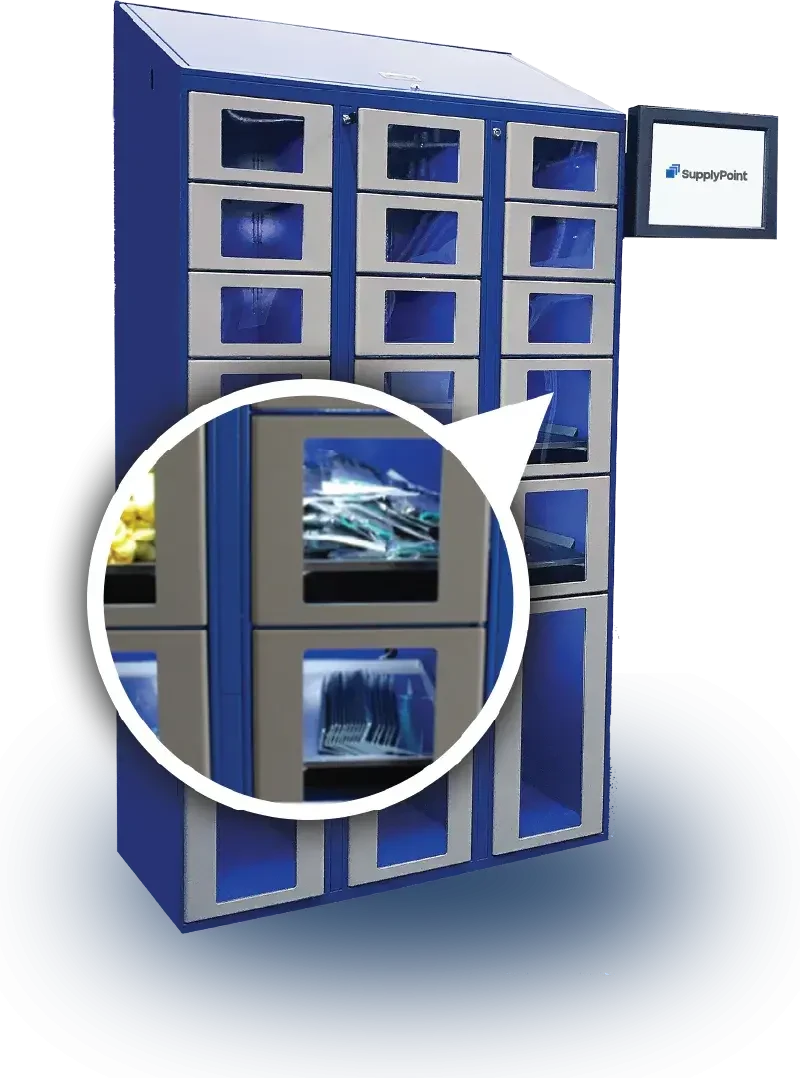
Compartment selection starts with the item in its working configuration. Measure cases, handles, chargers and accessories, not only the bare device. Check the opening as well as the internal space. An item may fit inside a compartment but be difficult to pass through the door or remove without catching a cable.
Use representative samples
Include the largest and most awkward items in a fit test. Consider how a user grips the asset, where a case rests and whether a cable remains connected. Ask staff to try the arrangement under realistic conditions, including gloves where relevant. A compartment that appears efficient on a spreadsheet can be inconvenient in daily use.
SupplyPoint offers Locker products with different front and compartment arrangements, alongside other inventory-control equipment. Its current product information describes configurations that can operate with the VendTel interface and approved charging options. Confirm the details of the proposed assembly, because charging, sensing and access features are not interchangeable assumptions across every unit.
Plan capacity around availability
Count the assets that need a home, then consider which compartments may be occupied by returns awaiting service. Allow for the operating process rather than filling every position with a theoretical maximum. If the business keeps spare devices for a shift change, make sure the storage and preparation process supports those spares being ready when required.
For a wider equipment comparison, review SupplyPoint intelligent vending. Drawers or other controlled storage may suit small consumables better than a large locker compartment. A mixed arrangement can be useful when each hardware type has a defined role and the records support a consistent issue and replenishment process.
Review charging, connectivity and information ownership
IT
Review connections and user management.
Facilities
Confirm power and placement.
Operations
Own exceptions and support.
Connected lockers introduce requirements beyond physical storage. The facility needs to understand how users are managed, where information is stored and which connections the proposed system requires. Bring IT and facilities staff into the discussion before purchasing equipment so the installation can be reviewed against the organization's actual policies and infrastructure.
Ask concrete technology questions
Confirm the supported identification methods, network requirements and administrative roles. Ask how user records are added, changed and removed. Identify any integration work and who will support it after launch. A statement that a system integrates with business software is not a substitute for a documented interface and a tested project scope.
Define the information the business needs to retain and who can access it. Transaction records may identify employees and their use of equipment, so the organization should establish appropriate access and retention practices. Request the vendor's relevant technical and security documentation for review rather than making assumptions from the presence of a login screen.
Treat charging as a specified function
Where devices charge in the locker, provide their power supplies, battery types and charging instructions to the project team. Confirm that the proposed charging arrangement is suitable for those devices and the installation. Do not add improvised power strips or alter compartments without the supplier's approval. Charging capability does not make a locker a general-purpose battery safety enclosure.
Plan for routine failures and maintenance. Staff should know how to report a damaged cable, an asset that is not charging or a connection problem. Keep faulty devices out of the available pool until the responsible team resolves the issue. The physical location and the system status should remain consistent throughout that process.
Place lockers where they support the work
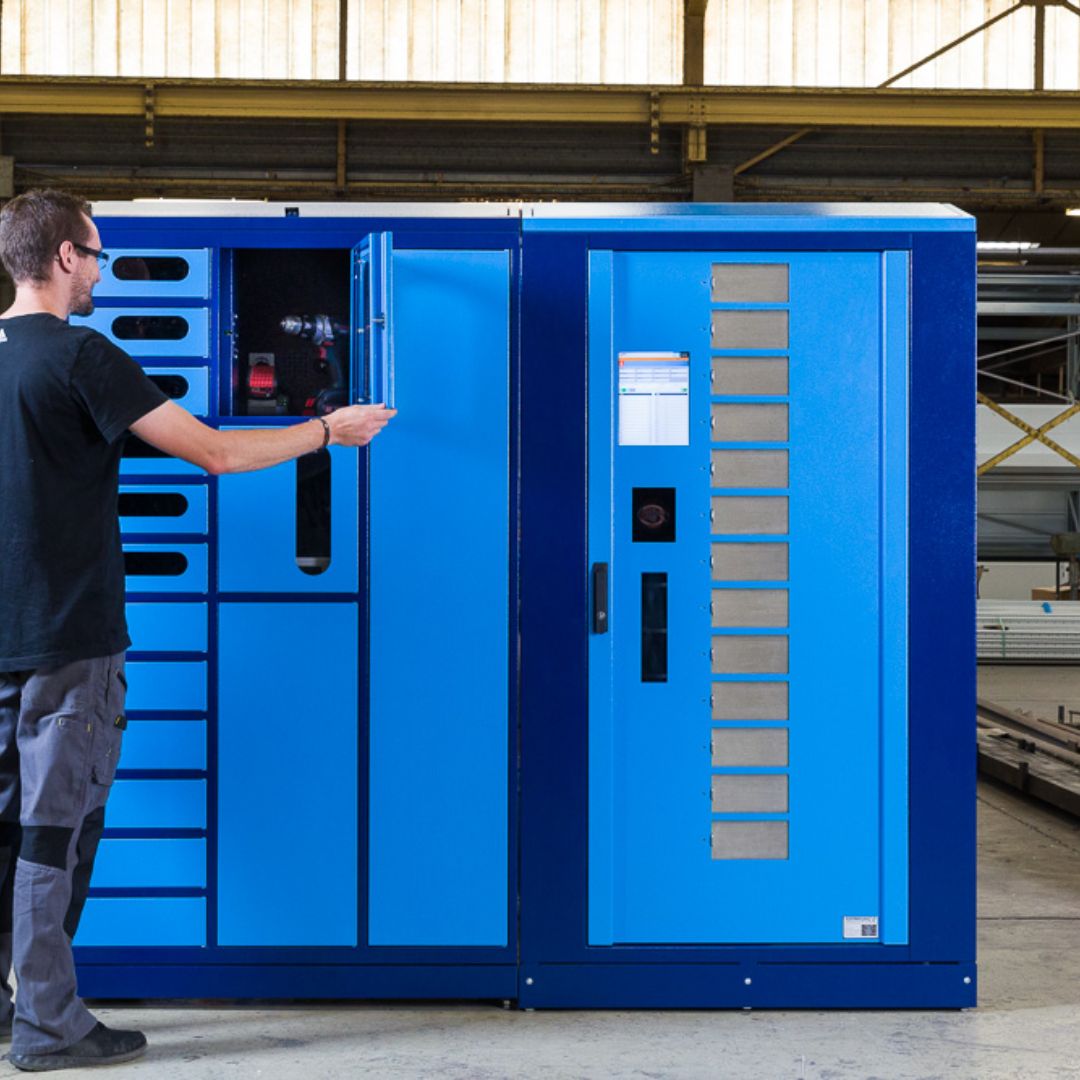
The best location balances convenience, supervision, access and service requirements. A locker bank near the work area can reduce walking, but it may also create a queue at shift change. Review where users stand, how doors open and how maintenance staff access the equipment. Include the full working area rather than only the cabinet footprint.
Observe peak use
Count arrivals during the busiest issue and return periods. Consider whether users need to place bags or equipment on a nearby surface. Check the approach for carts and mobility needs. If the location is shared with another activity, such as a time clock or staff entrance, review the combined traffic rather than treating each queue separately.
Keep the equipment within its specified environmental conditions. Dust, moisture, temperature and nearby processes may affect the choice of location or enclosure. Ask the supplier to confirm the proposed setting. A system intended for an indoor workplace should not be assumed suitable for an exposed loading area or washdown environment.
Coordinate replenishment and service
Administrators need room to restock supplies, inspect returns and remove equipment for repair. Plan those tasks so they do not repeatedly interrupt users. Keep replacement accessories and service materials organized nearby where appropriate, without turning the locker approach into storage. A convenient user location still needs a workable support process.
For facilities that handle unusual requests or require attended inspection, a security cage service window can complement automated access. The staffed area can handle exceptions while lockers manage selected routine transactions. Define the handoff between the two so items do not disappear from the record when they move to a person for review.
Run a pilot with measurable acceptance criteria
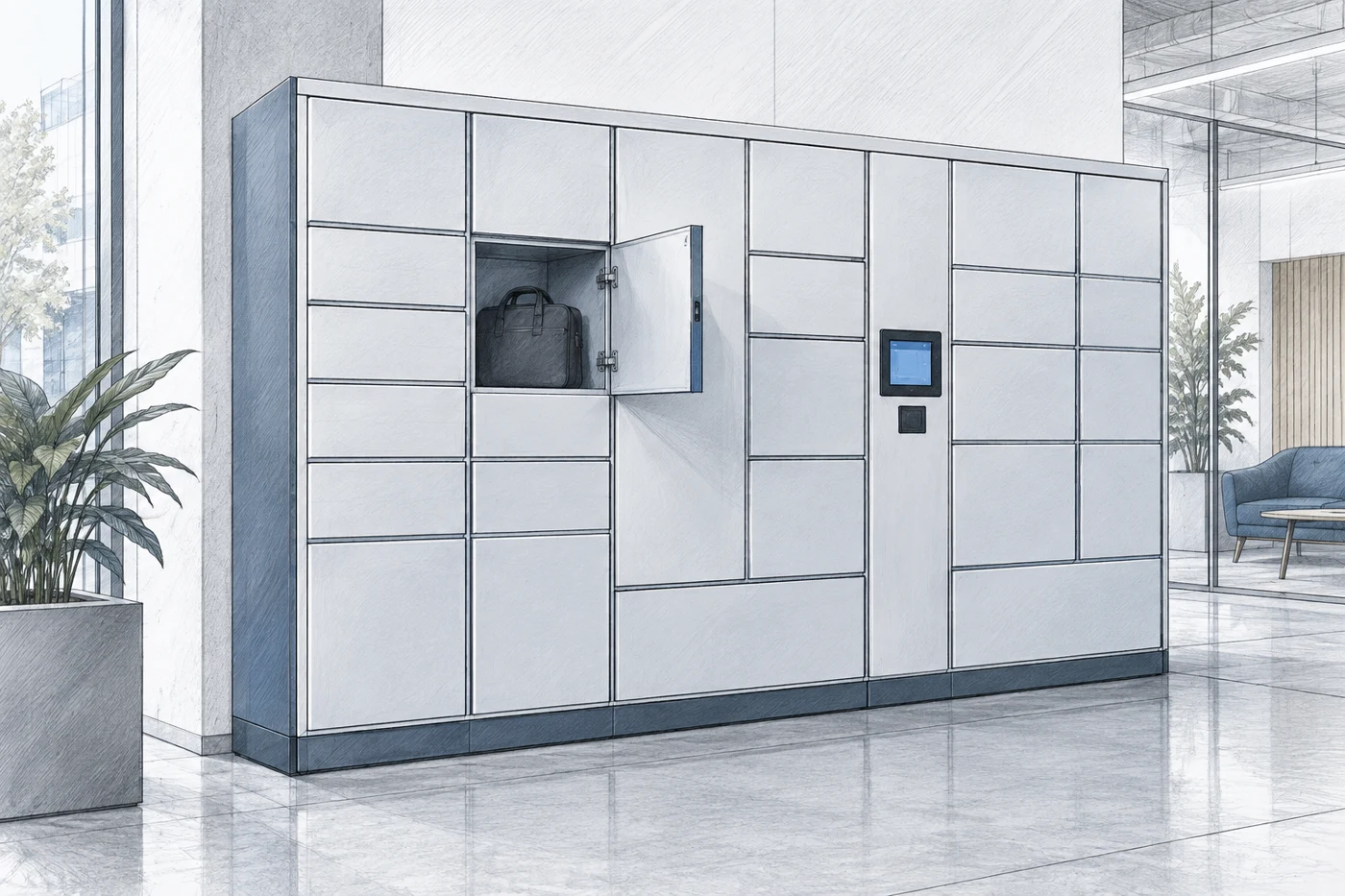
A pilot should test the complete process with representative assets and users. Choose a manageable group that includes normal transactions and common exceptions. Establish the baseline before introducing the system so the results can be compared fairly. Avoid selecting only the easiest items if the eventual installation must handle a more varied workload.
Test what matters to users
Observe issue time, return completion, asset availability and the frequency of support requests. Check whether users understand the prompts and can identify the correct item. Include new or occasional staff rather than relying only on the project team. Their experience can reveal unclear instructions that trained administrators no longer notice.
- Test authorized access and an appropriate denied-access case.
- Confirm the record produced by an issue and a return.
- Walk through damage reporting and removal from the available pool.
- Demonstrate the agreed recovery process for common equipment or connection problems.
Evaluate the business result honestly
Compare outcomes against the defined problem. Reduced search time may create useful capacity without immediately reducing staffing cost. Better records may reveal a replenishment issue that was previously hidden. Explain these results clearly rather than converting every improvement into an unsupported financial saving.
Before expanding, resolve recurring workarounds and clarify ownership of support. Document which configuration was tested and what changes are planned for the larger deployment. A successful pilot is evidence for the tested conditions, not a guarantee that every department will use the system in the same way. Review the next area's assets and operating pattern before duplicating the installation.
Prepare the business and installation brief

A focused brief helps suppliers recommend an arrangement and identify requirements that remain open. Include the asset list, dimensions, issue and return process, number of users and expected peak activity. Explain the problem being solved and the measures that will be used to evaluate the result.
Define the complete scope
Identify hardware, software, subscriptions, integration, delivery, installation and training requirements. Ask which support services are included and which carry separate charges. Confirm responsibilities for power, network connections, asset labeling and data preparation. An accurate equipment count is only one part of the total project.
Include sample assets and the proposed location in the review. State any charging, inspection or calibration requirements, and identify the responsible internal teams. Agree on who administers users and who handles a problem outside normal business hours. Those ownership decisions are essential when equipment is shared across several shifts.
Plan handover and continued review
At handover, confirm the installed configuration and test the agreed workflows. Provide user instructions and administrator training appropriate to their responsibilities. Keep configuration records, support contacts and relevant documentation available to the people maintaining the system. Review permissions when employees change roles or leave the organization.
Material Handling USA can use this information to help compare smart locker and related inventory-control options. The goal is an arrangement that makes equipment easier to obtain, return and prepare for the next user. A well-defined process, suitable compartments and clear ownership provide the foundation for that result.
Frequently asked questions
Do smart lockers automatically prevent equipment loss?
No system can guarantee that result. Controlled access and transaction records can support accountability, but permissions, return procedures and follow-up still need to be managed by the organization.
Can a locker track individual assets?
That depends on the hardware, software and identification process selected. Define the required asset identity and ask the supplier to demonstrate the issue and return records for the proposed configuration.
Can shared devices charge inside the lockers?
Some configurations support approved charging options. Confirm suitability for the actual devices and their charging requirements; do not assume every locker includes this capability.
What happens if the network or a compartment fails?
Recovery behavior varies by system. Ask for a demonstration and define the responsible support team, override permissions and recordkeeping process before deployment.
Should damaged returns be immediately available again?
No. The operating process should distinguish equipment awaiting inspection or repair from assets ready to issue. Configure the workflow and physical handling to support that distinction.
What information is needed for an assessment?
Provide an asset list, dimensions, user counts, issue and return volumes, location details and any charging or integration requirements. Include the business problem and the outcome you want to measure.
Plan a Reliable Asset Handoff
Share your application details, photographs and requirements with Material Handling USA to start a focused project discussion.