
Device Management Lockers for Laptops, Tablets & IT Devices
Self-service smart lockers for laptop loaners, break/fix swaps, new-hire deployments and shared shift devices — charged, access-controlled and logged, so IT stops hand-carrying hardware.
Authorized DC Locker dealer · Nationwide delivery & installation · (800) 326-4403

24/7
Self-service
4
IT workflows
Charging
Built in
Audit log
Every door
Why IT Teams Are Moving Device Hand-Offs Into Lockers
Every laptop swap, loaner and new-hire kit is a small hand-off. Multiply that by a few hundred employees and the help desk spends its day carrying hardware instead of fixing problems.
A typical device hand-off needs a technician, an employee and a time that suits both. The employee walks to the help desk or waits for a desk-side visit, someone signs a sheet or updates a ticket, and the device changes hands. When the technician is in a meeting or the employee works a different shift, the hand-off slips a day.
A device management locker removes the appointment. IT loads the device into a compartment and the system sends the employee a code or authorizes their badge. The employee collects it when it suits them, 24/7, and the locker records who opened which door and when.
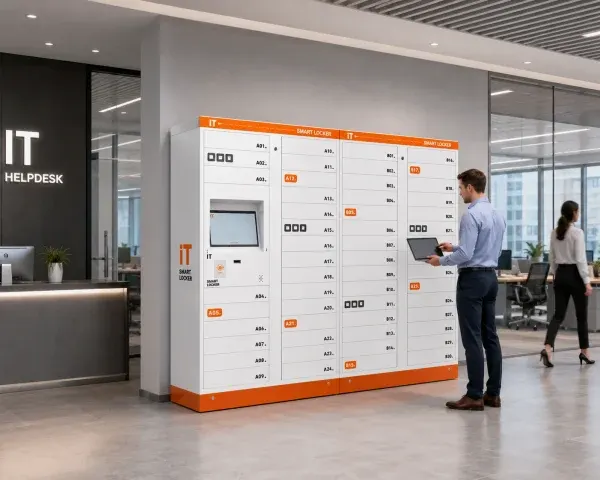
- Loaners, swaps and new-hire devices collected without waiting for a technician
- Every deposit and pickup tied to a named user and a time stamp
- Devices charged in the compartment, ready when the user arrives
- Fewer devices left on desks, in unlocked cabinets or on sign-out sheets
Material Handling USA is an authorized dealer for DC Locker’s smart locker line. We help IT, operations and facilities teams pick the right device locker models, size the compartments around real hardware, plan power and network, and deliver and install the bank. For every other application, start with our main smart lockers guide.
Four Device Workflows a Smart Locker Can Run
Most device locker programs start with one workflow and add the rest once users trust the lockers. The same bank can run all four, with doors assigned to each.
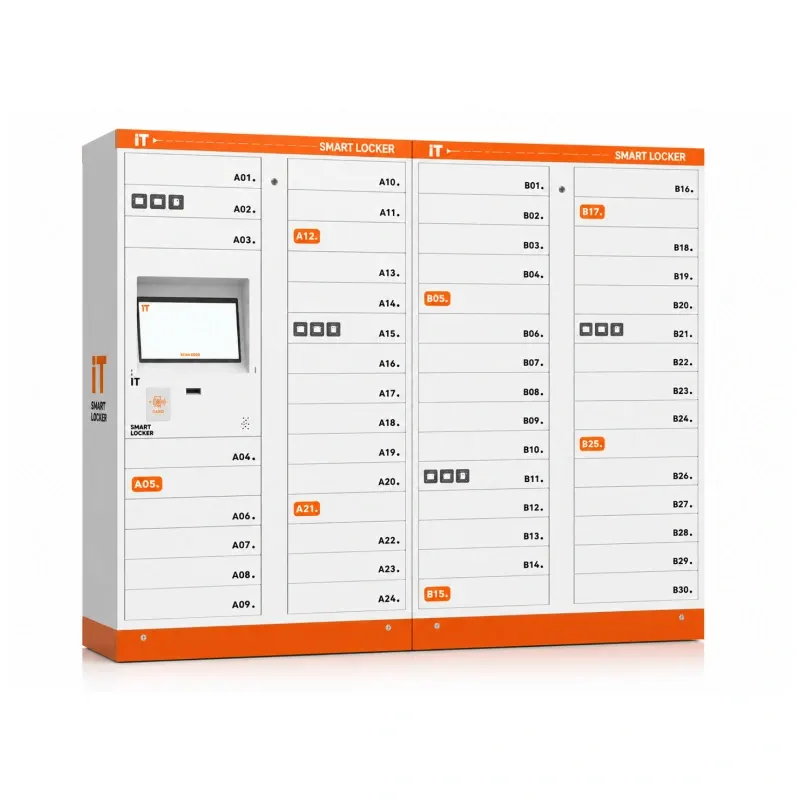 Loaner DevicesCharged loaner laptops and tablets waiting behind locked doors. The user borrows one with a badge or code and the system records when it comes back.
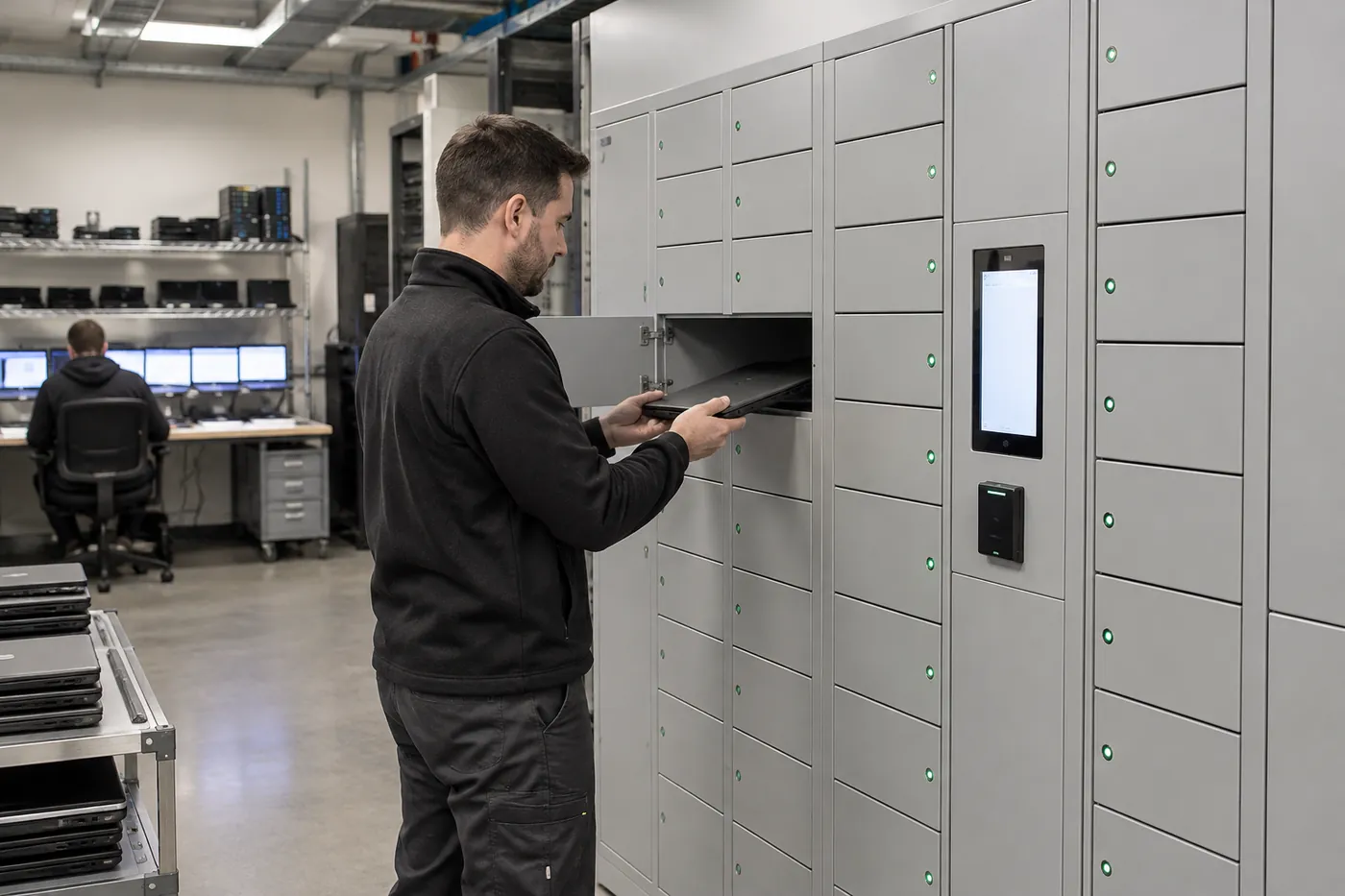 Break/Fix SwapsThe user drops a broken device in one door and collects a working replacement from another, without a help desk visit.
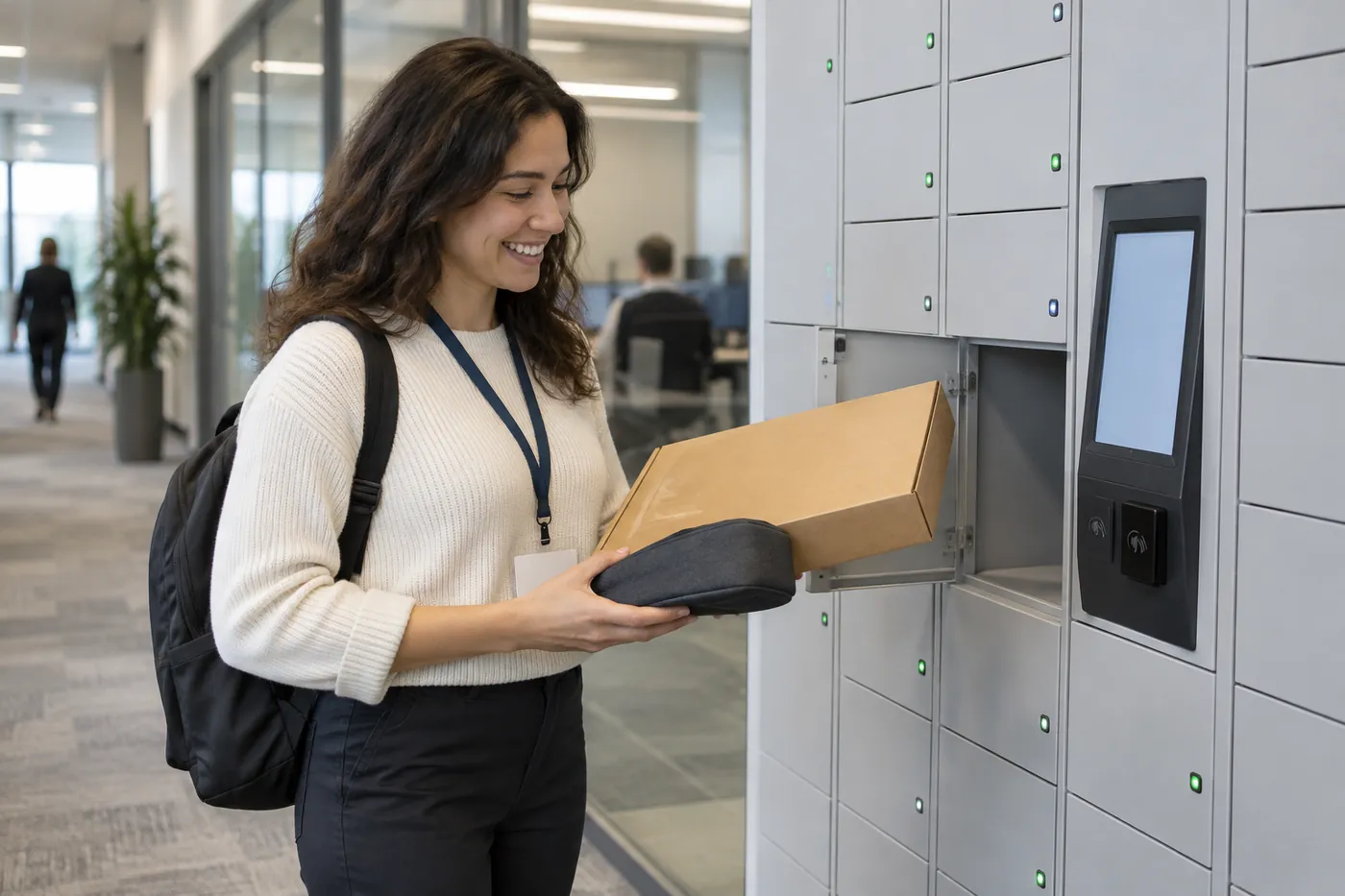 Deployments & ReturnsNew-hire kits and refreshed laptops staged for pickup; departing staff and contractors return devices into a logged compartment.
| Workflow | Who Loads the Locker | Who Opens It | What Gets Logged |
|---|---|---|---|
| Loaner pool | IT stocks charged devices | Any authorized user | Borrow time, user, return time, door |
| Break/fix swap | User drops broken device; IT loads replacement | User, then IT | Both hand-offs, linked to the ticket number if integrated |
| New-hire deployment | IT stages the imaged device | The named new hire only | Pickup time and user |
| Return / offboarding | Departing user or contractor | IT | Return time, door, condition notes by IT |
| Shared shift devices | Devices live in the locker and charge between shifts | Shift staff | Who has which device, and for how long |
The fifth row, shared shift devices, is where warehouses, hospitals and plants usually begin. It is covered below. Asset programs that go beyond IT, such as PPE, tools, keys and consumables, are covered in our smart lockers for business asset management guide.
How a Break/Fix Laptop Swap Works in a Locker
The swap is the workflow that saves IT the most walking, because it replaces two trips: one to collect the broken device and one to deliver the replacement.
Report
The user opens a ticket. IT assigns a replacement and reserves a door for the drop-off and a door for the pickup.
Drop Off
The user scans a badge or QR code, places the broken laptop in the open door and closes it. The locker logs the time.
Pick Up
The replacement door opens on the same visit or later, with the device already charged and signed in to the user’s account by IT.
Repair & Restock
IT removes the broken device, repairs or re-images it and loads it back into the loaner pool.

Placement decides how much the swap saves. Put the bank where employees already walk, such as the lobby, a break room or the corridor outside the IT room, rather than inside a locked workroom. Some sites position the locker so the IT team can work on it from a back room while users see only the front; confirm that layout with us before ordering, because it affects the model and installation.
Set clear rules: how long a loaner may be kept, what happens when a device is overdue, and who to call if a door does not open. The dashboard shows overdue devices so IT can follow up by name.
Shared Devices for Shift Teams: Scanners, Handhelds and Tablets
In warehouses, hospitals and plants the device is not assigned to a person. It belongs to the shift, and the problem is knowing who has it.
At the start of a shift, staff take a charged handheld scanner, mobile computer or tablet from the locker using their badge. At the end of the shift they put it back and it starts charging. The locker knows which device went to which person, so a device that does not come back has a name attached to it instead of a blank line on a sign-out sheet.
DC Locker describes this use for its Smart IT Asset Locker in hospitals: nurses and medical staff check out and return shared devices such as PDAs, scanners and medical tablets, with automated user authentication and real-time tracking for shift handovers.
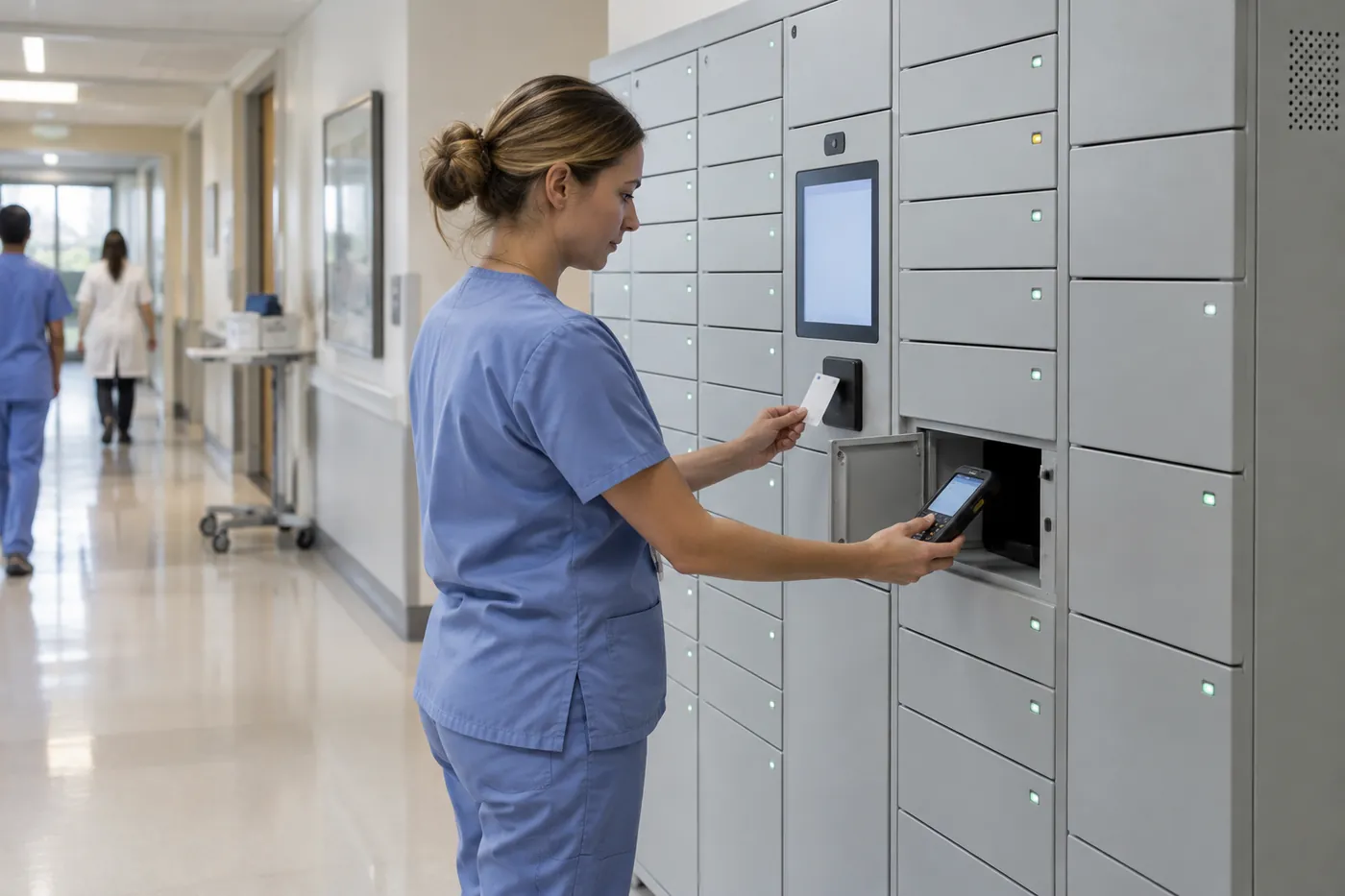
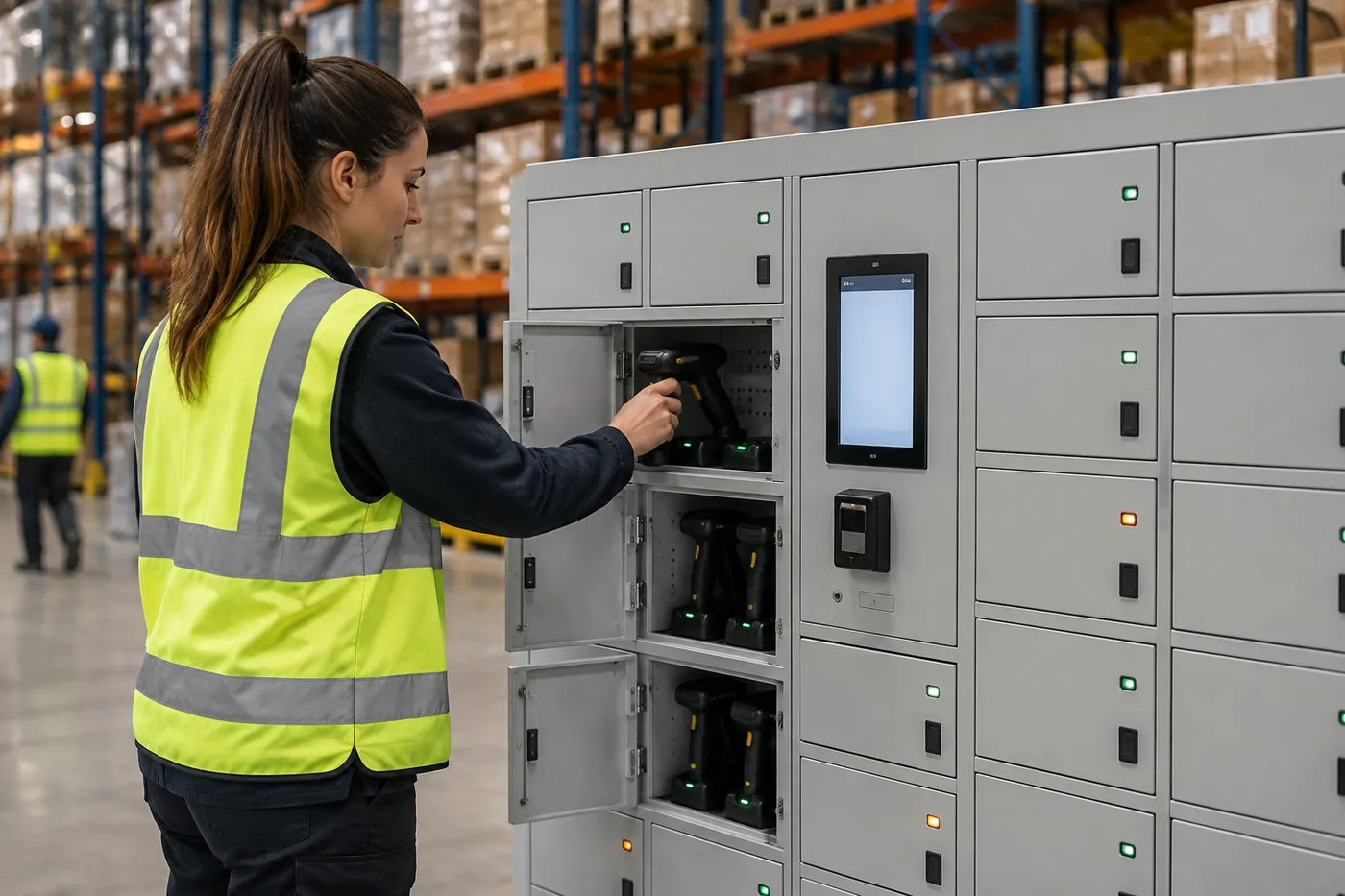
In distribution centers the same approach covers handheld scanners, picking tablets and the devices used for inventory counts. DC Locker’s smart charging locker is built for this: centralized charging and management of work pads, unified allocation of counting and picking devices, and protection against devices going missing.
Size the bank for the largest shift plus spares, and allow time for devices to recharge between shifts. If shifts overlap, add enough doors that incoming staff are not waiting for outgoing staff to return devices.
Rugged handhelds, two-way radios and cordless power tools often need larger, deeper compartments than phones and tablets; for those, see the tool charging locker below and our industrial vending and smart locker guide.
DC Locker Models for Device Management
Four DC Locker models cover most device programs. Many sites combine two, for example an IT asset locker for laptops and a charging locker for phones and handhelds.
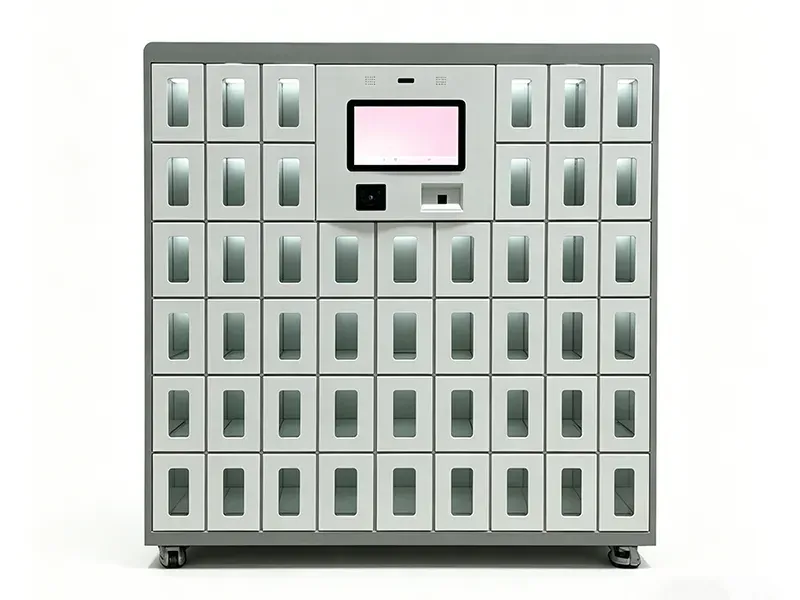 Smart Charging Locker42 compartments with USB or Type-C charging, per-door temperature sensors and a smoke detector. Built for phones, tablets and handhelds.
 Cell Phone LockerCompartments for phones and small tablets with built-in charging ports, for phone-free work areas, exam rooms and secure spaces.
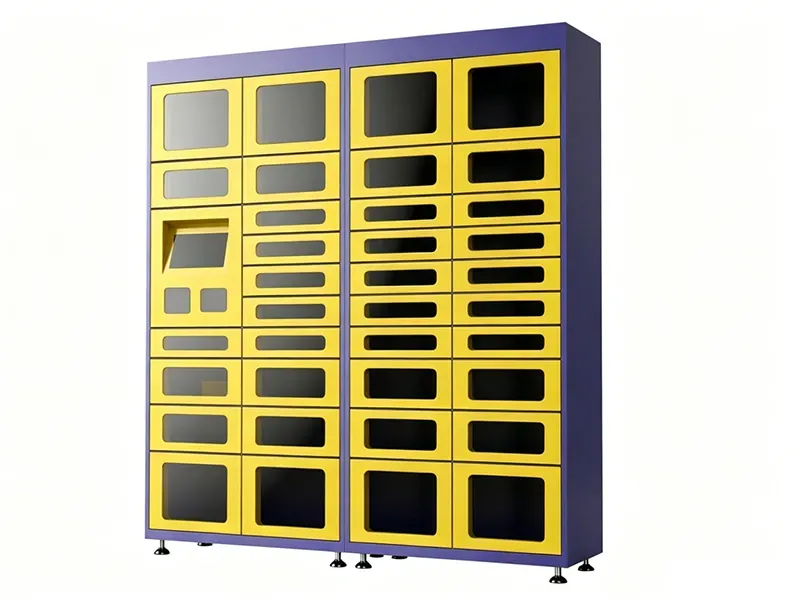 Smart Tool Charging LockerSee-through doors with built-in charging and an optional built-in scale, for rugged handhelds, radios and cordless tools.
| Model | Built For | Published Details (DC Locker) |
|---|---|---|
| Smart IT Asset Locker | Laptops, tablets, projectors, access cards; loaners and long-term office use | Control locker 24 compartments + side locker 30; 15.6-in touchscreen; barcode and QR code; lock board controls up to 40 doors; built-in or freestanding |
| Smart Charging Locker | Phones, tablets, work pads, handheld scanners | 42 compartments (6 per layer × 7), each about 7.9 × 13.8 × 3.9 in (W × D × H); 10-in touchscreen; face, card or password |
| Cell Phone Locker | Personal phones and small devices in restricted areas | Fingerprint, PIN, RFID card or QR access; built-in USB or Type-C charging; anti-theft and tamper alarm |
| Smart Tool Charging Locker 301/302 | Rugged handhelds, radios, cordless tools and batteries | Small, medium and large doors about 4.7, 7.5 and 12.8 in high, 16.9 in wide, 19.7 in deep; RFID or barcode reader; Ethernet or Wi-Fi; listed as ADA compliant |
DC Locker describes the Smart IT Asset Locker as designed for long-term office use and full lifecycle management of corporate assets: self-service borrowing, returning and charging, with a digital record of storage, borrowing and return. It supports integration with enterprise approval workflows, so a borrow can require a manager’s approval before the door opens. Exact laptop compartment dimensions are confirmed for your configuration at quote.
Matching Compartments to Your Devices
Size compartments around the actual hardware, including cases, chargers and accessories, not the device spec sheet.
| Device | Typical Compartment* | Planning Notes |
|---|---|---|
| Smartphones | Charging or cell phone locker door | Cable type per door (USB-C or Lightning); rugged cases add thickness |
| Tablets & work pads | Charging locker door (about 3.9 in high) | Check tablet width in its case against door width |
| Handheld scanners & mobile computers | Charging locker or tool locker small door | Pistol grips and trigger handles need extra height |
| Laptops & 2-in-1s | IT asset locker compartment | Charger brick and dock adapters; 15–17 in models need the largest doors |
| Radios & body-worn devices | Tool locker small or medium door | Charging cradles may need an outlet inside the door |
| Cordless tools & battery packs | Tool locker medium or large door | Weight per door; DC Locker rates tool locker 3.0 doors within 50 kg |
*Typical fit is our planning guidance, not a manufacturer rating. We check a sample of each device, in its case and with its charger, against compartment dimensions before you order.
How many doors?
For loaners, start with the number of devices you lend on a busy day plus spares. For break/fix, plan two doors per swap in progress: one for the broken device and one for the replacement. For shift devices, plan one door per device, because devices live in the locker while they charge.
Leave room to grow
Device programs tend to grow once users trust them. DC Locker’s control and side units link together, so a bank can start with a control unit and one side unit and add side units later, as long as power, network and floor space allow. Plan that space on day one.
Charging and Battery Safety
A device locker charges dozens of lithium-ion batteries in one cabinet. Treat charging as a specified function, not an accessory.
| Feature | What DC Locker Publishes for the Smart Charging Locker | Why It Matters |
|---|---|---|
| Protected charging modules | Protection against overcharge, short circuit and overheating | Lower risk from damaged or faulty batteries |
| Per-door sensing | Independent temperature sensor and fire extinguishing device in each compartment | A hot battery is isolated to its own door |
| Cabinet detection | Top-mounted smoke detector linked to the circuit breaker, with audible and visual alarm | Power cuts and staff are alerted |
| Auto cut-off | Charging stops automatically when full; status sent to the back end over the network | Less heat, longer battery life, remote visibility |
| Off-peak charging | Back-end control can schedule charging for off-peak periods | Lower energy cost for large fleets |
| Construction | 2.0 mm steel shell with fire-resistant coating, 304 stainless steel inner lining, explosion-proof aluminum alloy doors | Robust enclosure for a high-use area |
Even with these protections, set a policy for damaged devices: swollen or cracked batteries should go to IT by hand, not into a charging door. Your facilities and safety teams should review placement, power circuits and any local requirements before installation. Charging personal phones for staff or visitors rather than company devices? See our phone charging lockers guide.
Simpler Store-and-Charge Options From Datum
Not every device fleet needs a smart locker. When one team shares a set of laptops or tablets and a keyed or 3-point lock is enough, USA-made steel store-and-charge cabinets from Datum cost less and need no network or software.
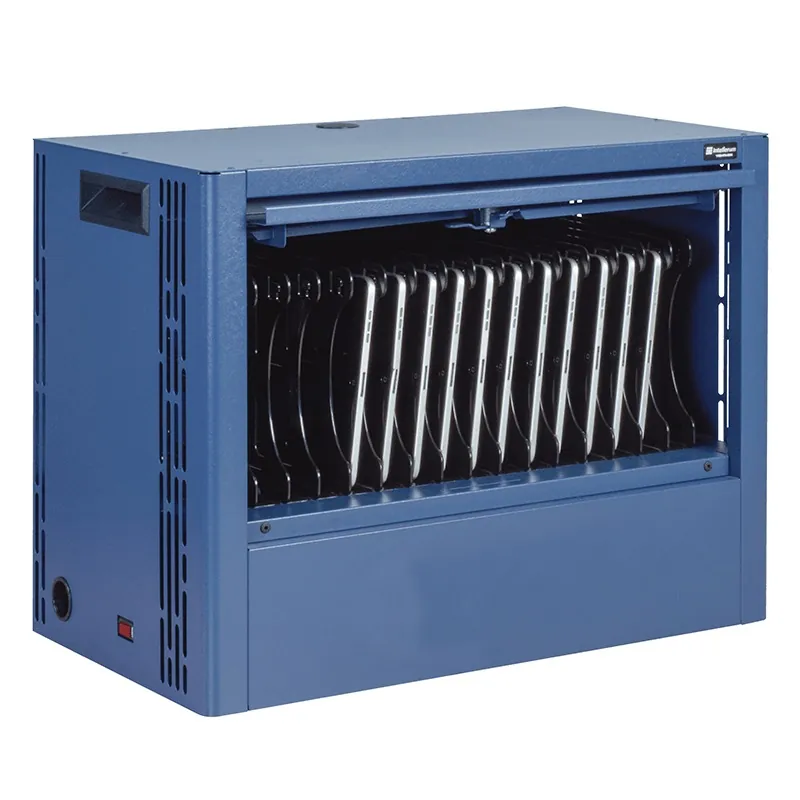 Datum TekDepotCompact store-and-charge station for 12 or 16 devices; wall or desk mount, stacks 3 high, 3-point lock and removable loading shelf.
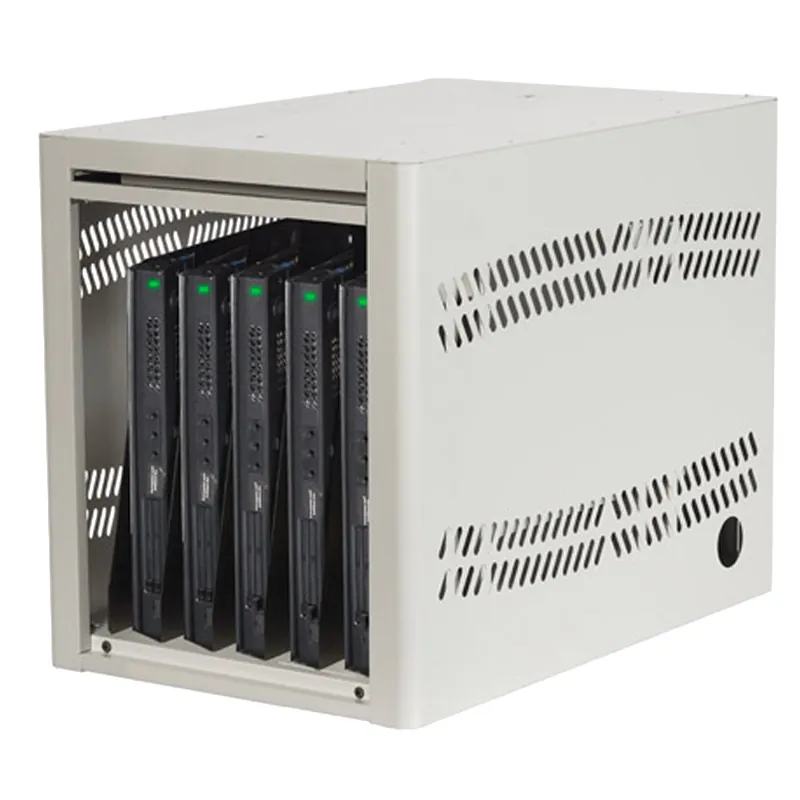 Datum Laptop DepotStores, secures and charges 5, 8 or 10 laptops or tablets; rear IT access panel to the power strip, fold-flat doors, stackable.
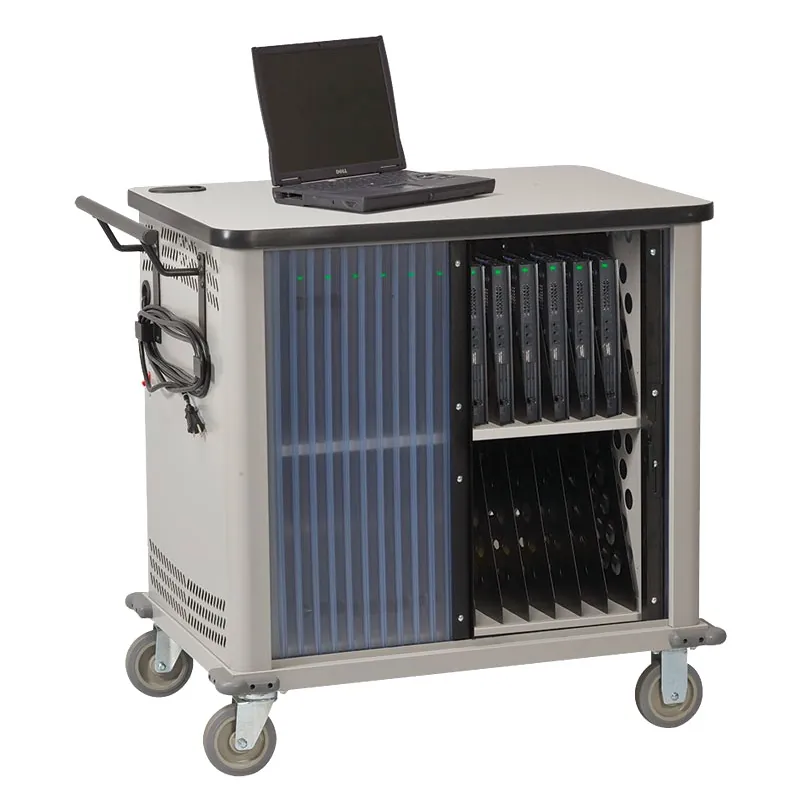 Datum TekCart ClassicMobile charging cart for 20, 26 or 32 laptops, Chromebooks or iPads, with locking tambour doors and power management dividers.
Photos: Datum Storage Systems. For individual employees who need a locked, charging spot for a laptop and a phone, Datum’s electric TekStak puts two outlets in each compartment; it is covered on our phone charging lockers page. Datum cabinets are quoted with the rest of your project; call (800) 326-4403.
Access, Identity and Integration
The best access method is the credential your users already carry. The best integration is the one that keeps your device records accurate without extra typing.
| Access Method | Best Fit | Watch For |
|---|---|---|
| Employee badge (RFID card) | Offices, hospitals, plants with badge systems | Card format must match the reader; test a badge first |
| QR code or barcode | Break/fix and deployments, where IT sends a one-time code | Phone needed; offer a printed code |
| PIN / password | Backup method for everyone | Shared PINs defeat the audit log |
| Face or fingerprint | Secure areas and high-value devices | Employee consent and data-retention policy |
DC Locker systems come with preloaded software that is ready to use, including text and email notifications, and DC Locker states support for API and third-party software integration. The Smart IT Asset Locker also supports integration with enterprise approval workflows. IT teams usually ask about connecting the locker to their help desk ticketing, device management or HR systems, for example to send a pickup code when a ticket is resolved. What can connect depends on your systems, so integration scope is confirmed during planning; the lockers can also run stand-alone from day one. See our smart locker software, hosting and integration guide for the questions to ask, and phone access lockers if users should open doors from their phones.
Settle these with IT security early
Who administers the locker software, where user and log data is hosted, how users are added and removed when they join or leave, and how long access logs are kept.
Where Device Management Lockers Are Used
The workflows are the same everywhere; what changes is the device mix and who carries the credential.
| Setting | Common Devices | Typical Workflow |
|---|---|---|
| Corporate offices & hybrid work | Laptops, docks, headsets, projectors, access cards | Loaners, break/fix swaps, new-hire deployments |
| Warehouses & distribution centers | Handheld scanners, picking tablets, radios | Shared shift devices, charged between shifts |
| Hospitals & clinics | Mobile computers, scanners, medical tablets | Shift checkout with badge, real-time tracking |
| Manufacturing plants | Tablets, scanners, cordless tools, phones | Shift devices; phone storage in production areas |
| Schools, colleges & libraries | Chromebooks, laptops, hotspots | Student loaners and repair swaps |
| Government & secure facilities | Phones, radios, issued devices | Phone storage before restricted areas; issued-device checkout |
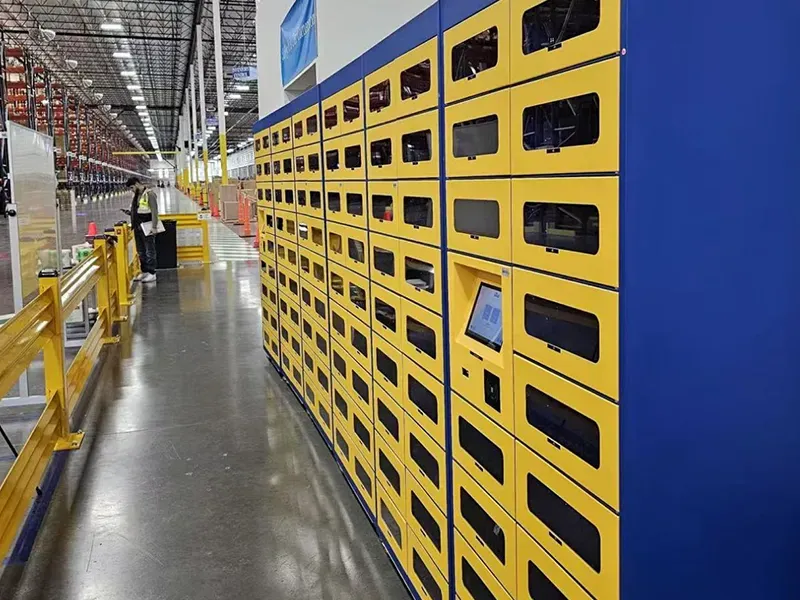
Large sites often run more than one bank: a charging locker at each shift entrance for handhelds, an IT asset locker near the help desk for laptops, and cell phone lockers outside areas where personal phones are not allowed. DC Locker notes that cell phone lockers help prevent unauthorized photos, recordings or data leaks in sensitive environments such as R&D labs.
One management platform can show all of them, so IT and operations see device status across the site in one place. Libraries lending laptops and hotspots should also read our library smart lockers guide.
Planning a Device Locker Program
A short pilot with one workflow and one bank tells you more than any spec sheet.
| Input | Why It Matters | What We Ask For |
|---|---|---|
| Device inventory | Sets compartment sizes and charging type | Models, cases, chargers; a sample of each |
| Daily hand-offs | Sets the number of doors | Loaners, swaps and deployments per day; largest shift size |
| Users and credentials | Decides the reader and enrollment process | Badge type, user count, contractors and visitors |
| Systems | Defines integration scope | Ticketing, device management and identity systems in use |
| Location | Drives convenience and security | Proposed spots, foot traffic, camera coverage |
| Power and network | Every bank needs both | Outlet and data locations, Wi-Fi or Ethernet, circuit capacity |
Run a pilot
Pick one workflow, usually loaners or break/fix, and one location. Measure how many hand-offs move to the locker, how long devices sit uncollected, and how many help desk visits it saves. Then decide where the next bank goes.
Device locker or charging cabinet?
A key-locked charging cabinet, like the laptop charging stations below, works for a single classroom or team that shares one key. Once devices pass between many people, or you need to know who had which device, a smart locker with individual doors and an audit log is the better fit. Budgeting? See our smart locker cost guide.
How a Device Locker Project Runs With MH-USA
Discovery
We review your devices, workflows, user counts, credentials and the systems IT wants to connect.
Layout & Spec
A layout shows each bank, the door mix, charging per door, reader type and power and data locations.
Quote
One itemized quote covers lockers, kiosk, readers, software, freight and installation, with lead time confirmed at quote.
Install & Launch
Crews install and level the bank, connect the network, set up workflows and train IT and supervisors.
We deliver and install nationwide. Utah organizations are served directly from our Salt Lake City home office; see Utah smart lockers or call (801) 328-8788.
Related Smart Locker Guides
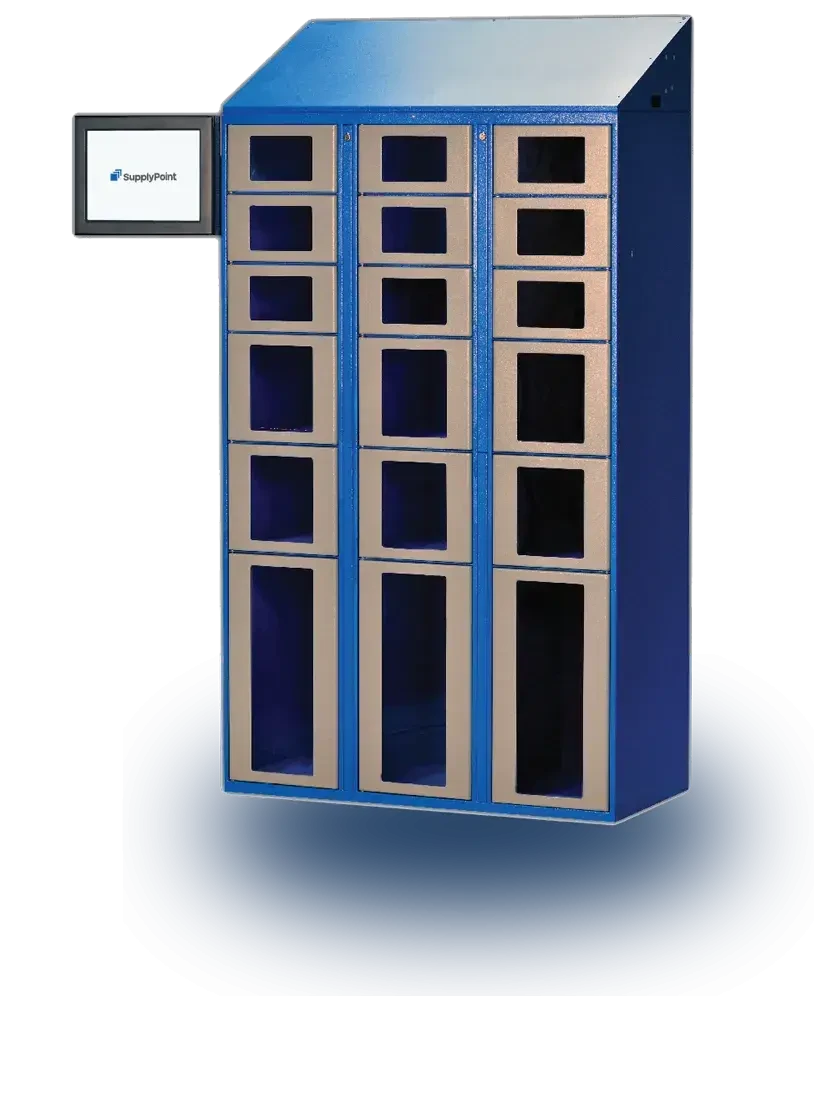 Smart Lockers for Asset ManagementTools, PPE, keys and consumables with issue and return tracking.
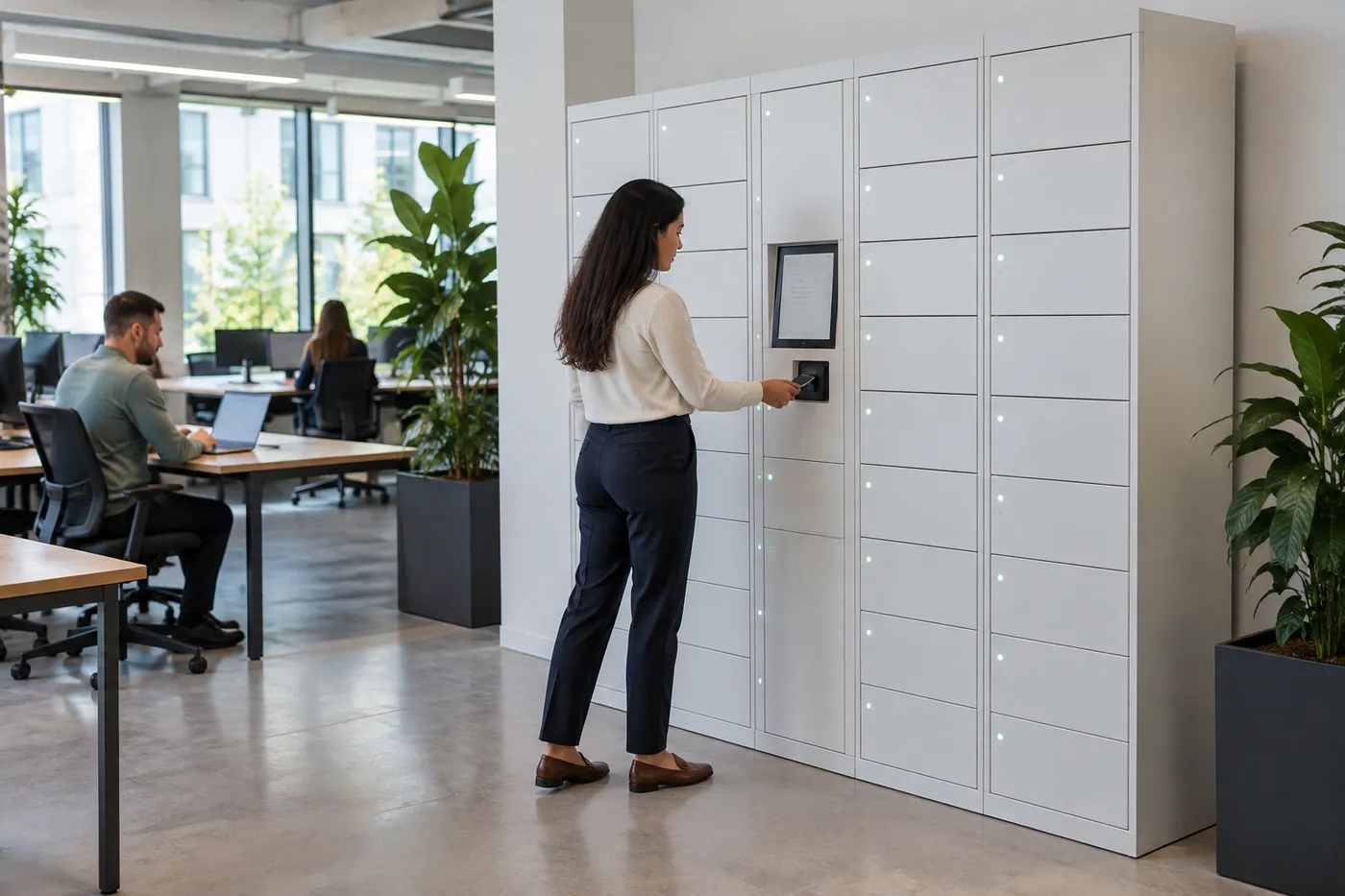 Office Smart LockersDay-use storage, mailroom pickup and IT hand-off for hybrid workplaces.
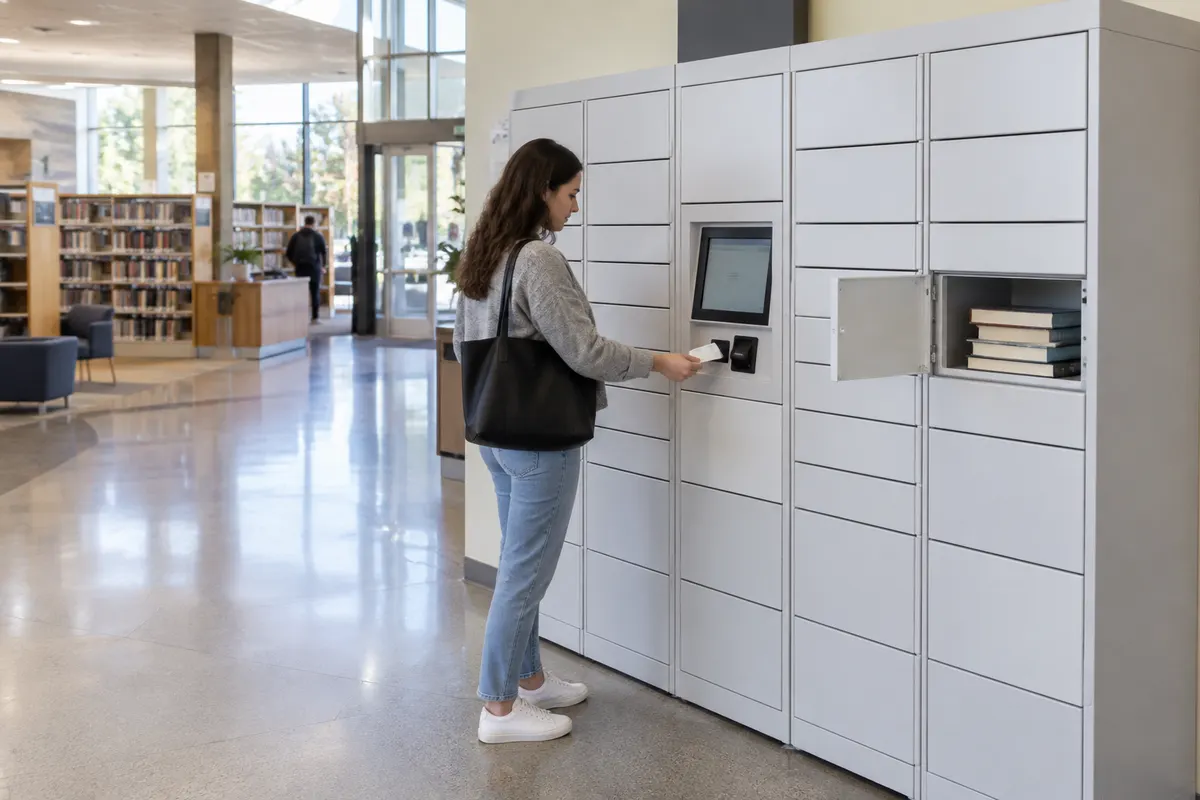 Library Smart LockersHold pickup plus laptop and hotspot lending for libraries.
Back to the smart lockers hub for parcel, food, storage, charging, medical and tool lockers.
Shop Laptop Charging Stations Online
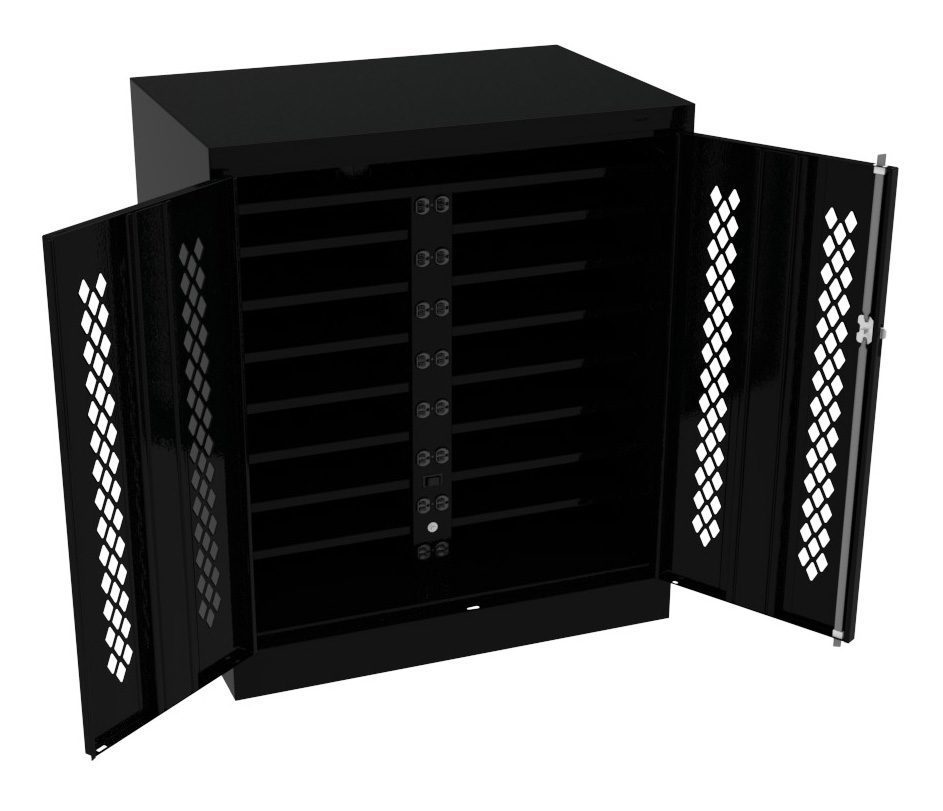
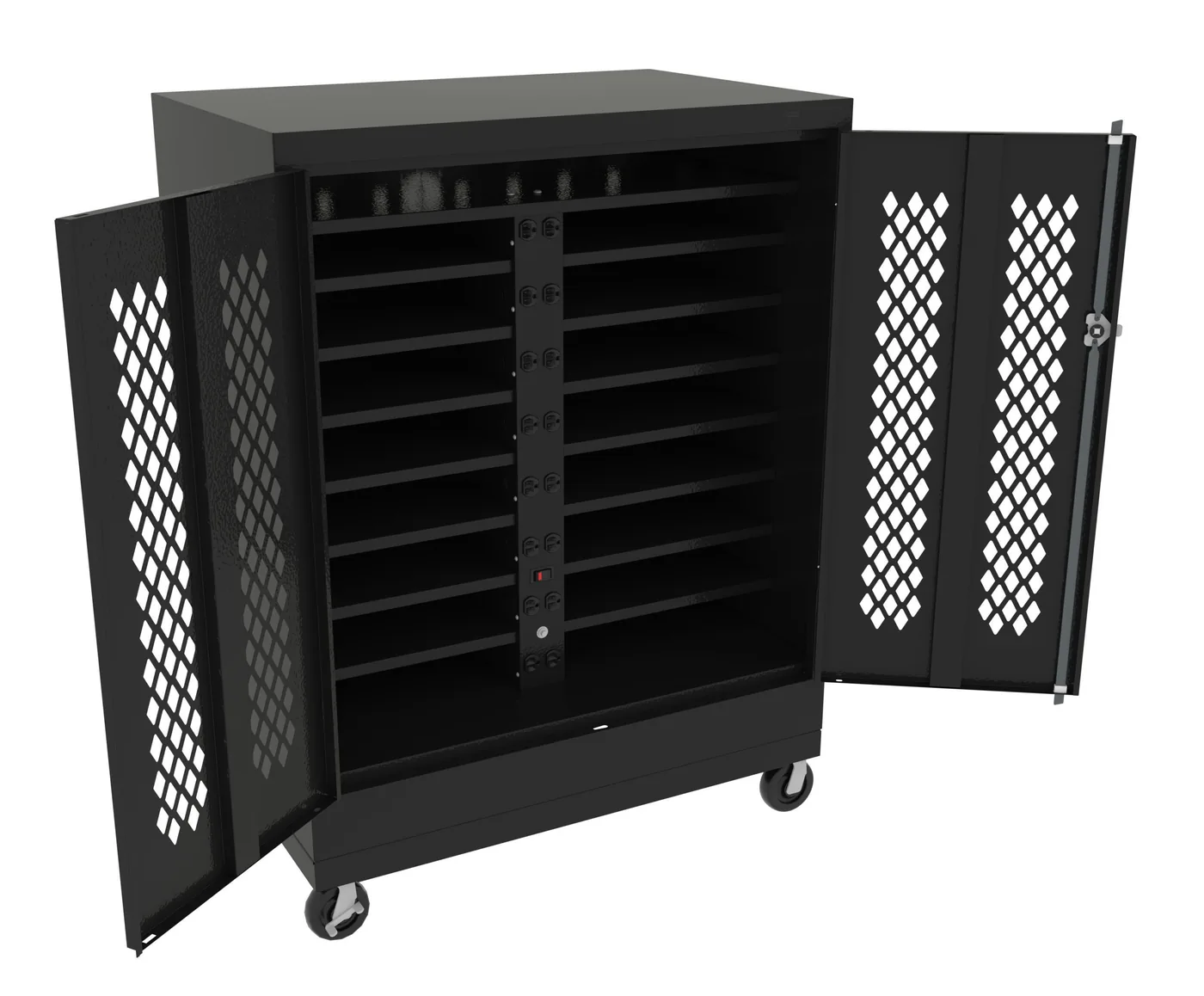
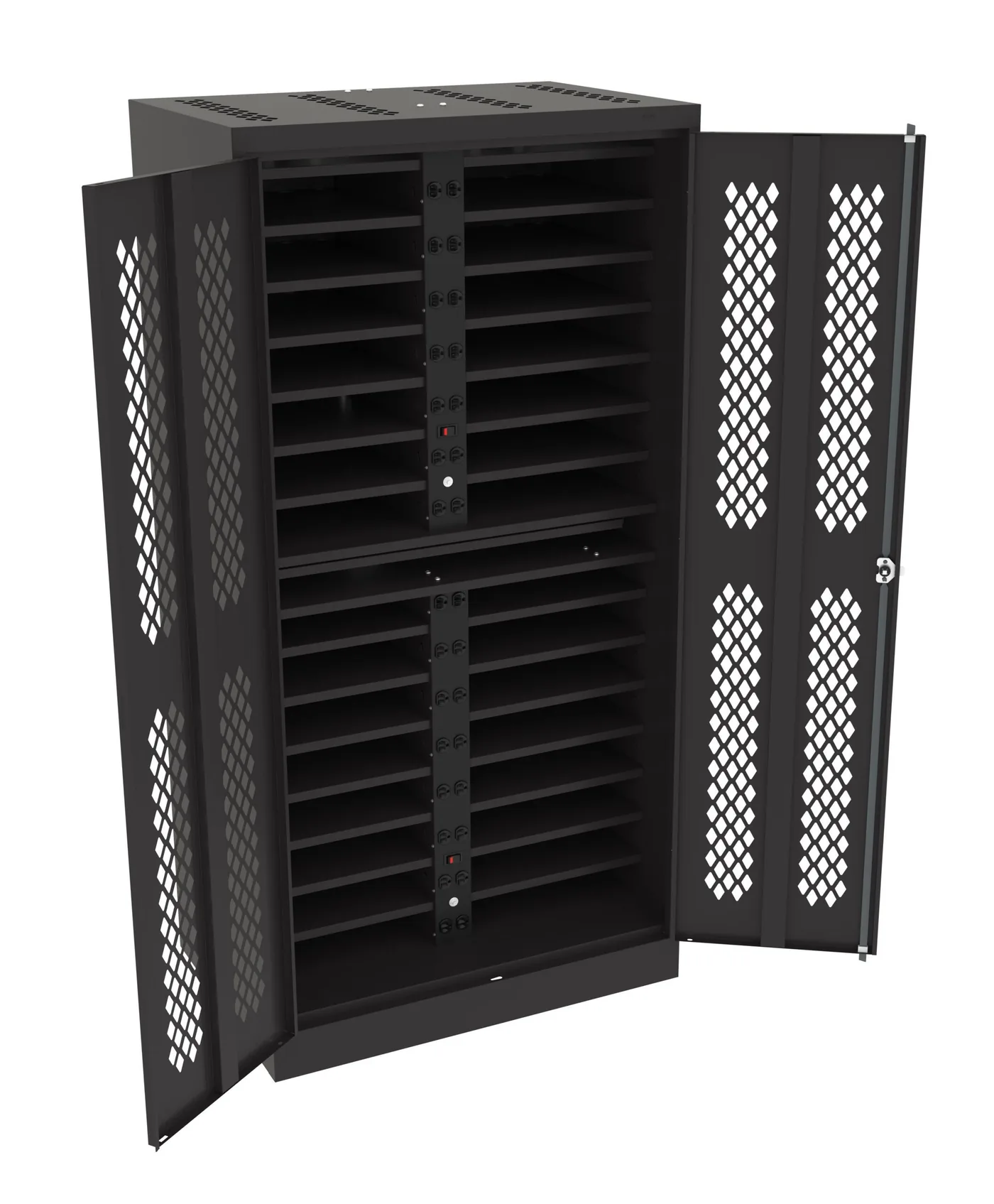
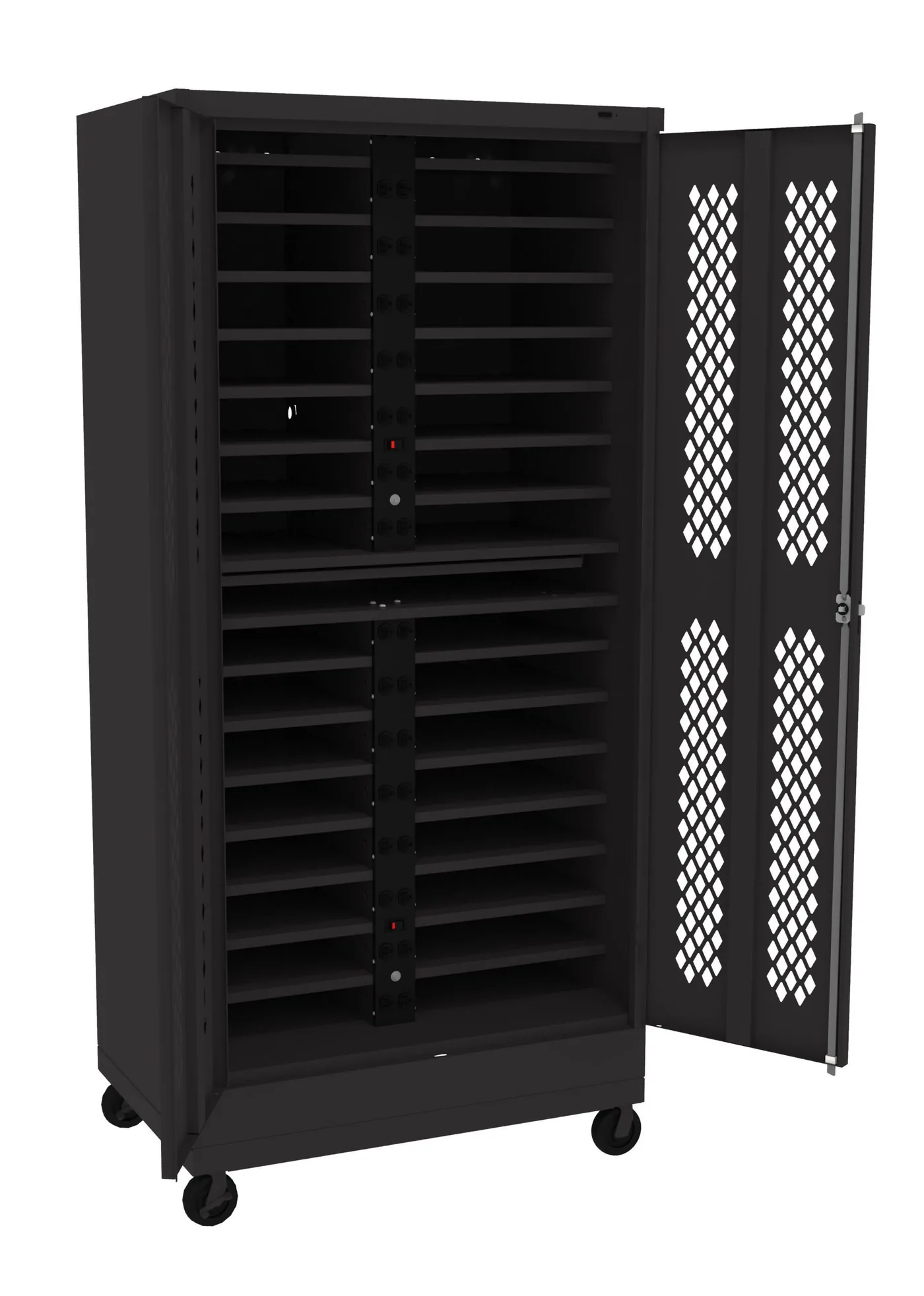
Not smart lockers: these Tennsco laptop charging stations are key-locked steel cabinets with charging shelves, a simple option for a classroom, training room or IT closet. Smart device lockers with access control and audit logs are quoted per project — call (800) 326-4403.
Get a free quote
Tell us what you are storing, the room size and your timeline. A project specialist will follow up with layout options and pricing. Prefer to talk? Call (800) 326-4403.
Device Management Locker FAQs
What is a device management locker?
How is a device locker different from a laptop charging cabinet?
Can a device locker handle break/fix laptop swaps?
Do the compartments charge devices?
How do users open the lockers?
Will the lockers integrate with our ticketing or device management system?
What happens if a device overheats while charging?
How many compartments do we need?
Can we use device lockers for personal phones in restricted areas?
Do you install device management lockers nationwide?
Planning a Device Locker Program?
Share your device counts, workflows and locations for a free layout and quote.