
Phone Access Lockers
Smart lockers with phone-based access for workplaces, gyms, universities, and secure facilities. No keys, no cards — employees and visitors unlock with their smartphone.
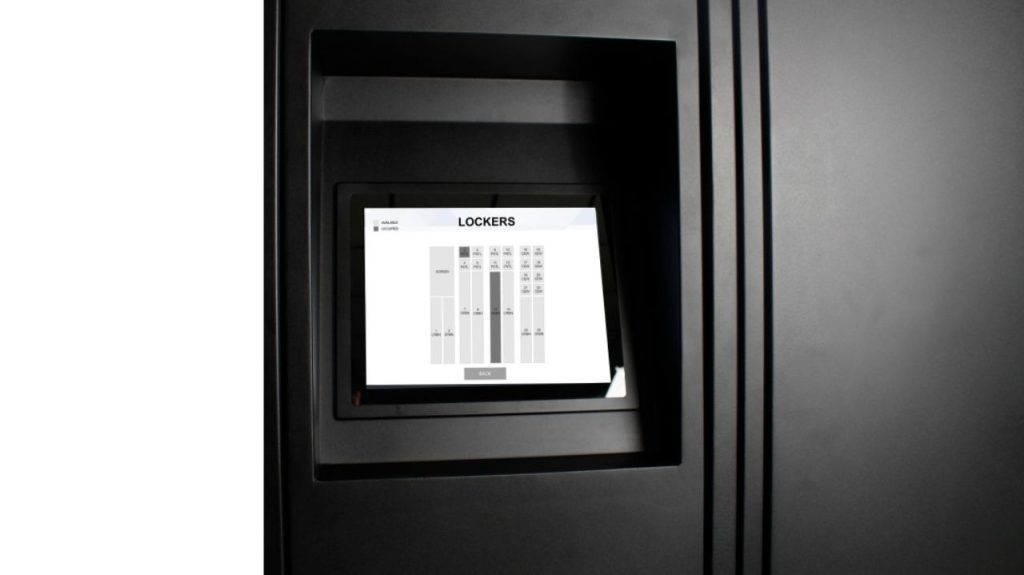
What Are Phone Access Lockers?
Phone access lockers are smart storage compartments that users unlock using their smartphone instead of a physical key, combination, or access card. The locker connects to a mobile app or web interface via Bluetooth, Wi-Fi, or QR code, allowing the user to open and close the compartment with a tap on their phone screen.
This technology eliminates the management burden of physical keys, the cost of replacing lost cards, and the security risk of shared combinations. Administrators can assign lockers, set time limits, view usage history, and remotely unlock compartments from a cloud-based dashboard — all without being physically present.
Material Handling USA supplies phone access locker systems for corporate offices, manufacturing plants, gyms, universities, hospitals, government facilities, and any environment where secure, keyless personal storage is needed.
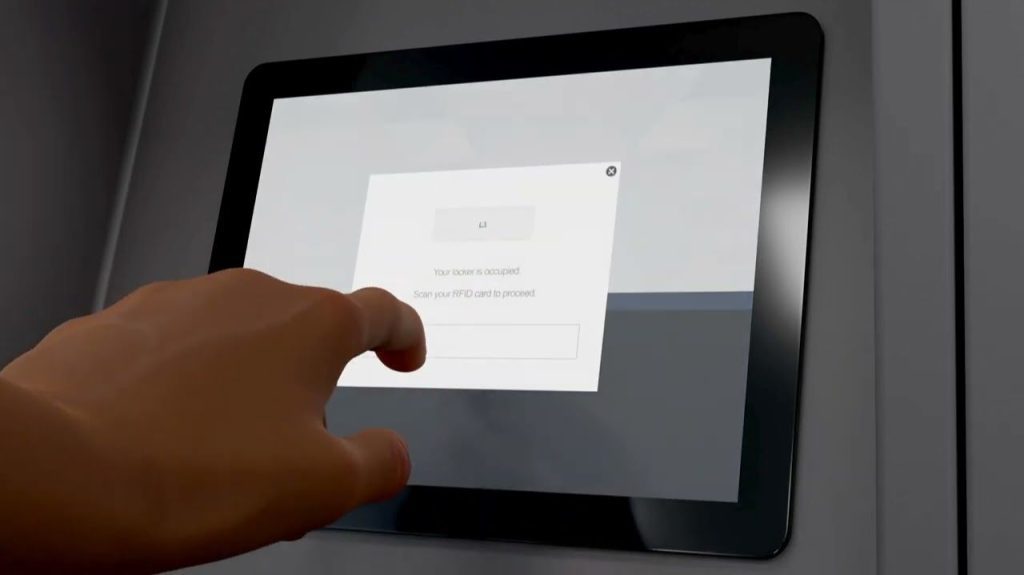
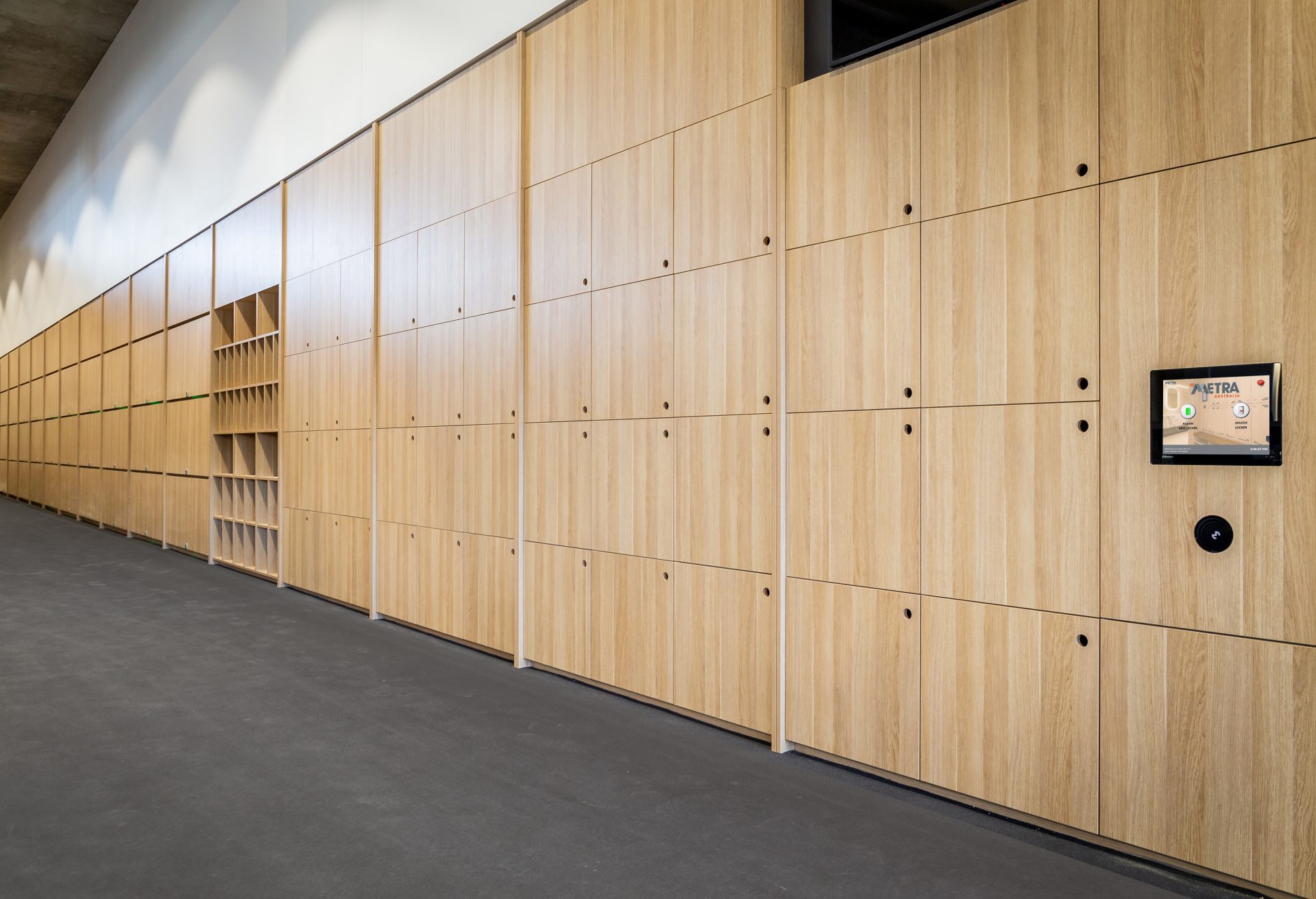
Touchscreen and app-based access on a smart locker bank
How Phone Access Works
Assign
An administrator assigns a locker to a user through the cloud management portal, or the user self-assigns at the locker kiosk.
Unlock
The user opens the locker app on their phone, taps unlock, or scans a QR code on the locker. Bluetooth or Wi-Fi communicates with the lock.
Store
The user places items inside and closes the door. The lock engages automatically and the items stay secure until the user returns.
Manage
Administrators monitor usage, set time limits, send notifications, and remotely override locks from anywhere via the dashboard.
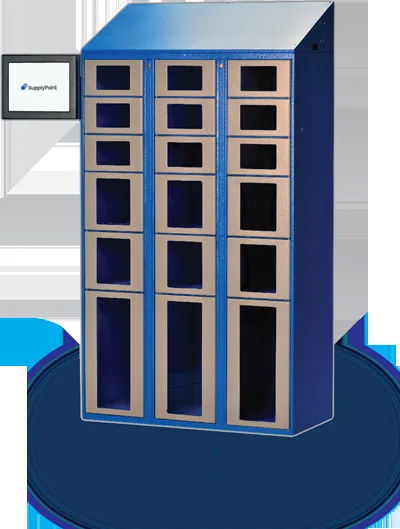
Electronically controlled compartments with individual locks
Backup Access Is Built In
Every deployment we quote includes a fallback: a PIN code, a master override key, or an admin-issued temporary code. A dead phone battery should never mean a locked-out employee or a maintenance call.
Benefits of Phone-Based Locker Access
No Keys to Lose
Physical keys get lost, duplicated, and stolen. Phone-based access eliminates key management entirely. If an employee leaves, their access is revoked instantly in the software.
No Cards to Replace
Access cards cost money to produce and replace. Employees already carry their phones. Using the phone as the credential eliminates card ordering, inventory, and replacement costs.
Cloud Management
Assign lockers, set policies, and view usage reports from any web browser. Multi-site management lets you control lockers across multiple buildings from a single dashboard.
Usage Analytics
Track which lockers are used, how often, and by whom. Usage data helps you right-size installations, identify underused assets, and plan for growth.
Flexible Assignment
Use dedicated assignment (one person, one locker) or shared hoteling mode (first come, first served). Switch between modes as your workplace evolves.
Touchless Access
Phone-based unlocking means no shared keypads or touchscreens, reducing surface contact and supporting hygiene-conscious workplace policies.
Applications
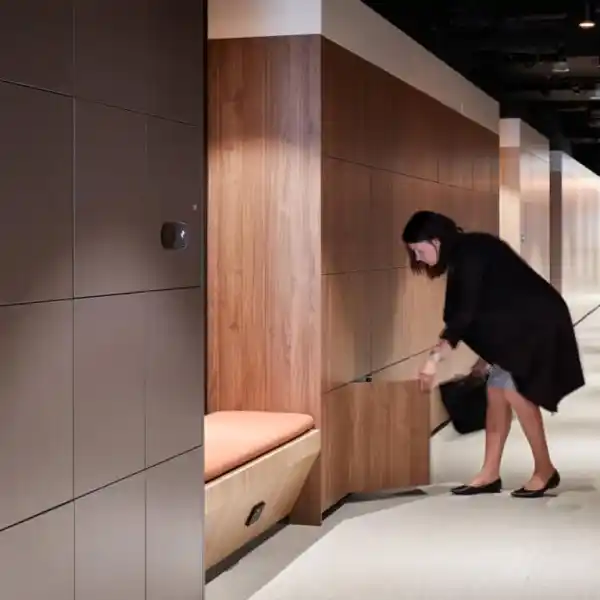
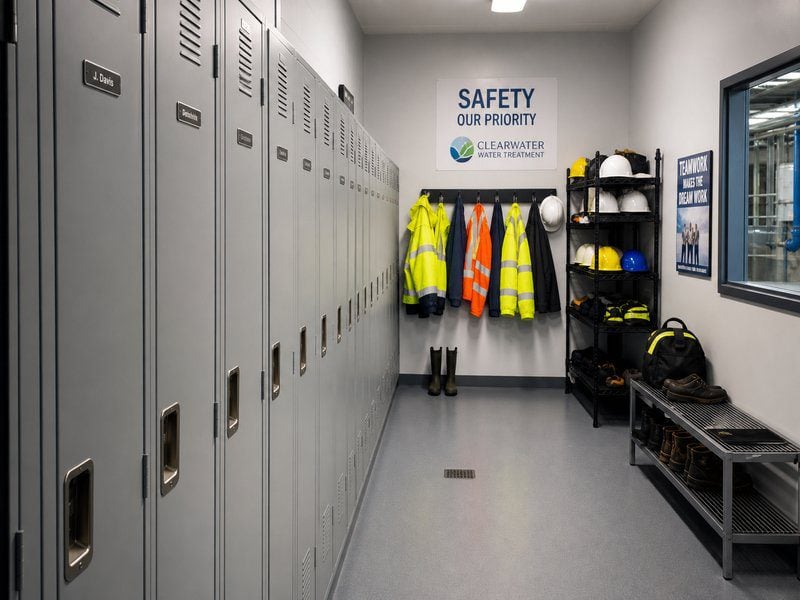
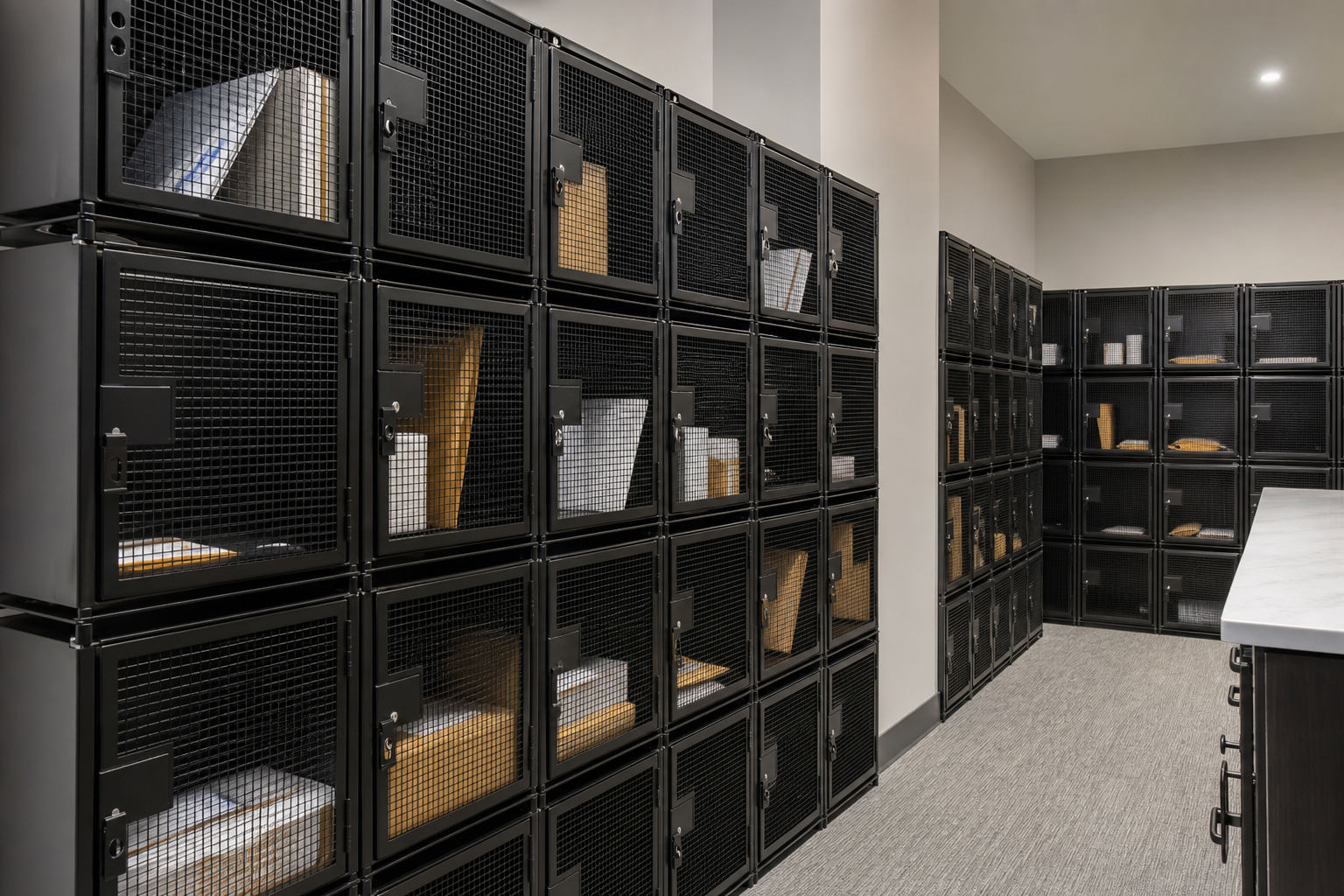
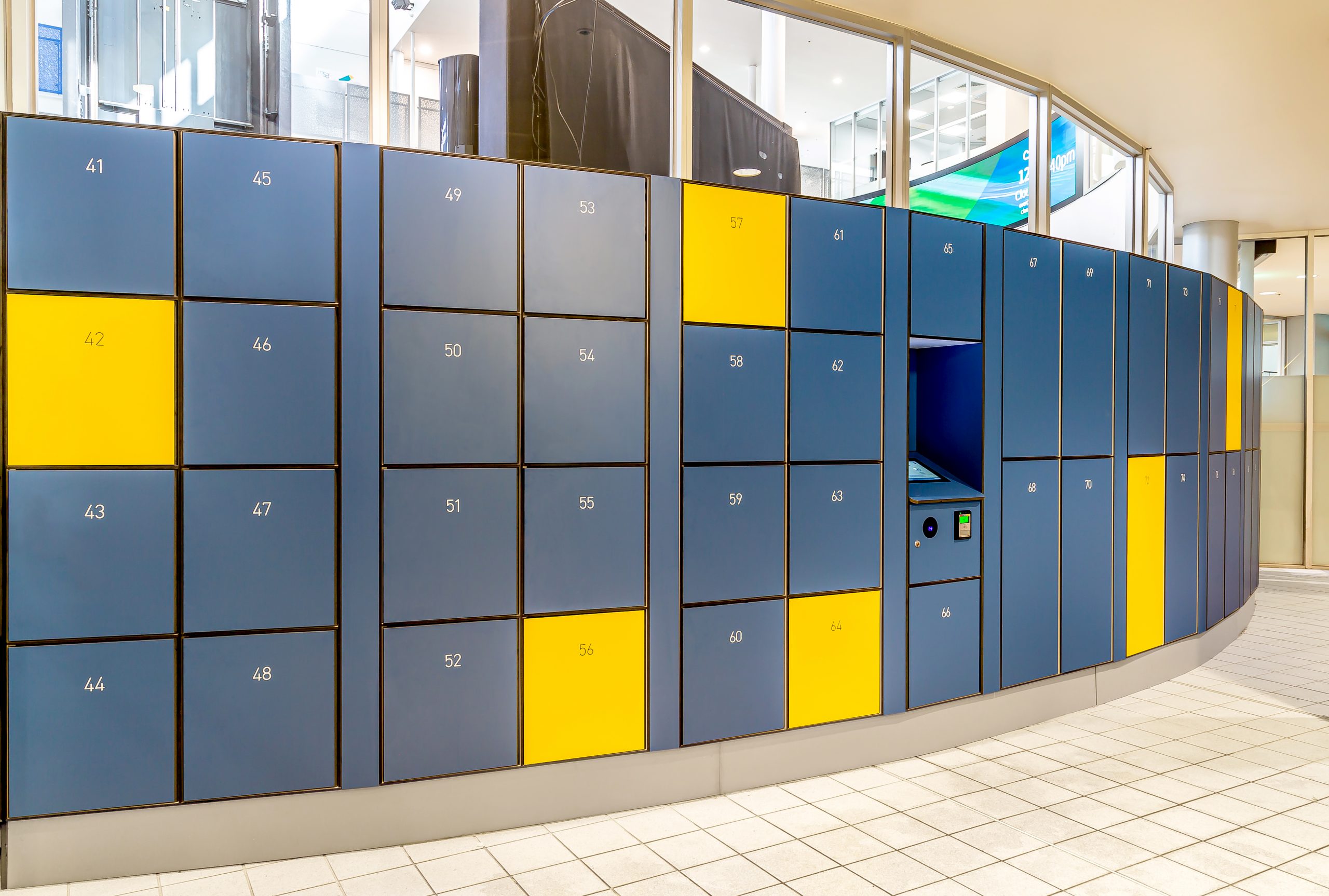
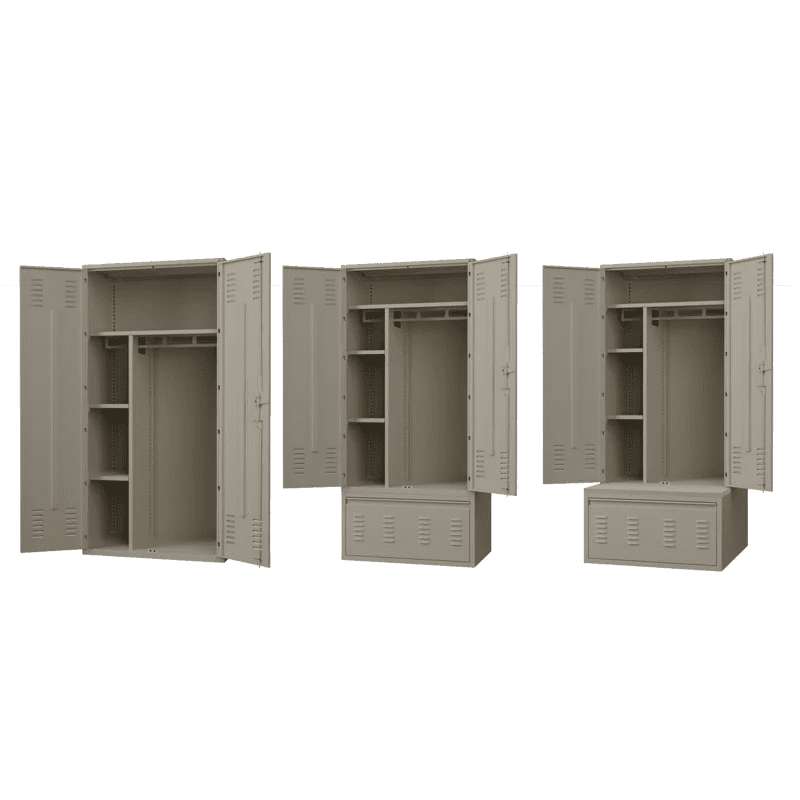

Locker Sizes and Configurations
Compartment size is the first decision. A phone-only bank fits far more users into the same wall space; a full-height locker handles coats, bags, and equipment. Most installations end up mixed.

Phone-only compartments in a wall-mounted bank
| Configuration | Compartment Size | Best For |
|---|---|---|
| Phone-only | Small — fits a phone and keys | Secure facilities, production floors |
| Personal storage | Medium — bag, laptop, lunch | Offices, gyms, universities |
| Full locker | Full height — coat, bag, equipment | Healthcare, manufacturing |
| Mixed configuration | Combination of sizes in one bank | Multi-use environments |
Many phone access locker systems include USB charging ports inside each compartment so devices charge while stored, and LED indicators that show which lockers are available at a glance.
Phone access is one of several ways to open a locker. Compare PIN, card, phone and app access, applications and software on our main smart locker systems page.
Phone Access Locker FAQs
What if someone’s phone battery is dead?
Do phone access lockers need Wi-Fi?
Can lockers be assigned temporarily?
Are phone lockers ADA compliant?
How are the lockers powered?
Can I integrate with our existing employee badge system?
Related Products & Resources


Ready for Keyless Locker Access?
Phone access lockers for offices, gyms, schools, and secure facilities. Free consultation and layout design.