
Library Smart Lockers for Hold Pickup & 24/7 Access
Self-service lockers that let patrons collect holds, borrow laptops and hotspots and pick up materials before opening, after closing or at a branch-free location — planned, supplied and installed by an authorized DC Locker dealer.
Authorized DC Locker dealer · Nationwide delivery & installation · (800) 326-4403
24/7
Hold pickup
Card · PIN · QR
Patron access
IP54
Outdoor-rated unit
ADA
Compliant kiosk
Why Libraries Are Moving the Hold Shelf Into Smart Lockers
Holds are one of the most used services a library offers, and the hold shelf was designed for a time when patrons could only collect them while the doors were open.
Every hold that reaches the shelf costs staff time twice: once to shelve it under the patron’s name and again to find it, check it out and hand it over at the desk. Patrons who work during opening hours wait days for a convenient visit, items sit on the shelf until they expire, and the next person in the queue waits longer. An open hold shelf also displays which patron requested which title — something many libraries would rather avoid.
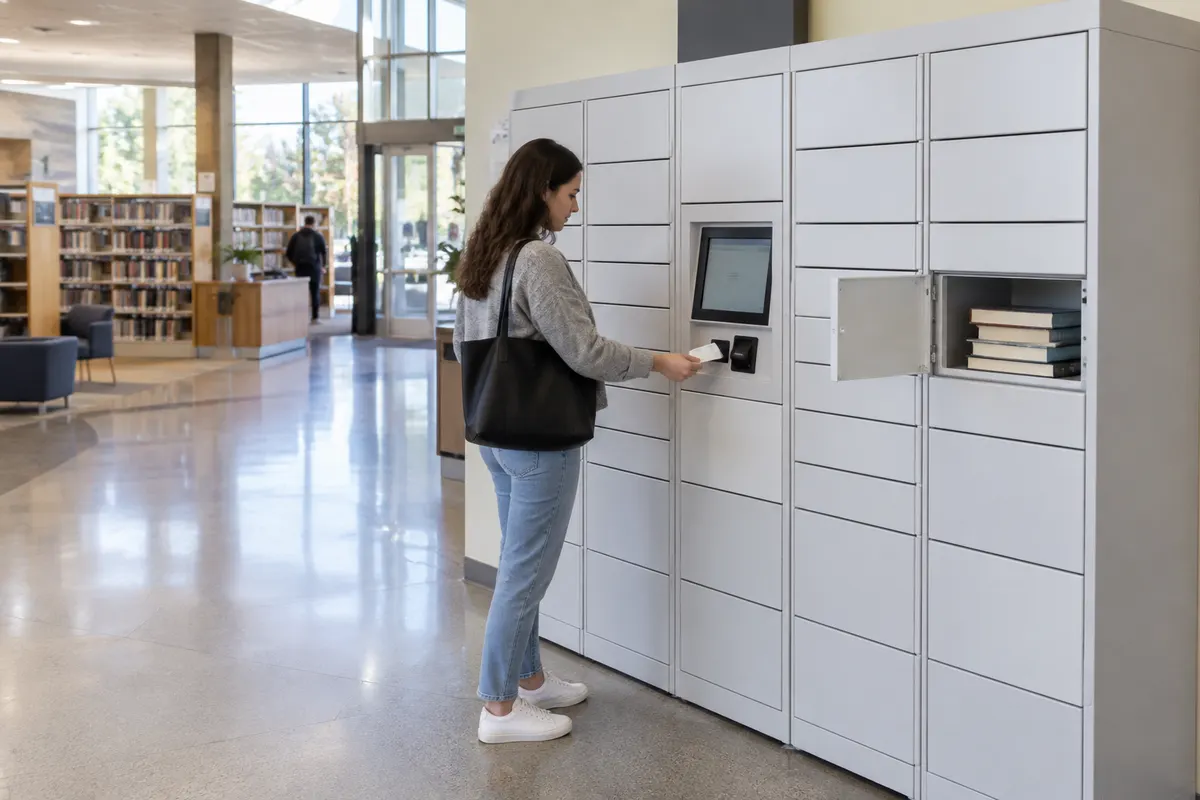
A smart locker turns the hold shelf into a self-service pickup point. Staff place the item in a compartment, the patron receives a pickup code or uses their library card, and the right door opens — at 7 a.m., during lunch or late in the evening if the locker sits in a vestibule or outside the building. Each deposit and pickup is time-stamped in the locker software, so staff can see what has been collected without walking the shelf.
- Hold pickup outside staffed hours, including evenings and weekends
- Fewer desk transactions for simple hold collection
- Patron names never displayed on an open shelf
- Device lending, returns and remote pickup points on the same platform
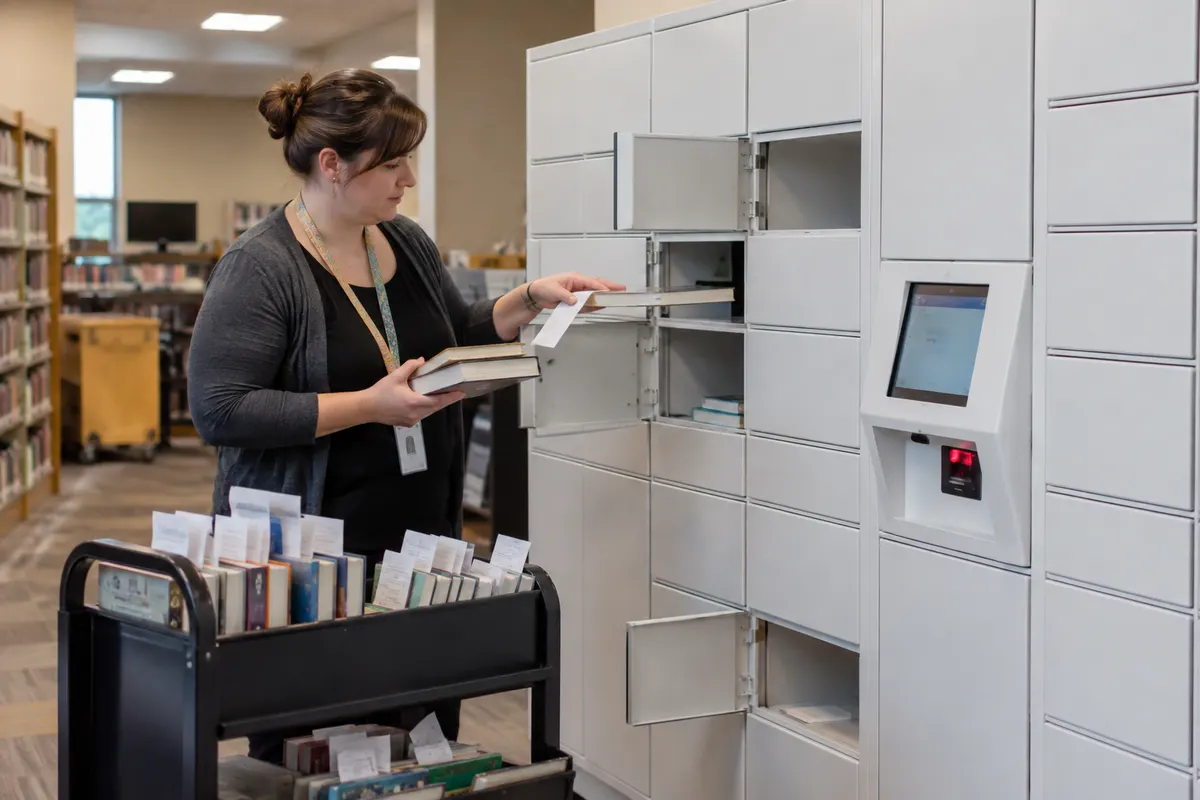
Material Handling USA is an authorized dealer for DC Locker’s smart locker line. We help public, academic, school and special libraries decide whether lockers fit their circulation pattern, choose indoor or outdoor cabinets and the right compartment mix, and deliver and install the system — a single branch or a phased rollout across a library system. For every locker type beyond libraries, start at our Smart Locker Systems hub.
What Libraries Use Smart Lockers For
Hold pickup is usually the first program. Once the lockers are running, the same platform can take on other jobs that strain the circulation desk.
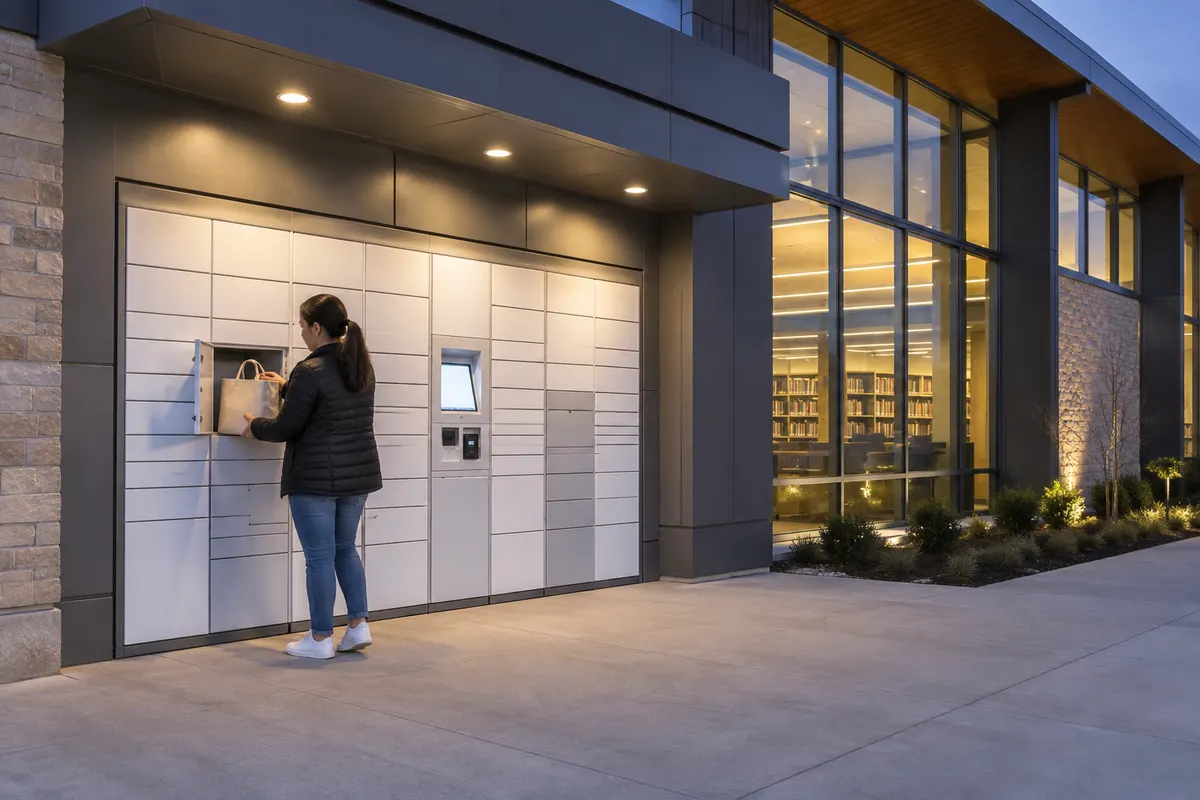 After-Hours & Outdoor Hold PickupA weather-rated cabinet on the building facade or in an entry vestibule lets patrons collect holds when the library is closed, with lighting for safe evening pickup.
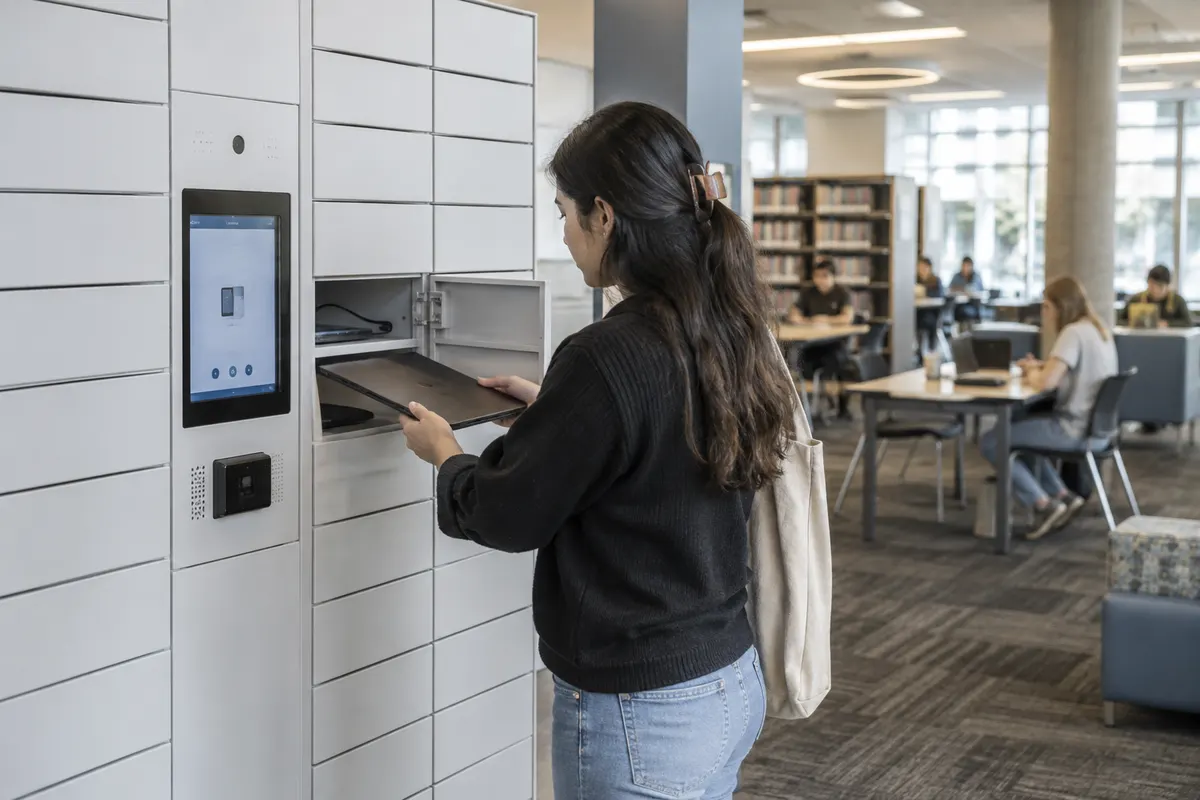 Laptop, Tablet & Hotspot LendingCharging compartments issue laptops, tablets and hotspots by library card or code and record who took each device and when it came back, without staff handling every loan.
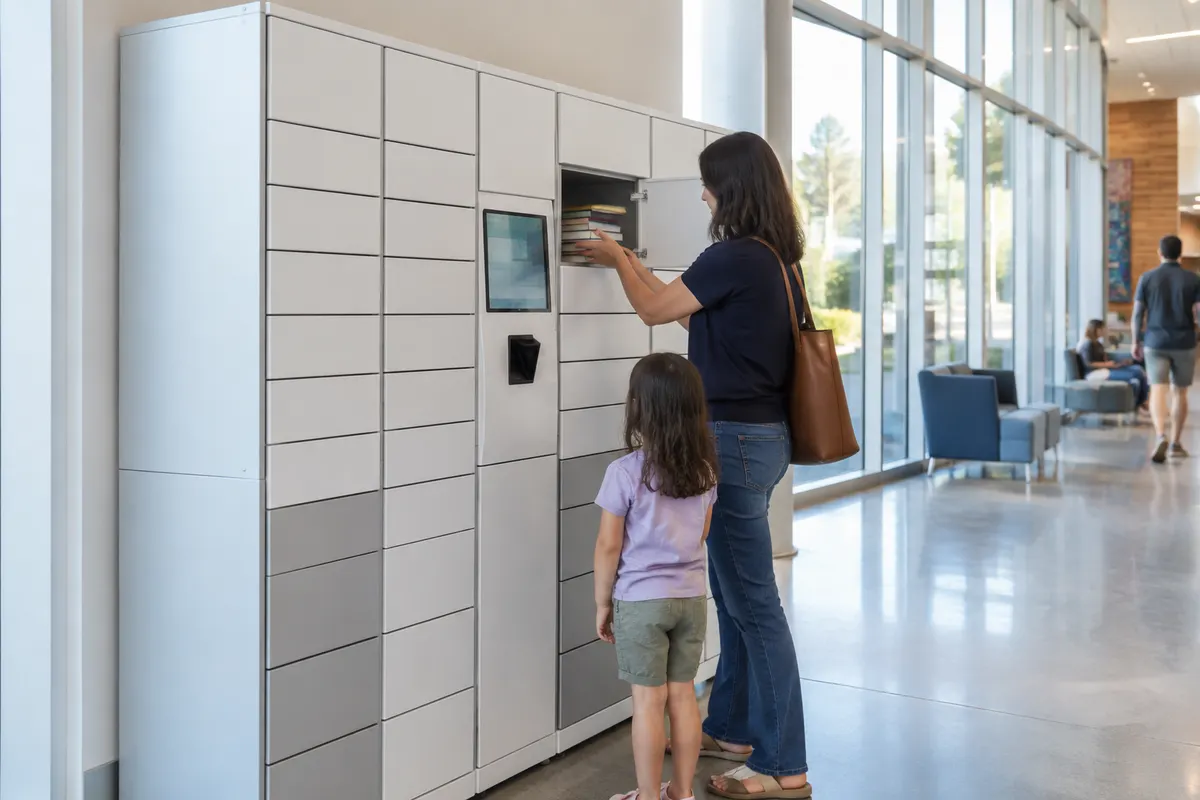 Remote Pickup PointsLockers at a community center, transit hub, school or town hall bring hold pickup closer to patrons who live far from a branch, or replace a branch on days it is not staffed.
Academic libraries add a fourth use: phone storage for testing rooms and quiet study areas. DC Locker’s cell phone storage locker lets students lock a device before entering an exam hall or library study area using an RFID card, PIN or QR code. See our phone access lockers page for keyless personal-storage options and our campus smart lockers guide for how universities combine library, package and testing-center lockers.
How Locker Hold Pickup Works, Step by Step
Patrons see a short, predictable process. Behind it, the workflow fits the way circulation staff already pull and process holds.
Hold Is Filled
The item is pulled and checked in against the hold exactly as it is today; staff choose locker pickup when the patron selected it.
Staff Load a Compartment
Staff scan the item at the kiosk; the system assigns a free door of the right size and records who loaded it and when.
Patron Is Notified
A pickup notice with a code or QR code goes out by email or text — from the locker software or, where integrated, from your library system.
Patron Collects
The patron scans a card, enters a PIN or shows the QR code, the correct door opens and the pickup is logged. Uncollected items are flagged for staff to pull.

Returns and staff-side tasks
Lockers can also accept items going the other way. A patron returning a laptop, a reserved kit or an interlibrary-loan item that should not go in an open book drop can be given a drop-off code; the item goes into an empty compartment and staff collect it on their schedule, with the log showing when it was deposited. Whether that return is checked in automatically or by staff depends on how the locker software is connected to your library system, which we confirm during planning.
Expired pickups work the same way in reverse: the software lists compartments that have passed the hold window, staff open them from the admin screen and the door is free for the next patron. Libraries usually set a locker pickup window shorter than the hold-shelf window so doors turn over quickly.
Library System Integration and Patron Privacy
The two questions every library asks before buying lockers: will it talk to our integrated library system, and what does it record about patrons?
Connecting to your ILS
Lockers can run stand-alone, with staff assigning compartments at the kiosk and the software sending pickup codes. Most libraries want more than that: pickup notices triggered from the hold record, patrons authenticating with the library card they already carry, and checkouts recorded against the patron account. Library systems typically expose this through standard self-service protocols such as SIP2 or NCIP, or through a vendor API.
DC Locker systems support third-party software and API integration. What can be connected depends on your ILS, its version and the licenses you hold, so integration scope is confirmed with your library system vendor before the quote — not after installation. Our smart locker software guide covers cloud hosting and integration options.
Privacy by design
A locker hides what an open hold shelf shows. Compartment doors are solid, pickup codes do not display the patron’s name at the bank, and only staff with admin rights see who used which door. Libraries should still decide in writing how long the locker software keeps transaction logs, who can view them and whether the camera on outdoor units records, so the locker matches the library’s existing privacy policy.
Questions worth putting to any locker supplier: where the software is hosted, how long access logs are retained and whether that is configurable, how staff accounts are permissioned, and what data is exchanged with the ILS. We work through these with your IT and administration team before configuration.
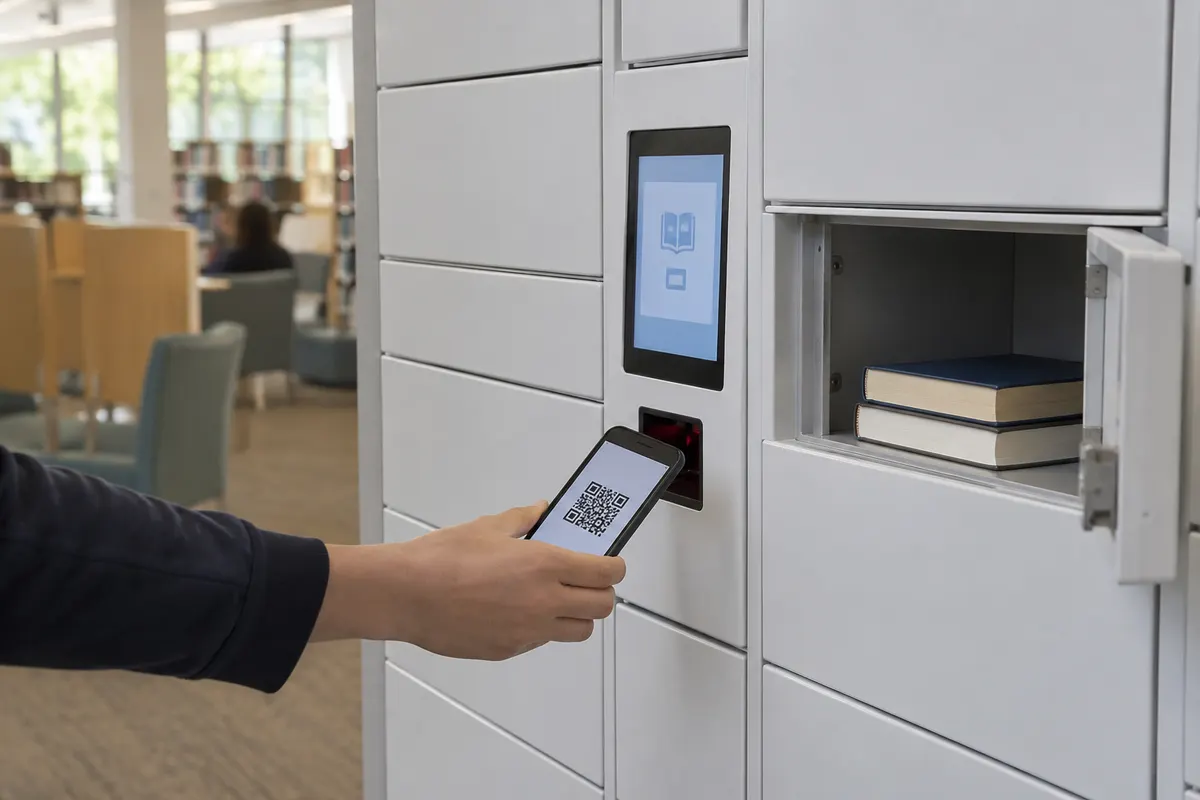
Access methods should match what patrons already have. A library card barcode or RFID card is the most familiar; a PIN or a QR code sent with the pickup notice suits patrons who do not carry their card. DC Locker kiosks support QR code and barcode scanning and RFID readers, and the line also includes facial recognition and Bluetooth phone-app unlocking for applications that need them. Most libraries keep it simple: card or code, with staff override from the admin screen.
- Library card barcode or RFID card at the kiosk
- PIN or QR code delivered with the pickup notice
- Staff override and remote door release
- Time-stamped log of every deposit and pickup
DC Locker Models Matched to Library Programs
These DC Locker products cover most library locker programs. Final configuration depends on your circulation volume, site and integration needs.
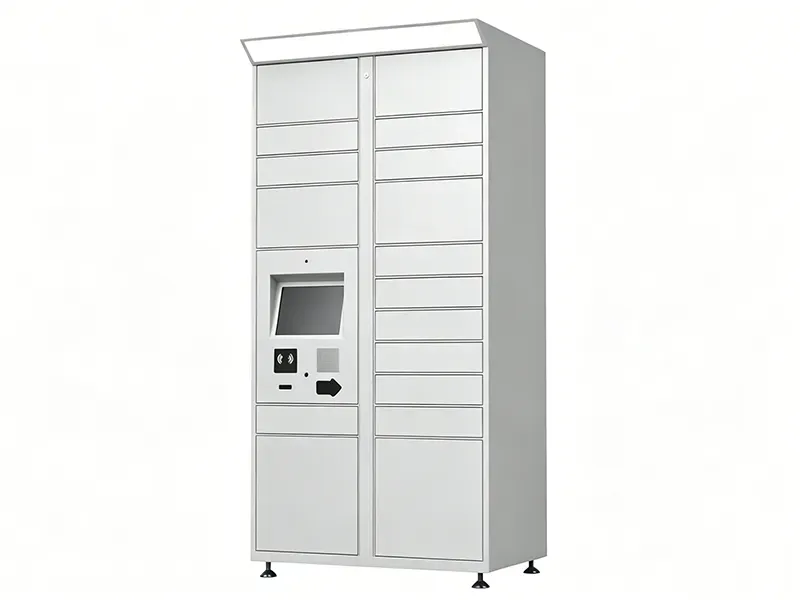 UL Parcel Locker (Hold Pickup)UL certified and ADA compliant, with a 10.4″ or 21.5″ touchscreen, QR/barcode scanner, RFID reader, embedded camera and motion-activated lighting. IP54-rated for outdoor and vestibule sites.
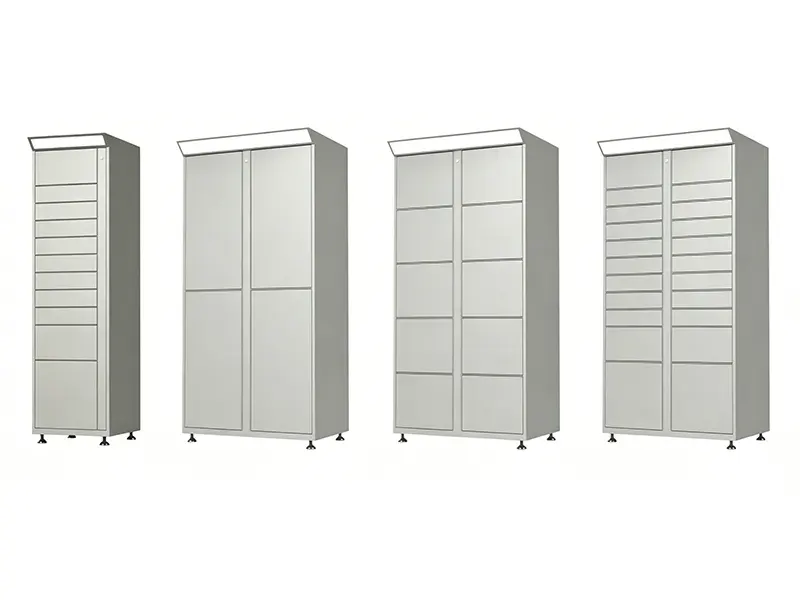 Add-On Side UnitsSide units attach to the kiosk unit in five compartment sizes, from small doors for a single paperback to oversized doors for bundled holds, book-club sets and kits.
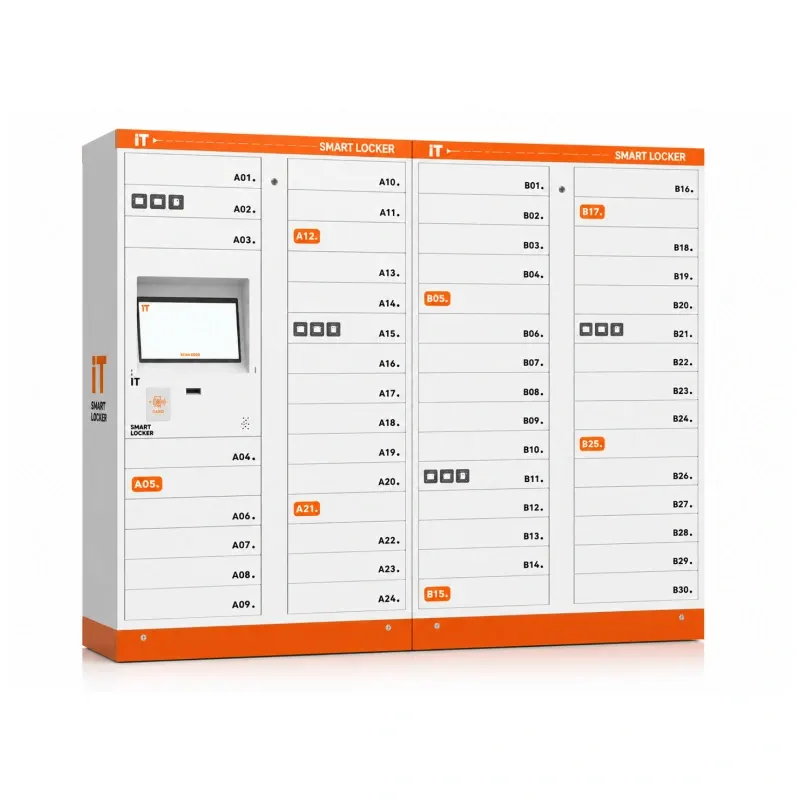 Smart IT Asset Locker (Device Lending)A control locker with 24 compartments plus 30-compartment side lockers, 15.6″ touchscreen and barcode/QR access for 24/7 self-service borrowing, return and charging of devices.
DC Locker also builds solar-powered parcel lockers for sites where running power is impractical, Bluetooth lockers opened from a phone app, smart charging lockers and small-compartment storage lockers. Lock mechanisms across the line are cycle-tested past 100,000 openings. Some common configurations are held in stock at the manufacturer, subject to confirmation at the time of quote.
Indoor, Vestibule or Outdoor: Where Library Lockers Go
Placement decides when patrons can use the locker and how much staff walking it saves.
| Location | Pickup Hours | Best Fit | Planning Notes |
|---|---|---|---|
| Inside, near circulation | Library open hours | Busy branches that want shorter desk lines | Simplest install; staff load a few steps from the workroom |
| Entry vestibule | Extended hours if the vestibule stays open | Branches with a secure lobby or double-door entry | Vestibule door access, lighting and camera coverage after hours |
| Outdoor facade or canopy | 24/7 | True after-hours pickup, drive-up or walk-up service | IP54-rated cabinet, power and data at the wall, anchoring and weather protection checked on site |
| Off-site pickup point | Host site hours or 24/7 | Community centers, transit, schools, town halls | Host agreement, network connection and a delivery route for staff loading |
For outdoor and off-site lockers, the loading route matters as much as the patron side. Staff need a safe, covered path with a book cart, and off-site lockers need a regular delivery run. Accessible placement is drawn in from the start: a clear approach, kiosk and compartment reach ranges, and the most-used doors kept in the accessible zone. DC Locker’s UL parcel locker is ADA compliant, and the layout around it has to be as well.
Common planning mistakes to avoid
Choosing an outdoor site without checking where staff will load from; skipping the network drop until install day; sizing from average days instead of busy ones; leaving ILS integration until after delivery; and placing the most-used doors above accessible reach.
Sizing a Library Locker Bank
A locker that is full by mid-morning sends patrons back to the desk. Sizing starts from circulation data, not from a catalog configuration.
| Input | Why It Matters | What We Ask For |
|---|---|---|
| Daily holds filled | Sets the baseline compartment count | Average and busiest-day holds for the branch |
| Share choosing locker pickup | Not every patron will switch at once | Expected or pilot uptake, by branch |
| Pickup window | Longer windows keep doors occupied longer | Planned locker hold days vs. shelf hold days |
| Item mix | Decides small, medium, large and oversized doors | Share of single items vs. multi-item bundles and kits |
| Devices to lend | Charging compartments are a separate module | Number of laptops, tablets and hotspots in circulation |
Lockers are modular: a kiosk unit plus add-on side units. A branch can start with the compartments a pilot needs and add side units later without replacing the kiosk. Most libraries do best sizing for a typical busy day and letting the hold shelf absorb the few peak days, rather than buying doors that sit empty. Multiple holds for one patron can share a larger door, which stretches capacity further. For the compartment math in more detail, see our parcel locker sizing guide.
How a Library Locker Project Runs With MH-USA
Discovery & Circulation Data
We review hold volume, item mix, pickup habits, opening hours and which ILS you run, and identify what integration your library system supports.
Site & Layout
A layout shows locker position, indoor or outdoor format, compartment mix, kiosk height, accessible approach and the staff loading route.
Quote & Procurement
One itemized quote covers cabinets, kiosk and access hardware, software, freight and installation. Lead time is confirmed with the quote, and we work with public purchasing requirements.
Install, Configure & Train
Crews set and anchor cabinets, the network is connected, notices and admin roles are configured, and circulation staff are trained before launch.
Library systems with several branches often pilot one location first, compare locker pickups with the hold shelf for a few months, then roll the proven layout out to other branches or off-site points. We deliver and install nationwide, and our Salt Lake City home office handles Utah libraries directly — see Utah Smart Lockers for local projects.
Related Smart Locker Guides
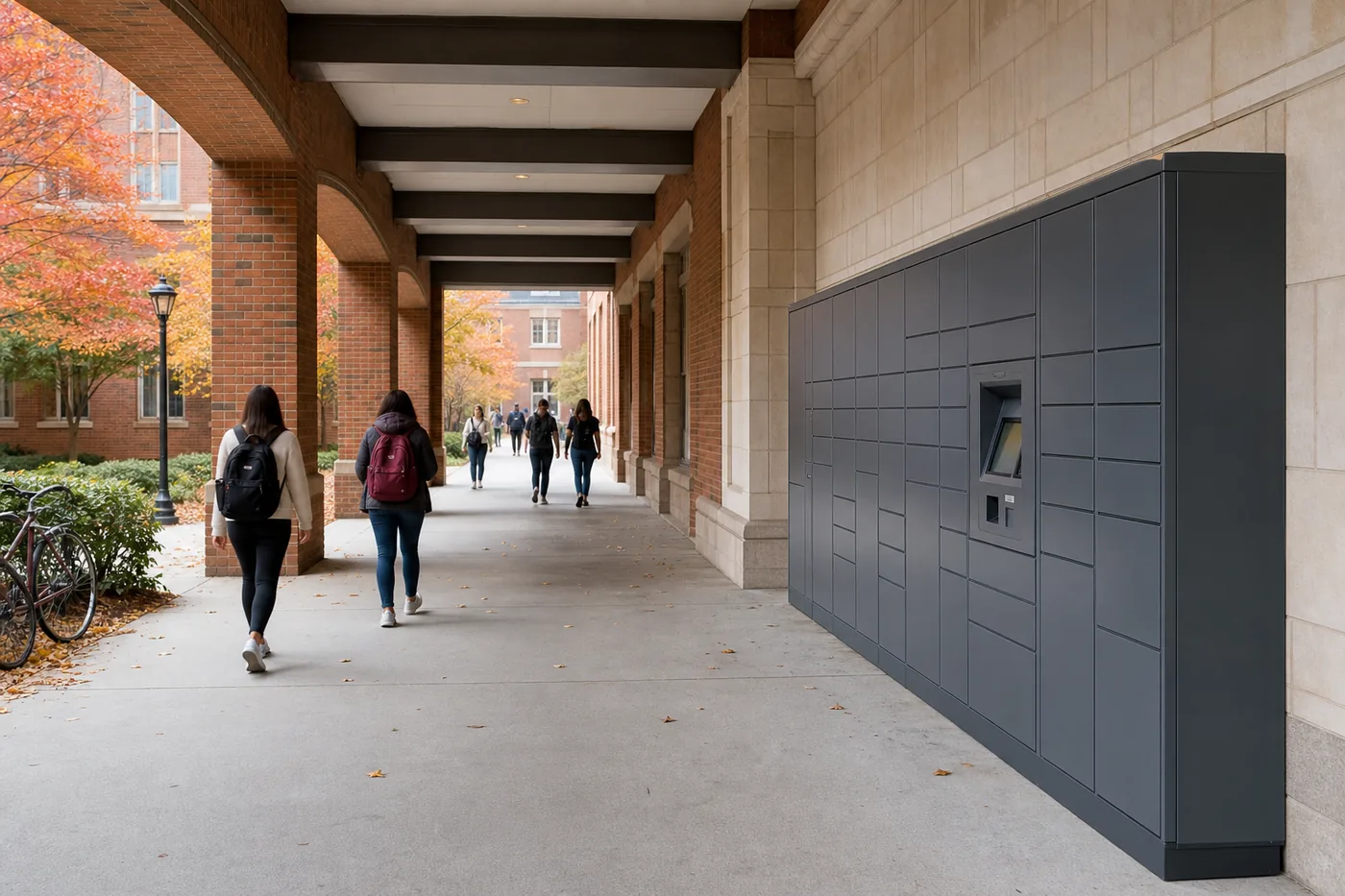 Smart Lockers for Universities & CampusesPackage pickup, library holds, testing-center phone lockers and meal pickup for colleges.
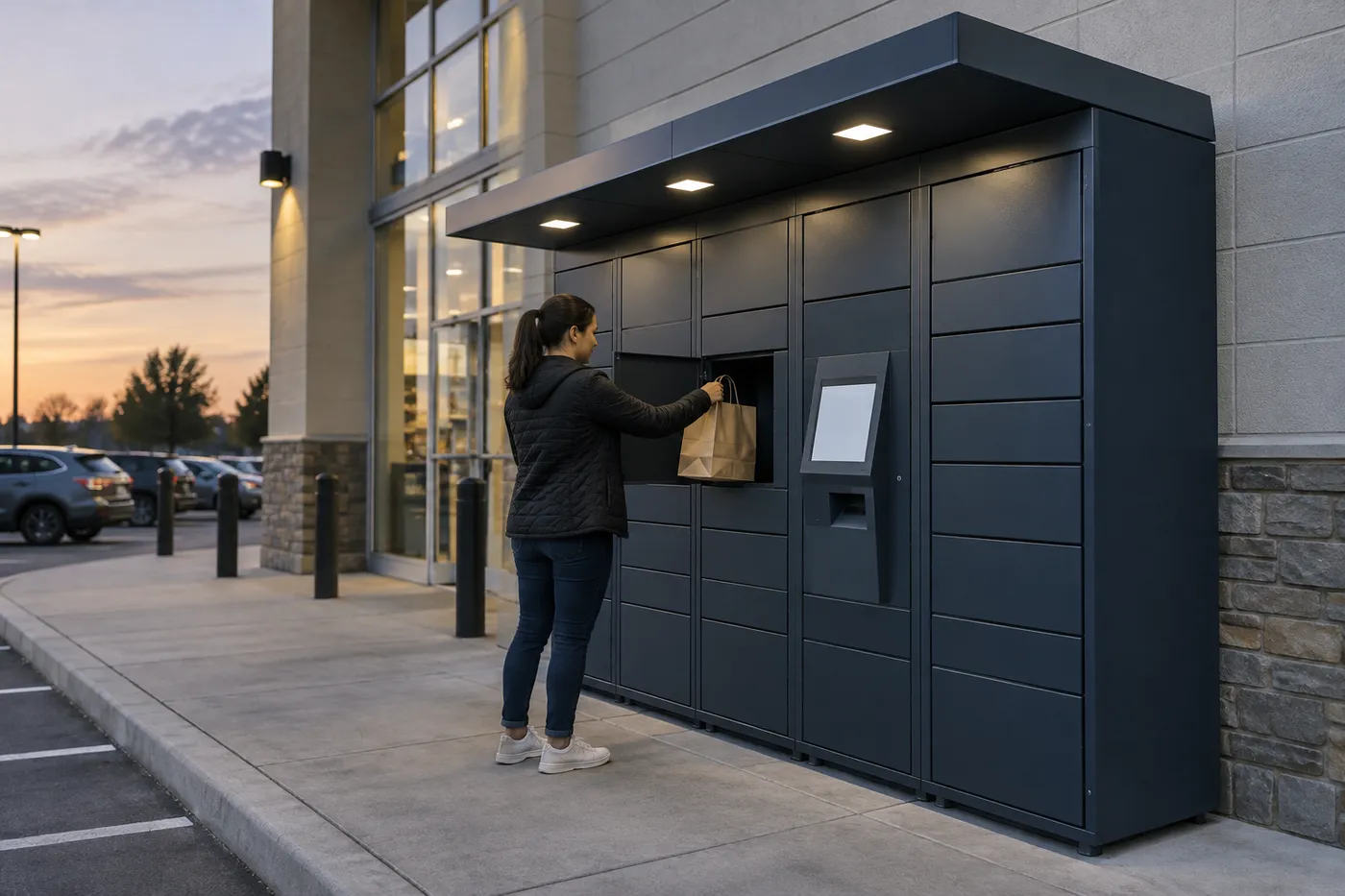 Retail Click-and-Collect LockersSelf-service order pickup, after-hours collection and returns drop-off for stores.
 Smart Locker Software & IntegrationCloud hosting, access control and third-party integration options for smart lockers.
Back to the Smart Locker Systems hub for parcel, storage, charging, medical and tool lockers.
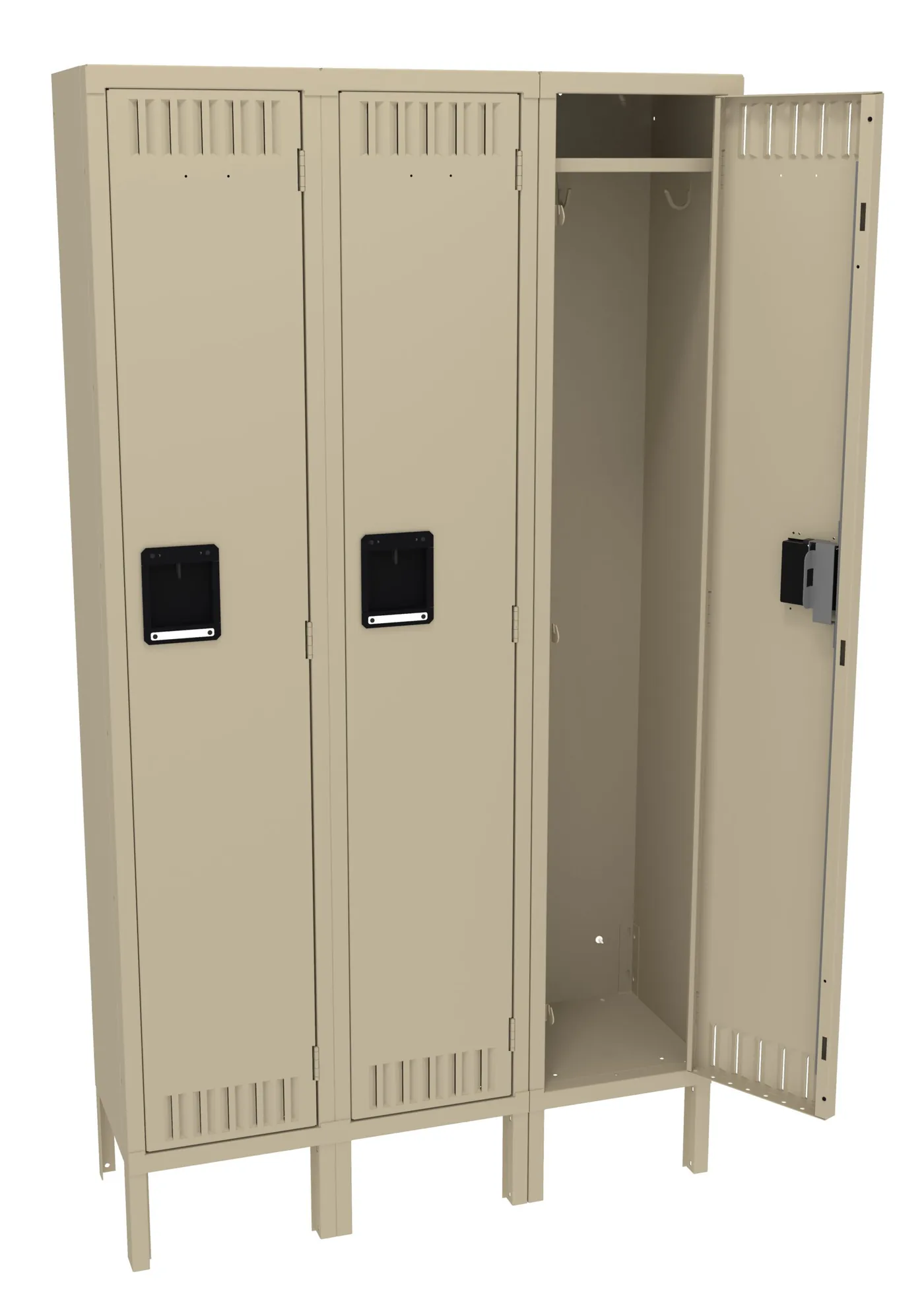
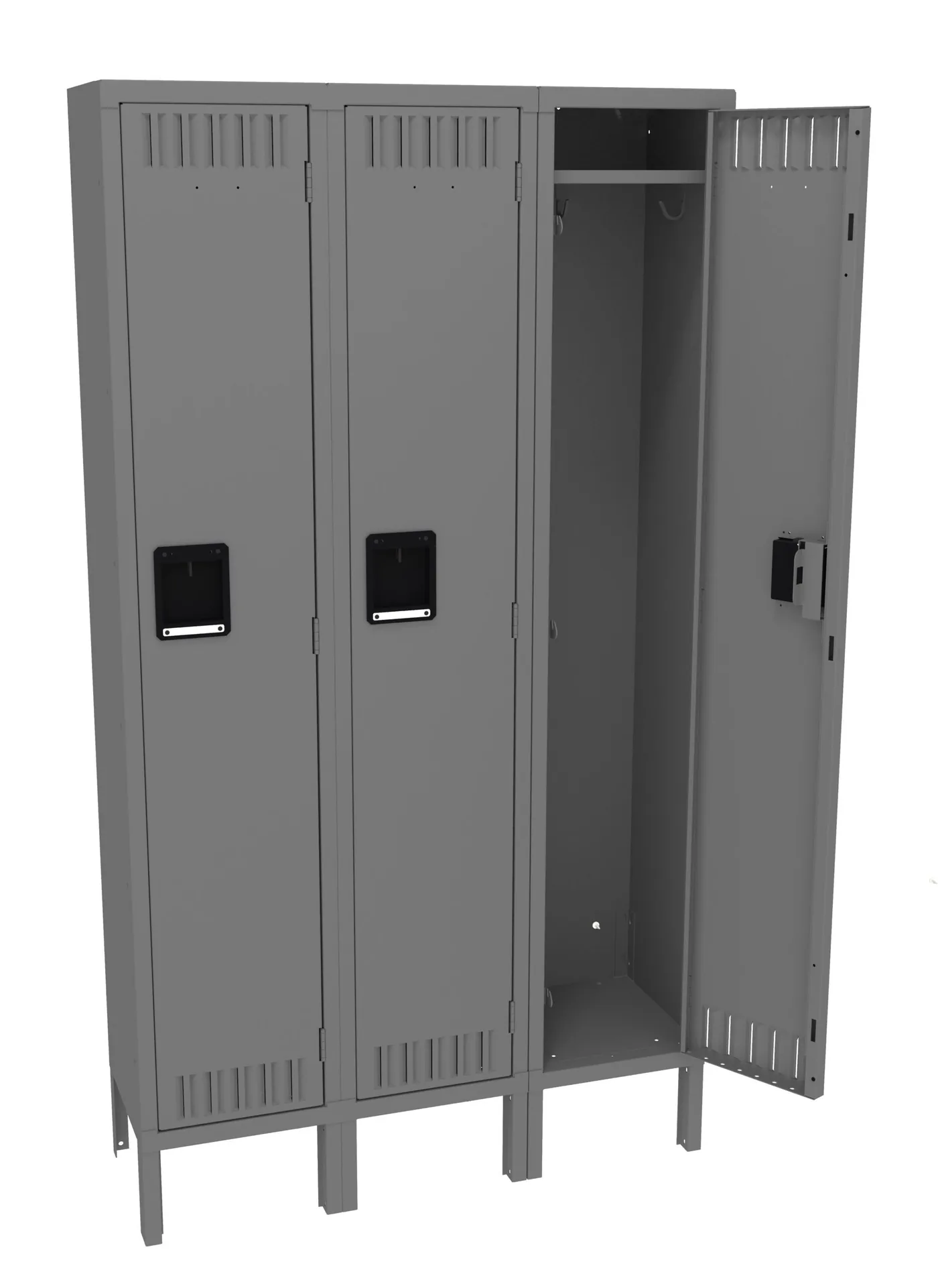
Shop Tennsco Steel Lockers Online
Standard steel lockers for library staff rooms and back offices are priced online and ship nationwide. Smart hold-pickup lockers, software and installation are quoted per project — call (800) 326-4403.

Get a free quote
Tell us what you are storing, the room size and your timeline. A project specialist will follow up with layout options and pricing. Prefer to talk? Call (800) 326-4403.
Library Smart Locker FAQs
What is a library smart locker?
Do library lockers work with our ILS?
Can patrons pick up holds when the library is closed?
Can lockers lend laptops and hotspots?
How do lockers protect patron privacy?
How many compartments does a branch need?
Can lockers be placed away from the library?
Do you install library lockers nationwide?
Planning Smart Lockers for Your Library?
Share your hold volume, branch layout and opening hours for a free layout and quote.