
Retail Smart Lockers for Click-and-Collect & BOPIS Pickup
Self-service pickup lockers for buy-online-pickup-in-store orders, curbside and after-hours collection, returns and staff devices — planned, supplied and installed by an authorized DC Locker dealer.
Authorized DC Locker dealer · Nationwide delivery & installation · (800) 326-4403

24/7
Self-service pickup
QR · PIN · RFID
Access options
IP54
Outdoor-rated UL unit
Nationwide
Delivery & installation
Why Retailers Are Adding Smart Pickup Lockers
Online orders that end in a store visit are now a routine part of retail. The pickup counter was never designed to carry that load.
A buy-online-pickup-in-store (BOPIS) program only works if the hand-off is fast. When every order depends on an associate walking to the back room, finding the bag and checking an ID, the pickup desk becomes a line — and the customer who ordered online to save time waits anyway. Staffing that counter for the full trading day ties up labor that could be on the sales floor.
A smart pickup locker takes the associate out of the hand-off. Staff load the finished order into a compartment once, the customer receives a pickup code by text or email, and the right door opens when the code is scanned — before work, during lunch or, with an outdoor or vestibule unit, after the store closes. Every deposit and pickup is time-stamped, so questions about whether an order was collected are answered from the log, not from memory.
- Shorter pickup lines and fewer pickup-desk staffing hours
- Pickup outside store hours with outdoor or vestibule cabinets
- Audit trail of who loaded and who collected each order
- Returns drop-off and staff-device storage on the same platform
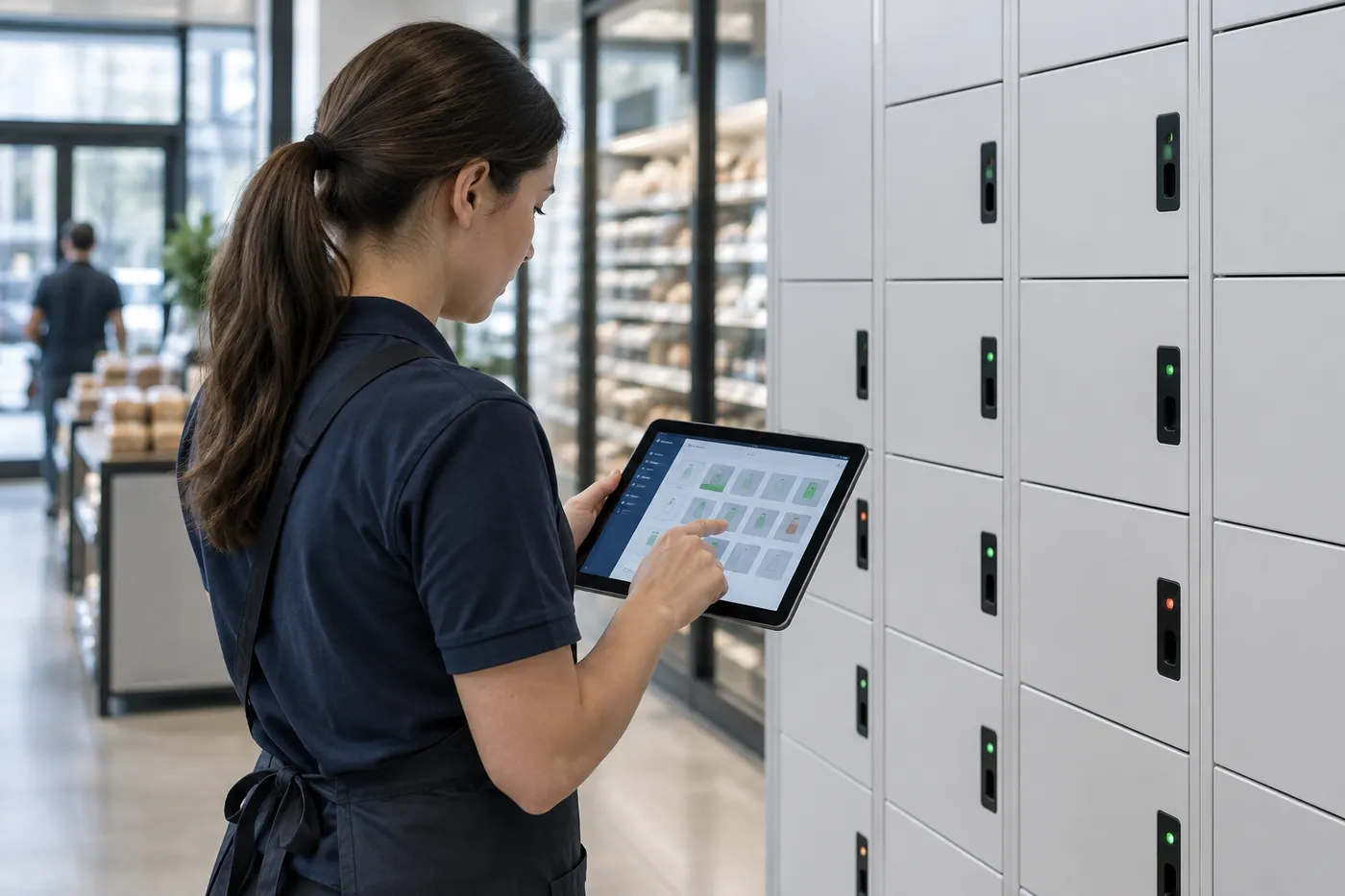
Material Handling USA is an authorized dealer for DC Locker’s smart locker line. We help retailers, grocers, home-improvement and specialty stores decide whether lockers fit their order volume, pick the right cabinets and compartment mix, and deliver and install the system — one store or a regional rollout. For the full range of locker types beyond retail, start at our Smart Locker Systems hub.
Retail Uses for Smart Lockers
The same locker platform handles several retail jobs. Most stores start with BOPIS pickup and add the rest once the system is running.
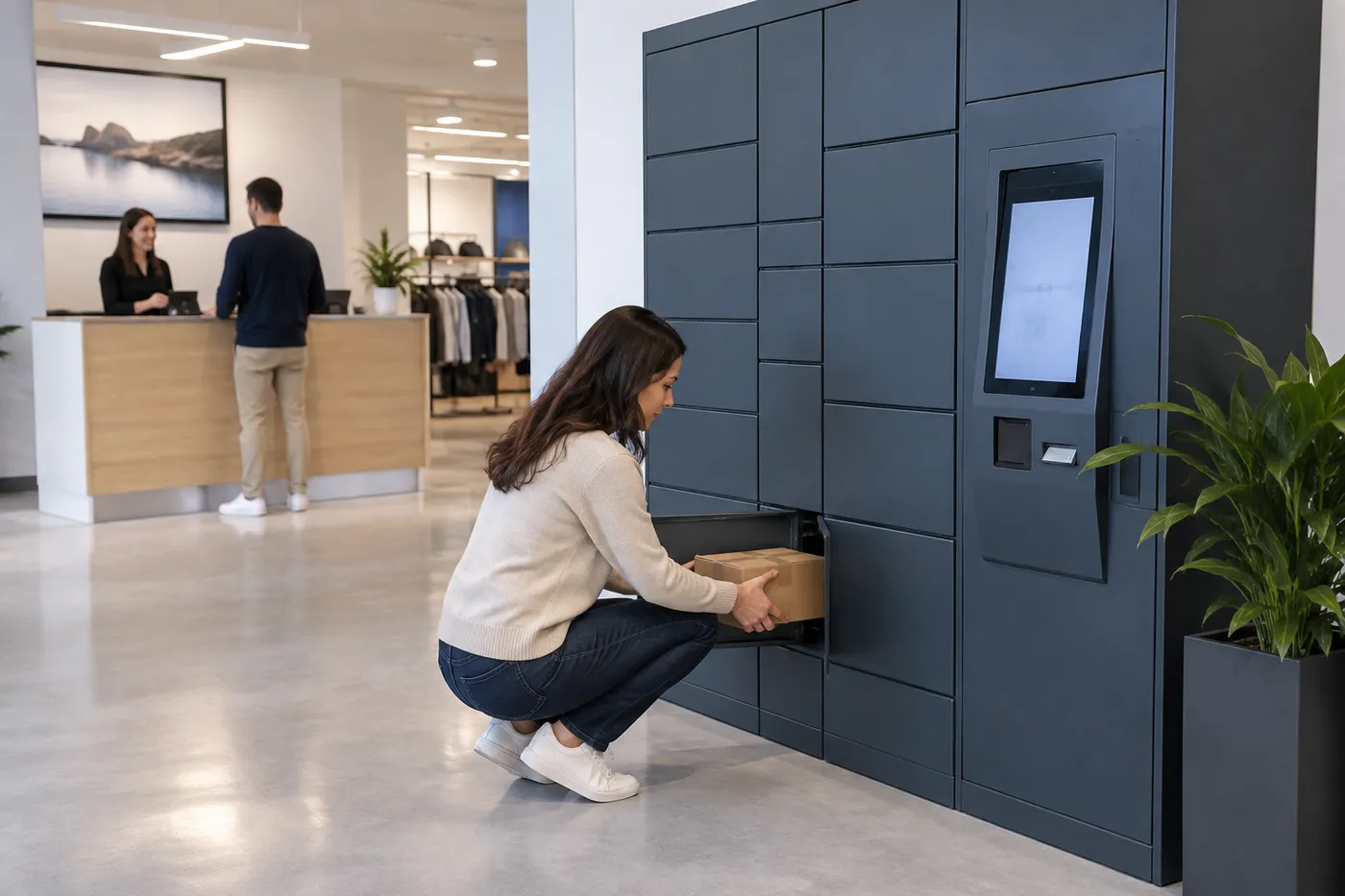 Self-Service Returns Drop-OffCustomers start a return online, receive a drop-off code and leave the item in a compartment. Staff process returns from the back side or on a schedule instead of at the counter.
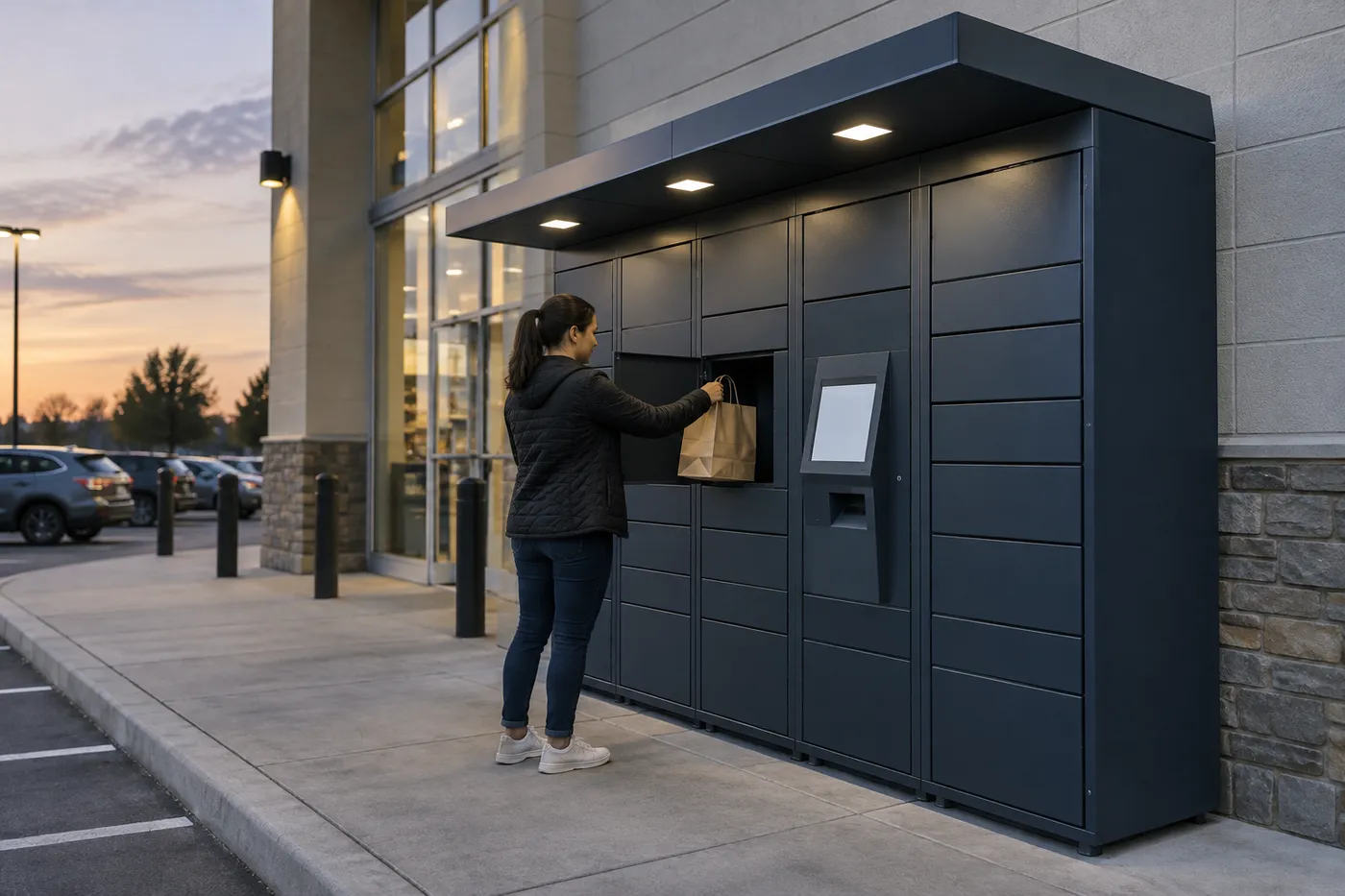 Curbside & After-Hours PickupWeather-rated cabinets on the storefront or in a vestibule let customers collect orders when the store is closed, without an associate walking orders out to cars.
 Contractor & Pro-Desk OrdersOversized compartments for boxed tools, fittings and job-site parts, so trade customers pick up early-morning orders without waiting at the pro desk.
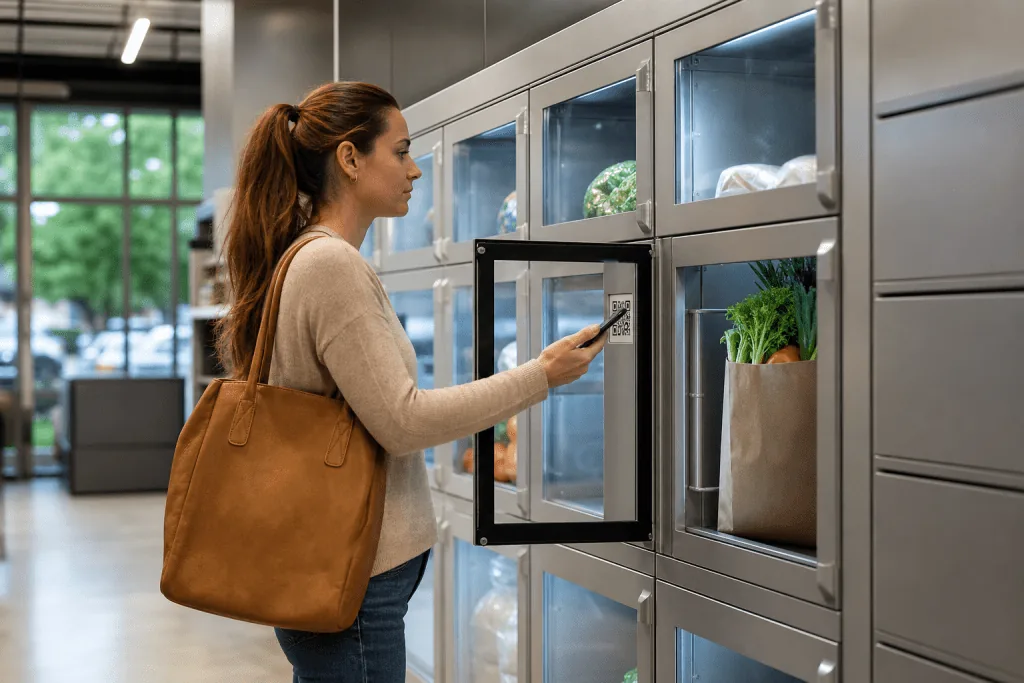 Grocery & Temperature-Controlled PickupRefrigerated, frozen, ambient and heated compartments keep grocery, meal and pharmacy-adjacent orders at the right temperature until pickup.
 Shopper Bag Storage in Malls & CentersSelf-service storage lockers let shoppers leave purchases or bags and keep shopping hands-free, opened by QR code without a staffed coat check.
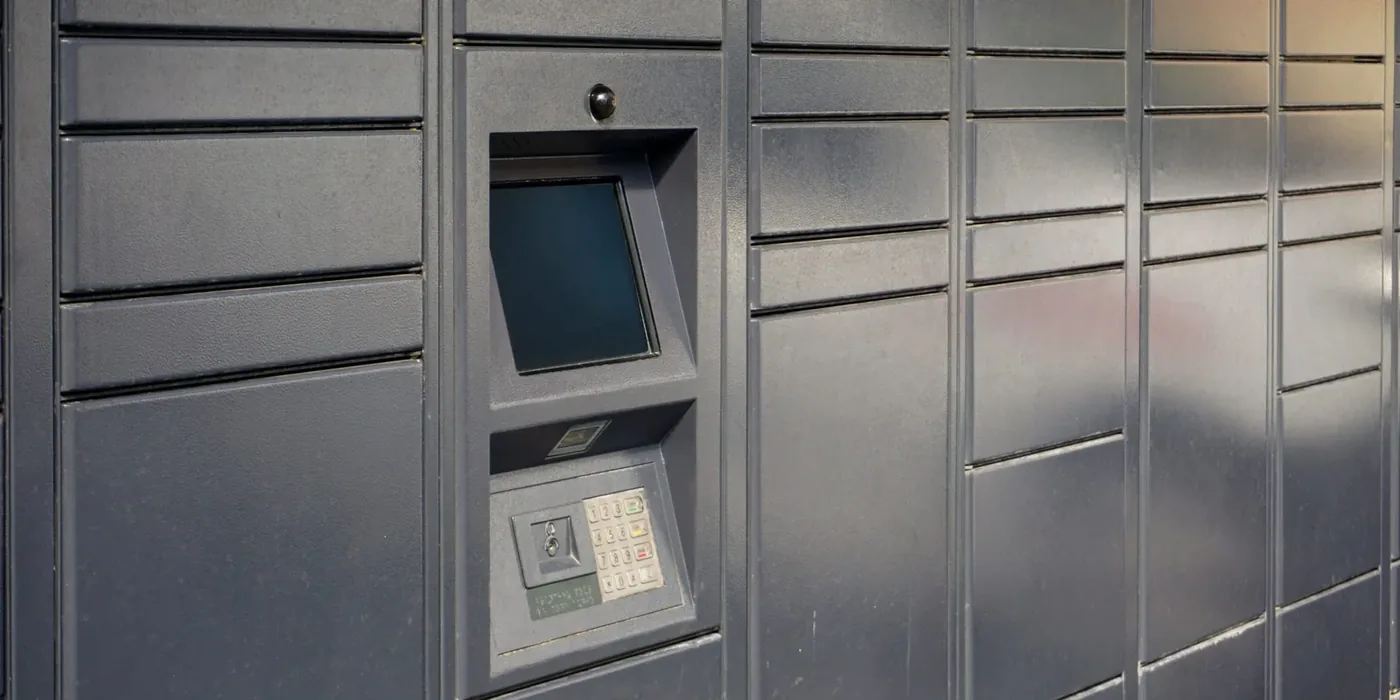 Staff Handhelds & Device ChargingCharging lockers issue scanners, tablets and phones to associates by badge, QR code or facial recognition, so devices are charged, accounted for and ready for the next shift.
Front-Load, Rear-Load or Outdoor: Choosing the Locker Format
How orders get into the locker matters as much as how customers get them out. The format decides where the locker can go and how much staff walking it saves.
| Format | How It Works | Best Fit | Planning Notes |
|---|---|---|---|
| Front-load (single-sided) | Staff and customers use the same doors; staff load from the sales floor | Smaller stores, lower order volume, freestanding placement | Simplest install; loading happens in view of shoppers |
| Rear-load (double-sided / through-wall) | Staff load from the back room side; customers pick up from the sales floor side | High-volume BOPIS, grocery, stores with a wall between stockroom and front | Needs a suitable wall opening; loading stays out of the customer area |
| Outdoor / curbside | Weather-rated cabinet on the storefront, often with a canopy | After-hours pickup, drive-up programs | Power and data at the wall; UL-listed, IP-rated cabinet and site-specific anchoring |
| Vestibule | Indoor cabinet in an entry area that stays open after hours | Extended pickup hours without a full outdoor unit | Store security and access control for the vestibule door |
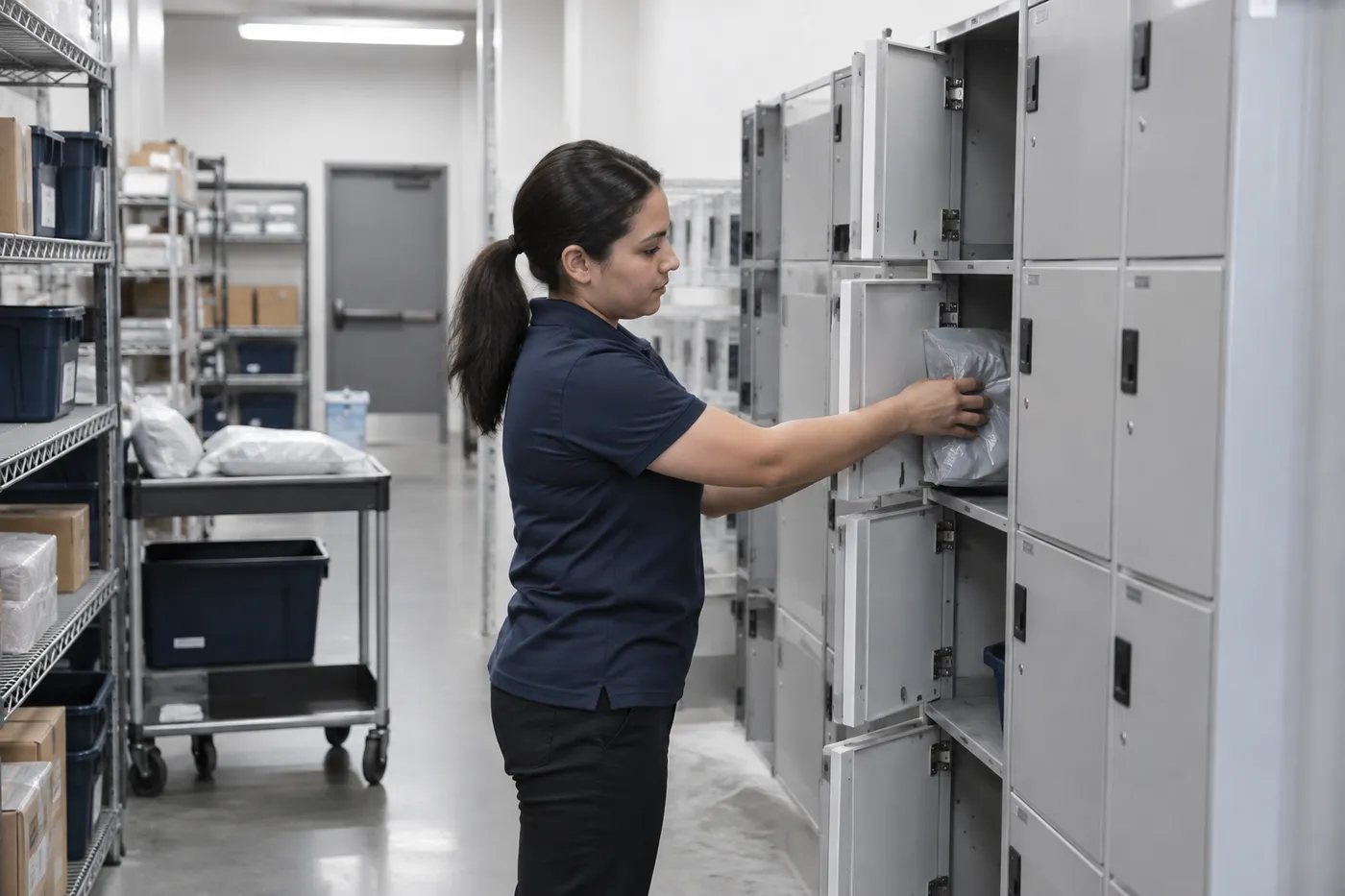
For stores with steady online-order volume, a double-sided layout usually pays off first. DC Locker’s double-sided pickup locker separates the two jobs physically: one side is used to load orders, the other side is where the customer collects. Associates never leave the stockroom to stage an order, and customers never need to be let behind the counter.
Where no wall is available, a front-load bank placed near the entrance still removes the wait. We look at your floor plan, the path from the pick area to the locker and where customers naturally enter before recommending a format.
DC Locker Models Used for Retail Pickup
These are the DC Locker products most often matched to retail click-and-collect programs. Final configuration depends on your order mix and site.
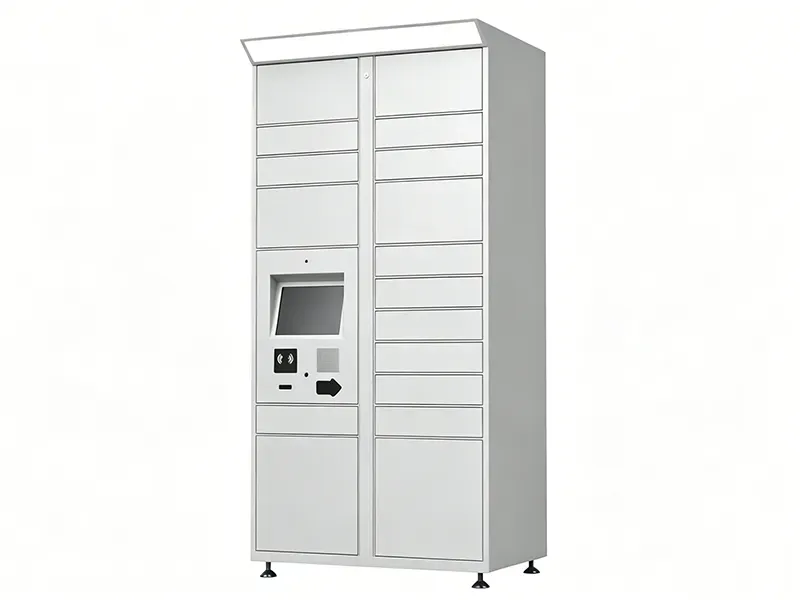 UL Parcel LockerUL certified and ADA compliant, with a 10.4″ or 21.5″ touchscreen, QR/barcode scanner, RFID reader and embedded camera. IP54-rated, 1.5 mm cold-rolled steel; side units add small through oversized compartments.
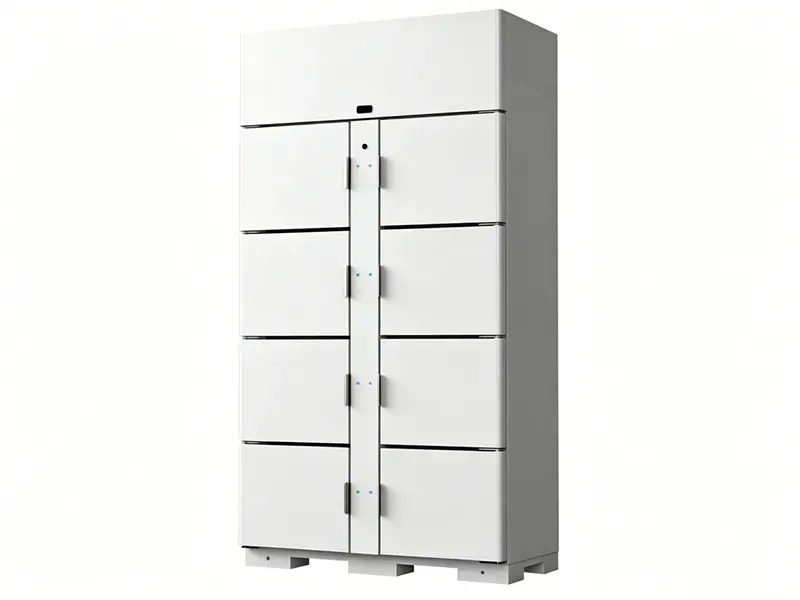 Refrigeration / Freezer Locker 201/202ETL sanitation-certified to NSF 7. Model 201 runs refrigerated (34–43°F), ambient or heated modes; model 202 runs freezer mode. Stainless steel liners for grocery and food pickup.
 Double-Sided Pickup LockerLoading side and pickup side are separate, with insulated compartments and an electric lock — the rear-load layout for stores that want staging kept behind the wall.
DC Locker also builds solar-powered parcel lockers for outdoor sites where running power is impractical, Bluetooth lockers opened from a phone app, and smart charging lockers for staff devices. Across the line, lock mechanisms are cycle-tested past 100,000 openings and systems support QR code, facial recognition and RFID authentication. Some common configurations are held in stock at the manufacturer, subject to confirmation at the time of quote.
How a Click-and-Collect Locker Order Works
The customer sees a pickup code. Behind it is a short, repeatable workflow that fits the way your store already fulfills online orders.
Order Is Picked
The online order is picked and bagged in the stockroom exactly as it is today.
Staff Load a Compartment
An associate scans the order at the locker; the system assigns a free compartment of the right size and records who loaded it and when.
Customer Is Notified
A pickup code or QR code goes to the customer by text or email, automatically or from your order system.
Customer Collects
The customer scans or enters the code, the correct door opens and the pickup is logged. Uncollected orders can trigger reminders or staff alerts.
Cloud management
A store manager or regional team sees which compartments are occupied, how long orders have been waiting and which stores are running short of space. Dwell-time limits flag orders that have not been collected so they can be pulled back to stock, and reports show pickup volume by hour to guide staffing.
Order-system integration
DC Locker systems support integration with third-party software, which is how pickup codes can be generated by your e-commerce or order-management platform instead of being keyed in at the locker. Integration scope depends on your platform and is confirmed before the quote. See our smart locker software guide for hosting and integration options.
Sizing a Retail Locker Bank
A locker that fills up by noon sends customers back to the counter. Sizing starts from your order data, not from a catalog configuration.
| Input | Why It Matters | What We Ask For |
|---|---|---|
| Daily online-order volume | Sets the baseline compartment count | Average and peak-day orders from the last few months |
| Average pickup delay | Orders that wait longer occupy doors longer | Typical hours or days between ready and collected |
| Order size mix | Decides small, medium, large and oversized doors | Share of orders that fit a small bag vs. boxed or bulky items |
| Temperature needs | Refrigerated or frozen orders need dedicated modules | Share of chilled or frozen orders, if any |
| Peak seasons | Holiday and promotion spikes | Seasonal peaks and whether overflow can go to the counter |
Lockers are modular: a control unit with the touchscreen plus add-on columns. A store can start with the compartments it needs today and add columns later without replacing the kiosk. For most retailers we recommend sizing for a typical busy day and planning counter or staging overflow for the few peak days each year, rather than buying doors that sit empty most of the year.
Placement is part of sizing. The locker should be visible from the entrance, close to the pick area (or on the stockroom wall for rear-loading), clear of checkout queues and accessible — reach ranges, a lower touchscreen position and clear floor space are drawn into the layout from the start. Outdoor units need power, data and anchoring checked on site. For a deeper walk-through of compartment math, see our parcel locker sizing guide.
Common planning mistakes to avoid
Sizing from average days only; putting the locker where customers cannot see it from the door; forgetting oversized doors for bulky orders; skipping the network drop until install day; and treating integration as an afterthought instead of part of the quote.
How a Retail Locker Project Runs With MH-USA
Discovery & Order Data
We review your online-order volume, pickup habits, order sizes and store hours, and confirm what your e-commerce or order system can integrate with.
Layout & Format
A layout drawing shows the locker position, format (front-load, rear-load, outdoor), compartment mix, kiosk height and clearances.
Quote & Procurement
One quote covers cabinets, kiosk and access hardware, software, freight and installation, itemized for review. Lead time is confirmed with the quote.
Install, Configure & Train
Crews set and anchor cabinets, the network is connected, and users, notifications and admin roles are configured before staff training.
Multi-store programs usually pilot one location first, confirm the compartment mix against real pickups, then roll the proven layout out to the rest of the chain. We deliver and install nationwide, and our home office in Salt Lake City handles Utah projects directly — see Utah Smart Lockers for local work.
Related Retail Pickup & Storage Guides
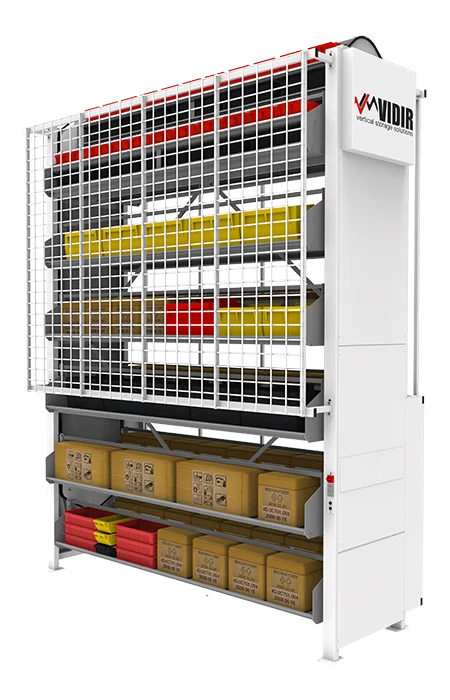 Vidir BOPIS Order Pickup CarouselAn automated carousel that stores many orders in a small footprint and presents them at a pickup window.
 Refrigerated Food LockersTemperature-controlled lockers for restaurant, grocery and meal-kit pickup.
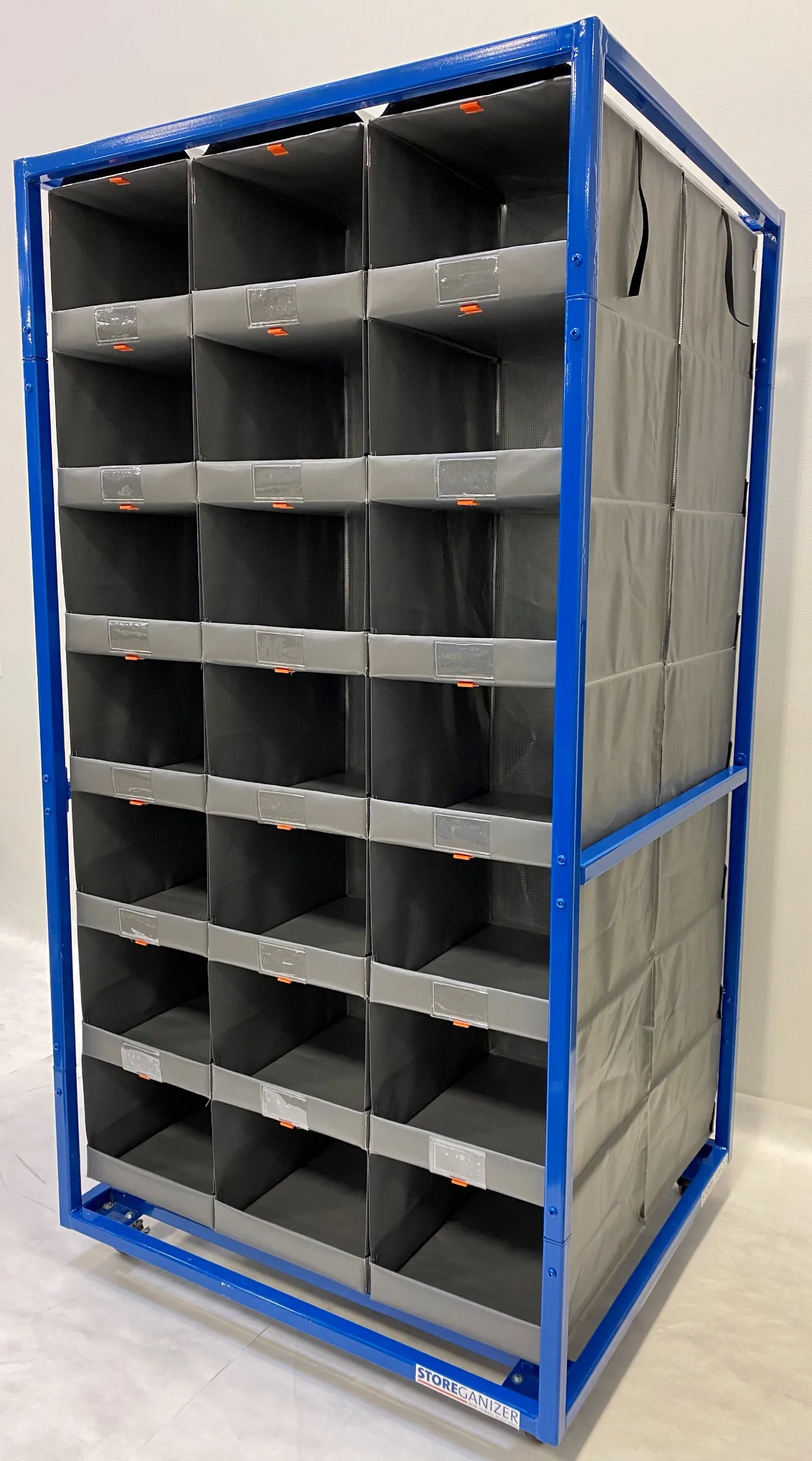 Retail Backroom & BOPIS StorageHigh-density Storeganizer pocket storage for staging online orders and returns in the back room.
Back to the Smart Locker Systems hub for parcel, storage, charging, medical and tool lockers.
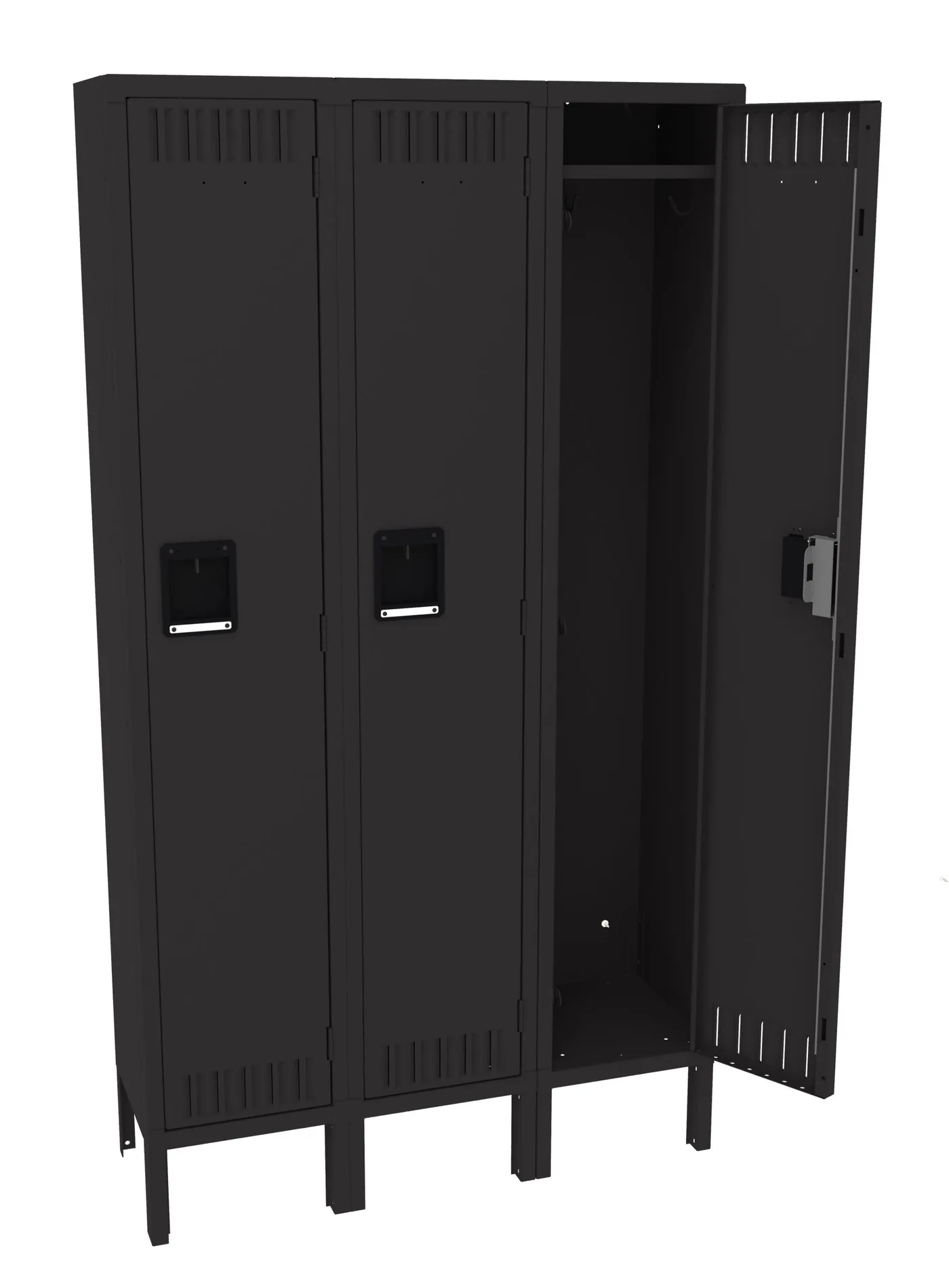
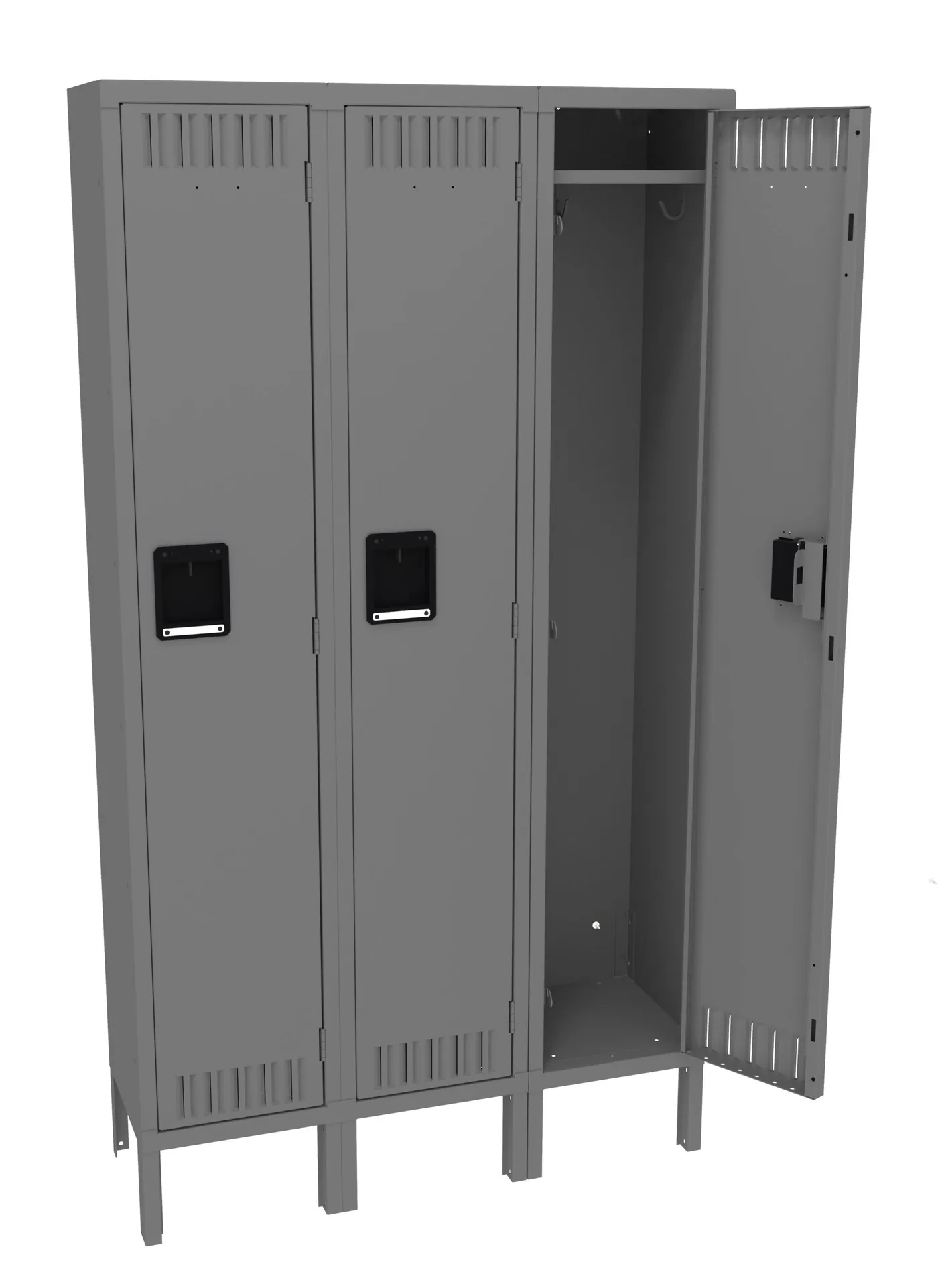
Shop Tennsco Steel Lockers Online
Standard steel lockers for employee break rooms and stockrooms are priced online and ship nationwide. Smart pickup lockers, software and installation are quoted per project — call (800) 326-4403.

Retail Smart Locker FAQs
What is a retail smart locker?
How do BOPIS lockers connect to our e-commerce system?
Can customers pick up orders after the store closes?
Can lockers hold refrigerated or frozen orders?
What is the difference between front-load and rear-load lockers?
How many compartments does a store need?
Can the same lockers handle returns?
Do you install retail lockers nationwide?
Planning Click-and-Collect Lockers for Your Stores?
Share your online-order volume, store layout and pickup hours for a free layout and quote.