
Smart Locker Software, Hosting and Integration
Before comparing smart locker hardware, answer the software questions: where the system runs, how people authenticate, and what it needs to talk to. Here is what to ask.
On-Prem vs. Cloud: Ask This First
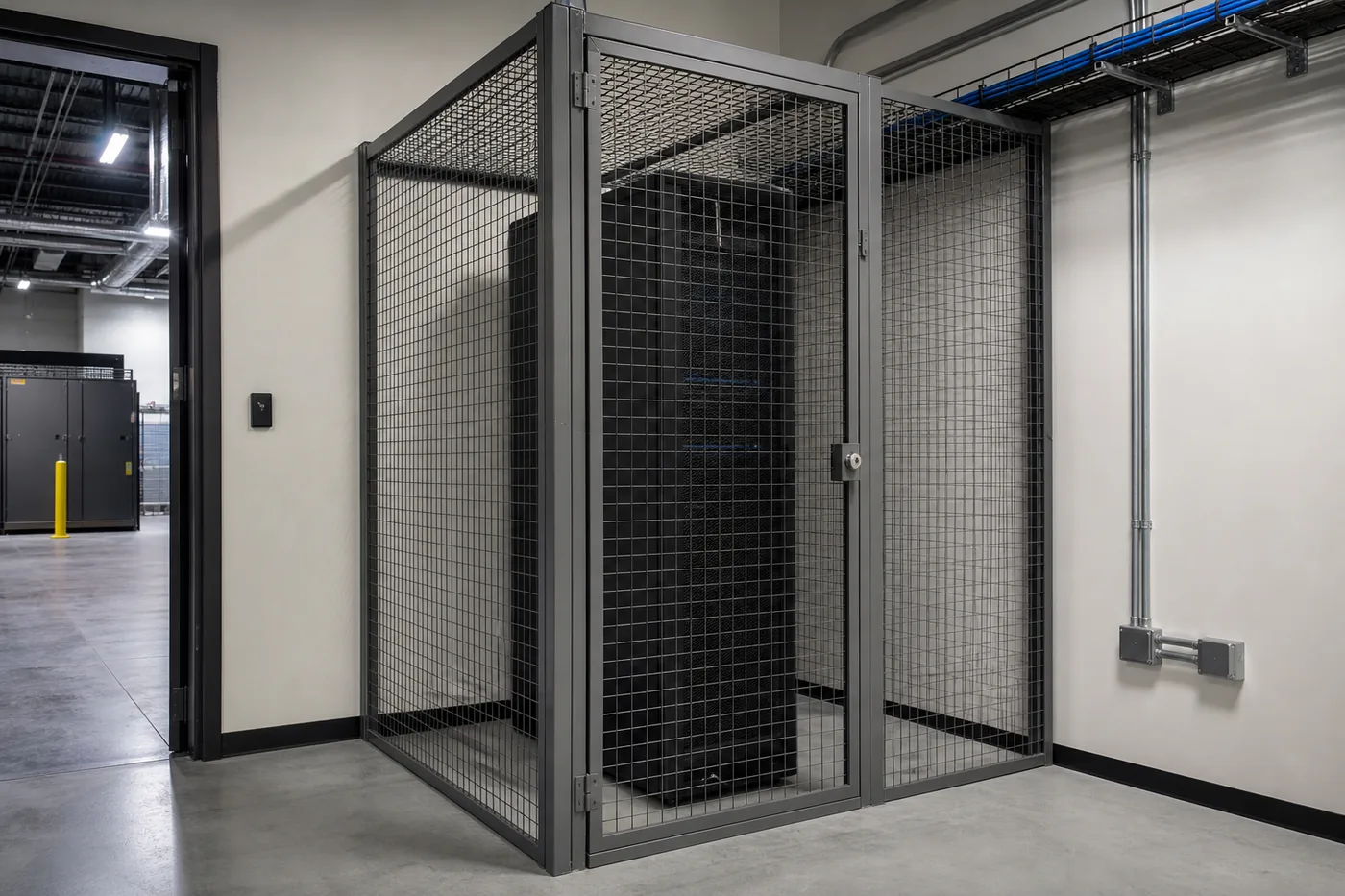
Most smart locker systems run on cloud-hosted software by default — that is the simplest, lowest-maintenance option, and it is what most vendors lead with. But IT and security teams at some organizations, particularly in government, education and regulated industries, have network policies that require the system to run on their own server or stay off the open internet entirely.
If your network policy requires on-premise hosting or a network-isolated deployment, say so before you get a quote. Not every locker platform offers an on-prem option, and the ones that do may have a different feature set or a different implementation timeline than the cloud version. Confirm this constraint before comparing systems, not after you’ve picked one.
Hosting and licensing choices also change the budget: on-premise setups move server and update work to your IT team, and vendors license software per bank, per door or by subscription. Our smart locker cost guide shows how software, hosting and integration fit into a complete smart locker budget.
Badge and Credential Systems
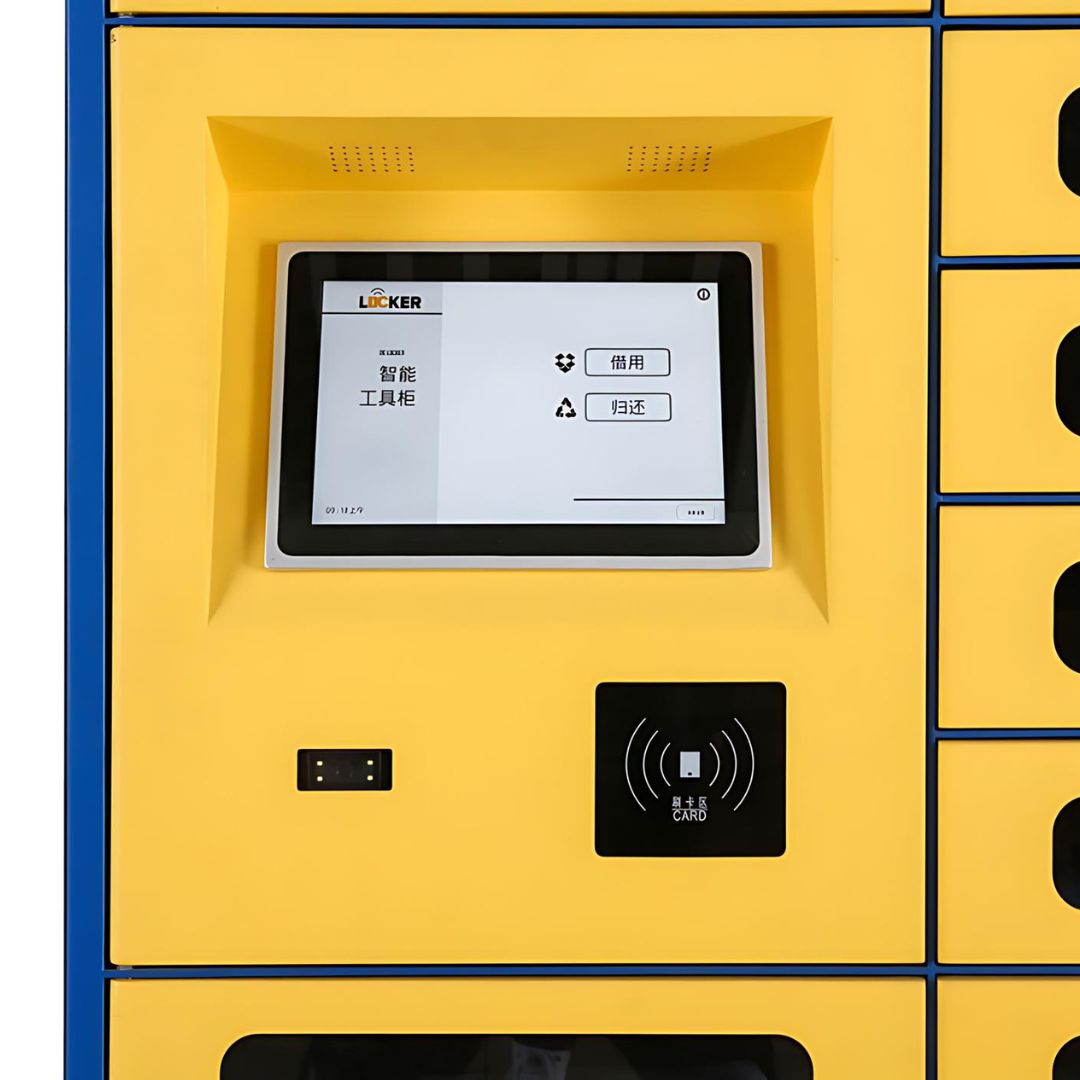
Smart lockers typically authenticate users one of a few ways: PIN code, barcode or QR code, RFID badge, a mobile app, or biometrics. If your organization already issues employee ID badges, ask specifically whether the locker system can authenticate against your existing badge/credential system rather than issuing a second credential — that is usually the difference between smooth adoption and a system employees avoid using.
Check-Out / Check-In of Shared Tools and Equipment
Package and mail lockers are a one-way transaction: a delivery goes in, a person picks it up. A shared-equipment locker — tools, radios, laptops, keys, testing equipment — needs a true check-out/check-in workflow instead: the system has to know who currently has an item, when it is due back, and flag it if it is overdue. Confirm the software actually supports this two-way tracking model before assuming a package-locker platform will work for shared equipment; not every platform does.
Work-Order and Ticketing System Integration
If your team already runs a ticketing or work-order system, ask whether the locker platform can integrate with it directly — for example, opening a compartment tied to a specific ticket number, or logging an equipment check-out against a work order automatically. Direct API integration with existing IT, HR or facilities systems is common on enterprise-grade platforms but is not universal, and the scope of what can be customized varies a lot by vendor. Most answers here need software customization scoped against your specific system, not a generic yes.
Specify the software scope, not just the locker
Separate the user interface at the locker, remote administration, analytics and machine-PC support in the quote. A feature offered by one platform is not a standard inclusion across all smart locker systems.
For example, SupplyPoint uses VendTel at the point of use, WebSync for cloud administration and near-real-time synchronization, and SupplyPointiQ analytics included with a WebSync subscription. EndPoint Management is an optional, separate machine-PC service. Our SupplyPoint software guide explains those vendor-specific layers.
- Badges: confirm credential technology, reader compatibility and how new, changed or revoked users reach the locker.
- APIs: identify the actual endpoints, fields, authentication and failure handling required. An available API is not proof of a ready-made connector to every ERP or work-order system.
- Data ownership: specify access roles, retention, export format and what happens to records when a subscription ends.
- Connectivity: demonstrate the proposed behavior during an outage and after reconnection, including permission changes and transaction reconciliation. Do not assume offline operation.
- Support and licensing: list subscriptions, integration development, PC maintenance, updates and response arrangements separately. Ask for relevant security documentation for review rather than assuming a certification or guarantee.
Get a free quote
Tell us what you are storing, the room size and your timeline. A project specialist will follow up with layout options and pricing. Prefer to talk? Call (800) 326-4403.
Frequently Asked Questions
Can a smart locker system run on our own server instead of the cloud?
Can smart lockers use our existing employee ID badges?
Can smart lockers track checked-out tools or equipment, not just deliveries?
Will a smart locker system integrate with our existing ticketing or work-order software?
Shop Warehouse Packaging & Shipping Supplies Online
Buy select items directly from our online store, or request a quote for volume, custom sizes and freight-rated orders.

Have a Specific Software or Hosting Requirement?
Tell us about your network policy, existing badge system, or check-out workflow and we’ll help you find a smart locker platform that actually fits it.