
Smart Locker Cost: What Drives the Price and How to Budget
What sets the price of a smart locker system — hardware, software, site work, delivery and ongoing support — plus a five-year cost checklist and what to send for an accurate quote.
Authorized DC Locker dealer · Every system quoted to your project · (800) 326-4403
Custom
Quoted per project
6 layers
In every budget
5-year
Cost checklist
Free
Layout & quote
How Much Does a Smart Locker System Cost?
The honest answer is that it depends on six layers of cost, and the spread between a small indoor bank and a multi-site outdoor program is very wide.
A smart locker system is not one product with one price tag. It is a set of steel cabinets, a kiosk or controller, access hardware, software, site work and installation, and each of those can be specified in very different ways. A single indoor parcel locker in a mailroom and a refrigerated outdoor program across several buildings are both “smart lockers”, but their budgets are not in the same range.
That is why most suppliers, including Material Handling USA, quote smart lockers per project. What we can do here is show exactly what sets the number, so you can build a realistic budget and compare quotes on equal terms.
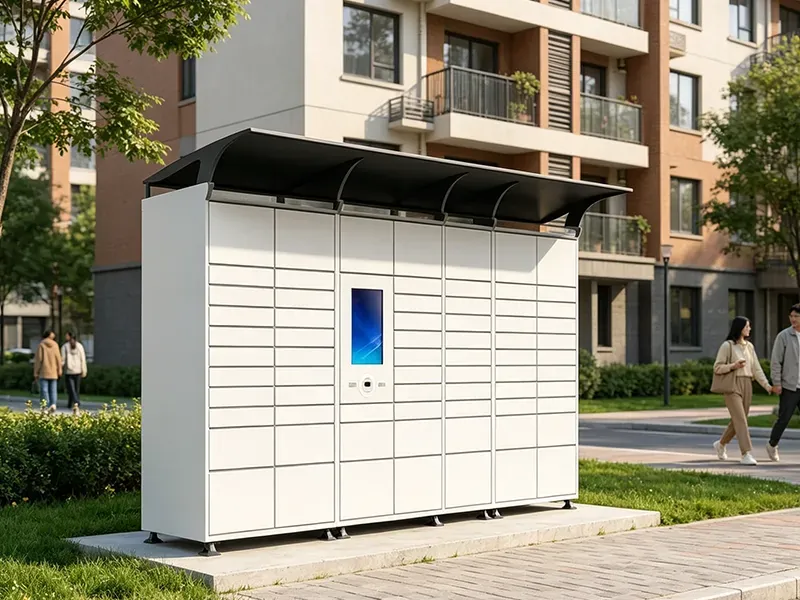
Material Handling USA is an authorized dealer for DC Locker’s smart locker line, and this guide is about budgeting. For product options and every application, start at our Smart Locker Systems hub. New to the category? What Is a Smart Locker? explains how smart lockers work and the main types.
The six cost layers in every smart locker budget
What Public Budget Records Show
Private quotes are rarely published, but public agencies approve purchases in the open. Three records show how much the scope behind a number can vary.
| Public record | What the number covered | Approved amount | What it shows |
|---|---|---|---|
| East Lansing Public Library (MI), city council agenda report, May 2020 | One outdoor 24/7 hold-pickup locker kiosk; the price included the locker units, electricity to the outdoor location, a barcode/RFID scanner, logo wrap, maintenance, training and installation | $45,000 | An all-in number: site power and installation sat inside the quote. The library noted the four systems it reviewed were similar in cost. |
| Shorewood Public Library (WI), board minutes, June 2022 | A new exterior circuit and a box with a network port so the locker could be hard-wired | $3,355 for the site work; the locker unit itself reported as over $12,000 | Power and data can be a separate line, paid to a different contractor. |
| North Olympic Library System (WA), board award reported by Peninsula Daily News, Oct. 2026 | Outdoor hold lockers at four branches (two double units, two single units), each with a dehumidifier and backup power supply | $110,575 plus sales tax; electrical and network work budgeted separately; maintenance expected at about $8,000 a year after year one | Multi-site outdoor programs add climate protection, site work and a recurring maintenance line. |
Read these as scope lessons, not a price list
These are library hold-pickup lockers from other manufacturers, bought in different years under public procurement rules. They are not MH-USA or DC Locker prices and not a quote for your project. What they do show is useful: what was inside the number, what was paid separately, and that maintenance continues after the first year.
The same pattern shows up in private projects. Two quotes that look far apart often cover different things: one includes the electrician, the concrete pad, three years of software and installation; the other is hardware delivered to the curb. Comparing the scope line by line, using the budget worksheet below, is the fastest way to see which quote is actually lower.
What Drives Smart Locker Cost
Eight factors account for most of the difference between two smart locker quotes. The first five are set by the hardware you choose.
1. Number of doors and the compartment mix
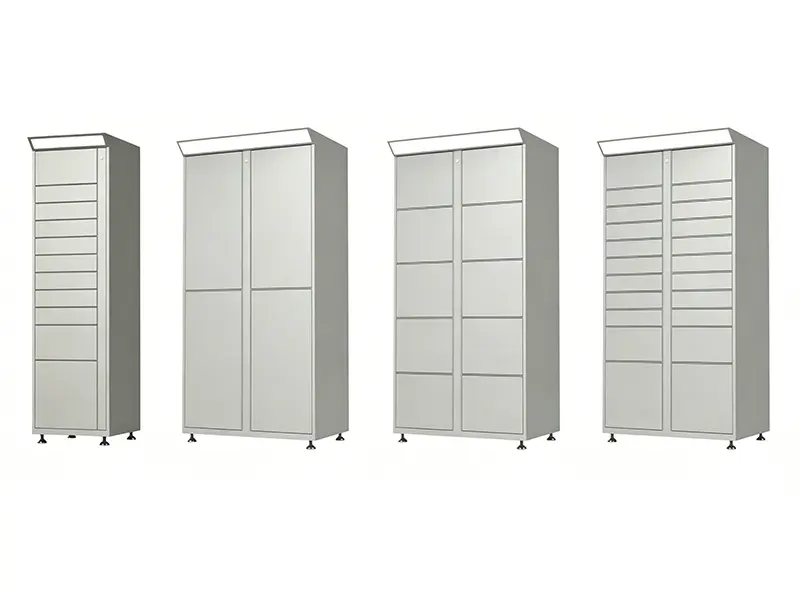
Door count is the most visible cost driver: more doors means more steel, more locks and more door sensors. The mix matters as much as the count. DC Locker’s UL Parcel Locker starts from a main unit with the kiosk, published in 6-box and 17-box layouts, and grows with side units offered in four designs and five compartment heights, from 4.5-inch small doors to 37.2-inch oversized doors. Large and oversized doors use more cabinet per door, so a bank sized for bulky deliveries costs more per door than one sized for envelopes and small boxes.
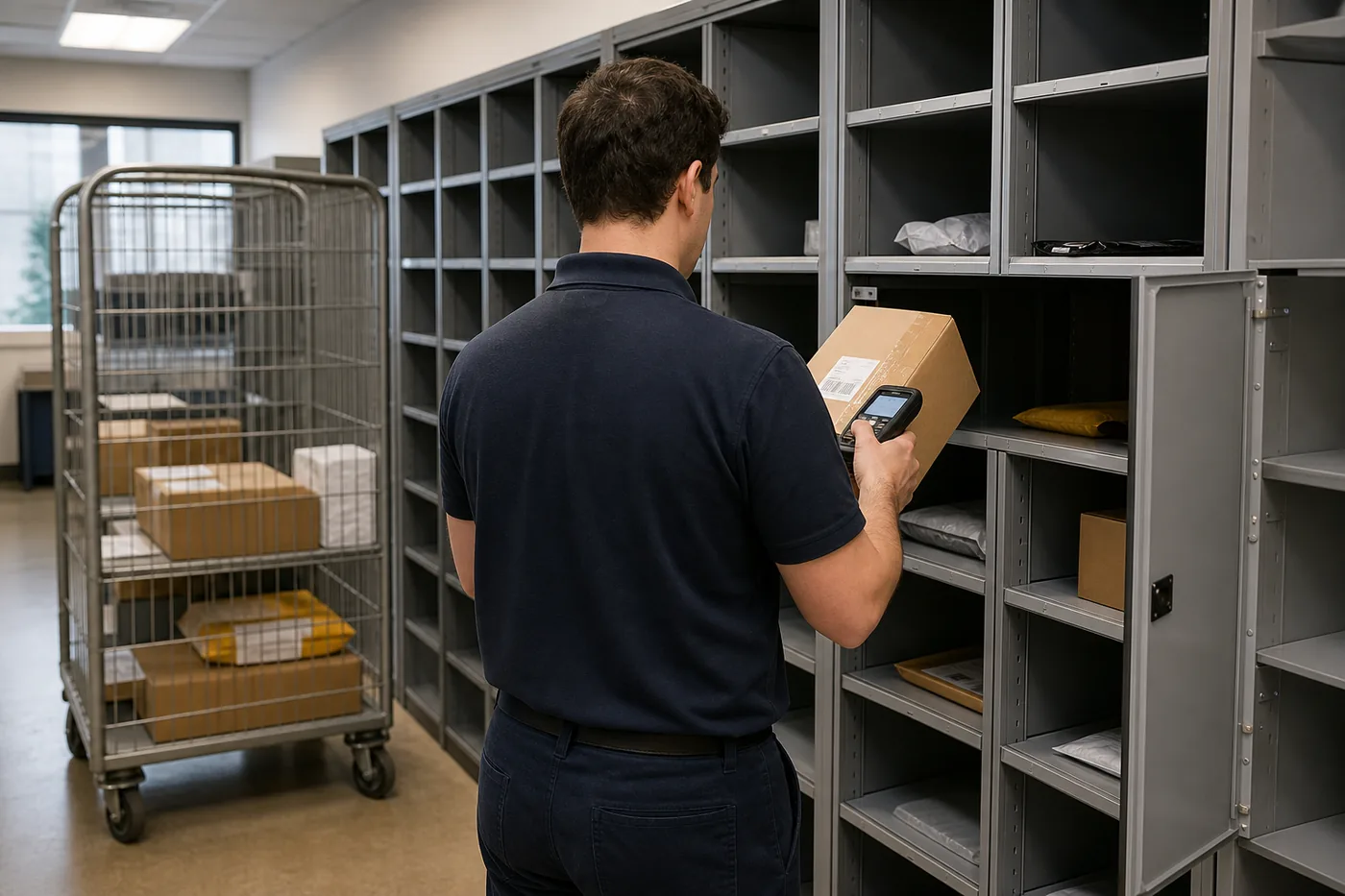
The cheapest door is the one you never needed. Size from real data: peak daily packages, attendance or orders, and the actual sizes of what goes in. Our parcel locker sizing guide walks through the math.
2. Kiosk, controller and access hardware
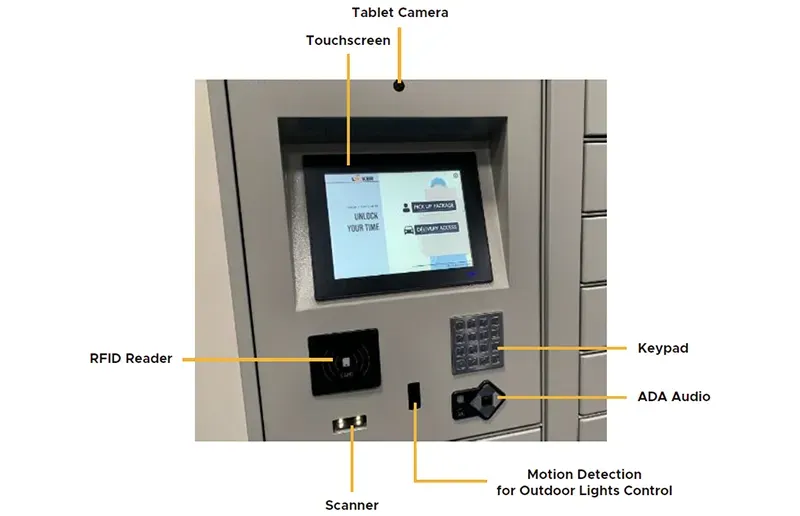
The kiosk is the brain of the bank, and its specification moves the price. DC Locker lists 7-inch and 10.4-inch touchscreens on its electronic locker and 10.4-inch or 21.5-inch screens on its UL Parcel Locker. Every reader you add, whether an RFID badge reader, QR and barcode scanner, camera for facial recognition, fingerprint reader, keypad or POS payment terminal, is another component to buy, mount and configure.
Controller count matters too. One DC Locker electronic-locker controller can run up to 50 lockers, so a long bank may need only one kiosk, while banks in different rooms each need their own. Choose access methods people already carry, like a badge, phone or PIN, rather than paying for readers nobody uses.
3. Indoor, outdoor or off-grid
Outdoor lockers cost more than indoor ones because they have to survive weather and the public. DC Locker’s UL Parcel Locker is rated IP54, with anti-rust cold-rolled steel and motion detection for outdoor lighting control, and its smart parcel locker offers galvannealed steel surfaces for rain and moisture resistance. Outdoor sites also add canopies or awnings, lighting, a level concrete pad and anchoring.
Where running power and data is the expensive part, an off-grid unit can change the math. DC Locker’s Bluetooth Locker is a headless unit with a solar charging module and 4G communication, and its Solar Parcel Locker needs sunlight and network coverage but no grid connection. Those options move cost from trenching and conduit into the equipment.

4. Refrigerated, frozen, heated or charging compartments
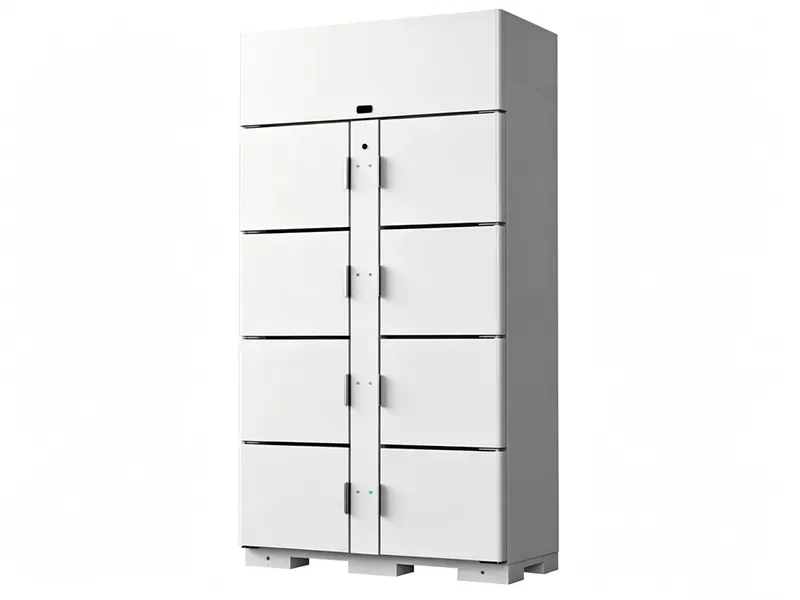
Temperature control is one of the largest single steps up in cost. A refrigerated locker adds a compressor, insulation, a food-safe liner and a bigger power supply. DC Locker’s Refrigeration/Freezer Locker 201/202 is ETL certified for safety and sanitation to the NSF 7 standard, uses R290 refrigerant and a stainless-steel liner, and runs in refrigerated (34–43°F), ambient or heating (104–131°F) modes on the 201 and freezer mode (−7.6 to −1.5°F) on the 202.
Charging compartments for phones, tablets or tools add wiring, protection circuits and monitoring in the same way. Many food programs pair a smaller cold bank with ambient doors for dry goods; see refrigerated food lockers.
5. Standard versus custom builds
Standard configurations are almost always the budget-friendly choice. According to DC Locker’s FAQ, its standard-size lockers are UL certified, but adding or modifying components means certifying again, at extra time and expense. Custom products carry a minimum order of one container, normally 30 units depending on locker size, with about 50 days of factory production and 25 to 30 days of overseas shipping.
Cosmetic changes are easier: RAL and Pantone colors and printed wraps are available. DC Locker also runs a U.S. local-inventory program for popular models, so some common sizes are in stock at select manufacturers, subject to confirmation. A stocked standard configuration is usually the shortest and least expensive path.

Cost drivers at a glance
| Factor | Pushes cost up | Keeps cost down |
|---|---|---|
| Doors & mix | Many large or oversized doors; sized to a guess | Sized to peak data; mostly small and medium doors |
| Kiosk & readers | Large screen, camera, biometrics, payment terminal | One kiosk per bank; credentials users already carry |
| Location | Outdoor, public, weather and vandal exposure | Indoor, staffed building, existing power and data |
| Compartments | Refrigerated, frozen, heated or charging | Ambient storage only |
| Build | Custom sizes, layouts or components | Standard, stocked configurations with a wrap or color |
| Software | Custom integrations, on-prem hosting, metered SMS | Built-in software, cloud hosting, email notices |
| Site work | New circuits, trenching, pads, canopies | Wall outlet and data jack already in place |
| Delivery & install | No dock, stairs, after-hours or multi-site work | Dock delivery, one site, clear path to the wall |
6. Software Licensing, Hosting and Integrations
Software is where quotes differ most in structure, so ask how it is priced before comparing totals.
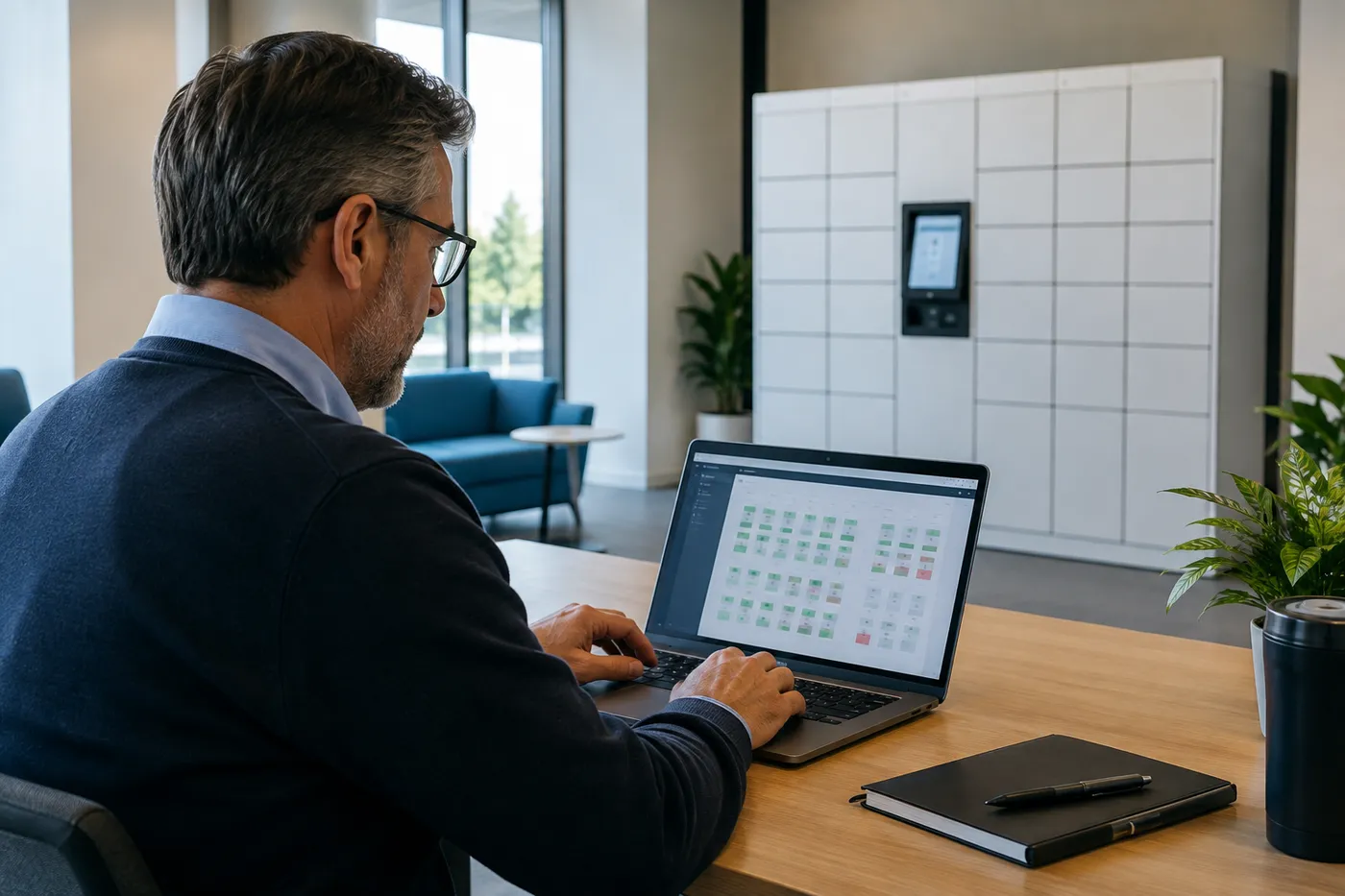
Some suppliers sell hardware with software included, some charge an annual license per bank or per door, and some fold everything into a monthly subscription. Per DC Locker’s FAQ, its lockers ship with preloaded software that includes text and email notifications, the kiosk runs on a Windows or Android industrial PC, and API documentation comes with its service package for third-party integration, with integration cost quoted per project.
Hosting is the other decision. Cloud management is the simplest and most common; on-premises or network-isolated hosting suits IT teams with stricter rules but adds setup work. Our smart locker software, hosting and integration guide covers those choices in depth.
| Ask this | Why it changes the price |
|---|---|
| Is the license per bank, per door, per user or per site? | The same system can cost very different amounts as it grows. |
| What is included: support, updates, hosting, notifications? | Bundled and unbundled quotes are not comparable until you list these. |
| Which integrations are needed? | Badge and access control, library, POS, HR or mailroom systems each add scope. |
| Are text messages or cellular data metered? | Usage-based fees appear on monthly bills, not on the original quote. |
| Cloud or on-premises? | On-premises hosting moves server, security and update work to your IT team. |
| What happens if we stop paying? | Ask whether doors still open, and whether you can export your data. |
7–8. Site Work, Freight and Installation
These lines are easy to leave out of an early budget, and they are where most surprises come from.
Power, data and anchoring
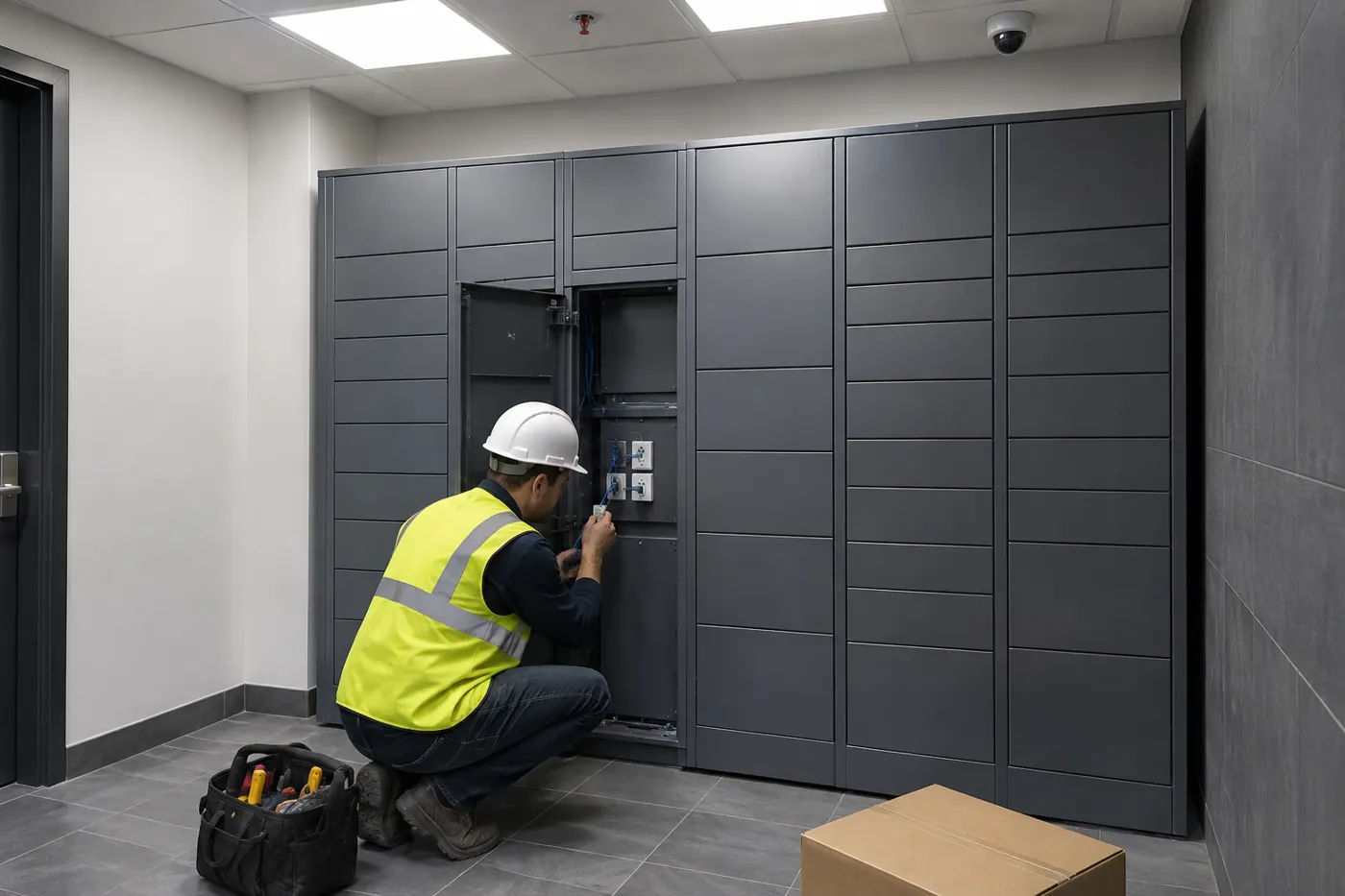
Every powered locker bank needs electricity and, usually, a network connection at the kiosk. DC Locker publishes 45 W standby and 80 W maximum power for its electronic locker, so the load is modest; the cost is in getting a circuit and a data drop to the right spot. Indoors that may be an existing outlet and a nearby network jack. Outdoors it can mean a new exterior circuit, conduit, a weatherproof box, or cellular connectivity instead of a hard-wired drop.
Banks are anchored to the floor or wall, and outdoor units often need a level concrete pad. When power and data are already in place, installation is quicker. When they are not, the electrician’s work belongs in the budget as its own line, as it did in the Shorewood record above.
Accessibility and door count
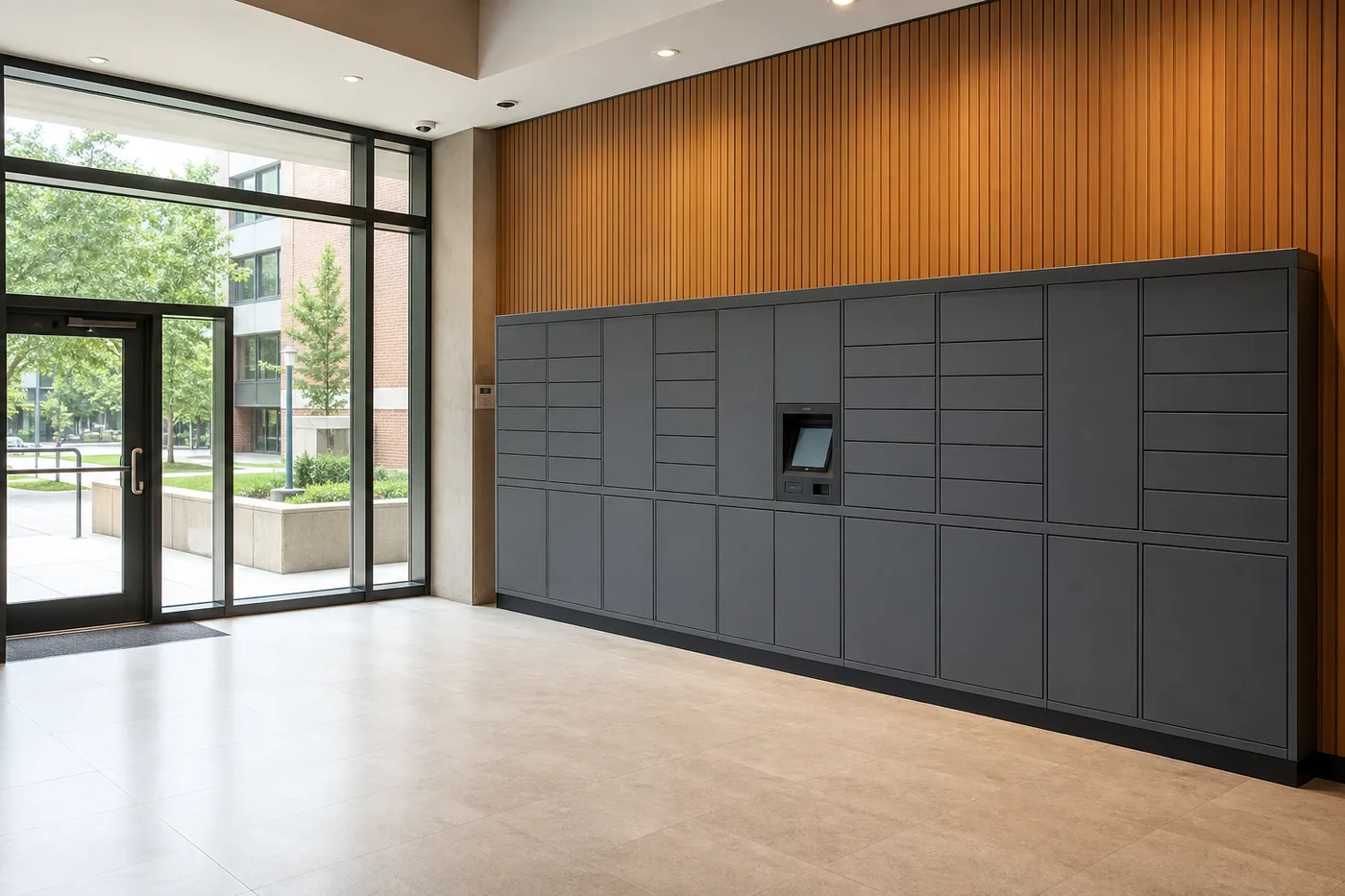
Accessibility affects layout and can affect how many doors you buy. The 2010 ADA Standards for Accessible Design require that where lockers are provided, at least 5 percent, and no fewer than one of each type, be accessible, and they set an unobstructed reach range of 15 to 48 inches above the floor. On a tall bank, only doors inside that range can count toward the accessible share, so kiosk height, accessible door positions and clear floor space should be planned before the order.
DC Locker lists its UL Parcel Locker as ADA compliant. Your architect or the local code official confirms what your specific site requires.
What a freight and installation line can include
| Item | What to confirm |
|---|---|
| Shipping terms | Per DC Locker’s FAQ, orders can ship FOB China, EXW factory, be picked up at its Los Angeles-area warehouse, or be shipped to your site nationwide. Ask which one your quote assumes. |
| Crating | DC Locker packs lockers in export plywood crates with no additional packing fee. |
| Delivery conditions | Dock or liftgate, inside delivery, stairs or elevators, and after-hours access. |
| Assembly & anchoring | Setting main and side units, leveling, anchoring and trim. |
| Network & software setup | Connecting the kiosk, loading users and rules, testing notifications. |
| Training & go-live | Admin, staff and end-user training, and who to call afterward. |
Quoted freight moves more often than equipment prices. Our payment terms page explains how long a quote holds, how deposits work and why freight is re-checked on older quotes.
Warranty and support after year one
Per DC Locker’s FAQ, its products carry a one-year labor warranty and a two-year spare-parts warranty. Budget beyond that for service visits, replacement parts, software renewals and connectivity. The North Olympic Library System record above is a good reminder: its board planned a recurring maintenance line from the second year, not just the purchase.
Buy, Finance or Subscribe?
How you pay changes the shape of the budget more than the total. Compare every option over the same period.
| Model | How it works | Upfront | Ongoing | Best when |
|---|---|---|---|---|
| Purchase | You own the hardware; software is licensed on the supplier’s terms | Highest | Software, support and parts after warranty | You plan a long service life and have a capital budget |
| Equipment financing or lease | A third-party lender pays the supplier and you make payments for a term | Low | Fixed payments plus software | You need to spread cost but still want the equipment long term |
| Locker-as-a-service subscription | One recurring fee covers hardware use, software and support | Lowest | Highest over a long term; ends when payments stop | Pilots, short-term sites, or operating-budget funding |
A subscription can look cheaper in year one and cost more by year five; a purchase looks expensive until you spread it across the life of the system. Lay each option out over five years, including software and support, before deciding. Equipment purchases may qualify for Section 179 expensing; see our Section 179 guide and confirm with your tax advisor.
Public buyers often combine sources. In the records above, one library used federal ARPA grant funds, another received a donation from its Friends group, and a third paired a state library grant with a Friends match. If lease, subscription or grant timing matters for your project, tell us at the start so the quote is structured around how you will pay.
Total Cost of Ownership: A Five-Year Checklist
The purchase price is only the first line. Use this list to make sure every cost is in the budget, and to line up competing quotes.
| Cost line | When it hits | Questions to ask |
|---|---|---|
| Locker hardware & kiosk | Order | Door count, sizes, readers, indoor or outdoor rating |
| Software license or subscription | Order, then yearly or monthly | What is included, and the renewal terms |
| Integration & hosting setup | Before go-live | Which systems, who builds it, cloud or on-premises |
| Site work | Before delivery | Circuit, data drop, pad, canopy, lighting, permits |
| Freight, installation & training | Delivery | Shipping terms, delivery conditions, who configures |
| Connectivity | Monthly | Network, cellular data plan, text-message fees |
| Support & maintenance | Yearly, after warranty | Labor and parts coverage, response times |
| Kiosk computer refresh | Mid-life | Replacement tablet or PC and software compatibility |
| Expansion | As demand grows | Side-unit availability and whether the license covers more doors |
| Relocation or removal | If you move | Disconnect, re-anchor and re-commission costs |
Weighing cost against what the lockers replace
Each of those benefits is specific to your site, so we don’t publish payback figures. A useful exercise is to estimate the staff hours currently spent on hand-offs and compare them with the yearly software and support lines.
Costs buyers most often miss
The electrician and data drop; a concrete pad, canopy or lighting for outdoor units; software renewals after the first term; metered text messages or cellular data; integration work with an existing system; sales tax; support after the warranty ends; and the side units you will want once the first bank fills up.
Smart Locker Budget Worksheet
Use this to build an early budget and to check that every quote covers the same scope. Each line has an owner who can give you a real number.
| Budget line | What sets it | Who provides the number |
|---|---|---|
| Lockers & kiosk | Door count and mix, readers, indoor or outdoor, temperature | MH-USA quote |
| Software | License model, term, hosting, notifications | MH-USA quote |
| Integrations | Systems to connect and who builds the connection | MH-USA quote plus your IT team |
| Electrical & data | Distance to power and network, indoor or outdoor run | Your electrician and IT team |
| Pad, canopy & lighting | Outdoor sites only | Your contractor or facilities team |
| Freight | Shipping terms, delivery conditions, number of sites | MH-USA quote |
| Installation & training | Units, anchoring, configuration, sites | MH-USA quote |
| Ongoing support & connectivity | After-warranty coverage, data plans, renewals | MH-USA quote plus your carrier |
| Taxes & permits | Location and local rules | Your finance team and local code official |
| Contingency | Unknown site conditions | Your finance team |
Ways to keep smart locker cost down
How Cost Varies by Application
The same six layers apply everywhere, but each application leans on different ones.
 Retail Click-and-CollectRear-loading banks, larger doors and order-system integration usually lead the budget.
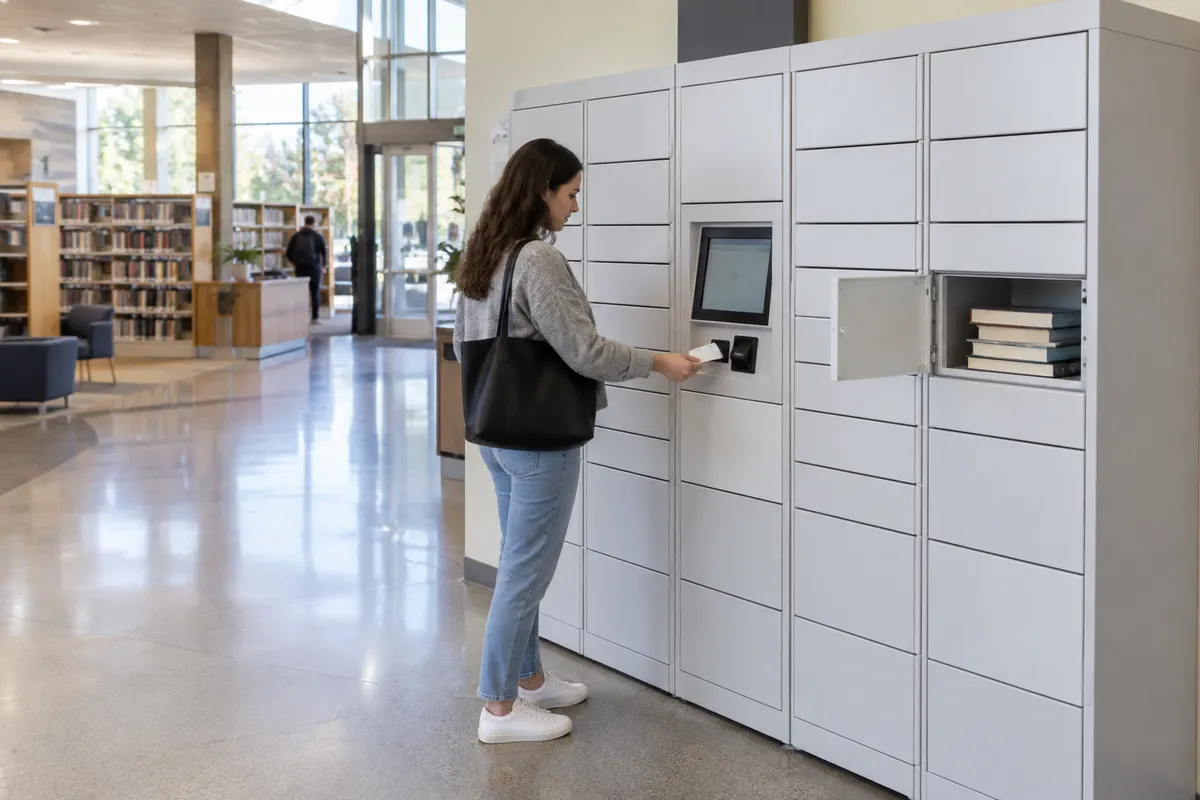 Library Hold PickupOutdoor siting, weather protection and library-system integration tend to dominate.
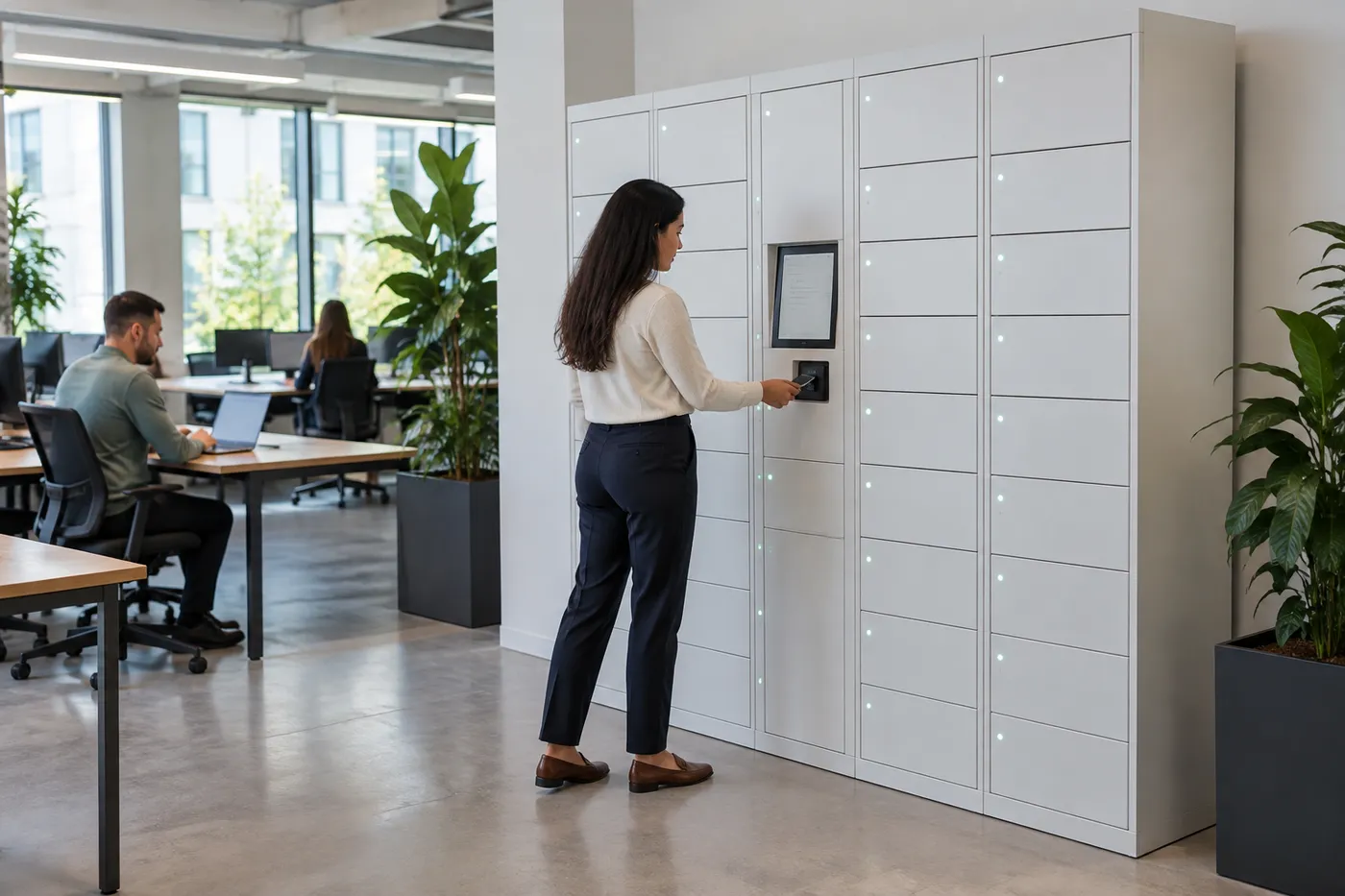 Offices & Hybrid WorkUsually indoor; badge compatibility and day-use software rules are the main variables.
 Gyms, Fitness & SpasMany doors of one size, with wristband, card or app access and finish choices.
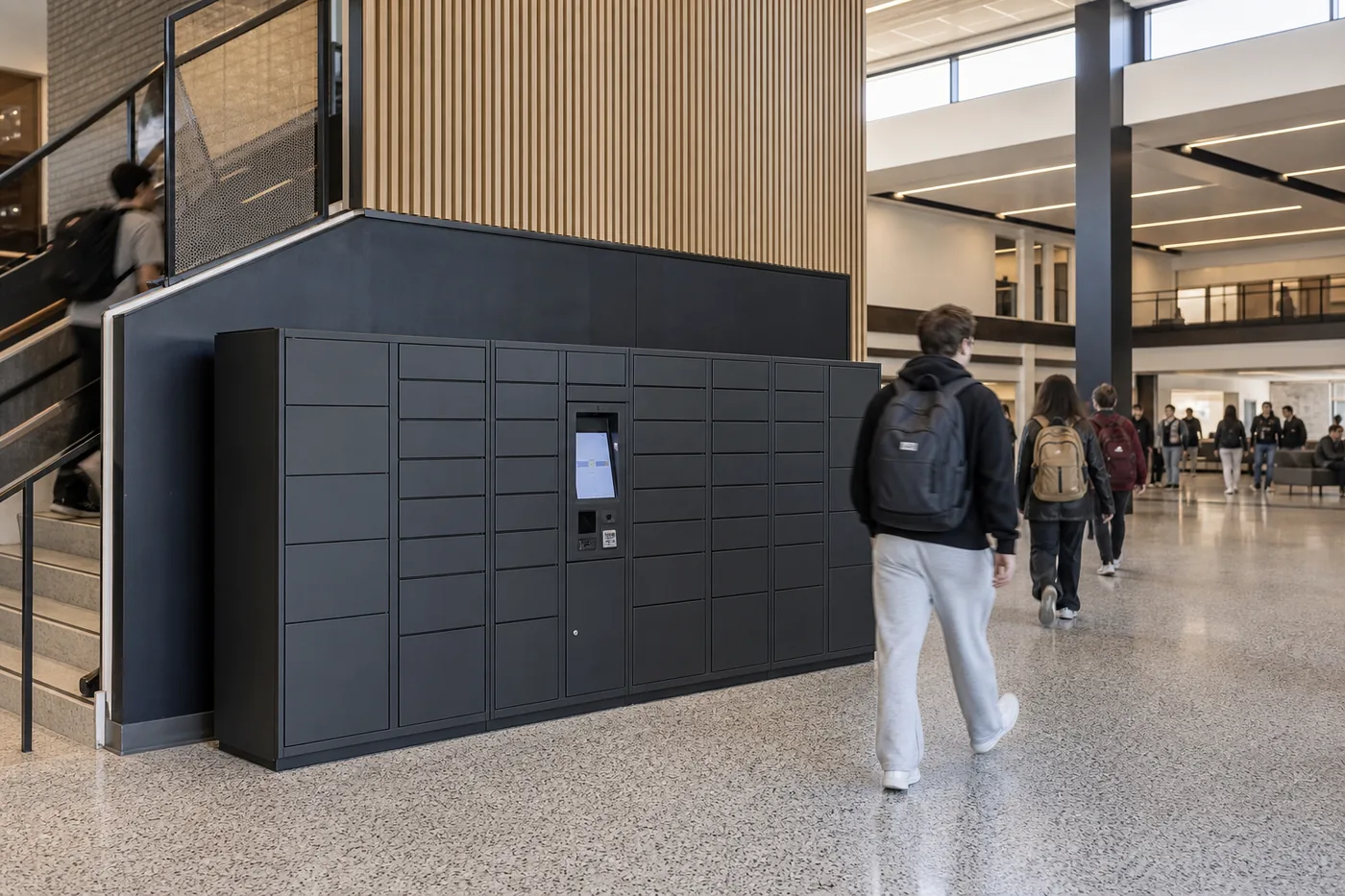 Universities & CampusesPackage volume sets door count; multiple buildings multiply site work.
 Ski Areas & VenuesLong compartments for skis and boards, payment options and seasonal peaks.
More applications: parcel lockers, refrigerated food lockers, smart day lockers, phone access lockers and smart lockers for asset management.
How to Get an Accurate Smart Locker Quote
MH-USA quotes every smart locker project individually. The more of this you can send, the closer the first quote will be to the final one.
A good first quote needs the same facts a good layout needs. Send what you have; we help fill the gaps during discovery.
- What goes in the lockers, and who uses them
- Peak daily volume and the sizes of the items
- Locations, photos or floor plans, indoor or outdoor
- Power and data available at each location
- Badge or credential type, and systems to integrate
- Hosting rules from IT, timeline and how you will pay

Discovery
We review volumes, item sizes, users, credentials, sites and the systems the lockers need to work with.
Layout & Spec
A layout shows each bank, compartment mix, kiosk position, accessible doors, and power and data at the wall.
Itemized Quote
Hardware, software, freight and installation are listed as separate lines, and lead time is confirmed with the quote.
Install & Train
Crews deliver, set and anchor the lockers, connect the network, configure rules and train your staff.
Comparing two smart locker quotes
Put both quotes into the worksheet above before comparing totals. Check that the door count and sizes match, that the software term and what it includes match, and that site work, freight and installation are either in both or out of both. A quote that is much lower usually leaves something out, uses a shorter software term, or assumes you handle delivery and setup. We deliver and install nationwide; Utah projects are handled directly from our Salt Lake City office, see Utah Smart Lockers.
Shop Standard Steel Lockers Online
Our online store doesn’t sell smart lockers. These standard steel employee and storage lockers are priced and ready to order for break rooms, locker rooms and storage where a keyed or padlock locker is enough. Smart locker systems are quoted per project — call (800) 326-4403.


Get a free quote
Tell us what you are storing, the room size and your timeline. A project specialist will follow up with layout options and pricing. Prefer to talk? Call (800) 326-4403.
Smart Locker Cost FAQs
How much does a smart locker cost?
Why don’t smart locker suppliers publish a price list?
Is there a monthly or annual fee for smart lockers?
Can I rent or lease smart lockers instead of buying?
Do outdoor smart lockers cost more than indoor lockers?
Are refrigerated lockers more expensive than parcel lockers?
What is usually not included in a smart locker quote?
Can I buy just one smart locker?
How long does it take to get a smart locker system?
What warranty comes with DC Locker smart lockers?
Can grants help pay for smart lockers?
Ready to Price Your Smart Locker Project?
Send your locations, volumes and access needs for a free layout and itemized quote.