
Office Smart Lockers for Hybrid Workplaces
Badge- and app-controlled lockers for hot-desk storage, mailroom package pickup and IT device hand-off — planned, supplied and installed by an authorized DC Locker dealer.
Authorized DC Locker dealer · Nationwide delivery & installation · (800) 326-4403
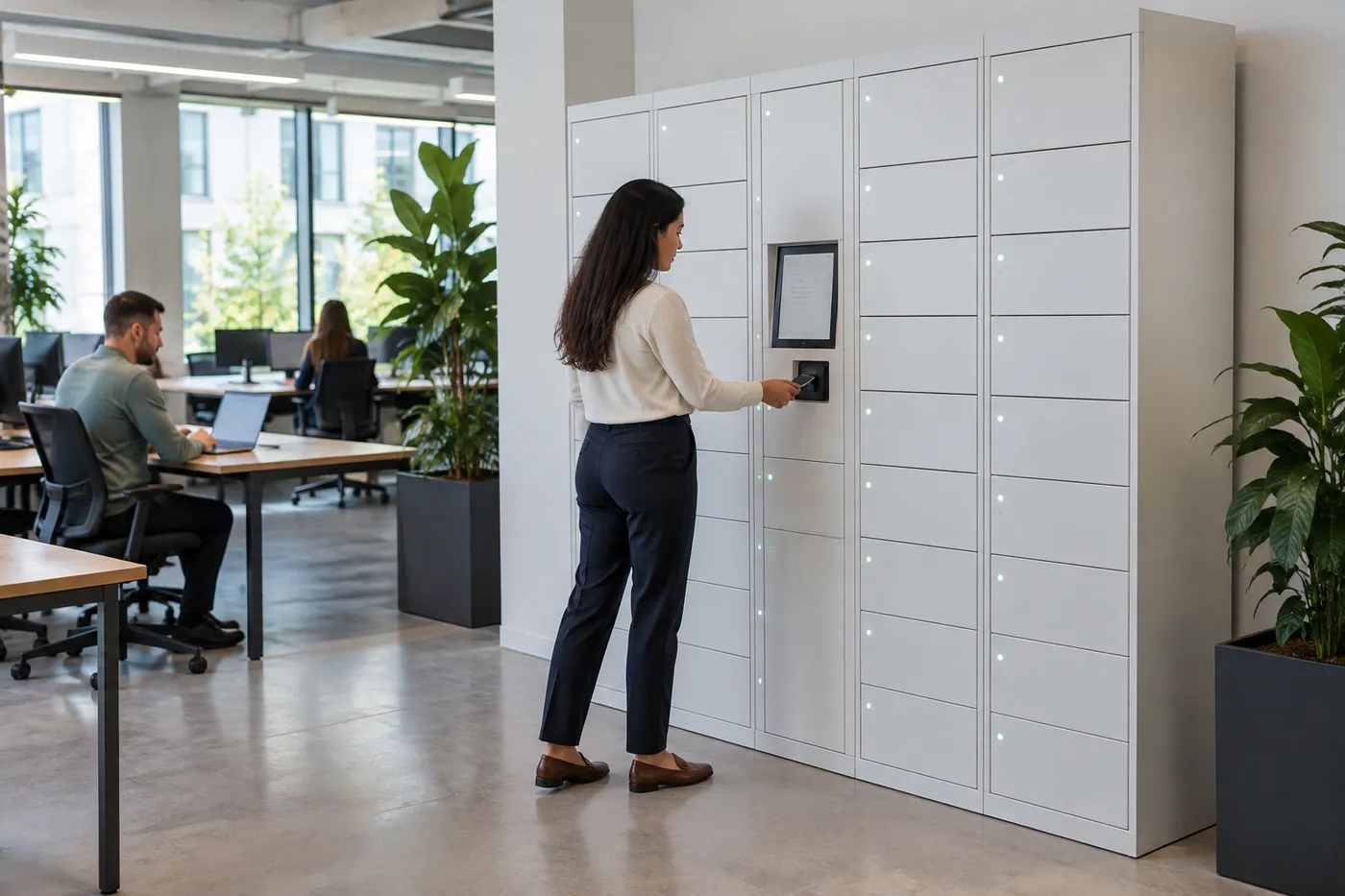
Day-use
Or assigned
Badge · App
Keyless access
24/7
Self-service
Audit log
Every door
Why Hybrid Offices Are Replacing Assigned Lockers
When people come in two or three days a week, a wall of assigned lockers sits mostly empty while the people who are in the building still have nowhere to put a bag.
Hybrid work changed the storage math. Assigned desks became shared desks, but storage stayed assigned: one locker per employee, each holding a coat and a mug for the days its owner is home. Facilities teams end up buying more lockers than are ever used on a given day, and new hires wait for someone to hand back a key.
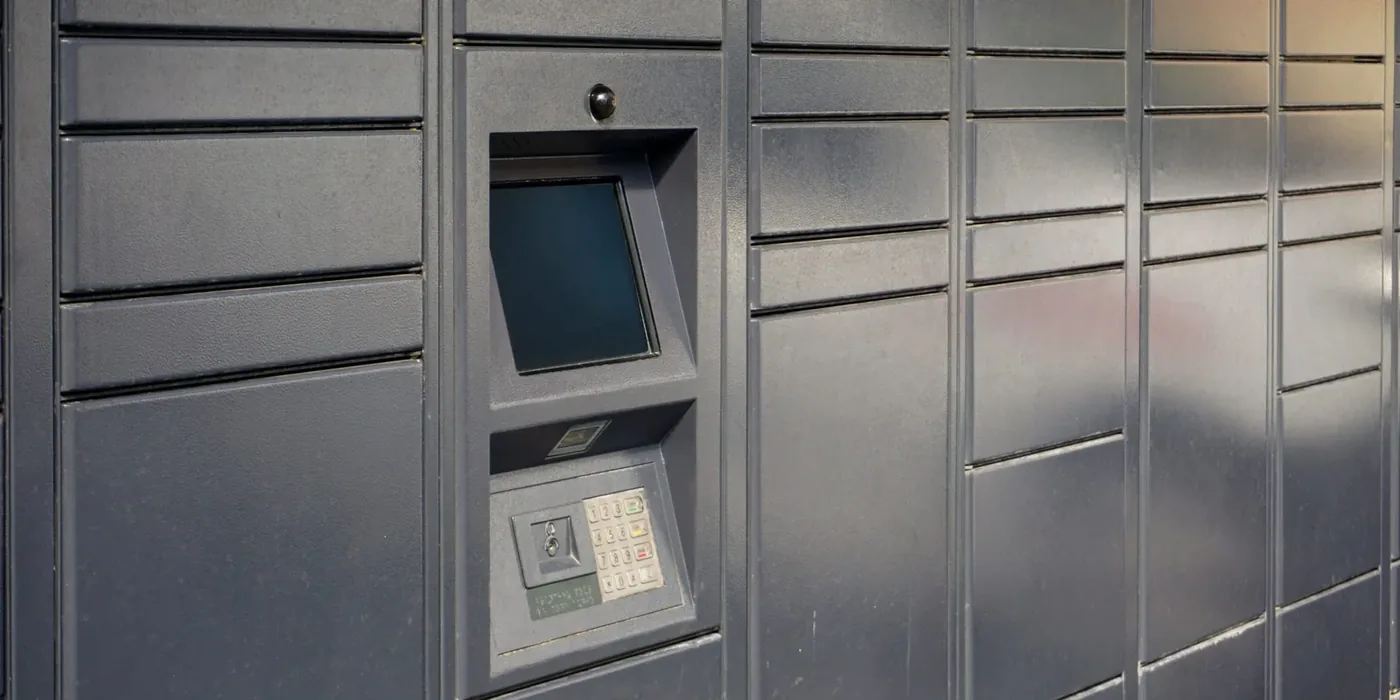
Office smart lockers fix the mismatch. Compartments are claimed for the day with the badge or phone an employee already uses, released automatically at the end of the day, and reassigned without anyone cutting a lock or chasing a key. The same locker platform can also take over jobs that currently pull people away from their work: receiving personal parcels, handing out laptops and headsets, and returning shared equipment.
- Size storage to the people in the building, not the headcount on payroll
- No keys to issue, collect or replace
- Parcels and IT hand-offs without staff waiting at a desk
- A time-stamped record of who used which door and when
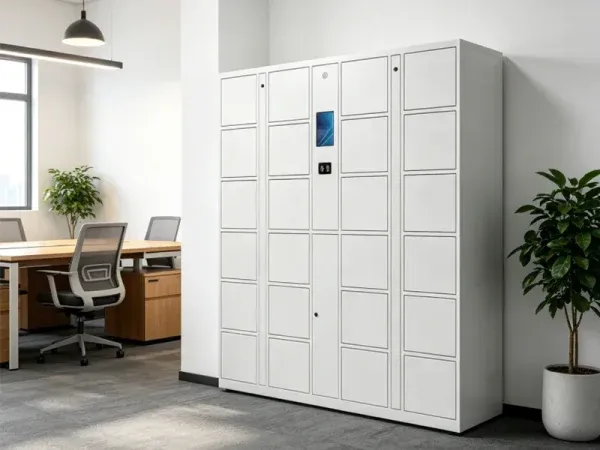
Material Handling USA is an authorized dealer for DC Locker’s smart locker line. We help corporate offices, co-working operators, government buildings and campuses decide which locker programs make sense, choose compartment sizes and access methods, and deliver and install the system. For every other locker application, start at our Smart Locker Systems hub; new to the category? Read What Is a Smart Locker? first.
Five Jobs an Office Smart Locker Does
Most offices start with one program and add others to the same software once the first is running.
 Hot-Desk & Day-Use StorageEmployees claim a free compartment on arrival, open it through the day with a badge or phone, and release it when they leave. Our smart day lockers page covers day-use access options in more detail.
 Mailroom & Personal ParcelsMailroom staff or carriers drop packages into a parcel locker, the recipient gets a pickup code, and the package waits safely until they collect it. See parcel lockers.
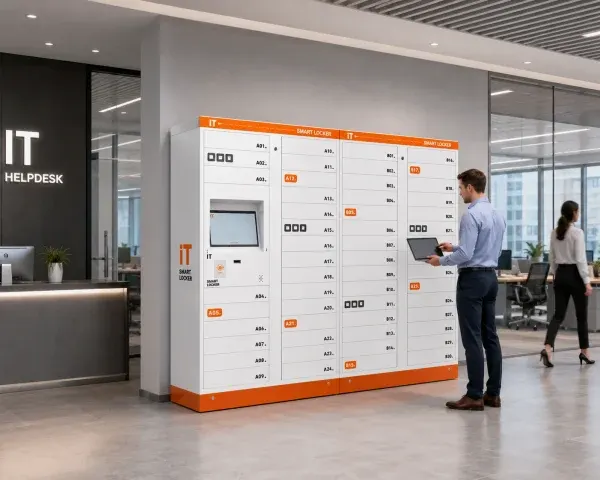 IT Device Hand-OffIT staff load a repaired or new laptop into a compartment and the employee collects it on their own schedule. Returns and swaps work the same way, so the help desk stops being a queue.
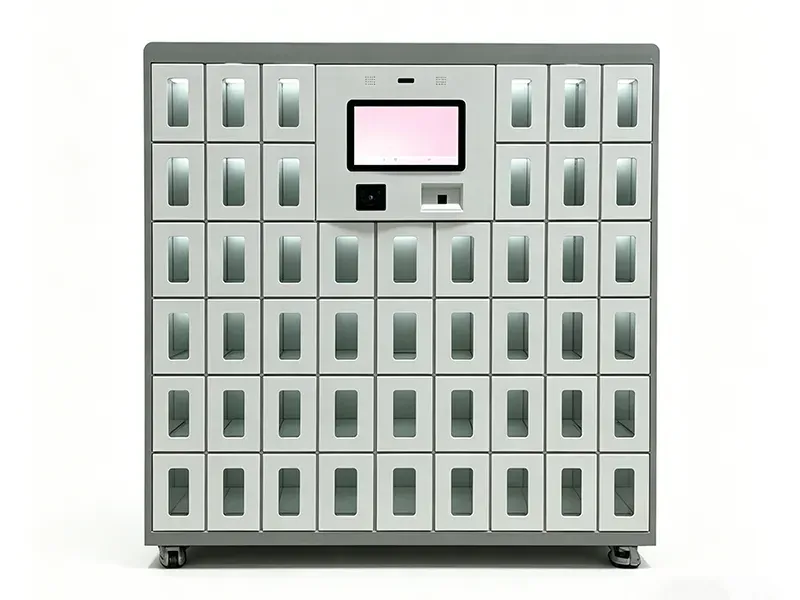 Shared Device ChargingSmart charging lockers issue and charge shared tablets, scanners and phones, with each compartment monitored for charging status.
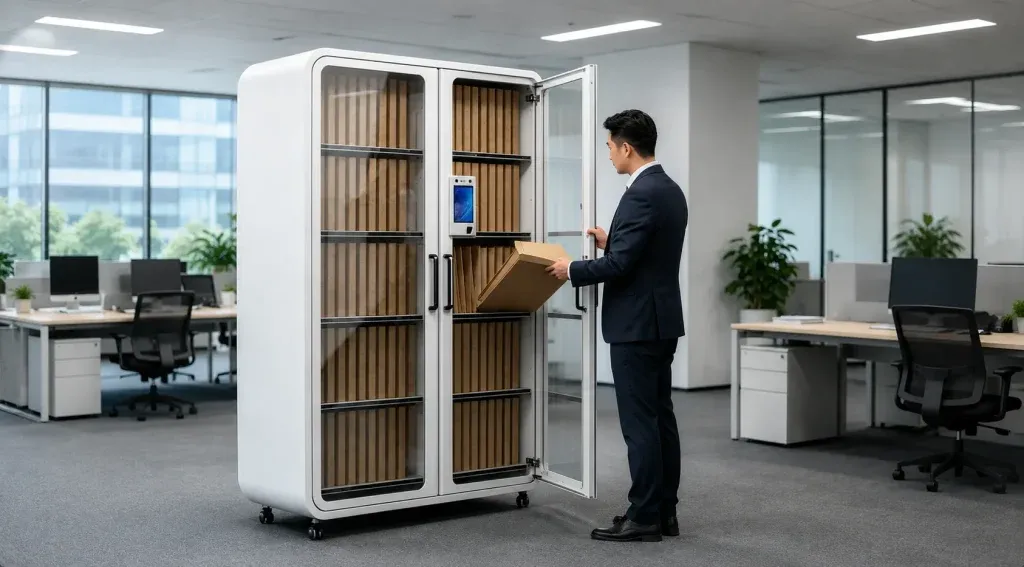 Documents, Keys & Shared ItemsArchival and key-management lockers hand off files, vehicle keys and shared equipment between departments and shifts, with each exchange recorded.
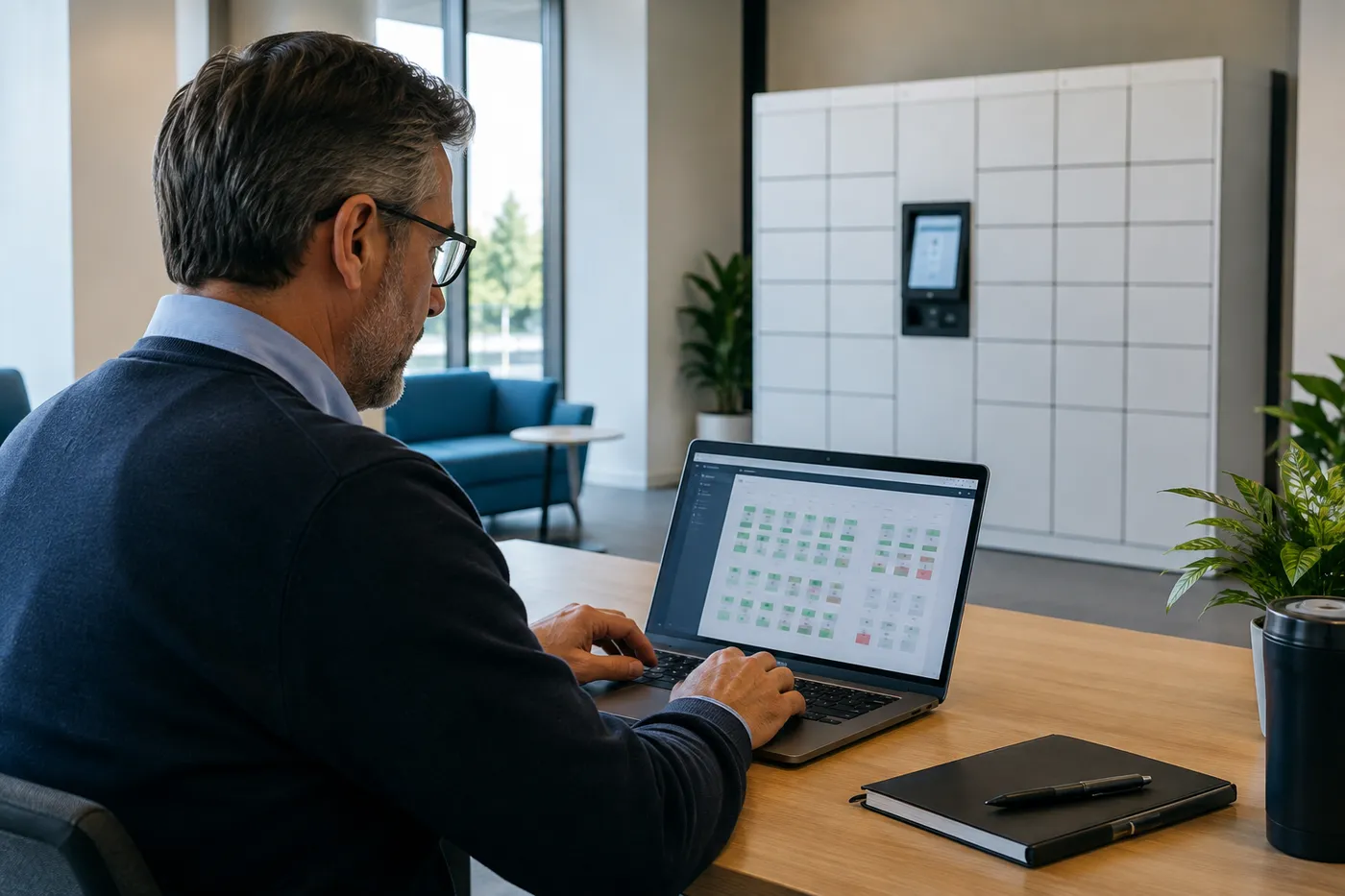 One Dashboard for FacilitiesOccupancy, overdue items and usage history are visible from one admin screen, so facilities can see which floors need more or fewer doors.
DC Locker describes its business solution in the same terms: lockers placed in lobbies, shared workspaces and department corridors, giving employees without fixed workstations protected space for their belongings and assets. For tool, PPE and device programs that go beyond the office, our smart lockers for asset management guide walks through issue-and-return workflows in depth. For laptop loaners, break/fix swaps and new-hire kits, see device management lockers.
Day-Use vs. Assigned Office Lockers
Most hybrid offices end up with a mix. The software decides which doors behave which way, so the split can change as attendance patterns change.
| Question | Day-Use (Shared) | Assigned (Personal) |
|---|---|---|
| Who uses a door | Whoever claims it today | One named employee |
| Best for | Hot-desk and hybrid staff | Full-time on-site roles, executives, accessibility needs |
| What happens at day end | Released automatically or by rule | Stays with the owner |
| Compartments needed | Sized to peak daily attendance | One per assigned person |
| Typical access | Badge, PIN, QR code or app | Badge, PIN or app |
| Admin effort | Rules set once in software | Assignments maintained as staff change |
Rules that keep day-use lockers available
The difference between a day-use program that works and one that fills up with forgotten gym bags is the release rule. Common settings are: compartments release at a set time each night, an employee can hold only one door at a time, and anything left after release is flagged for facilities to collect. Some offices allow a short multi-day hold for travelers; others reserve a block of doors as assigned for people who need them every day.
We set these rules with your workplace and HR teams before go-live, and they can be adjusted in the admin software later without touching the hardware.
Access Methods and Integration
Employees should open a locker with something they already carry. That usually means the building badge, with a phone or PIN as a backup.
Badge, phone, PIN or face
DC Locker’s electronic locker supports facial recognition, fingerprint, PIN code, RFID reader, QR code and barcode scanning, with a 7-inch or 10.4-inch touchscreen. One controller can run up to 50 lockers, and there is an emergency box-opening function for power or network problems. For offices, the RFID reader is the piece that matters most: if the reader matches your badge technology, employees use the same card for the front door and the locker.
Badge compatibility depends on the card format you issue, so we confirm it with a sample card before the order rather than after installation.
Software and data
DC Locker systems support API and third-party software integration, and the cloud platform shows usage, occupancy and operation records in real time. Typical office integrations push pickup notices from the mailroom, sync employee lists so leavers lose access automatically, and feed usage data into space planning. What can be connected depends on your identity, access-control and workplace systems, so integration scope is confirmed during planning. Our smart locker software guide covers hosting and integration questions to ask.
Privacy and IT questions to settle early
Where the locker software is hosted, how long access logs are kept, who can open any door remotely, whether cameras on kiosks record, and how the lockers reach the network (Ethernet, Wi-Fi or cellular). Bringing IT and security into the first meeting avoids a late redesign.
DC Locker Models Used in Offices
These products from the DC Locker line cover most office programs. Final configuration depends on headcount, attendance and what each locker needs to hold.
| Model | Office Job | Key Facts (per DC Locker) |
|---|---|---|
| Electronic Locker | Day-use and assigned personal storage | Face, fingerprint, PIN, RFID, QR and barcode access; 7″ or 10.4″ touchscreen; up to 50 lockers per controller; emergency box-opening |
| UL Parcel Locker | Mailroom and personal-parcel pickup | UL certified and ADA compliant; touchscreen, QR/barcode scanner, RFID reader and embedded camera |
| Smart IT Asset Locker | Laptop, headset and device hand-off | Control locker plus side lockers; touchscreen and barcode/QR access for self-service issue and return |
| Smart Charging Locker | Shared tablets, phones and scanners | QR, card or face access; overcharge, short-circuit and overheat protection; per-compartment temperature sensor; charging status sent to the cloud platform |
| Archival Management Locker | Documents and files between departments | Modular compartments for document storage and circulation with access records |
Lockers are modular: a main unit with the kiosk plus add-on side units, so a floor can start with the doors it needs and grow later. DC Locker keeps some common configurations in U.S. inventory, which can shorten lead time; availability is confirmed at the time of quote. See our phone access lockers page for app-based personal storage and Smart Locker Systems for the full product family.
Planning an Office Locker Program
Good office locker projects start with attendance data and floor plans, not with a catalog page.
| Input | Why It Matters | What We Ask For |
|---|---|---|
| Peak daily attendance | Sets the day-use compartment count | Badge-in data or desk-booking peaks by floor |
| Who needs assigned storage | Some roles still need a personal door | Number of on-site and accessibility users |
| Parcel volume | Decides whether a parcel locker is needed | Packages received on a busy day, and their sizes |
| Devices to issue or charge | Charging and IT lockers are separate modules | Laptops, headsets, tablets, scanners in circulation |
| Locations | Lockers belong near where people work | Floor plans, entrances, mailroom and IT desk locations |
| Power and network | Every kiosk needs both | Outlet and data-drop locations, or Wi-Fi/cellular options |
Placement matters as much as count. Day-use lockers work best near the entrance a floor actually uses, or beside the hot-desk neighborhood they serve; parcel lockers belong in the lobby or mailroom where carriers already deliver; IT lockers sit next to the help desk so staff can load them without carrying equipment across the building. Accessible reach ranges and a clear approach are drawn into the layout from the start.
Many organizations pilot one floor first, watch occupancy for a few weeks in the dashboard, then roll the right compartment mix out to other floors or buildings.
- Peak attendance by floor, not total headcount
- One kiosk per bank, with power and data at the wall
- Most-used doors kept in the accessible reach zone
- Pilot first, then scale with real usage data

Co-Working, Multi-Tenant and Public-Sector Offices
The same hardware serves very different office types. What changes is who the users are and how access is granted.
Across all of these, the questions are the same: how many people need storage on a peak day, what they need to store, what credential they carry, and where the lockers need to be to save people steps. Getting those four answers right matters more than any individual feature.
Common office locker mistakes
Buying one assigned locker per employee for a hybrid team; placing day-use banks far from the desks they serve; skipping the badge compatibility test; forgetting a data drop at the kiosk; and launching without release rules, so day-use doors fill up with items nobody collects.
How an Office Smart Locker Project Runs With MH-USA
Discovery
We review attendance, storage needs, parcel and device volumes, badge technology and the systems you want the lockers to talk to.
Layout & Spec
A layout shows locker positions, compartment mix, kiosk height, accessible approach, and power and data at each bank.
Quote
One itemized quote covers cabinets, kiosks and access hardware, software, freight and installation. Lead time is confirmed with the quote.
Install & Launch
Crews set and anchor the lockers, connect the network, configure rules and admin roles, and train facilities, mailroom and IT staff.
We deliver and install nationwide. Our Salt Lake City home office handles Utah projects directly — see Utah Smart Lockers. For traditional key or padlock lockers in break rooms and locker rooms, see office lockers in our employee lockers range.
Related Smart Locker Guides
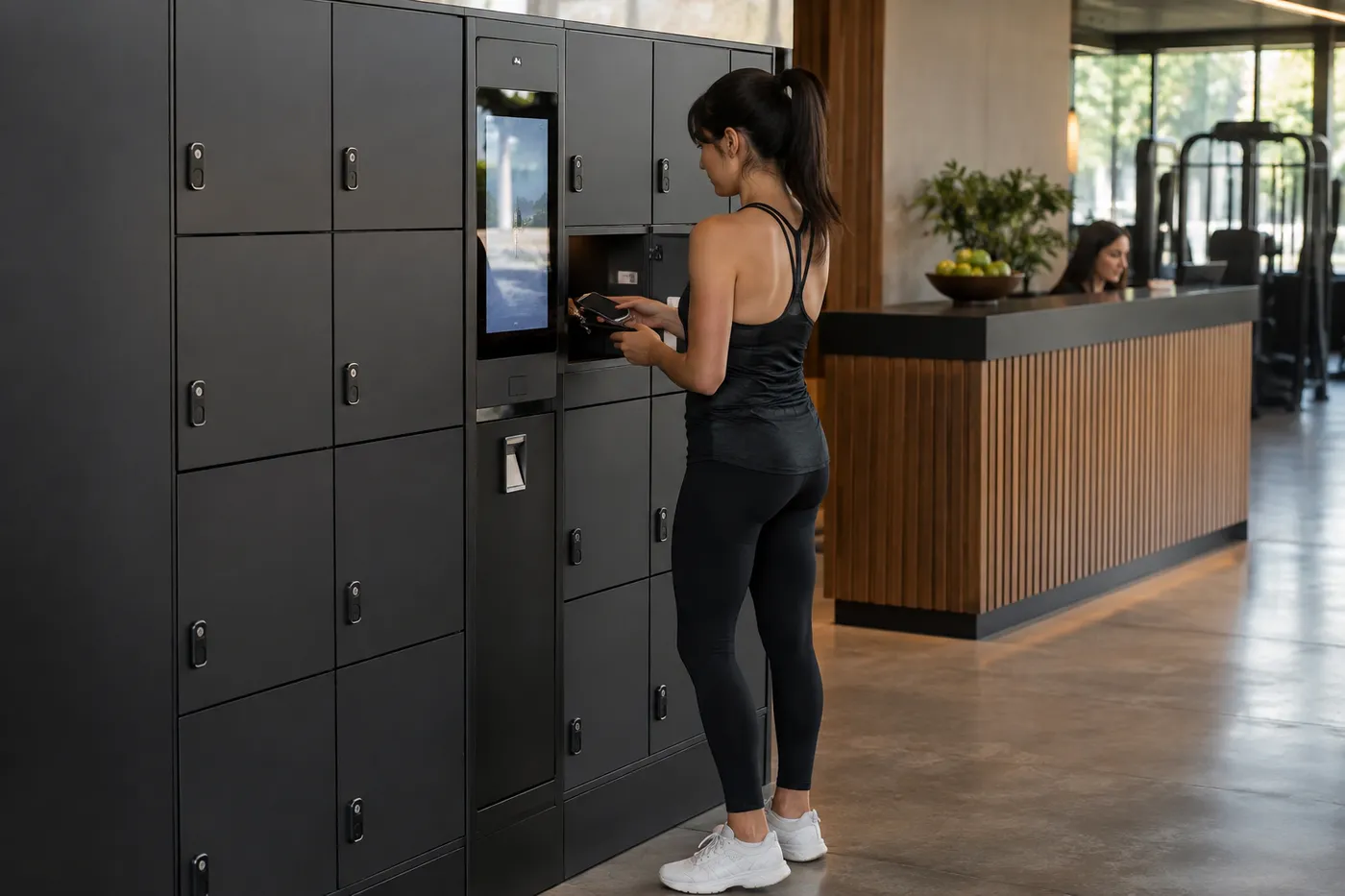 Smart Lockers for Gyms & SpasKeyless member storage, RFID wristbands and day-use lockers for fitness clubs and spas.
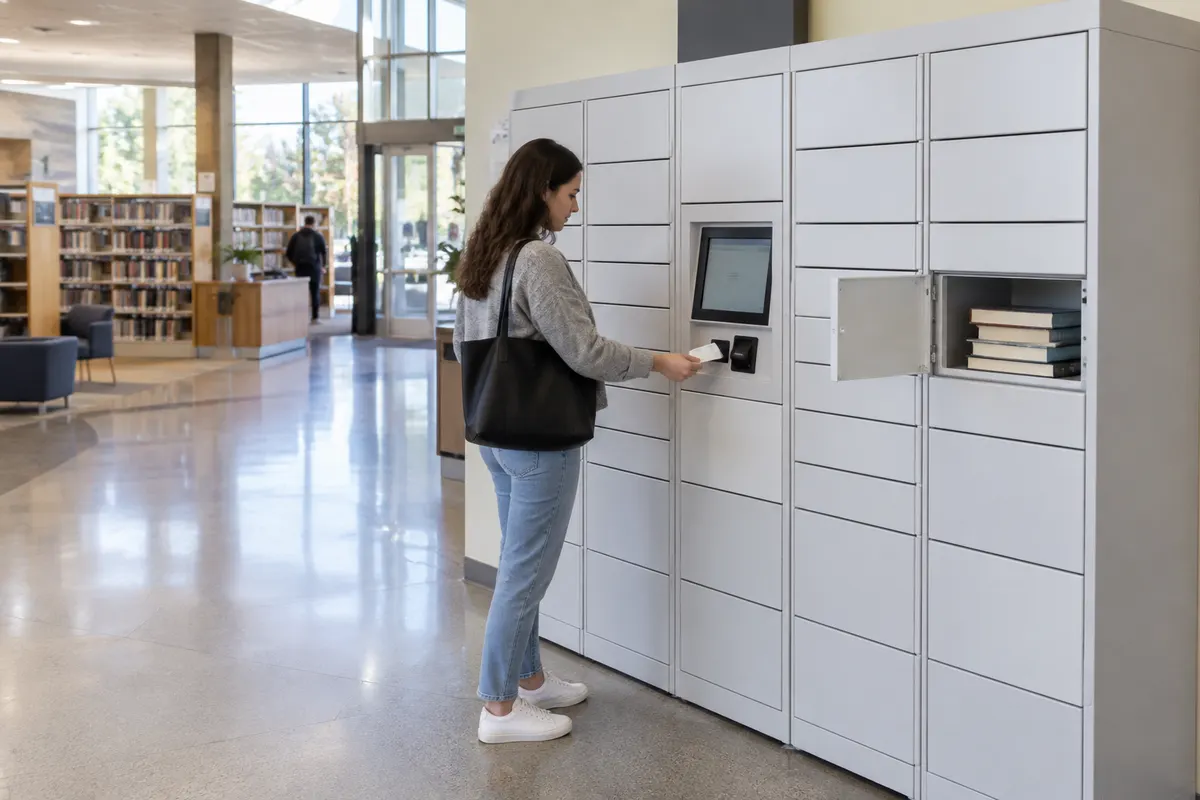 Library Smart Lockers24/7 hold pickup, device lending and remote pickup points.
 Smart Locker Software & IntegrationHosting, credential compatibility and integration questions.
Back to the Smart Locker Systems hub for parcel, food, storage, charging, medical and tool lockers.
Shop Standard Steel Lockers Online
Our online store doesn’t sell smart lockers. These standard steel employee and storage lockers are priced and ready to order for staff rooms and back-of-house storage. Smart locker systems are quoted per project — call (800) 326-4403.


Get a free quote
Tell us what you are storing, the room size and your timeline. A project specialist will follow up with layout options and pricing. Prefer to talk? Call (800) 326-4403.
Office Smart Locker FAQs
What is an office smart locker?
How many day-use lockers does a hybrid office need?
Can employees use their building badge to open the lockers?
Can one locker system handle storage, parcels and IT devices?
What happens if the network or power goes down?
Do smart lockers integrate with our workplace software?
Are office smart lockers secure enough for laptops?
Can we start with one floor and expand later?
Do you install office smart lockers nationwide?
Planning Smart Lockers for Your Office?
Share your floor plans and attendance pattern for a free layout and quote.