
Smart Lockers for Gyms, Fitness Clubs & Spas
Keyless member lockers opened by wristband, member card, app or PIN — no lost keys, no padlocks left overnight and fewer trips to the front desk. Planned and installed by an authorized DC Locker dealer.
Authorized DC Locker dealer · Nationwide delivery & installation · (800) 326-4403

Keyless
Member access
Day-use
Auto-release
Wristband
RFID ready
Audit log
Every door
Why Gyms and Spas Are Going Keyless
Keys and padlocks generate a steady stream of front-desk work: lost keys, cut locks, lockers squatted overnight and members who cannot remember which door they used.
A traditional locker room asks members to bring a padlock or borrow a key, and asks staff to deal with everything that goes wrong after that. Keys walk out of the building, locks are left on doors for weeks, and every lost key or forgotten combination ends with someone fetching bolt cutters. The front desk becomes a key counter at exactly the times it should be checking in members and selling memberships.
Smart lockers take keys out of the picture. A member taps a wristband or member card, scans a QR code or enters a PIN, and a free door opens. When they leave, the locker releases automatically or by rule, so doors are available for the next class. Staff can see which lockers are occupied, open a door remotely when someone needs help, and check the log if a member reports a problem.
- No keys to issue, lose or replace and no cut padlocks
- Day-use doors free up automatically for the next member
- Front-desk staff manage lockers from a screen
- A time-stamped record of every opening
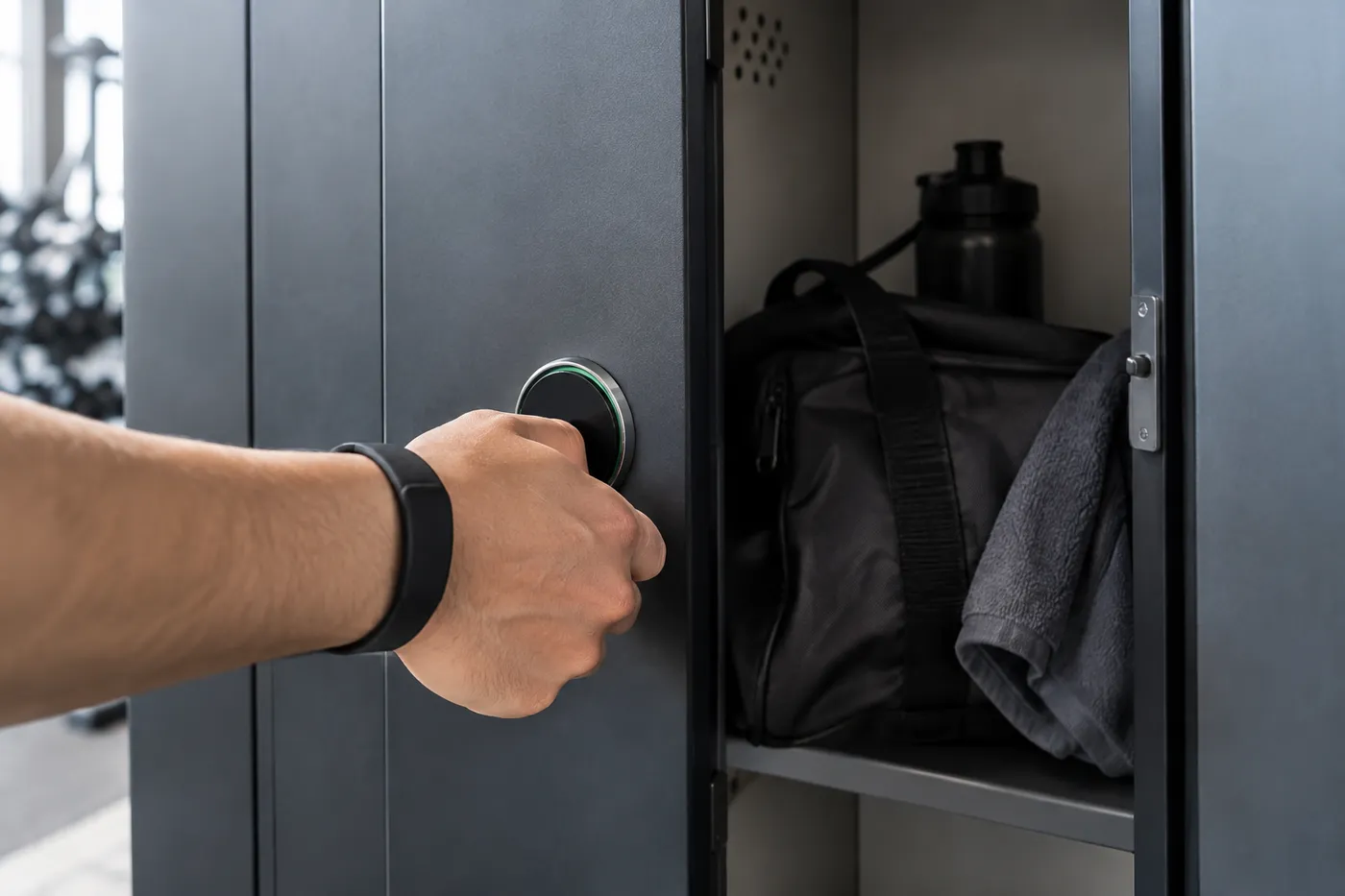
Material Handling USA is an authorized dealer for DC Locker’s smart locker line. We help health clubs, boutique studios, hotel fitness centers, day spas, recreation centers and corporate gyms choose the right mix of member, spa and staff lockers, match access to the credentials members already carry, and deliver and install the system. For every other application, start at our Smart Locker Systems hub, or read What Is a Smart Locker? for the basics.
Smart Locker Types for Fitness and Spa Facilities
Most clubs need more than one kind of locker. Each type below runs on the same management software.
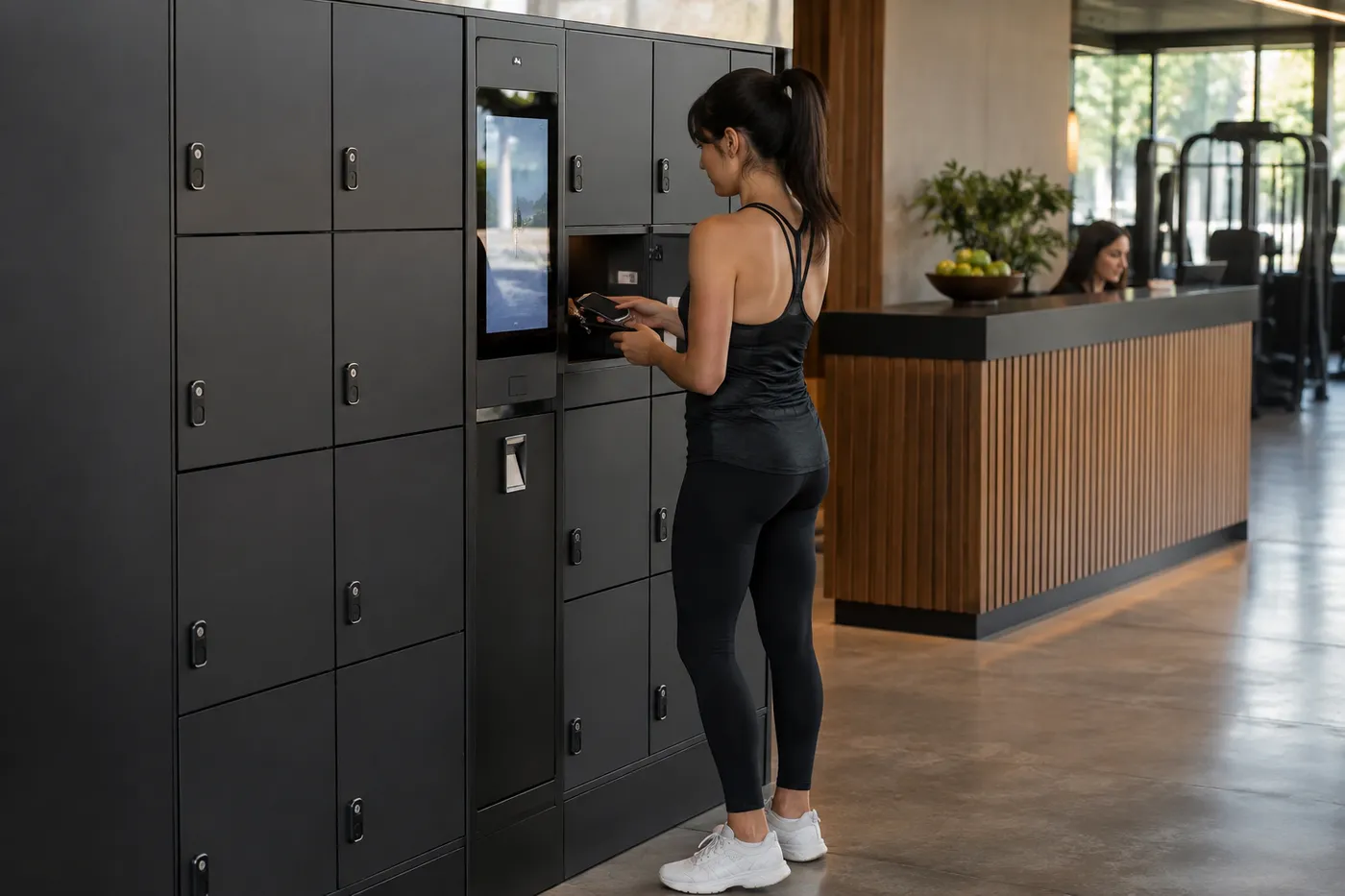 Lobby Day-Use LockersCompact compartments by the entrance for phones, wallets and keys, so members can head straight to a class or the floor without entering the locker room.
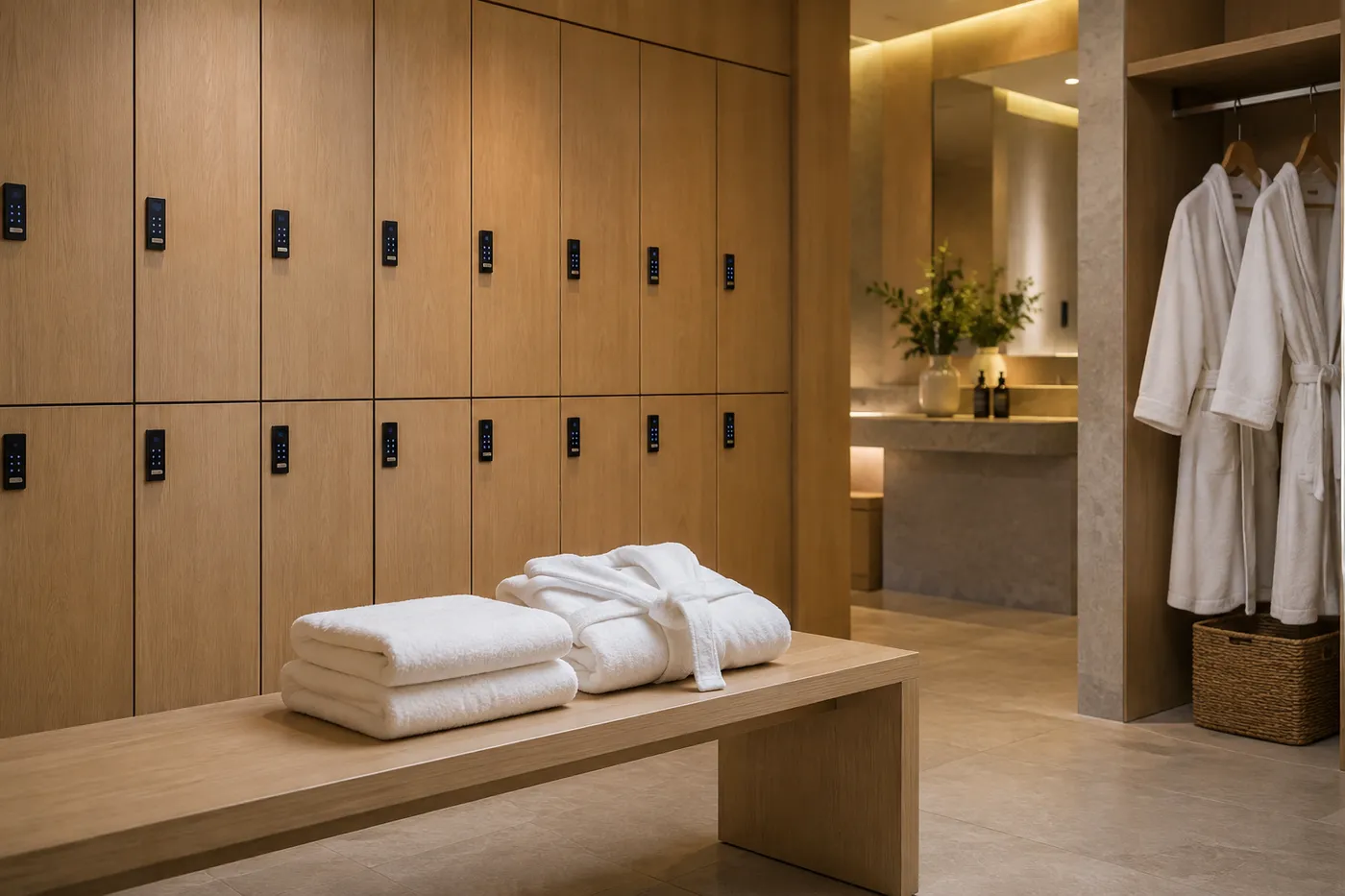 Spa & Changing-Room LockersFull-height compartments for clothing and bags in changing areas, opened by wristband or code so guests carry nothing into treatment rooms, pools or saunas.
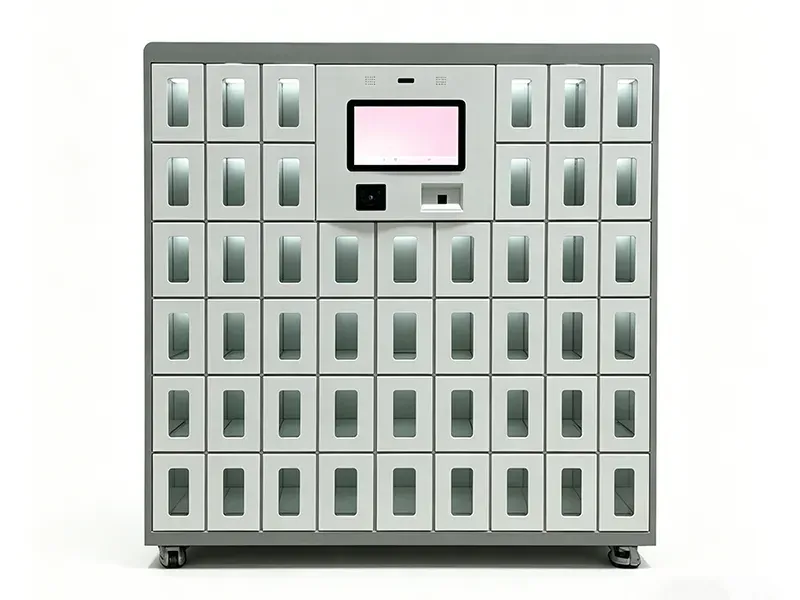
 Ventilated Changing LockersDC Locker’s smart changing locker has lighting and ventilation in each compartment, hangable or foldable storage, and card, face or fingerprint access.
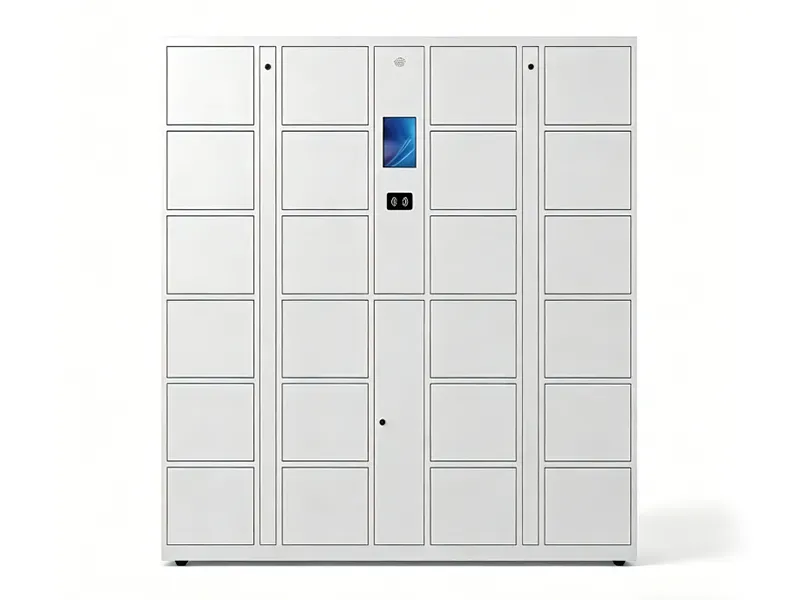 Electronic Storage LockersGeneral-purpose smart lockers for member and staff belongings with a touchscreen kiosk and multiple access methods, including 24/7 unattended use.
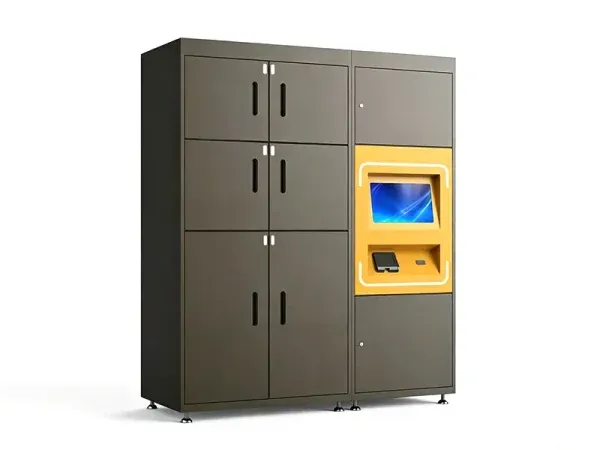 Paid Rental LockersPOS-enabled lockers let drop-in guests or members rent a locker by card or contactless payment, with no staff involvement.
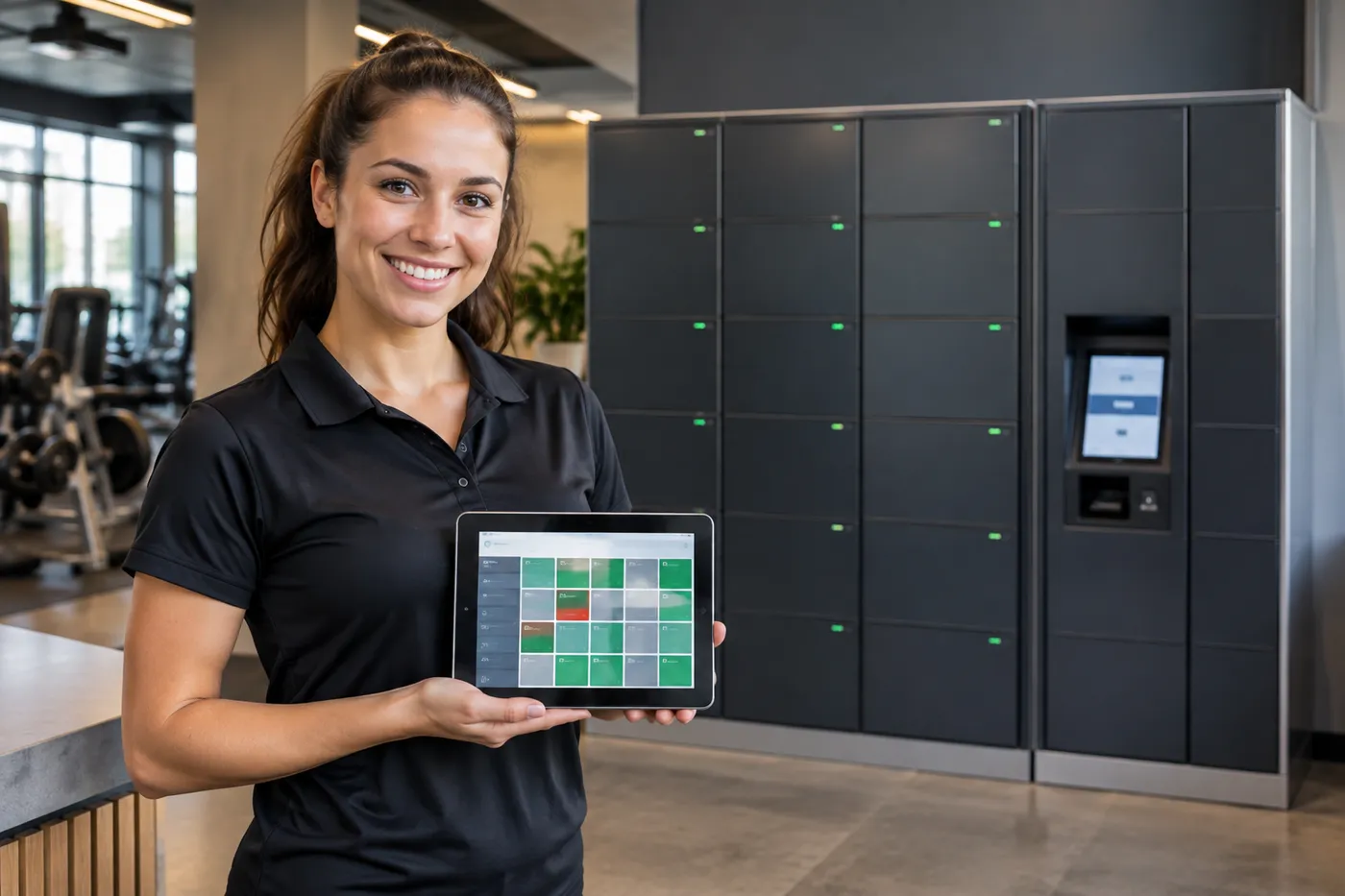 Staff & Trainer LockersAssigned compartments for staff and trainers, plus shared lockers for equipment such as tablets and heart-rate straps, managed from the same dashboard.
Not every locker in a club needs to be smart. Many operators keep traditional steel or wood lockers in some areas and add smart lockers where key problems are worst, usually day-use member lockers and the lobby. For traditional options see our employee lockers range and locker room design guide.
Outfitting a team room or PE locker room rather than a club? Our athletic lockers guide covers ventilated gym lockers, open-front team lockers with footlocker seats and wood athletic lockers.
Choosing Member Access: Wristband, Card, App or PIN
The best access method is the one members already have in their hand when they reach the locker, which in a gym often means a wristband rather than a phone.
| Access Method | How Members Use It | Best Fit | Watch For |
|---|---|---|---|
| RFID wristband or fob | Tap the band on the reader | Pools, spas, saunas, high-volume clubs | Band format must match the locker’s RFID reader |
| Member card / RFID card | Tap the club card | Clubs that already issue RFID member cards | Members who forget their card need a fallback |
| QR code or app | Scan a code from the phone | Boutique studios, app-first brands | Phones are often left in the locker during workouts |
| PIN code | Choose a code at the kiosk | Drop-in guests and day passes | Forgotten codes; set a staff override process |
| Face or fingerprint | Look at or touch the reader | Premium clubs, staff lockers | Member consent and data-retention policy |
What DC Locker supports
DC Locker’s electronic locker supports facial recognition, fingerprint, PIN code, RFID reader, QR code and barcode access, with a touchscreen kiosk, 24/7 unattended self-service and an emergency box-opening function. One controller can run up to 50 lockers, and the locker is POS-machine compatible for paid use. Wristbands and key fobs are RFID credentials in a different shape, so we test your band or card format against the reader before ordering.
Connecting to club software
DC Locker systems support API and third-party software integration. Clubs typically want lockers to recognize active members, deny access to lapsed memberships and release lockers at closing. Whether that is possible depends on your club management platform and its integration options, so integration scope is confirmed during planning; lockers can also run stand-alone with their own user list. See our smart locker software guide.
What the Member Experience Looks Like
A good locker program is invisible to members: it takes seconds and never needs a staff member.
Arrive
The member checks in as usual. No key or padlock is handed over at the desk.
Claim a Door
At the bank they tap a wristband or card, scan a QR code or choose a PIN; the kiosk opens a free door of the right size.
Work Out
The door locks when closed. The member reopens it with the same credential as often as needed during the visit.
Leave
On the final opening, or at a set time, the locker releases and is ready for the next member.
Behind that flow, staff get the controls they used to lack. Overnight squatters show up on the dashboard instead of being discovered with bolt cutters, items left after release can be logged and moved to lost and found, and a member who cannot open a door can be helped from the front-desk screen. Clubs that sell premium memberships can reserve a block of larger or assigned doors for those members while the rest of the bank stays day-use.
Designing for the Locker Room Environment
Gyms and spas are hard on equipment: humidity, sweat, cleaning chemicals and constant use. Plan for them before choosing a location or finish.
Humidity and water. Keep kiosks and electronics away from showers, steam rooms and pool decks, and use the locker room’s ventilation to its advantage. Place the bank where splashes and condensation are unlikely and where cleaning crews will not hose down the kiosk. DC Locker’s electronic locker uses galvanized steel and corrosion- and rust-resistant materials, and its changing locker adds ventilation to each compartment so damp clothing is not sealed in.
Finishes. Members notice finishes in premium clubs and spas. DC Locker offers hardware customization; available colors and door finishes depend on the model and are confirmed at quote.
Power, data and cleaning. Every bank needs power and a network connection at the kiosk. Door surfaces and readers are touched constantly, so pick finishes that tolerate your cleaning products and keep the kiosk at a height that is easy to wipe down and accessible.
Accessibility
Keep the kiosk and a share of member doors within accessible reach ranges with a clear approach, and include accessible doors in every bank, not only in one corner of the locker room.
Paid Rental Lockers for Drop-In Guests
Day-pass guests, climbing-gym visitors and spa guests often need a locker for a few hours. A paid rental locker turns that need into a self-service transaction.
DC Locker’s POS-enabled luggage locker combines secure storage with self-service card and contactless payment, so users store and retrieve belongings without staff assistance. The kiosk offers two entries, rent a locker and open my locker: the user picks a compartment size, pays, sets a password and returns later to open the door or end the rental. A free mode skips the payment step, so the same unit can serve members at no charge and guests for a fee. Per DC Locker it is ADA compliant, supports PIN, RFID and QR or barcode access, runs on a 15.6-inch all-in-one PC, and has an emergency unlock through the maintenance panel.
| Setting | Free Member Mode | Paid Guest Mode |
|---|---|---|
| Who uses it | Members with an active membership | Day-pass and drop-in guests |
| How a door opens | Wristband, card, app or PIN | Password set after payment |
| Release | End of visit or closing time | When the guest ends the rental |
| Staff involvement | Override only | None for normal use |
Sizing and Placing Gym and Spa Lockers
Locker counts in a fitness facility follow peak occupancy, not membership size.
| Input | Why It Matters | What We Ask For |
|---|---|---|
| Peak occupancy | Day-use lockers must cover the busiest hour | Check-ins per hour at peak, by gender/area |
| Class schedule | Classes create surges of arrivals | Largest class sizes and changeover times |
| Spa and pool use | Changing areas need larger doors | Treatment rooms, pool and sauna capacity |
| Lobby storage | Small doors for phones and keys | How many members skip the locker room |
| Staff count | Assigned doors for staff and trainers | Staff per shift and equipment to store |
| Power and network | Every kiosk needs both | Outlet and data locations near each bank |
Placement follows member flow: lobby lockers by the check-in desk, day-use lockers on the dry side of the locker room near the entrance, larger changing lockers close to showers and spa areas but out of splash zones. Clubs with more than one location often standardize one layout and roll it out across sites so members see the same locker experience everywhere.
Charging is a common add-on. Members want to leave a phone charging during a class, and staff need tablets charged for check-in and personal training. DC Locker’s smart charging locker gives each compartment its own charging port with overcharge, short-circuit and overheat protection, a temperature sensor per compartment and charging status reported to the cloud platform.
Placed in the lobby or near the studio doors, a small charging bank also keeps phones off the gym floor during classes where the club prefers it.
- Phone charging during classes
- Staff tablets and scanners kept charged
- Access by QR code, card or face
How a Gym or Spa Locker Project Runs With MH-USA
Discovery
We review occupancy, class schedules, spa and pool areas, member credentials and the club software you use.
Layout & Spec
A layout shows each bank, compartment sizes, kiosk positions, accessible doors, and power and data locations.
Quote
One itemized quote covers lockers, kiosks, access hardware, software, freight and installation, with lead time confirmed at quote.
Install & Launch
Crews install and anchor the lockers, connect the network, configure release rules and train front-desk staff.
We deliver and install nationwide, and our Salt Lake City home office handles Utah clubs and spas directly — see Utah Smart Lockers. Resort and hotel spas with ski storage needs should also see our ski resort smart lockers guide.
Related Smart Locker Guides
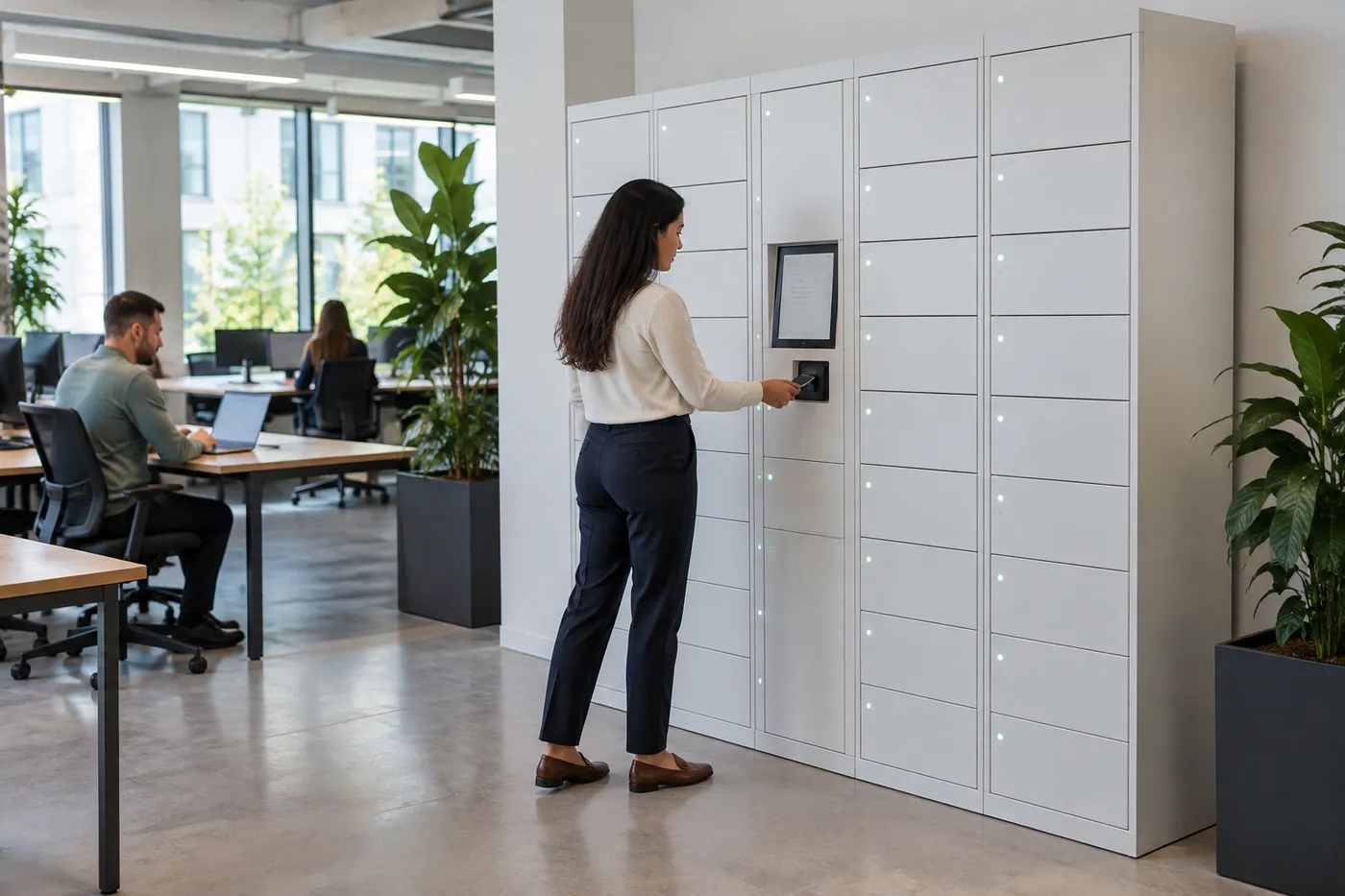 Office Smart LockersDay-use storage, parcel pickup and IT hand-off for hybrid workplaces.
 Smart Lockers for Utah Ski ResortsSelf-service gear, bag and snowboard storage for base lodges and rental shops.
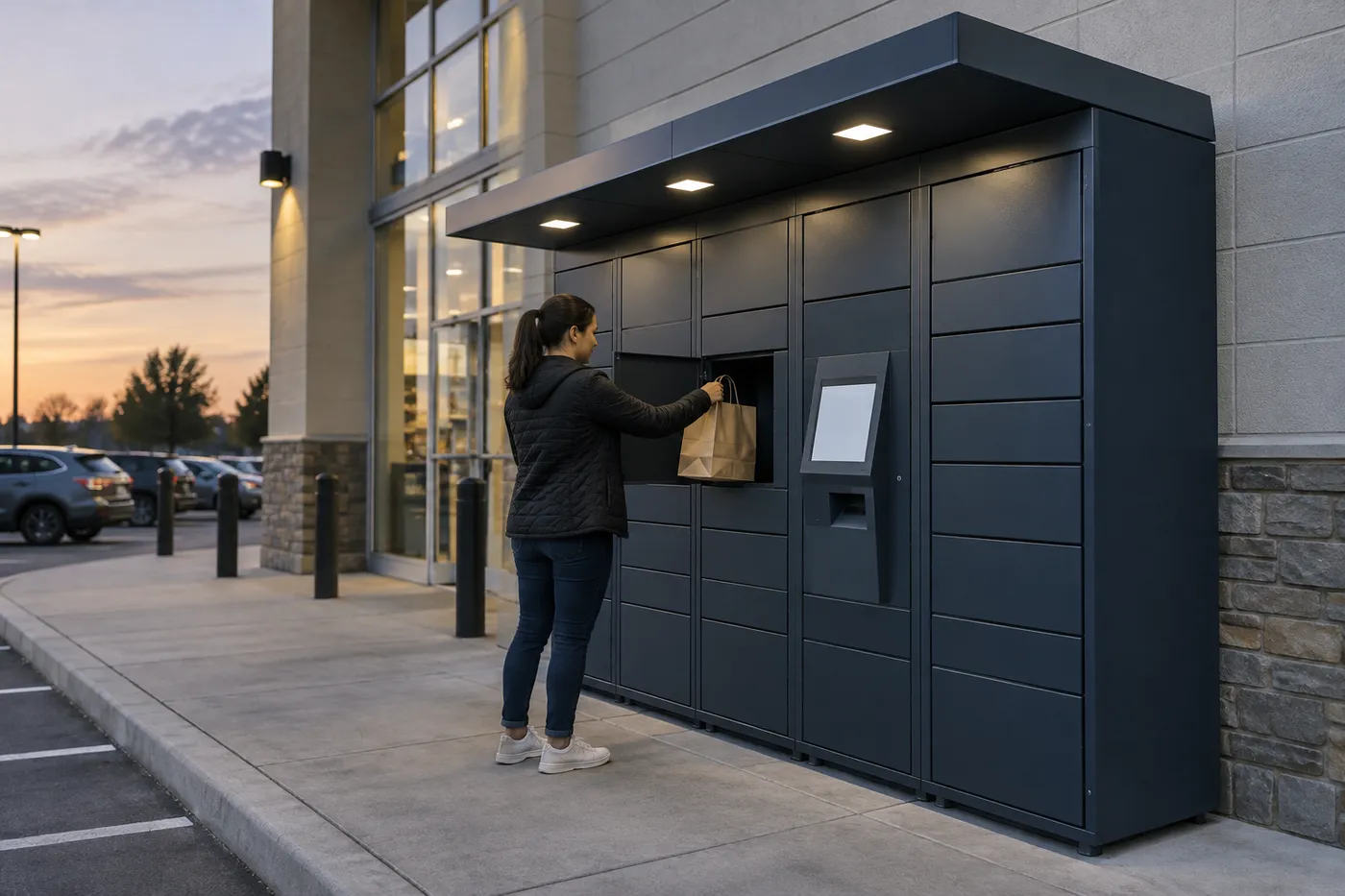 Retail Click-and-Collect LockersSelf-service order pickup for pro shops and retail counters.
Back to the Smart Locker Systems hub for parcel, food, storage, charging, medical and tool lockers.
Shop Standard Steel Lockers Online
Our online store doesn’t sell smart lockers. These standard steel employee and storage lockers are priced and ready to order for staff rooms and members-only areas. Smart locker systems are quoted per project — call (800) 326-4403.


Get a free quote
Tell us what you are storing, the room size and your timeline. A project specialist will follow up with layout options and pricing. Prefer to talk? Call (800) 326-4403.
Gym & Spa Smart Locker FAQs
What is a gym smart locker?
Can members use RFID wristbands?
Are smart lockers suitable for spa and pool changing rooms?
How do day-use gym lockers free up?
Can we charge guests for locker use?
Do smart lockers connect to club management software?
What happens if power or the network fails?
Do we have to replace every locker in the club?
How many smart lockers does a gym need?
Do you install gym and spa lockers nationwide?
Planning Smart Lockers for Your Club or Spa?
Share your floor plan, peak occupancy and member credentials for a free layout and quote.