
Visiontron VERSA-STAND Signs for Clear Wayfinding
Visiontron VERSA-STAND displays help facilities place directions and service information where visitors need to make a decision. The range includes sign posts, heavy-duty stands and taller sign towers. Material Handling USA can help you compare the format, location and message requirements for your entrance, queue or public space before selecting the display.

Start with the decision visitors need to make
Decision
What should the visitor do?
Location
Where is the message needed?
Visibility
Can it be read before the turn?
A sign works best when it answers a clear question at the right location. Visitors may need to identify an entrance, choose a queue, find a department or learn what to prepare before reaching a counter. Begin with that decision rather than choosing the largest display or filling a panel with every available instruction.
Walk the route as someone who has never visited the facility. Identify the places where the next step is unclear. Note competing signs, reflections, columns and people who may block the view. A display that is obvious in an empty lobby can disappear behind a queue during the busiest part of the day.
Separate directions from detailed instructions
Use the first sign to establish the destination or action. Place longer instructions where visitors have time to read them without blocking movement. If a person must stop in a doorway to understand the message, the problem may be the location or the amount of information rather than the sign's construction.
- Identify the primary audience and the direction from which they approach.
- State the one decision the display should support.
- Check the distance at which the message needs to be understood.
- Record whether the information changes daily, seasonally or only occasionally.
Keep the language consistent with staff instructions and other signs. Calling the same service by different names can create confusion even when each individual display is well made. The physical sign and the information process should be planned together so a temporary update does not contradict the permanent wayfinding around it.
Compare the VERSA-STAND display formats
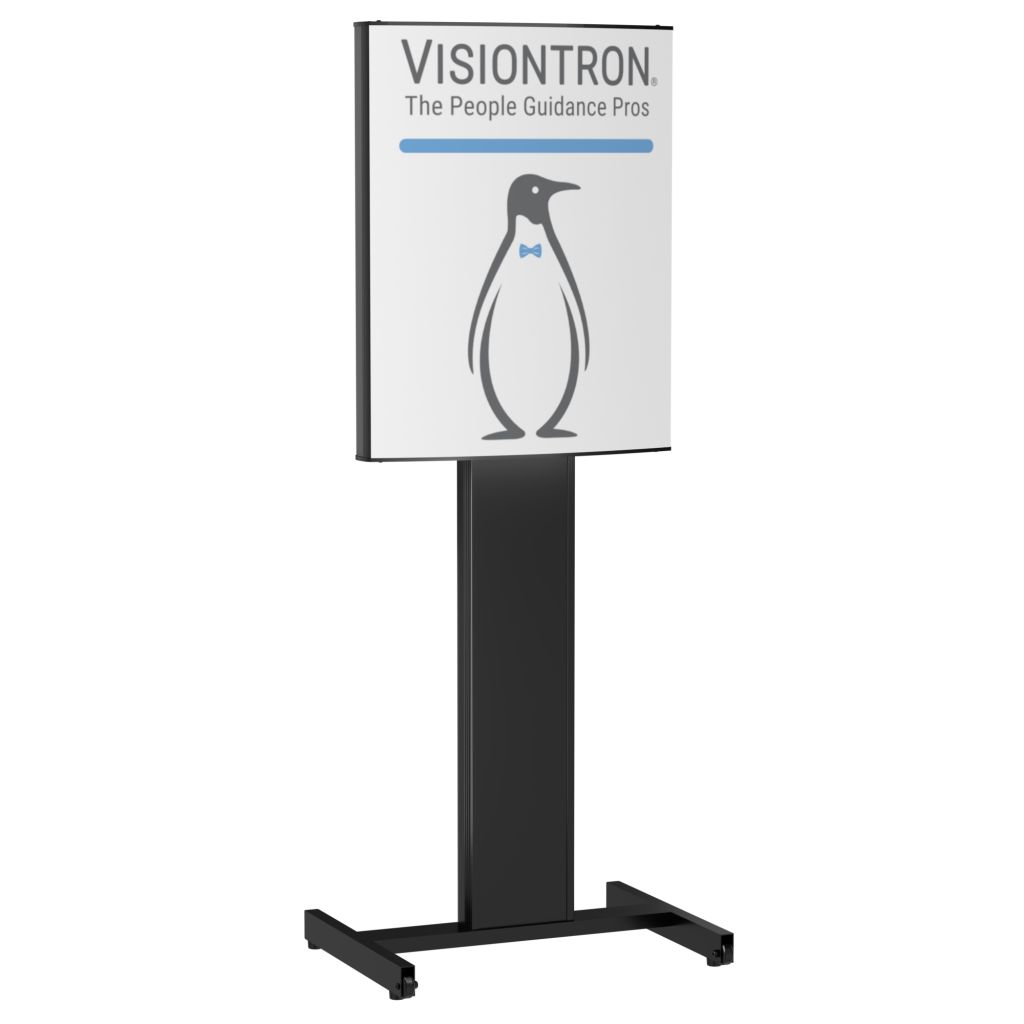
Visiontron's current VERSA-STAND family distinguishes freestanding sign posts, heavy-duty sign stands and sign towers. The manufacturer positions the heavy-duty stands for outdoor and more demanding use, while towers provide a larger, elevated message area. Select the exact model and configuration from current product information rather than assuming the entire range shares one set of dimensions or environmental limits.
Match format to viewing conditions
| Format | Useful planning role | What to check |
|---|---|---|
| Sign post | Local directions and counter-area messages | Panel size, base footprint and viewing height |
| Heavy-duty stand | Locations needing a more substantial display | Approved environment and handling requirements |
| Sign tower | A message that needs greater presence | Sightlines, overall height and storage space |
| Custom arrangement | A specific site or branding requirement | Approved design, artwork and delivery scope |
The largest format is not automatically the most useful. A tall display can improve visibility in one setting while competing with overhead information in another. A smaller sign may be easier to read at a service point but unsuitable as the first direction across a large hall. Test the intended role before finalizing the quantity.
Confirm the complete assembly
Ask which frame, panel, base and accessories are included. Confirm the available finish and how the graphic is installed or changed. Where outdoor use is intended, request the manufacturer's guidance for the proposed location and conditions. Do not translate a general weatherproof description into an assumed wind rating or permission to leave the unit in any environment.
Plan artwork that can be read quickly
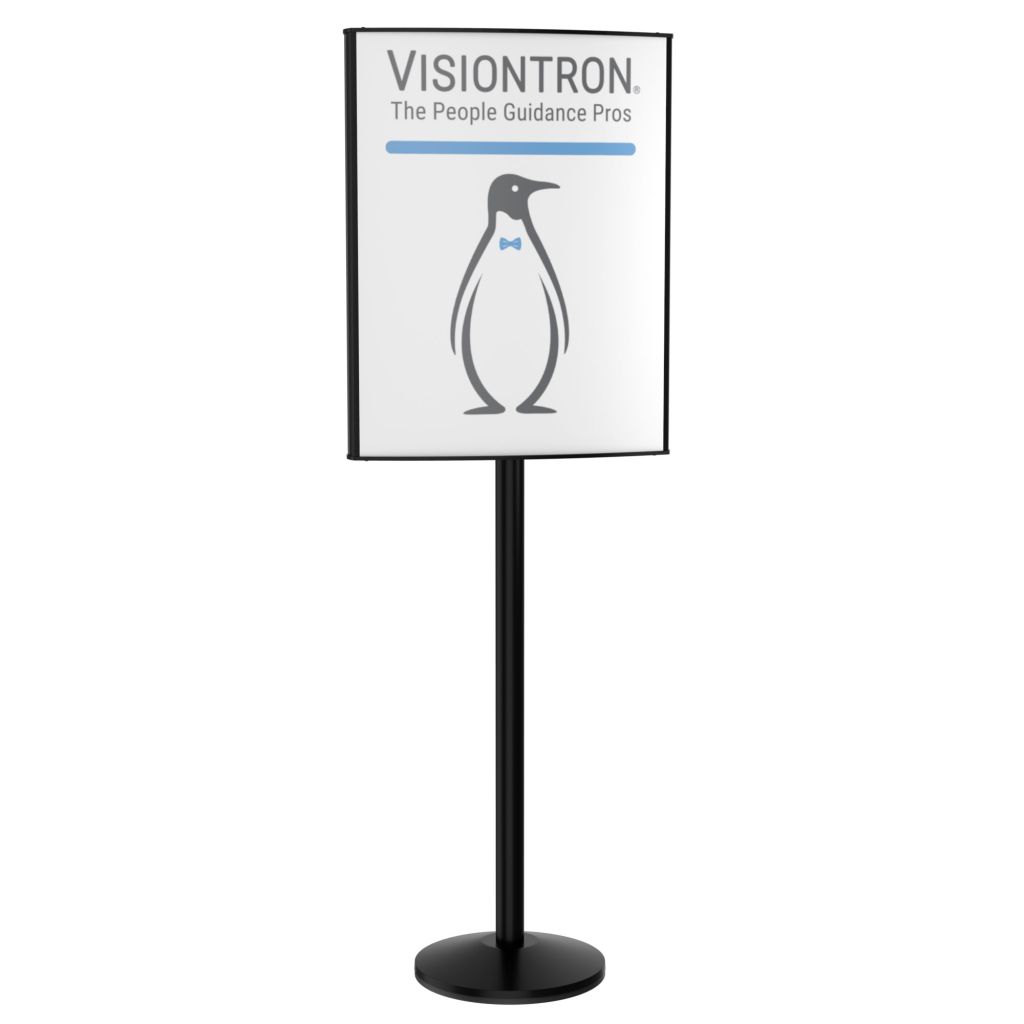
The display hardware supports the message, but it cannot correct unclear artwork. Start with the essential instruction and remove details that belong at a later step. Use a clear hierarchy so the destination or action is recognizable before the visitor reads smaller supporting information. Keep decorative elements from competing with the message.
Use the actual panel template
Obtain the correct artwork requirements for the selected model. Confirm the visible area, orientation, margins and production format. A file that looks balanced on a computer screen may place important information too close to a frame edge. Proof the design at a useful scale and check it from the expected viewing distance.
For changeable messages, define who prepares and approves updates. Keep the source files organized by location and purpose. A naming system that identifies the display and current revision reduces the chance of reinstalling an outdated panel. If several departments share the signs, agree on the terminology and visual style before producing the full set.
Design for real visitors
Consider the languages, reading conditions and accessibility needs of the intended audience. Use familiar directional language and avoid unexplained internal abbreviations. Where symbols are used, make sure they support the written message rather than creating another interpretation. Review the finished arrangement with the responsible accessibility or design professional when requirements apply.
Avoid overcrowding a panel with policies, promotions and directions at the same time. A visitor trying to find a service desk should not have to separate an operational instruction from a marketing message. If both are needed, give them distinct locations or a clear hierarchy. The result should remain understandable during busy periods, when visitors have less time and more visual distractions.
Position signs without obstructing the route

Freestanding displays use floor space, so their bases and approach areas belong on the layout. Place the sign where it can be seen before the decision point while keeping the route practical for everyone using it. Review door swings, corners, queue entries and the movement of luggage, carts or mobility devices.
Check the approach from several directions
An entrance may receive visitors from a parking area, elevator and connecting corridor. A sign facing only one direction may leave other arrivals without guidance. Walk each approach and decide whether a second face or another display is needed. Do not assume that people will turn around to find information they have already passed.
Review the display at busy conditions. Queues can obscure low messages and temporary furniture can block a base. Staff may move a sign to make room for another task and unintentionally hide it from the main approach. Mark or document the intended position when consistent placement matters to the operation.
Keep the surrounding information coherent
Remove obsolete temporary directions when the new system is installed. Multiple signs with slightly different wording can reduce confidence and cause visitors to ask staff for confirmation. Keep emergency and required building signage distinct from optional visitor guidance, and have the responsible facility team review any changes near those systems.
For queue-related projects, coordinate the display with the principles in six steps to a great queue experience. The sign should explain the route the barriers actually create. If an entrance is relocated, update the directional message and the physical queue together rather than leaving visitors to reconcile conflicting cues.
Coordinate signage with staff and event operations

Signs often change because the operation changes. A service counter closes, a screening lane opens or an event entrance moves. Plan who owns those changes and how staff confirm that the displays match the current arrangement. The most durable stand is still ineffective if it carries yesterday's instruction.
Prepare common operating states
List the situations that need different messages: normal service, temporary closure, overflow queue, alternate entrance or scheduled event. Prepare approved artwork for recurring states where appropriate. Staff should know which display to use and where it belongs, without needing to improvise a new sign during a busy arrival period.
For larger events, coordinate setup with the teams managing admission, security and guest services. Check that the same names are used for entrances and queues in tickets, staff briefings and on-site signs. If a route changes during the event, assign responsibility for removing the old directions as well as installing the new ones.
Review temporary and outdoor use
Confirm that the selected stand is suitable for the intended environment and follow the manufacturer's handling guidance. Identify where units will be stored when not in use and how staff will move them. Do not add improvised weights, attachments or oversized panels without supplier approval; those changes can affect how the assembly behaves.
The crowd-control planning guide for rallies and events covers related operational questions. A sign is one part of the visitor experience, alongside staff positioning, queue capacity and communication. Plan those elements as a coordinated arrangement rather than expecting additional signage to resolve an underlying service bottleneck.
Specify, purchase and maintain the right display
Model
Confirm frame, base and panel.
Artwork
Use the correct production template.
Care
Keep handling instructions with the unit.
A useful purchase specification identifies the exact display role, quantity and configuration. Include where the units will be used, how often the graphics change and how they will be stored. Ask for current model details and confirm the relationship between the sign panel, frame and base before approving an order.
Compare complete quotations
Check whether printing, graphic panels, accessories, freight and assembly are included. Confirm the finish, artwork approval process and replacement-panel requirements. If the project includes several formats, identify each one by location so a similar-looking product is not inadvertently substituted for a unit intended for different conditions.
Standard sign displays may be purchased as catalog items when an exact match is available. For VERSA-STAND, request the specified Visiontron model through Material Handling USA when a matching online listing is unavailable. A generic sign-holder category should not be treated as an equivalent product without checking the manufacturer and assembly details.
Plan routine care
Keep the supplied cleaning and handling instructions with the equipment record. Inspect the display for damage, loose components and graphic deterioration as part of the facility's routine checks. Remove a damaged unit from use and obtain the appropriate replacement parts or repair guidance. Avoid using tape or improvised fasteners as a permanent correction for a structural problem.
Store unused units where frames and panels are protected from impact. Keep graphics flat or otherwise stored according to the material requirements. If the display moves between departments, assign responsibility for its condition and current message. These simple ownership details help preserve the usefulness of a system that may otherwise become a collection of untracked signs.
Test the complete wayfinding arrangement
Walk
Follow the route as a new visitor.
Observe
Check visibility during busy use.
Update
Keep messages aligned with operations.
Before deploying every display, test a representative location with the intended message. Ask someone unfamiliar with the route to follow the information without staff prompting. Observe where they hesitate, turn back or ask a question. Those observations can reveal whether the issue is wording, visibility, location or the route itself.
Use a practical acceptance check
- Is the main instruction visible before the visitor must choose a direction?
- Does the message match the actual service or entrance arrangement?
- Can visitors approach and pass the display without an awkward detour?
- Can staff update, move and store the unit using the intended procedure?
Repeat the review during a realistic operating period, not only when the area is empty. A display that works during setup may be hidden by people, luggage or temporary equipment later. Photograph or document the approved location so staff can restore it after cleaning or another event changes the space.
Review after operational changes
When a counter, queue or entrance changes, revisit the signs that lead to it. Include digital directions and staff instructions in that review. An accurate sign at the destination does not help if visitors are sent toward the wrong corridor by an earlier message. Keep the full route in view.
Send Material Handling USA the intended locations, viewing conditions, artwork needs and quantity to start a VERSA-STAND discussion. Include indoor or outdoor use, storage arrangements and the date the displays are needed. That information makes it easier to compare suitable formats and build a sign system that visitors can understand and staff can maintain.
Compare stanchions, barriers, signage and queue layouts on our main crowd control barriers page.
Frequently asked questions
What is the VERSA-STAND range used for?
It provides freestanding sign formats for directions, queue messages and other visitor information. The appropriate post, stand or tower depends on the viewing conditions and the message's role.
Can every VERSA-STAND model be used outdoors?
Do not assume so. Confirm the intended environment for the exact model and follow the manufacturer's instructions. A general product-family description does not establish suitability for every outdoor condition.
Should I choose a sign post or a tower?
Compare the distance and height at which the message needs to be seen. A post can suit local guidance, while a tower may provide greater visibility in a larger or busier space.
Can the printed message be changed?
Changeable messaging is part of the range, but the panel and installation method depend on the selected configuration. Confirm artwork requirements and replacement-graphic details before ordering.
Does the sign replace queue barriers?
No. Signs explain the intended route or action, while barriers organize physical movement where needed. Their locations and messages should support the same operating plan.
What is needed to request a quote?
Provide the intended location, indoor or outdoor conditions, viewing distance, quantity, artwork requirements and required date. Include photographs or a floor plan showing the visitor approaches.
Plan Clear Visitor Guidance
Share your application details, photographs and requirements with Material Handling USA to start a focused project discussion.