
Contactless & Touchless Lockers
Give people access to storage or pickup without a physical key or a shared keypad. Compare badge, QR and Bluetooth workflows, then choose the right fit for your users, building and support team.
Authorized DC Locker dealer · Nationwide project support
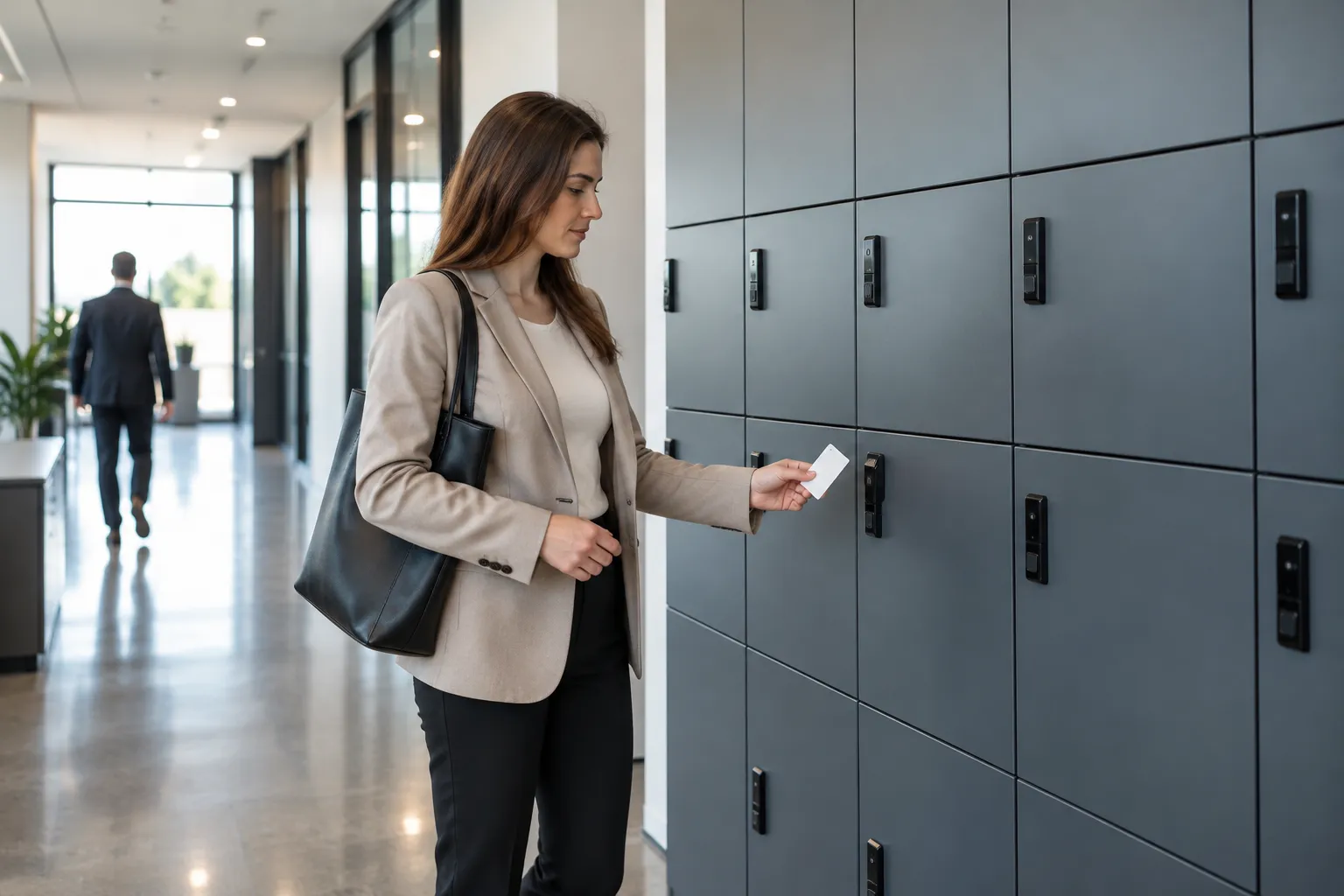
RFID
Badge access
QR
Scanned credentials
Bluetooth
Phone-based option
Plan first
Backup access
What Are Contactless Lockers?
Contactless lockers are electronically controlled compartments that can authenticate a user without a physical key or shared keypad. A supported badge, a scanned code or a phone-based credential tells the system which door that person is allowed to open. Touchless lockers is a common name for the same access concept.
The distinction is the interaction, not simply the presence of an electronic lock. A cabinet may offer RFID and PIN access on the same terminal. The badge workflow can avoid pressing keys, while the PIN workflow does not. A QR workflow that first asks users to select an option on a touchscreen is also not completely touchless.
Start with the task: daily personal storage, a parcel handoff, or collecting equipment. Then walk through every action from arrival to closing the door. That reveals whether the proposed configuration actually removes the shared interactions you want to avoid.
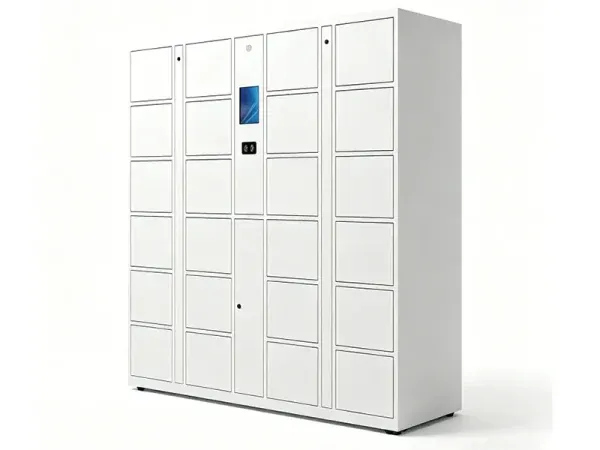
Check every touchpoint
Contactless access is not automatic door opening. Users may still touch a handle, door edge or the stored item. Specify powered door movement separately if it is required. No locker should be treated as a substitute for cleaning or your facility’s hygiene procedures.
This guide compares access methods across applications. For the complete equipment range, start with smart locker systems. For phone-specific workflows, see phone access lockers; for shared workplace storage, see smart day lockers.
Contactless Access Methods Compared
Choose credentials for the people who will actually use the lockers. Staff, contractors and one-time visitors rarely need identical access. The table is a selection guide, not a promise that every model includes every reader or software feature.
| Method | Typical interaction | Best-fit starting point | Confirm before ordering |
|---|---|---|---|
| RFID / employee badge | Present a compatible card near a reader | Repeat users who already carry ID | Card technology, reader compatibility, enrollment and revocation |
| QR / barcode | Present a supported code to a scanner | Temporary pickup and visitor access | Who issues the code, expiry, reuse rules and whether screen taps are required |
| Bluetooth / mobile | Use a supported phone workflow near the locker | Sites seeking a headless access option | App or web requirements, permissions, supported phones and fallback |
| Face recognition | Present a face to an enabled camera | Projects with an approved biometric policy | Consent, data handling, enrollment, lighting and a non-biometric alternative |
| PIN / password | Enter a code on a keypad or touchscreen | Alternative access when a badge or phone is unavailable | A useful fallback, but not touchless authentication |
| Fingerprint | Touch an enabled sensor | Projects specifically requiring fingerprint verification | Not contactless; glove use, cleaning and alternative access |
RFID does not mean every existing badge will work
Buildings use different card technologies and credential arrangements. Send the badge specification to the project team rather than assuming the locker can read a card because the front-door reader does. Also decide whether a lost badge should be disabled only at the locker or through a shared identity process. That integration needs its own scope.
QR and mobile access are not interchangeable
A code displayed on a phone can be scanned without installing an app, if the selected solution supports that flow. Bluetooth control uses a different communications path. Ask for a demonstration on the intended user devices and include a visitor without a compatible phone in the test. Keep the narrower mobile requirements in the phone-access specification.
How a Contactless Locker Workflow Works
A good workflow is easy for the user and unambiguous for the operator. Storage and pickup share an access step, but differ in who loads the compartment and who is allowed to collect its contents.
Assign the task
An operator allocates a compartment for an item or a user starts a supported storage session. Define who can do this and which doors they may assign.
Issue access
The configured system associates the task with a badge, code or supported mobile credential. Set the validity period and any notification requirements.
Authenticate
The user presents the credential. Confirm the actual interaction: scanning, presenting a badge or using a phone, without assuming no screen selection is needed.
Collect and close
The permitted compartment releases. The user removes or stores the item and closes the door. Define what completes the transaction and how exceptions are handled.
Example: a staffed-to-unattended handoff
An office team wants staff to collect prepared equipment without waiting at a service desk. The project needs an operator loading process, a way to associate the recipient with a compartment, an approved access method and a plan for items not collected. A door-opening event alone does not prove that the right device was removed or returned. Item-level verification must be specified separately where it matters.
- Show the complete user journey, not only a reader demonstration.
- Test expired, lost and incorrect credentials as well as successful access.
- Assign an operator for uncollected items, doors left open and failed transactions.
- Provide a documented alternative when a phone, reader or network is unavailable.
DC Locker Options to Evaluate
Material Handling USA is an authorized DC Locker dealer. We match the access workflow to a specific cabinet and configuration rather than treating contactless access as a universal feature package.
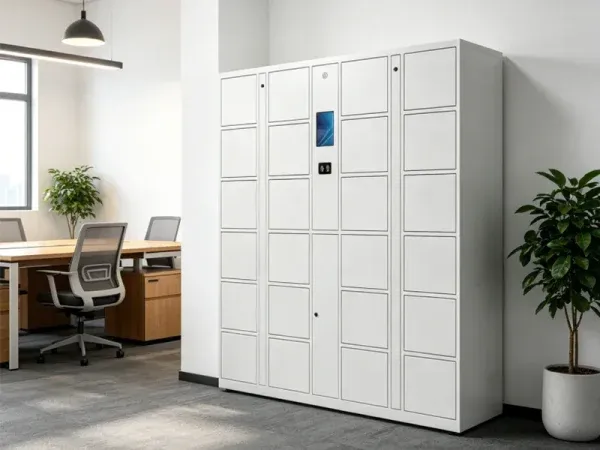
Electronic storage locker
DC Locker lists QR, barcode, RFID, PIN and biometric access options for its Electronic Locker, with a central terminal and modular compartment configurations. Its published features include centralized management, API interfaces and emergency opening.
Those options need to be selected and verified for the project. An API interface does not mean your identity provider, notification platform or business software is already integrated. Request the intended reader and a demonstration of the exact contactless path.
Headless Bluetooth locker
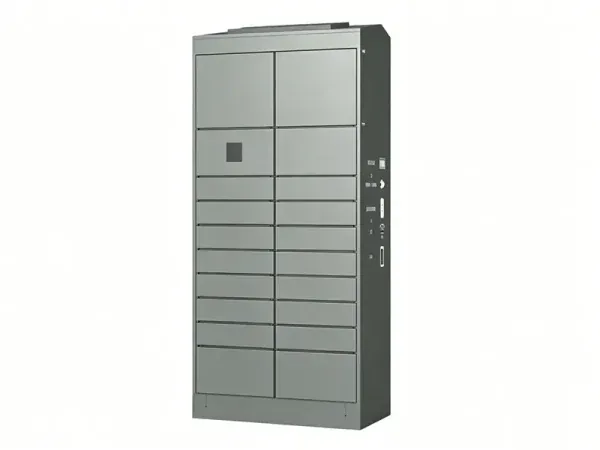
DC Locker’s Bluetooth Locker uses a headless design with direct Bluetooth control and nine compartments. The manufacturer lists 4G support, third-party software support and emergency opening among its features.
This is an option to evaluate when removing a shared touchscreen is part of the brief. Confirm the actual user interface, mobile permissions, credential management and fallback procedure. Payment, reservations and integrations belong in the agreed software scope, not in an assumption based on the cabinet photo.
Cabinet choices still matter
Access technology does not determine compartment fit. Specify the largest items, usable opening, door clearance and expected mix of occupied compartments. Finish and location requirements also need confirmation for the selected model. A product photo does not establish an outdoor rating, accessibility compliance or U.S. electrical suitability. Confirm those items during quotation and technical review.
Where Contactless Access Fits
Match the reader to the application instead of using one credential policy for every building. These are planning examples, not claims about completed installations.
Parcel and order pickup
A pickup project separates loading from collection. A temporary credential can help a recipient collect an assigned item without a face-to-face handoff, where the selected software supports that process. Define who loads, how the recipient is identified and what happens when a pickup window expires.
Plan notifications, oversized items and exception storage alongside the locker bank. See our parcel locker guide for the broader delivery workflow. A scanner on a cabinet does not, by itself, prove carrier integration.
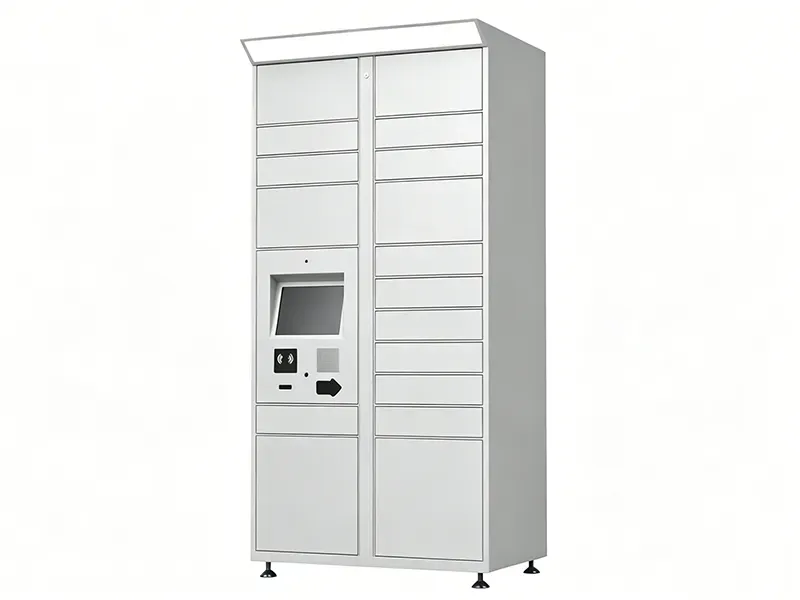

Agile workplace and day-use storage
Shared storage can suit employees who move between desks rather than keeping one assigned workstation. A badge workflow may reduce the need to distribute physical keys, but the organization still needs rules for session duration, abandoned items and overnight clearing.
Separate personal storage from incoming parcels or IT equipment if they require different operators or permissions. Our smart day locker guide covers workplace allocation in more detail. The scene shown is illustrative, not a customer installation.
Planning Security, Software and Daily Operations
The most useful specification describes responsibilities as well as hardware. Agree who owns each decision before comparing quotes, especially when facilities, IT and a customer-service team share the project.
| Decision | Questions to resolve |
|---|---|
| Credential policy | Who may open each compartment? Are credentials reusable, time-limited or tied to one task? Who disables access for a lost badge or departed employee? |
| Identity and integration | Is local enrollment acceptable, or is an external identity connection required? Who supplies the API work, testing, credentials and ongoing support? |
| Data and audit | Which events are recorded? Who can view or export them? What retention, privacy and biometric policies apply? Avoid collecting data that is not needed. |
| Power and connectivity | Confirm U.S. electrical requirements, network responsibility, coverage and the behavior during power or connection loss for the selected configuration. |
| Physical access | Review approach space, reader reach, door swing and circulation with the design team. Do not assume a cabinet or reader position alone establishes accessibility compliance. |
| Support and recovery | Name the help contact, authorize emergency opening and document the procedure. Decide how a user proves entitlement when the usual credential is unavailable. |
Security is a workflow, not a label
Electronic access can make authorization more manageable, but a shareable pickup code can still be forwarded and a badge can be lost. Decide what level of assurance the stored items require. Ask whether the configured software can limit credential validity, record the events you need and distinguish administrative opening from normal use. Do not equate the words smart or touchless with tamper-proof construction or guaranteed loss prevention.
Keep a practical alternative
A successful installation must work for users with a dead phone, a damaged card or difficulty using the reader. Define an approved alternative without turning every exception into unrestricted access. Train the operator on identity checks and emergency opening, then keep that process separate from routine user instructions. The right fallback depends on the model and the value or sensitivity of the contents.
Cleaning and maintenance
Avoiding a shared keypad can remove one contact point, but doors, handles and items still need appropriate cleaning. Confirm approved cleaning methods for screens, readers and finishes with the manufacturer. Include door alignment, lock operation, reader behavior and the fallback procedure in your maintenance plan. Do not spray equipment or use chemicals based on assumptions about a product’s protection rating.
What to Include in a Contactless Locker Quote
Compare the complete installed workflow, not just the number of doors. Different reader, software and support scopes can make two similar-looking cabinet quotes quite different.
- Application and users: staff, visitors or recipients, plus expected peak usage.
- Storage fit: largest items, compartment mix, door opening and expansion needs.
- Access choices: preferred reader, compatible credentials and a fallback for each user group.
- Software scope: enrollment, notifications, reporting, integration and recurring services.
- Site conditions: location photos, delivery route, power, network and installation responsibilities.
- Handover: user demonstration, operator training, acceptance tests and support ownership.
Pricing depends on the cabinet configuration, readers, software, integration work, freight and installation scope. There is no responsible single installed price for every contactless locker project. Use our smart locker cost guide for the main cost categories, then send the project brief for an itemized recommendation.
For a pilot, choose one representative user group and location. Define the acceptance test before ordering: normal access, expired credentials, a user without a phone, a network interruption and an authorized recovery. Record unresolved steps and the staff time they require. That produces a more useful expansion decision than evaluating only the appearance of the locker bank.
For more detail on management architecture, see smart locker software, hosting and integration. Keep those requirements attached to the quote so the approved user journey survives changes in cabinet size or access hardware.
Plan Your Contactless Locker Project
Tell us the application, location, number of users, largest items and preferred access method. We can help compare a badge-based, scanned-code or supported mobile configuration.
Contactless Locker FAQs
Are contactless lockers and touchless lockers the same?
Do touchless lockers open their doors automatically?
Can employees use an existing ID badge?
Does QR access require a phone app?
Are PIN and fingerprint lockers contactless?
Can contactless lockers reduce shared touchpoints?
What happens if a user loses a badge or their phone stops working?
Can we connect the lockers to other software?
How do we get a quote?
Related Packaging: Boxes & Mailers
Not smart locker equipment. Our online store does not sell smart lockers; these are shipping supplies for packing and preparing items before a pickup handoff. Smart locker systems are quoted per project — call (800) 326-4403.

Choose the Right Contactless Access Workflow
Share your users, storage needs and site requirements. We will help turn them into a practical locker specification.