
Adjustable Workstations
Adjustable workstations help you fit the work surface to the person, equipment and task. Compare manual, hydraulic and electric adjustment, then build a practical workstation package for your assembly area, packing operation or laboratory. Material Handling USA can help you turn the requirements into a coordinated layout and quote.
Start with the task, then choose the bench
A workstation is more than its tabletop. The usable surface includes the space taken by fixtures, containers, a keyboard, inspection equipment and anything waiting for the next operation. Before selecting a width or adjustment range, watch a complete work cycle. Note what arrives, where it is placed, what the operator reaches for and how the finished item leaves.
Record the tallest workpiece as well as the smallest one. A comfortable surface height for packing a shallow carton may be unsuitable for working over a tall assembly. Likewise, a seated inspection task has different clearance needs from a standing operation that uses larger tools. A bench that adjusts can accommodate these differences only when its range and supporting accessories suit the task.
- People: identify the users and whether the station is shared across shifts.
- Work: list equipment, containers, fixtures and the normal sequence of operations.
- Space: measure the available footprint, access routes and service connections.
For a laboratory, coordinate the bench with the broader laboratory ergonomics plan. Avoid selecting furniture independently of the instruments and storage it must support.
Manual adjustment for a stable setup
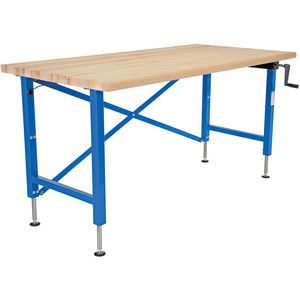
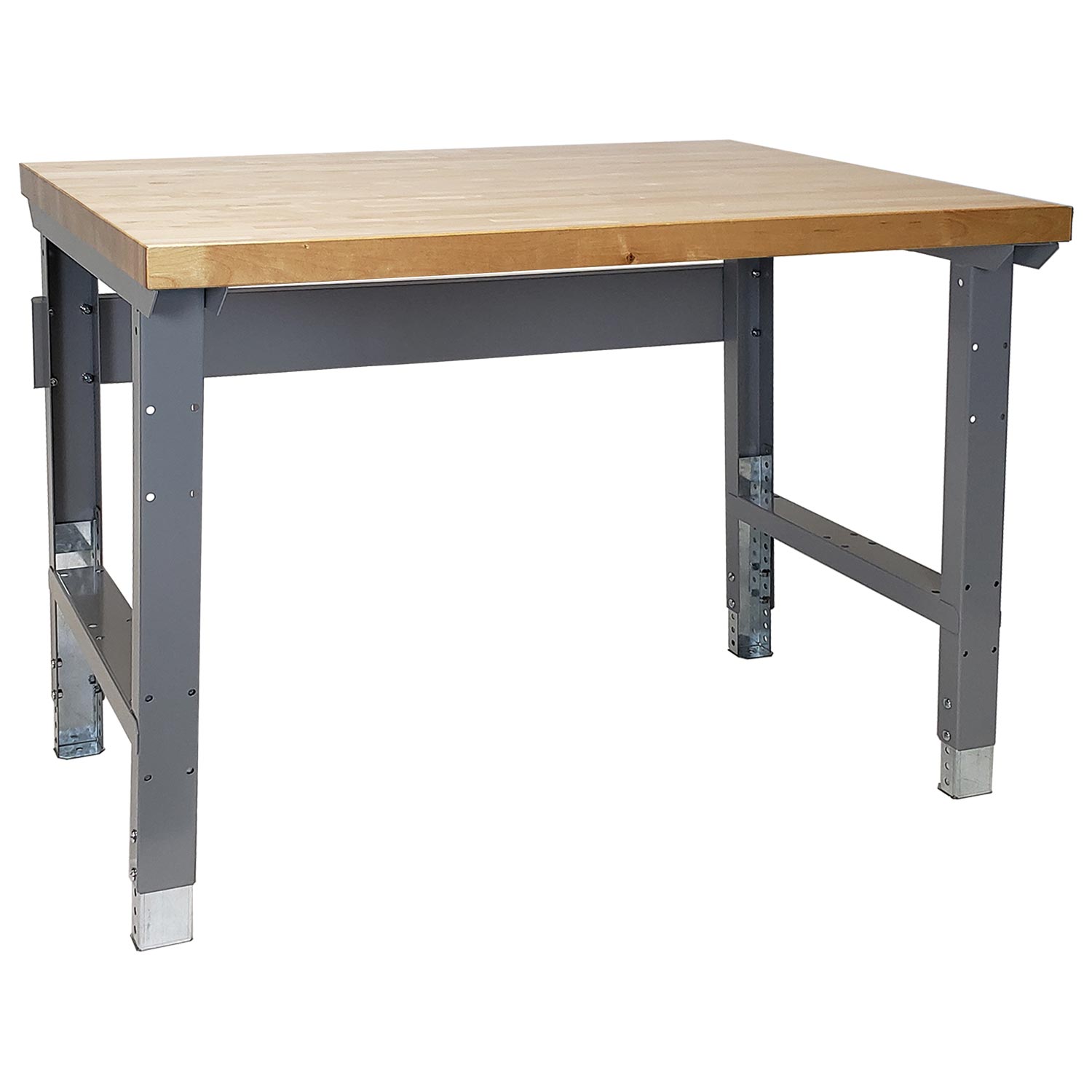
Manual adjustment covers several different mechanisms. Some benches use telescoping legs secured by bolts or pins. Others use a crank that changes the surface height through a lifting mechanism. These should be compared as separate operating choices: a bolted setup is generally a configuration decision, while a suitable crank-operated system can support more frequent changes.
For a station dedicated to one task, a manually set height may be a practical approach. Confirm how the adjustment is made, what tools are needed and whether the manufacturer requires unloading the surface first. Do not assume a bench can be safely raised with equipment in place simply because its legs are adjustable.
A crank needs clear space for the handle and the person operating it. Check whether adjacent drawers, cabinets or walls interfere with that movement. In a shared station, ask users to try the control rather than judging usability from a catalog photograph.
When comparing proposals, request the actual minimum and maximum working heights with the selected top installed. A frame height alone does not describe the finished work surface, and different top thicknesses can change the usable range.
Hydraulic adjustment and the complete load
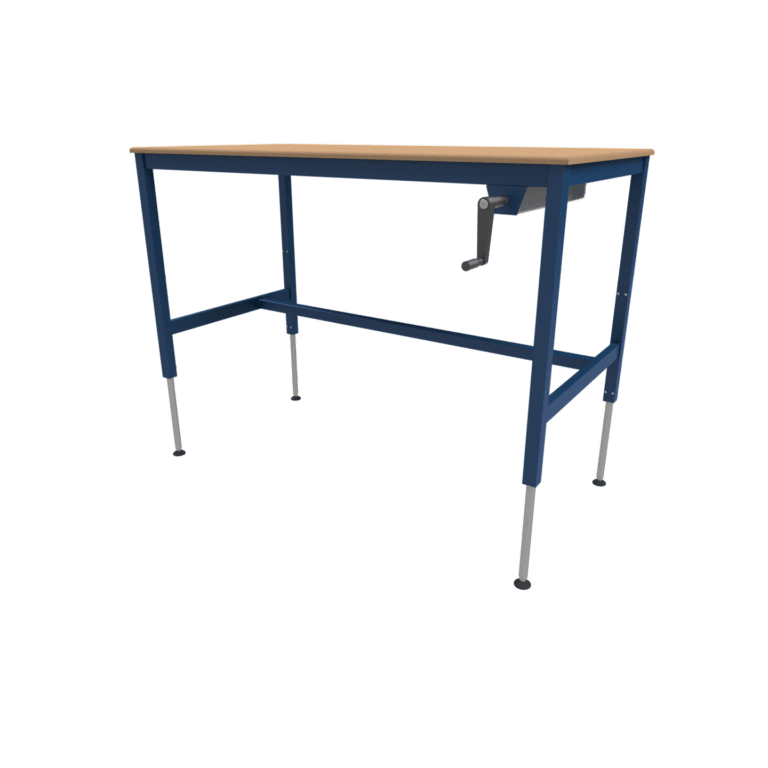
A hydraulic hand-crank workstation is another option when the surface must move. BenchPro offers hydraulic workstation configurations, but the suitable model depends on the complete application. Review the selected product documentation rather than applying one capacity or adjustment range to every hydraulic bench.
Count more than the items currently sitting on the top. Fixtures, mounted shelves, accessories and equipment that move with the surface can contribute to the load. Ask how the manufacturer defines its rating and whether it applies while lifting, while stationary, or under a particular load distribution.
Large equipment may concentrate its weight on small feet. An off-center fixture can also create a different demand from an evenly distributed load. Include equipment locations in the quote information so the supplier can review the configuration as it will actually be used.
Plan for the handle to remain reachable after the bench is installed. A cabinet added later should not turn routine adjustment into an awkward reach around equipment.
Electric adjustment for frequently changing work
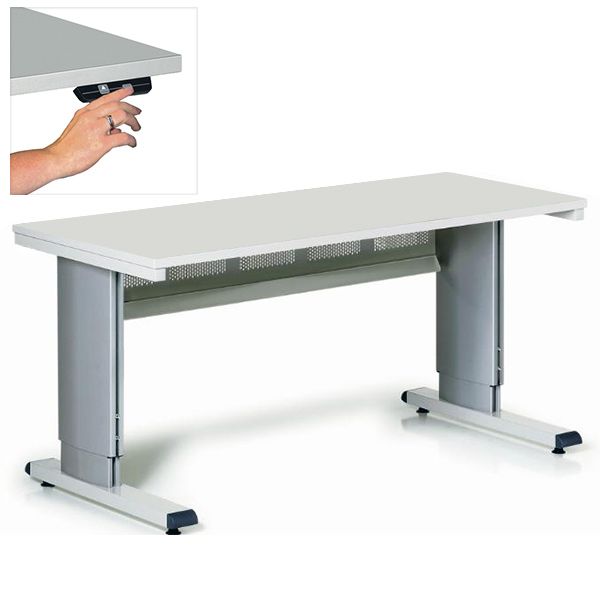
An electric workstation can make height changes easier when users or tasks change frequently. Review the control location, power requirements and travel limits before selecting a model. Some controls offer presets or lockout features; those functions are model-specific and should appear in the selected configuration.
For example, Eagle MHC describes its Electronic Drive Adjustable Height Tables as using synchronized drives and a controller with lockout and programmable height limits. That is a useful feature set to discuss for a controlled work area, but it does not make every electric bench suitable for every instrument or process.
Check the complete movement envelope. Shelves, monitor arms and workpieces may rise with the surface. Nearby cabinets, wall fixtures and other stationary objects must remain clear. Consider cables at both ends of the adjustment range; a connection that looks tidy at one height may become taut or trapped at another.
- Identify the electrical connection and available outlet location.
- Confirm what moves with the top and what remains fixed.
- Review the operating instructions and any required restrictions.
- Include the heaviest intended setup in the supplier’s configuration review.
Use the specified operating procedure when changing height. Adjustment features support a planned workstation; they do not replace a review of the equipment around it.
Choose surfaces and storage as one package
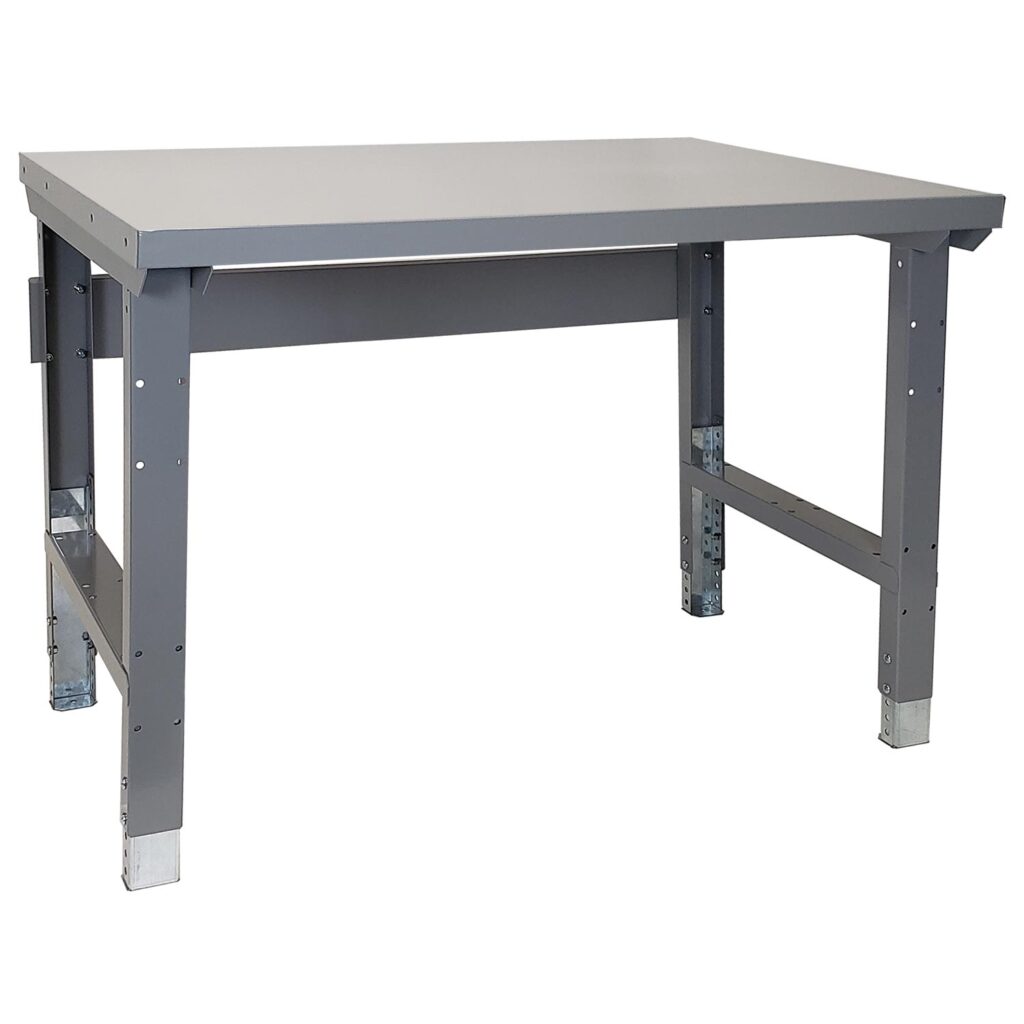
Surface selection should follow the materials and activities at the station. An assembly area may prioritize durability and fixture mounting. Packing work may need room to stage cartons. A laboratory may have cleaning, chemical exposure or instrument requirements that need a more specific material review.
Document the actual substances, cleaning products and contact conditions instead of relying on broad descriptions such as “chemical resistant.” Ask for compatibility information for the proposed surface and finish. For specialized processes, include the responsible facility or laboratory team in the review.
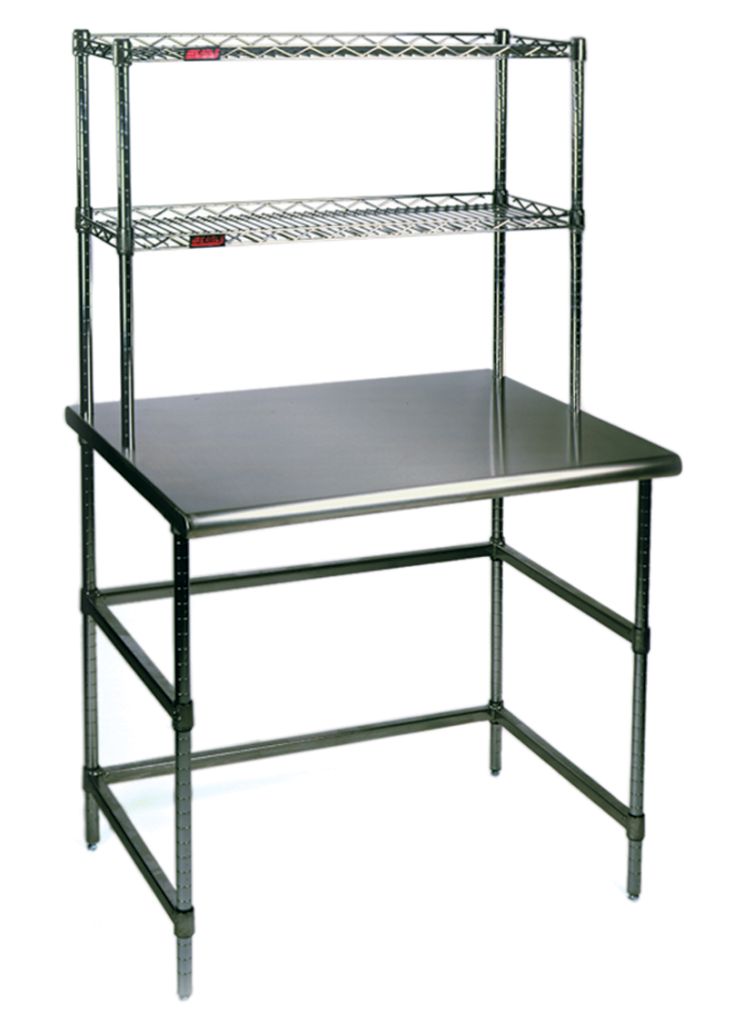
Above-surface shelving can free working space, but it also affects sight lines, reach and the total equipment envelope. Place frequently used supplies where the intended users can access them comfortably. Reserve the main work surface for the operation rather than allowing it to become overflow storage.
The Eagle work surface example shown here illustrates an overhead shelf arrangement. Confirm whether the particular shelves are fixed, independently adjustable or part of the moving structure before planning equipment around them.
Also allow room for incoming and outgoing work. A bench can have enough tabletop area for the task and still cause congestion if cartons, carts or totes have no planned staging location beside it.
Accessories should reduce clutter without restricting access

Drawers, bin rails, shelves, monitor supports and task lighting can make a station easier to organize. Start with an inventory of what belongs there. Divide items into those needed every cycle, those used occasionally and those that should be stored elsewhere. This helps prevent an accessory package from becoming larger than the actual task requires.
Check drawer travel against the operator’s seated position and the nearby aisle. A drawer that fits beneath the top may still obstruct knees or prevent a chair from approaching. Under-bench cabinets can create the same problem, particularly when several users share the workstation.
Equipment supports need their own compatibility review. Confirm the attachment method, supported load and available adjustment of a monitor arm or tool holder. Do not drill or modify a frame without the manufacturer’s agreement, especially where the lifting system or structural members could be affected.
- Keep frequently handled tools close to the operation.
- Preserve leg room and space for changing posture.
- Position lighting so it serves the work without creating unwanted glare.
- Route power and data connections away from normal movement.
Ask for a drawing or itemized accessory list with the quote. It is easier to resolve a conflict before delivery than after a fully equipped bench is in service.
Prepare for delivery, setup and ongoing checks

Measure the route from the receiving area to the final location, including doors, turns and elevators. Confirm whether the workstation arrives assembled or requires site assembly. Identify who will handle unloading, movement into position and any electrical work or equipment reconnection.
Before use, follow the manufacturer’s assembly and setup instructions. Check that the selected components match the order, the top and accessories are secured, and the bench is stable in its intended location. Where the manufacturer requires anchoring or other installation provisions, include those in the scope.
A setup review should include more than an empty bench. Check access and clearances with the intended equipment arrangement, then review operation with the people who will use it. Record the approved configuration so later changes can be assessed against it.
Ongoing checks should follow the product instructions and your facility’s maintenance process. Report unusual movement, damaged connections or an adjustment mechanism that no longer operates normally. A change in equipment weight or accessory arrangement is also a reason to revisit the original selection.
Keeping the model information, instructions and configuration record together makes replacement-part discussions more straightforward. It also helps a future supervisor understand why the station was arranged a particular way.
Build a useful workstation brief

A clear brief makes a quote more useful. Send the available width and depth, the desired working-height range, the equipment list and the number of stations. Include photographs of the area and note anything that cannot move, such as a column, utility connection or existing cabinet.
- Describe the operation. Explain the work sequence and what changes between users or shifts.
- List the loads. Include fixtures and accessories as well as the main equipment.
- Define the surroundings. Show aisles, carts, nearby storage and service connections.
- Set the scope. Identify delivery, installation and equipment-transfer responsibilities.
Compare quotes using the same requirements. Confirm which accessories, tops and installation services are included, and ask suppliers to identify any assumptions. A lower equipment price may represent a different configuration rather than an equivalent package.
For a facility with several work areas, start with a representative station before standardizing the whole group. Operator feedback can reveal a drawer conflict, inconvenient control position or missing staging space that a floor plan alone does not show.
Material Handling USA can help coordinate the workstation with warehouse layout planning or the requirements of a laboratory project. The goal is a configuration that fits the work, the users and the available space.
Frequently asked questions
What is the difference between adjustable shelving and a height-adjustable workstation?
Adjustable shelving changes storage positions. A height-adjustable workstation changes the working surface height. Some systems combine both, but the mechanisms and operating procedures may differ. Confirm exactly which components move in the configuration you are considering.
Should I choose a manual or electric workstation?
Base the choice on how often the height changes, who uses the station and the loaded configuration. A manually set bench can suit a consistent task. Frequent changes may justify a crank or electric system. Review the actual operating procedure before deciding.
Can existing equipment stay on the bench while its height changes?
Only if the selected manufacturer permits that operation within the specified load and configuration limits. Provide equipment weights and locations for review. Do not assume a stationary load rating also describes lifting performance.
Can a workstation be configured for laboratory use?
Yes, suitable configurations can be evaluated for laboratory tasks. Review the surface material, cleaning requirements, instrument needs, utilities and clearance together. A generic adjustable bench should not be assumed compatible with every laboratory process.
What should I send for a workstation quote?
Send dimensions of the available area, desired surface heights, equipment weights, accessory needs, quantities and photographs. Include delivery access and installation responsibilities. This allows proposals to be compared against a consistent set of requirements.
Does a height-adjustable bench eliminate ergonomic concerns?
No. Height adjustment is one part of workstation planning. Reach distances, workpiece size, task duration, seating, lighting and access also matter. Review the complete work activity with the people who use the station and your facility team.
Plan a workstation around your actual work
Send your workpiece dimensions, equipment list, user requirements and a photo or sketch of the area. We can help compare suitable workstation configurations and develop a project quote.