
Equipto Modular Drawer Cabinets
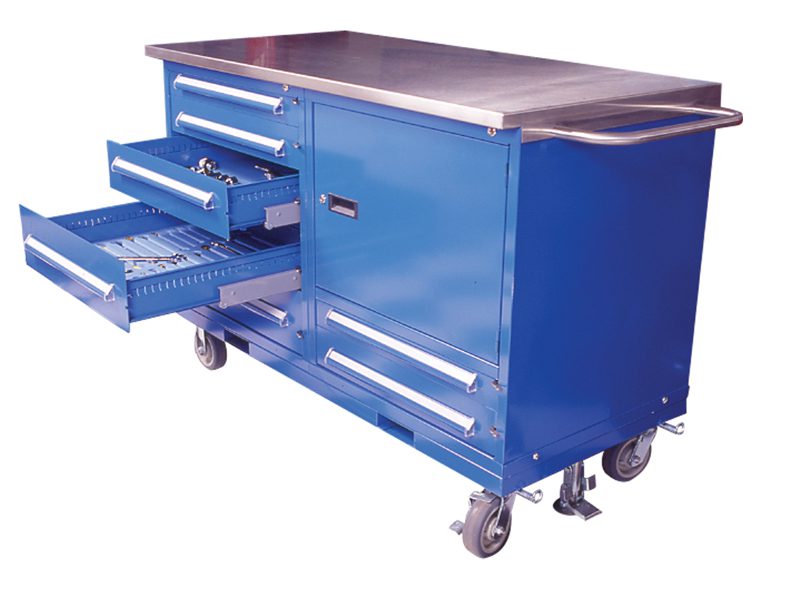
Equipto modular drawer cabinets, small-parts drawers and dividers for tool cribs, parts rooms, maintenance and point-of-use storage.
5
Width families
3
Storage roles
6
Planning checks
800
326-4403
Drawer Cabinet Inventory Method
The most reliable drawer cabinet plan begins with a part-family list rather than a cabinet width. Group parts by size, frequency, packaging and handling. Note which groups need one visible compartment, which can share a larger drawer, and which items are better kept on a shelf behind a door. This produces a storage schedule that can be checked against real drawer heights and divider layouts.
Separate point-of-use inventory from reserve stock. A technician may need a small selection of fasteners and fittings beside a workbench, while the replenishment quantity belongs in a cabinet or shelving bay elsewhere. That separation keeps the operator’s reach zone usable and reduces the temptation to fill every drawer with slow-moving stock. Record the replenishment route so restocking does not block the work aisle.
Labels and ownership are part of the configuration. Decide how compartments will be identified, who updates the label when a part family changes and how an empty or mixed drawer is corrected. The cabinet provides the physical organization; the inventory method keeps that organization from degrading. We can carry the schedule into a quote and coordinate it with adjacent benches, workcenters and reserve cabinets.
| Project record | Include | Why it helps |
|---|---|---|
| Inventory or task | What is stored or done at the station. | Keeps product family tied to use. |
| Footprint and access | Walls, doors, aisles, carts and staging. | Prevents a paper fit from becoming an aisle problem. |
| Configuration | Surface, storage, accessories and quantity. | Makes the quote and receiving schedule verifiable. |
| Review owner | Facilities, safety or operations contact. | Keeps changes and documentation visible. |
A short room plan, representative inventory list and delivery location are enough to begin a focused review. Exact product facts are checked against the live listing before quoting.
After the Product Decision
The work is not finished when a product family has been selected. Before release, confirm the final schedule against the room, delivery path and operating method. Identify the quantity, location, accessories, top or surface, and any item that must be reviewed separately. Keep the approved schedule with the room plan so a future addition does not rely on memory or a photograph.
At delivery, the receiving team should be able to match each unit or component to a location. Staging space, door access and installation sequence should be decided before freight arrives. Once the equipment is in service, labels, location codes and reset routines keep the system usable. A storage or work station becomes more valuable when the next operator can understand it without a separate explanation.
MH-USA can help with application assessment, specification, quoting, delivery coordination and installation resources. We keep exact dimensions, options and specialized requirements tied to the live product record and current documentation, and we leave site-specific facilities and safety decisions with the responsible customer teams.
Review the Room Before Release
The most useful review is a short, shared record. Put the room or station name at the top, then list the inventory or task, the selected family, the quantity, the intended location and any adjacent equipment that affects access. If the project includes several related categories, keep the roles separate: shelving supports storage, workbenches support a task surface, workcenters support a coordinated station, and cabinets or drawers support controlled inventory access.
Use the live product record for model-level facts and use the room plan for placement. A photograph can help the team discuss an application, but it is not a substitute for the current listing, a dimension check or a facility review. Mark open questions rather than filling them with assumptions; that makes the quote easier to revise when the customer confirms a wall condition, top preference, access route or inventory change.
A final pre-release check should cover the delivery path, staging area, installation sequence, labels or location codes, and who owns the next replenishment or reset routine. Those operational details are small, but they determine whether the selected system continues to work after the first installation. MH-USA can keep the schedule, quote and coordination notes aligned as the project moves from assessment to order review.
| Release check | Owner | Evidence |
|---|---|---|
| Product identity | Purchasing or project lead | Current live listing and documentation. |
| Room fit | Facilities or operations | Plan with footprint, doors, aisles and staging. |
| Operating method | Team supervisor | Inventory, task or replenishment notes. |
| Delivery path | Receiving or installer | Dock, door, staging and sequence review. |
Turn the Planning Record Into a Clear Quote
A quote is easier to compare when it separates the product decision from the project assumptions. List the family or exact live listing, the quantity, the intended location, the required accessories, and any open measurement or documentation question. If there are several rooms, give each room a short identifier and keep its schedule separate. That makes a later change traceable instead of forcing the team to reconstruct the original intent from a product photograph.
The same record also helps when alternatives are reviewed. A substitute should be compared on the same role, footprint, access path and accessory needs, not only on a similar title. If the customer changes the top, shelf surface, drawer mix, stair route, cabinet role or transfer point, update the schedule and recheck the adjacent layout. MH-USA can use that record for its own assessment, specification and quoting work, then coordinate delivery and installation resources around the approved plan.
Availability is confirmed during the quote process. Some common sizes may be in stock at select manufacturers, subject to confirmation; that is not a promise that MH-USA warehouses every size or that every configuration is immediately available. Current model details, documentation and project timing remain part of the final review.
| Quote field | Example of a useful entry | Avoid |
|---|---|---|
| Product role | Point-of-use drawer bank beside Station 3. | A generic family name with no location. |
| Configuration | Exact live listing plus verified accessories. | Assuming every photographed option is included. |
| Project assumption | Door width and cart approach measured. | Treating a photo as a dimensional drawing. |
| Availability | Confirmed during current quote review. | Promising a warehouse quantity or date. |
Equipto Modular Drawer Cabinets for Small-Parts Control
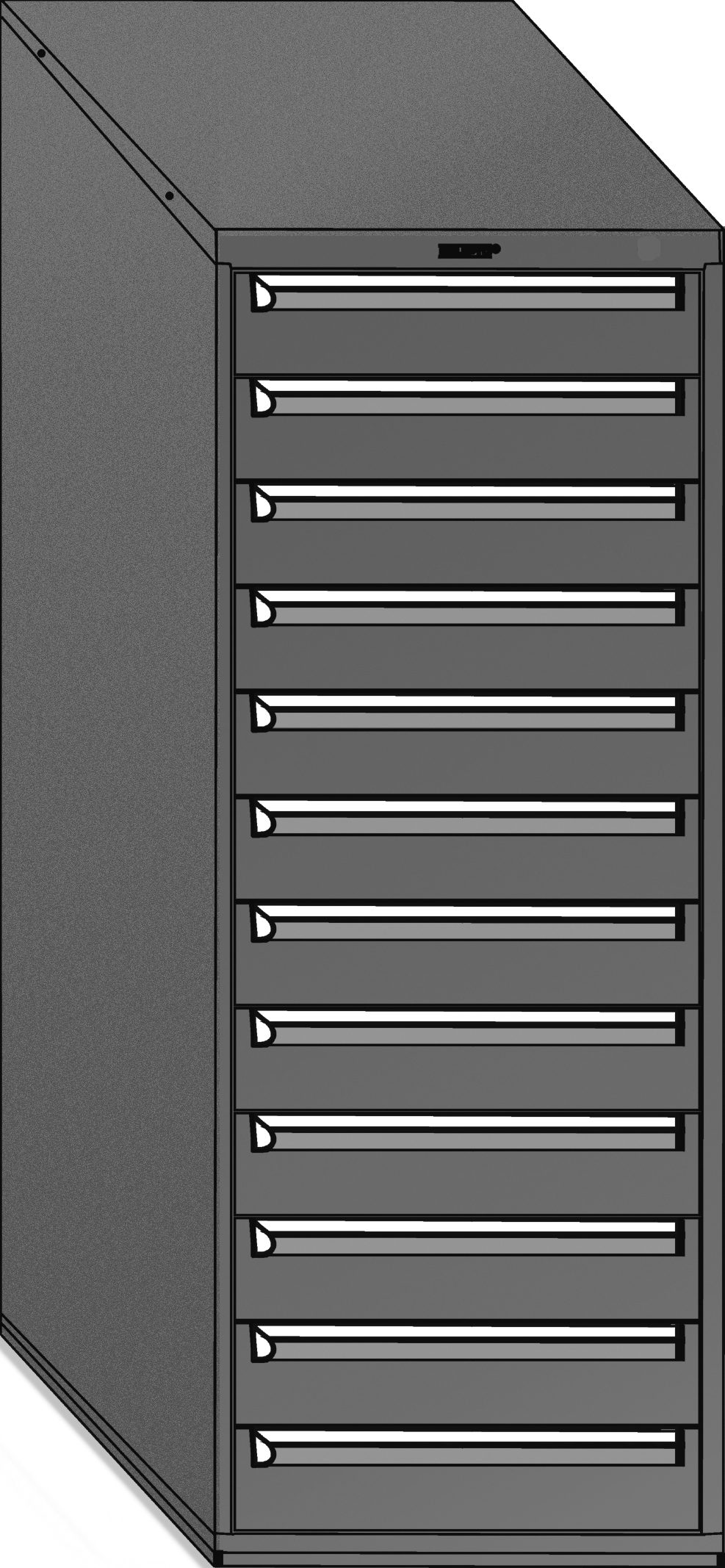
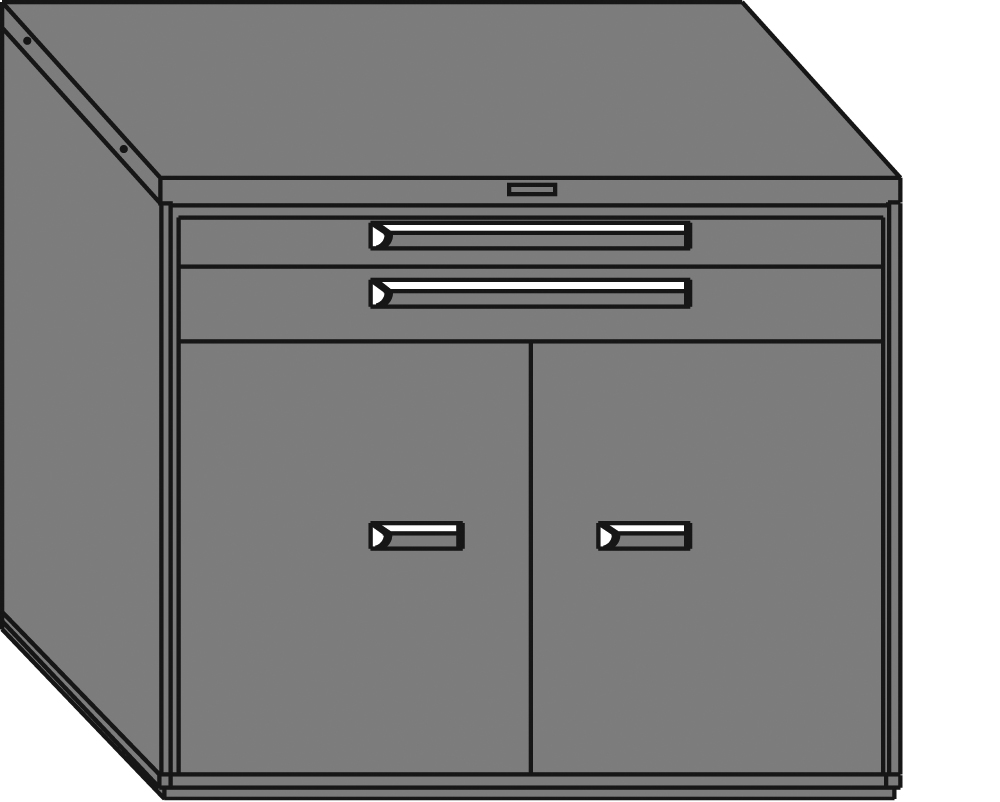
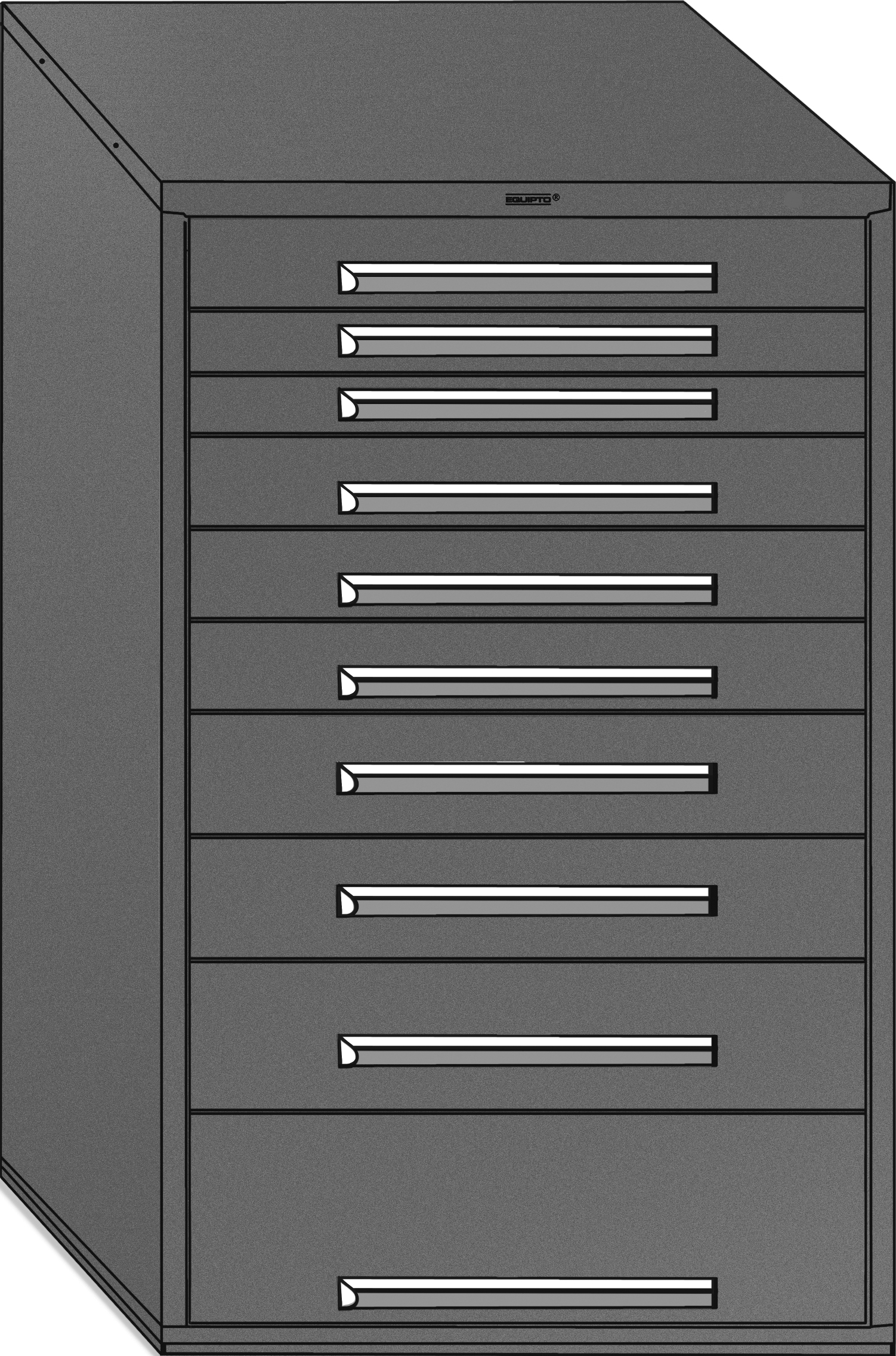
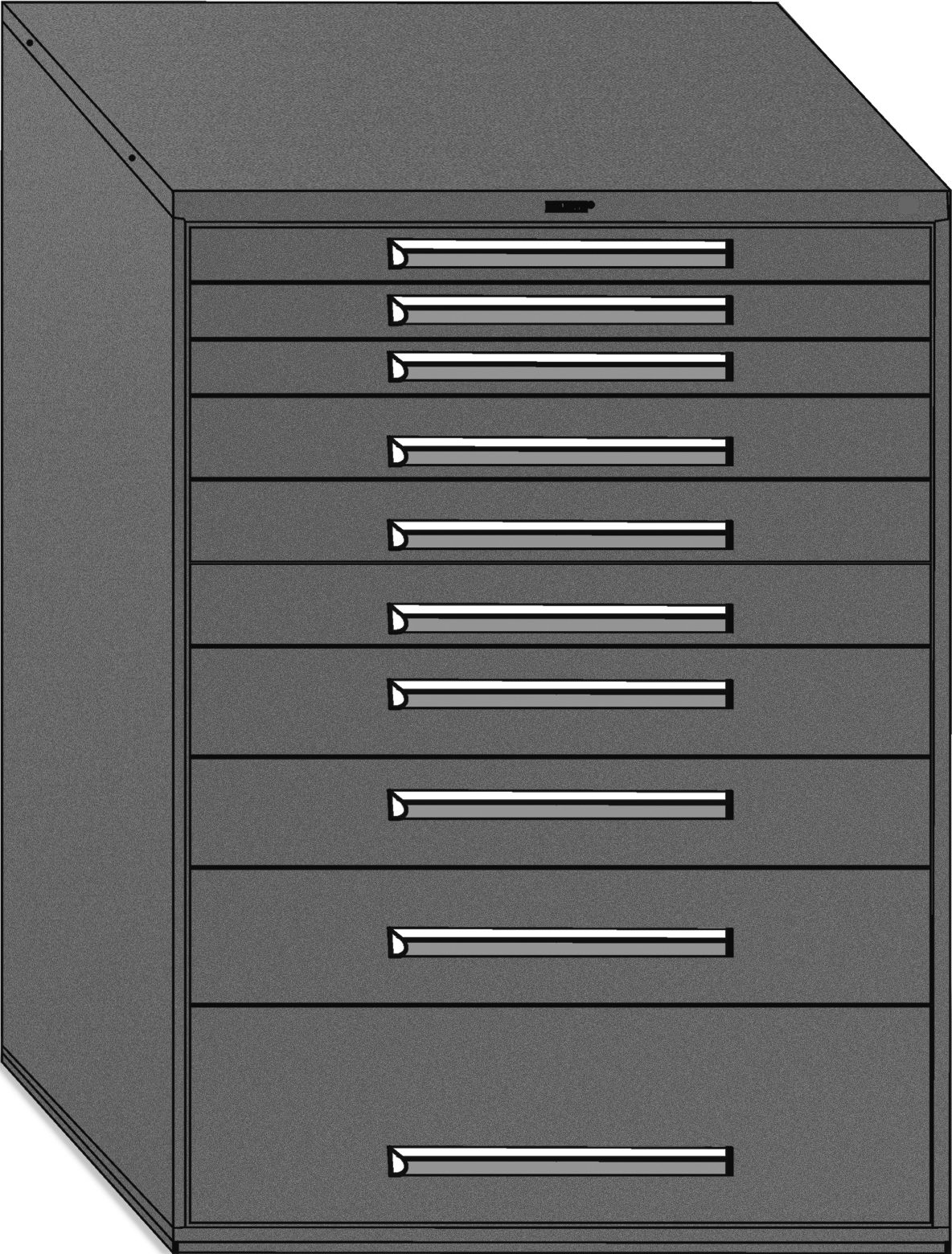
Equipto modular drawer cabinets use steel cabinet housings, pull-out drawers and optional or listed divider layouts to organize many distinct parts in a compact footprint. This page owns the Equipto-qualified path; the generic category owner is industrial storage and drawer cabinets.
Use the generic hub for manufacturer-neutral comparison of shelf cabinets, bench cabinets and drawer banks. Use this page when the Equipto family is the configuration you want to assess. MH-USA can help map the part list, cabinet width, drawer mix and replenishment route before quoting.

Begin with the inventory, not the drawer count. The part list determines whether a shelf cabinet, drawer bank or small-parts drawer is the better role.
Equipto Drawer Cabinet Width Families
| Width family | Typical planning role | Verify |
|---|---|---|
| 22 inch | Compact footprint near a bench or point of use. | Exact drawer height mix and available accessories. |
| 30 inch | Common standalone cabinet footprint. | Room clearance, divider layout and live record. |
| 36 inch | More drawer area per cabinet where the footprint allows. | Drawer configuration and access path. |
| 45 inch | Wider storage bank for a larger part schedule. | Handling space and exact model. |
| 60 inch | Largest listed width family for high-density layouts. | Floor, door, cart and replenishment clearance. |
Width alone does not determine capacity. Record the largest item, smallest compartment, number of part families, desired labels and access frequency. Then test that schedule against the real drawer heights and divider configuration of the listing.
A cabinet row should leave room for drawers to open, labels to be read and replenishment to happen without blocking the aisle.
Equipto Drawer Dividers and Partitions
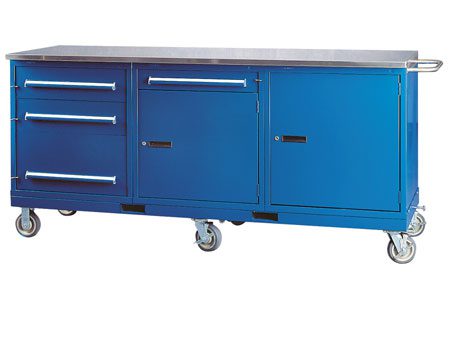
 Divider-included or no-divider listingsConfirm whether the exact cabinet includes dividers or is intended for a customer-selected layout.
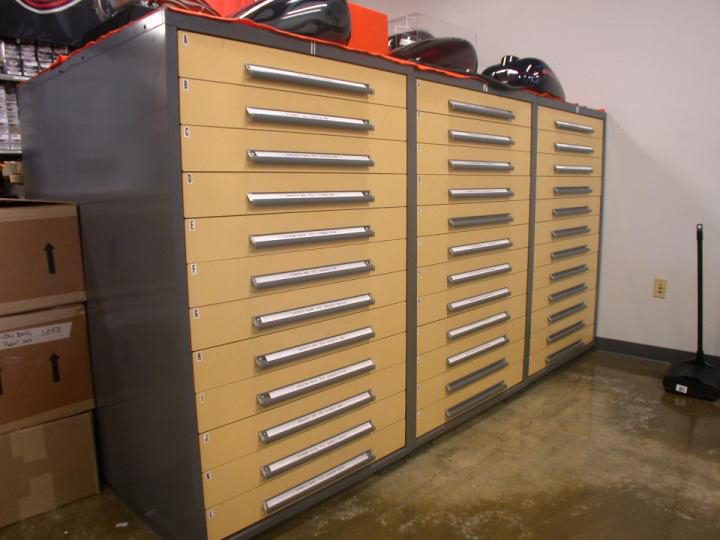
 Individual drawer storageUse a smaller drawer path where a full cabinet housing is more than the room needs.
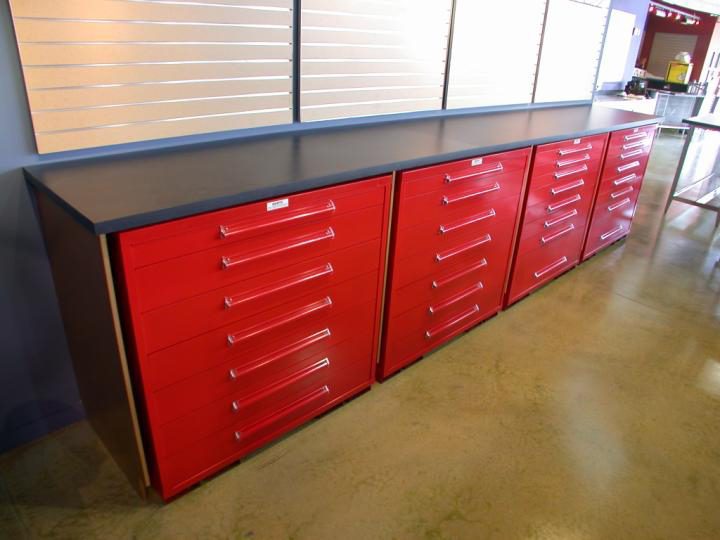
 Labels and part familiesMatch compartment sizes to the actual parts rather than forcing one generic grid.
 Issue and return controlUse visible, repeatable locations for tools, fittings and frequently issued items.
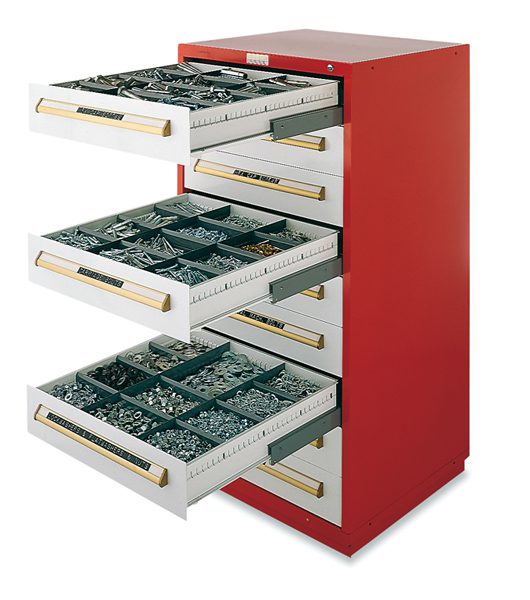
Dividers are a configuration detail, not a universal claim about every cabinet. Some listings show pre-fitted layouts and others are specifically offered without dividers. The exact live product record controls what is included, optional or separate.
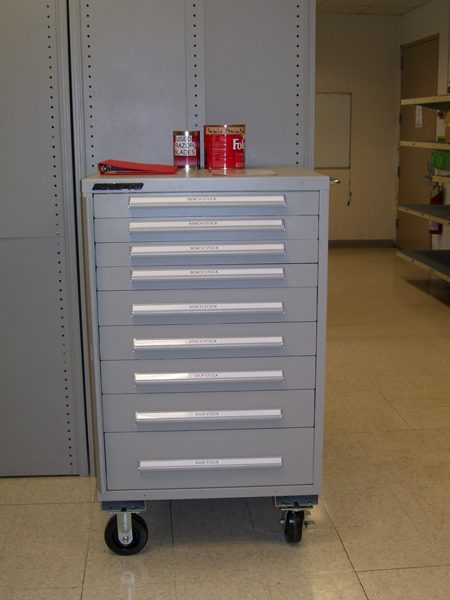
A drawer system stays useful when labels, dividers and replenishment routines are planned together. The cabinet is the structure; the inventory schedule is the operating method.
Where Equipto Drawer Storage Fits
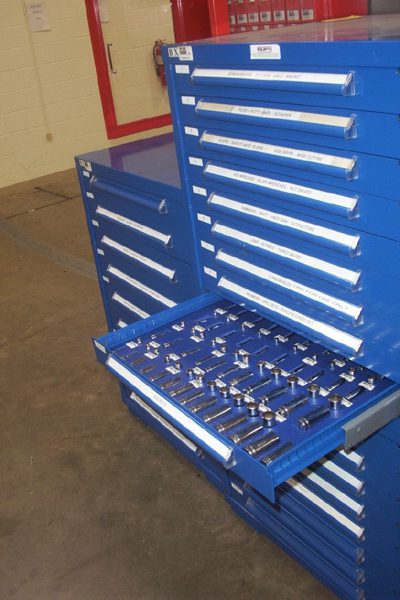 Maintenance and MROKeep fasteners, fittings, seals and spares organized near the work.
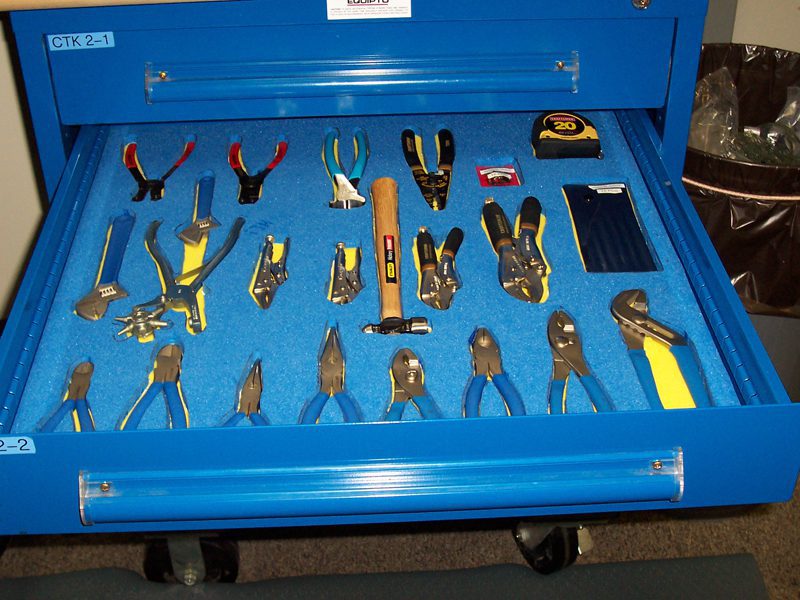 Tool cribsIssue and return tools from visible, labeled compartments.
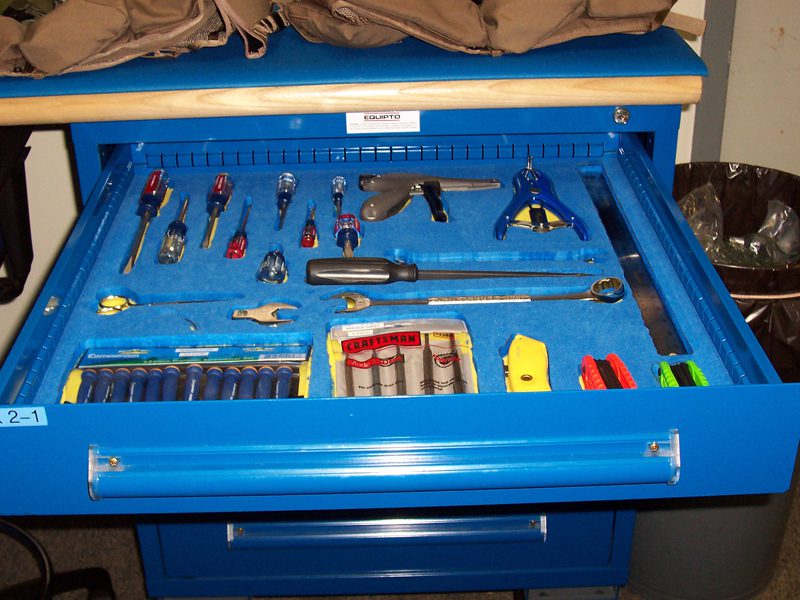 Parts roomsUse dense drawer storage for many small, distinct part numbers.
 Point-of-use work cellsPut the most frequently used parts within reach of the operator.
Drawer cabinets and small-parts drawers are not substitutes for shelf cabinets in every room. Bulky cartons, containers and irregular items often need doors or shelves. A mixed storage plan can assign drawers to small parts and a cabinet or shelving bay to reserve inventory. For automotive parts departments that pair drawers with V-Grip shelving and bins, see parts department shelving and storage systems.
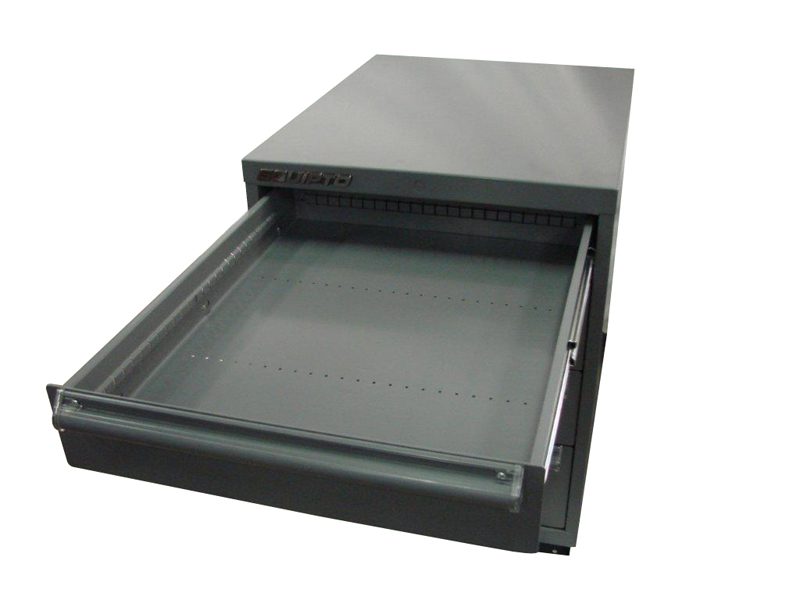
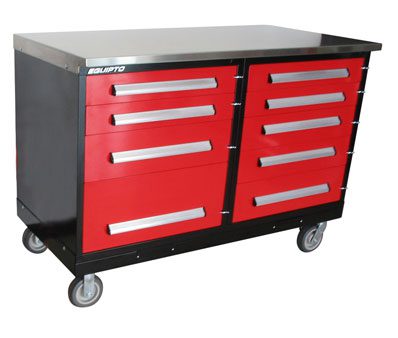
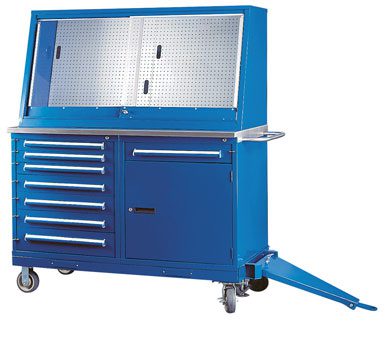
Coordinate drawer storage with industrial workbenches and industrial workcenters when the project is a complete station.
Plan Drawer Density and Replenishment
| Question | Why it matters | Planning note |
|---|---|---|
| How many part families? | Distinct items need distinct locations. | Group by size, frequency and handling. |
| What is the largest item? | Drawer height and cell size must accommodate it. | Verify the exact drawer layout. |
| Where is it used? | Daily-use parts belong near the task. | Separate point-of-use from reserve storage. |
| How will it be labeled? | Labels support count and retrieval. | Assign a label owner and review routine. |
| How does stock arrive? | Replenishment can block the aisle. | Map the cart and staging path. |
A useful drawer plan is a small inventory system. List part families, quantity ranges, container sizes, frequency of access, label needs and destination. Then identify which groups belong in drawers, which belong on shelves and which should be reserved elsewhere. This avoids buying a dense cabinet that cannot be maintained.
Send an inventory export or representative part list, plus room dimensions. MH-USA can help translate those facts into a cabinet and drawer schedule.
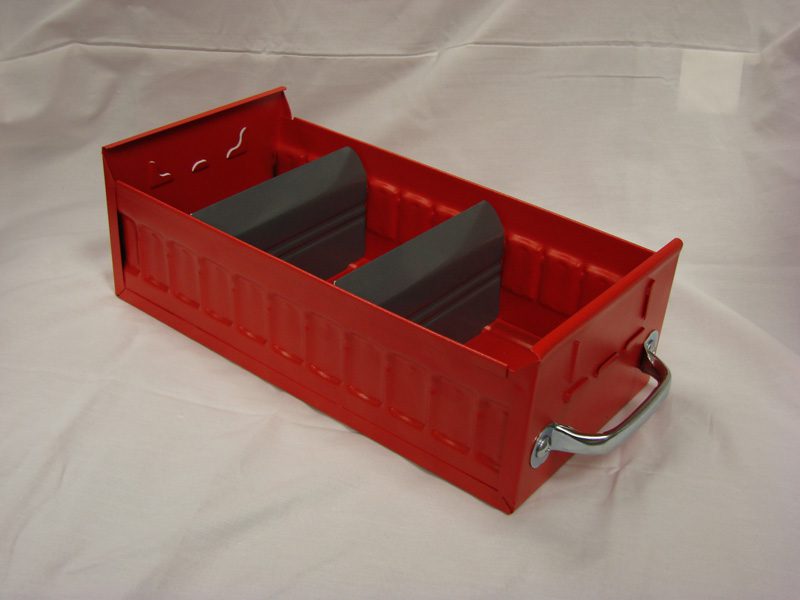
Options, Accessories and Verification
Cabinet bodies, drawer heights, divider layouts, labels, tops, casters and adjacent work surfaces can all affect the final configuration. The image of one model should not be treated as proof that another model includes the same accessories.
For specialized storage categories, use the exact current listing and documentation with the facility’s safety review. This page does not create certification, code or performance claims for a general category.
How MH-USA Supports the Drawer Cabinet Project
MH-USA can assess the inventory, compare the Equipto path with the generic storage-and-drawer-cabinet hub, prepare a quote and coordinate delivery or installation resources. We describe that as our own project support; this page describes MH-USA’s own project assessment and coordination.
For larger tool cribs and parts rooms, we can connect point-of-use drawers with reserve cabinets, shelving, workbenches or workcenters. The resulting schedule names the storage role, location, part family and accessory needs so it remains useful after delivery.
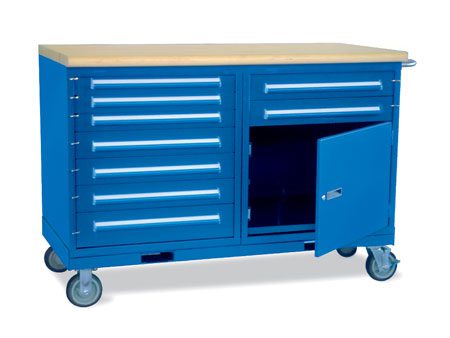
A room plan, inventory groups and access frequencies make the first review faster and reduce the risk of over- or under-sized drawer storage.
Equipto Modular Drawer Cabinet Buyer Guide
| If your inventory is… | Start with… | Then verify… |
|---|---|---|
| Small and individually counted | Modular drawer cabinet | Drawer heights, dividers and labels. |
| Small but limited in volume | Small-parts drawer | Rack, shelf and drawer compatibility. |
| Bulky or mixed-size | Storage cabinet or shelving | Shelf layout, doors and footprint. |
| At a workbench | Bench or pedestal cabinet | Compatibility, top height and operator reach. |
Use the product family that matches the access pattern. A drawer cabinet is useful when each part family benefits from a visible compartment. Shelves are often easier for cartons and irregular stock. If the room needs both, keep the roles separate in the schedule.
Shop Equipto Modular Drawer Cabinets Online
Buy select modular drawer cabinet listings online, or request pricing for a planned width mix, volume order and freight-rated project.
Request pricing for volume, custom configurations and freight-rated orders, or call (800) 326-4403 for a project review.
Equipto Modular Drawer Cabinet FAQs
What is an Equipto modular drawer cabinet?
Which width should I choose?
Are dividers included?
What is the difference between a drawer cabinet and a small-parts drawer?
Can MH-USA plan a tool crib?
Plan Your Equipto Drawer Cabinet Layout
Tell us what you store, count and access. We will help verify a real configuration, quote it and coordinate delivery.