
Mobile Shelving for Office and Corporate Records Storage
How HR, legal, finance and accounting departments store personnel files, contracts and financial records on track-mounted mobile shelving — and what’s different about planning it for an office instead of a warehouse or records center.

Common users
HR, legal, finance/accounting, insurance, professional services
Typical gain
2–3x the filing capacity in the same floor footprint vs. fixed cabinets
Drive types
Manual, mechanical-assist or powered — scaled to how often staff pull files
Finish
Laminate or powder-coat end panels to match the office interior
Office records storage is a different planning problem than a warehouse install
Track-mounted mobile shelving gets specified across very different environments — warehouses, evidence rooms, museums, hospitals — and a corporate office file room shares the same core mechanism but almost none of the same daily conditions. Office staff are not warehouse crews; the room usually sits next to open workspaces or conference rooms rather than behind a dock door; and the finish, noise level and appearance of the system matter as much as raw capacity.
That changes several decisions from the default warehouse answer: drive type is chosen around how often non-warehouse staff pull a file rather than pallet-level daily volume, finish is chosen to match office furniture rather than withstand a forklift, and the room’s floor plan has to work inside a leased office suite rather than a purpose-built storage building. The mechanics — carriages riding a fixed rail, moved to open a single working aisle — are the same system described across the rest of this cluster; what’s covered here is how that system gets planned specifically for HR, legal, finance and similar office departments.
What corporate and professional offices actually store
The record types driving most office mobile shelving projects are fairly consistent across industries, even though the departments running them differ:
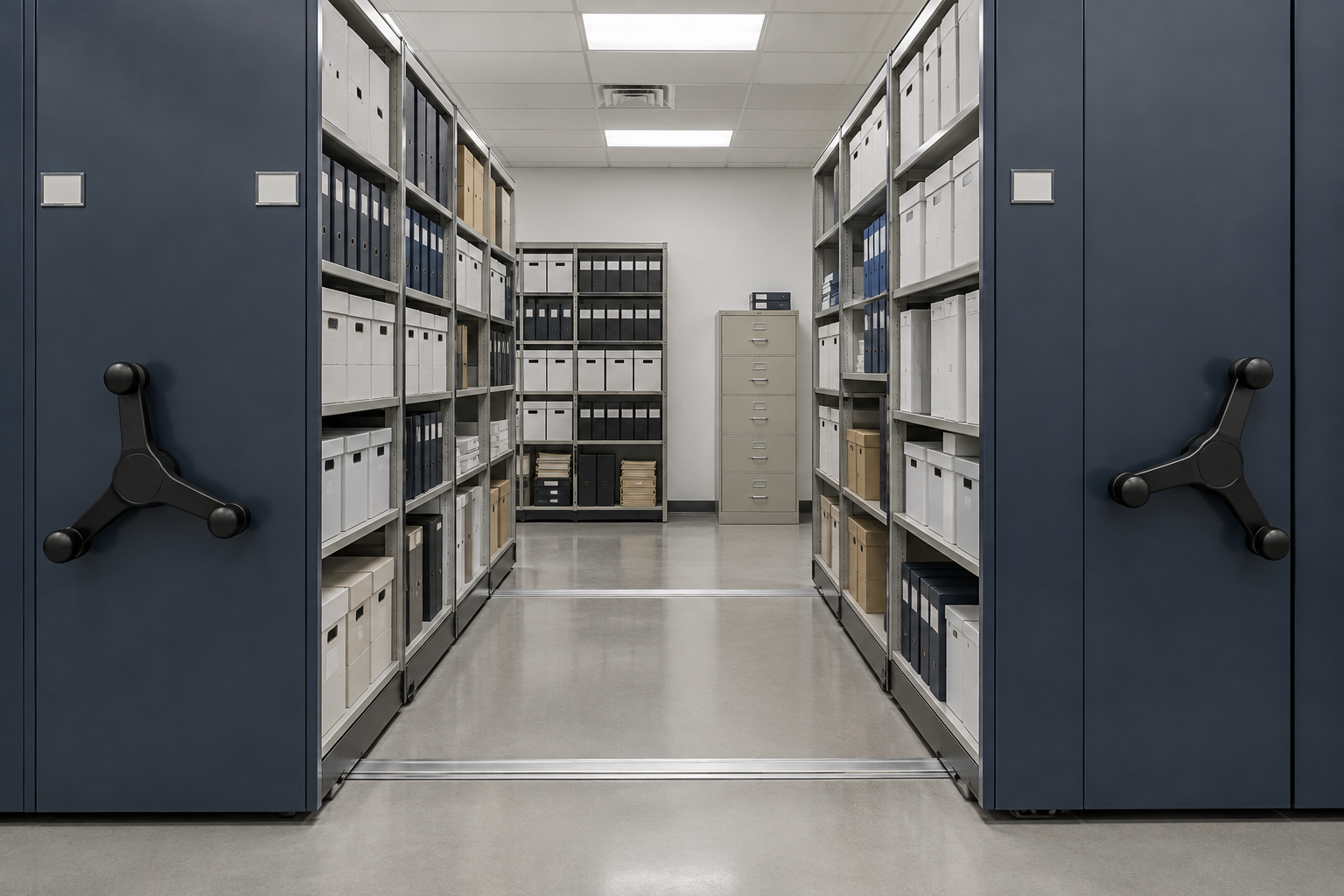
Planning path for an office file room
The planning sequence is the same discipline used across this cluster, applied to office-scale volumes and constraints:
Choosing drive type for office traffic patterns
Warehouse mobile shelving is often sized around pallet-level daily throughput. Office file rooms are usually sized around how many individual staff members pull a file on a typical day, and how often — a very different usage pattern that changes which drive type actually makes sense.
| If the room is… | Drive type that usually fits |
|---|---|
| A small file room, a few retrievals a day, single records staff | Manual carriages — lowest cost, no moving parts to maintain |
| A busy HR, legal or accounting file room with frequent staff access | Mechanical-assist — easier for occasional or less-frequent users to move a loaded carriage |
| A high-traffic shared file room accessed by many staff across departments | Powered — fastest access, best where many different people retrieve files |
| A file room shared by staff with limited mobility or strength | Mechanical-assist or powered — reduces the physical effort to open an aisle |
See manual vs. mechanical-assist vs. powered mobile shelving for the full comparison, including maintenance and cost differences between the three.
Fitting the room and matching the office interior
Office file rooms are frequently a converted interior room, a former storage closet, or a corner of an open floor plan rather than a purpose-built storage space, which puts real constraints on layout that a warehouse install doesn’t face.
- Confirm clear aisle width meets accessibility requirements for the building and anyone who needs to use the room — see ADA and accessible aisle planning for how mobile shelving aisle clearance is typically evaluated.
- Match the end-panel finish to the room it sits in — laminate finishes matched to office furniture are a common choice for reception-adjacent or client-visible file rooms; see finish and material options.
- Check ceiling-mounted fixtures, sprinkler heads and lighting clear the fully-open carriage height, especially in a converted room not originally designed for shelving.
- Plan for existing lateral file cabinets or bookcases already in the room — many office installs replace or absorb legacy filing furniture rather than starting from an empty room.
Security and who can access what
Office records carry a different sensitivity profile than a warehouse stockroom — personnel files, client matters and financial records are often restricted by policy, not just by convenience. Options range from a lockable room with no restriction inside it, to keyed or coded locks on individual carriages so only authorized staff can open a specific section (commonly used to separate HR personnel files from general filing in the same room). See security and controlled access for how these access layers are typically specified.
Decision checklist before specifying an office system
- Current and projected linear footage of filing, separated into active and rarely-accessed records.
- Which record types require a retained physical original, and for how long, confirmed with counsel, HR or accounting — not assumed by the shelving vendor.
- Drive type matched to realistic daily staff traffic, not the busiest warehouse default.
- Finish and color matched to the room’s visibility — client-facing or staff-only.
- Floor loading and room dimensions confirmed before finalizing a layout — see the specification and submittal checklist for the full project documentation list.
- Access restrictions defined for any records that need to be separated from general staff access.
If you’re still comparing installers or manufacturers for an office project, choosing a mobile shelving company covers what to verify beyond price, and cost and budget drivers covers how office-scale projects are typically budgeted.
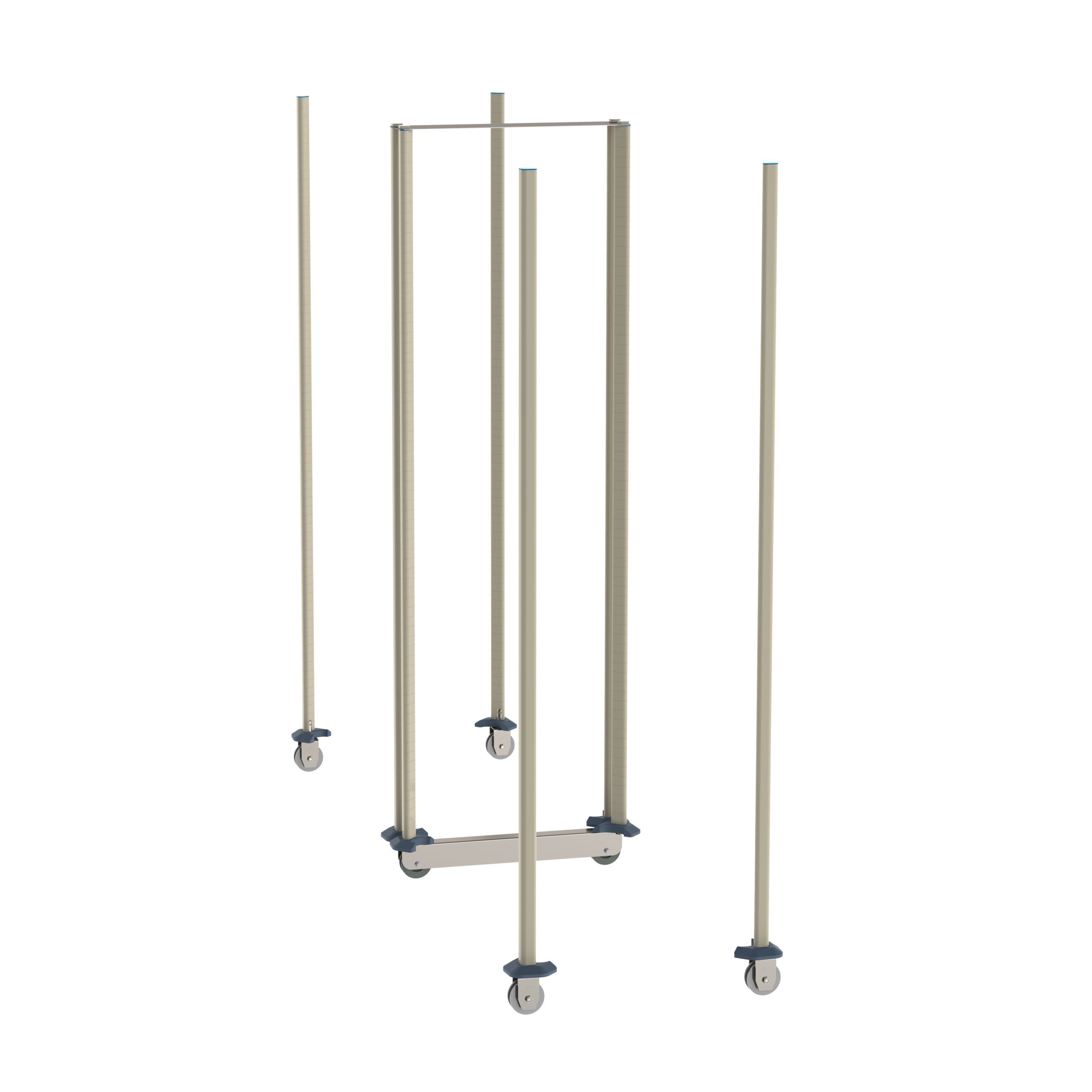
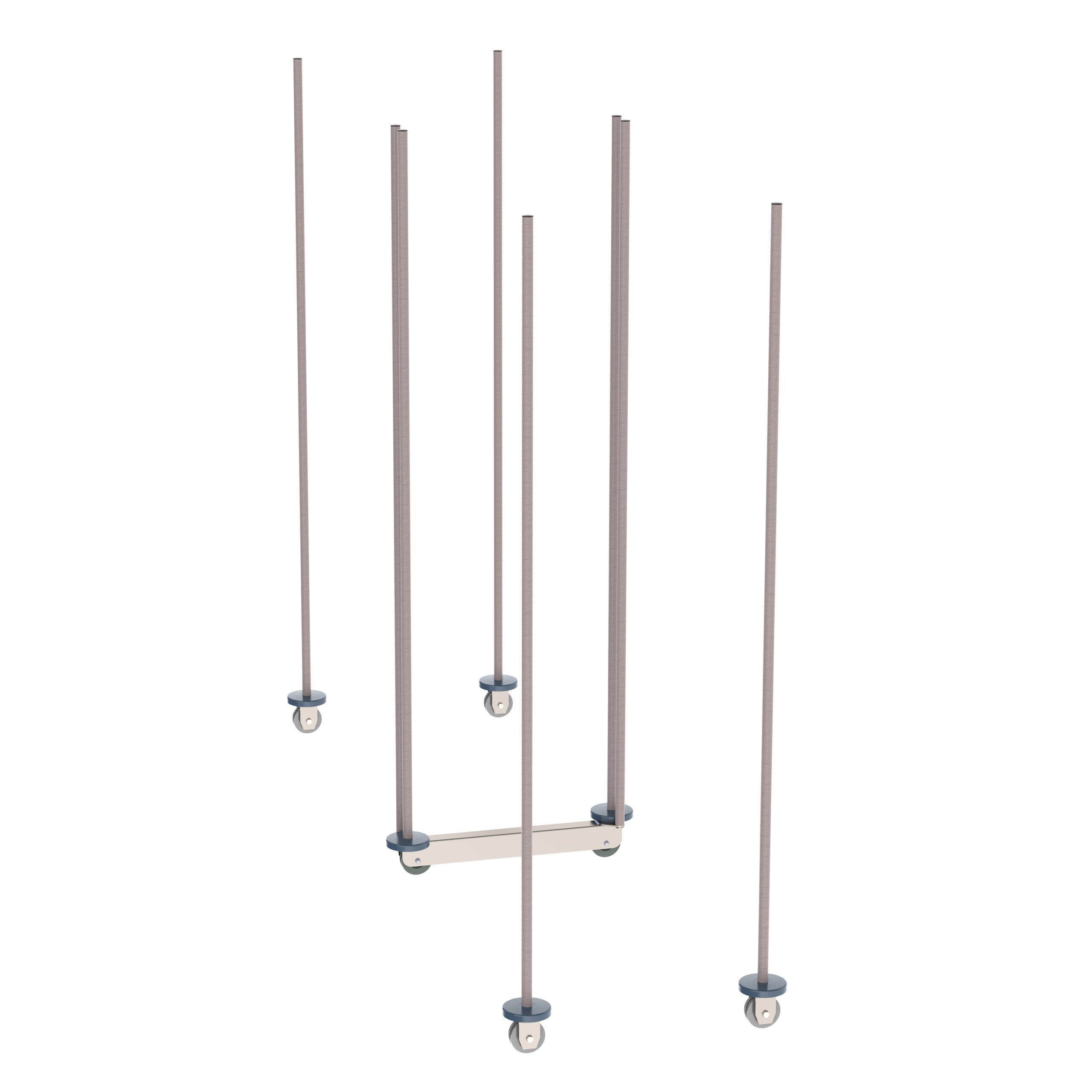
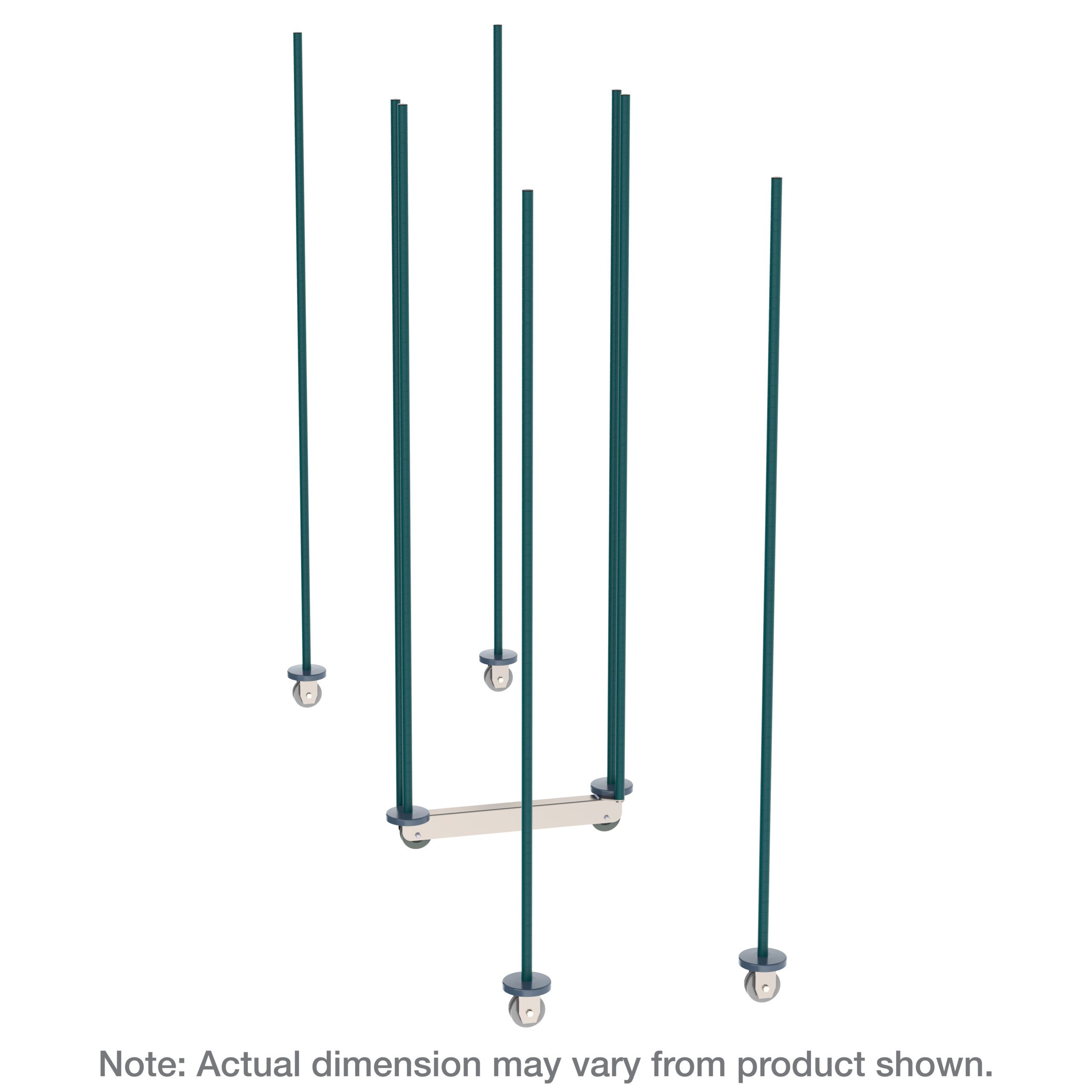
Shop Shelving and Track Components Online
Buy select items directly from our online store, or request a quote for volume, custom sizes and freight-rated orders.

Frequently asked questions
Is mobile shelving overkill for a typical corporate office file room?
Do we still need physical mobile shelving if most records are scanned?
How do we know how long to keep a given record before deciding on storage?
Will mobile shelving be too noisy or industrial-looking for an office?
Who typically uses the system — all staff or a records team?
Should records ever move to off-site storage instead of an in-office system?
Tell us what your office needs to store, and we’ll help size the system
HR files, contracts, financial records or client files — send us your room dimensions and current filing volume and we’ll help you plan a system that fits.