
Mobile Shelving for Data Center Spares and Backup Media Rooms
A planning guide for data center, colocation and enterprise IT teams: how to fit critical spares, backup tape and bulky hardware into a small, secure room outside the white space.
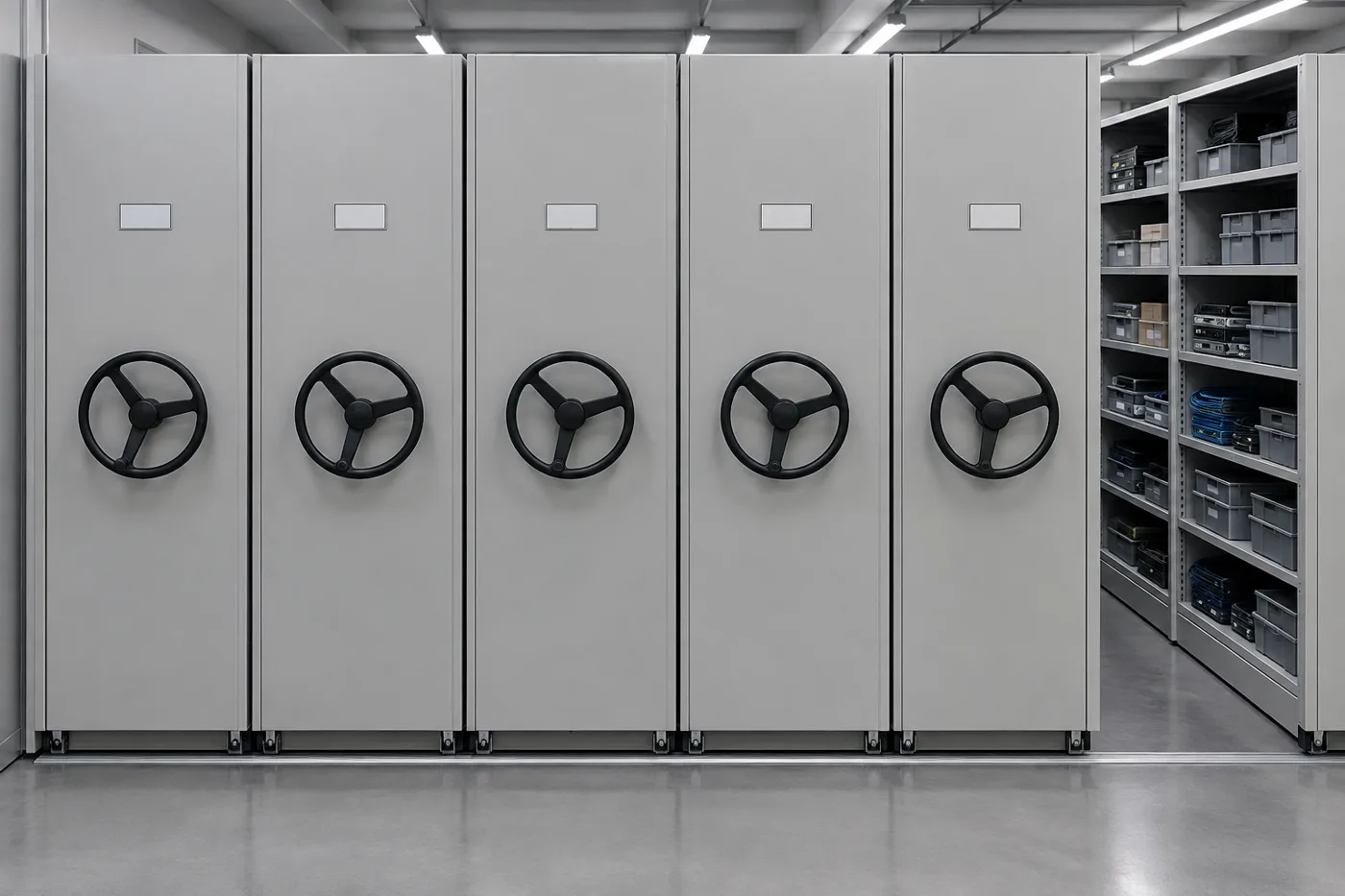
Typical footprint gain
Mobile carriages remove most fixed aisles, so one room holds far more shelving
Tape storage target
16–25°C (61–77°F), 20–50% RH for long-term LTO storage per cartridge makers
Where it goes
A support room on a concrete slab, not the raised floor of the white space
Who it is for
Data center operations, facilities, IT asset managers and colocation providers
Why data centers end up needing a high-density spares room
Every data center accumulates a second inventory beside the production racks: spare drives and power supplies, fans, optics and transceivers, rail kits, patch cords, replacement boards, vendor spares kits held under service contracts, backup tape, and hardware waiting on a return authorization or secure disposal. Most of it is small, valuable and time-critical, and most of it ends up in whatever room is left over after the white space, electrical and mechanical rooms are laid out. That room is rarely big enough.
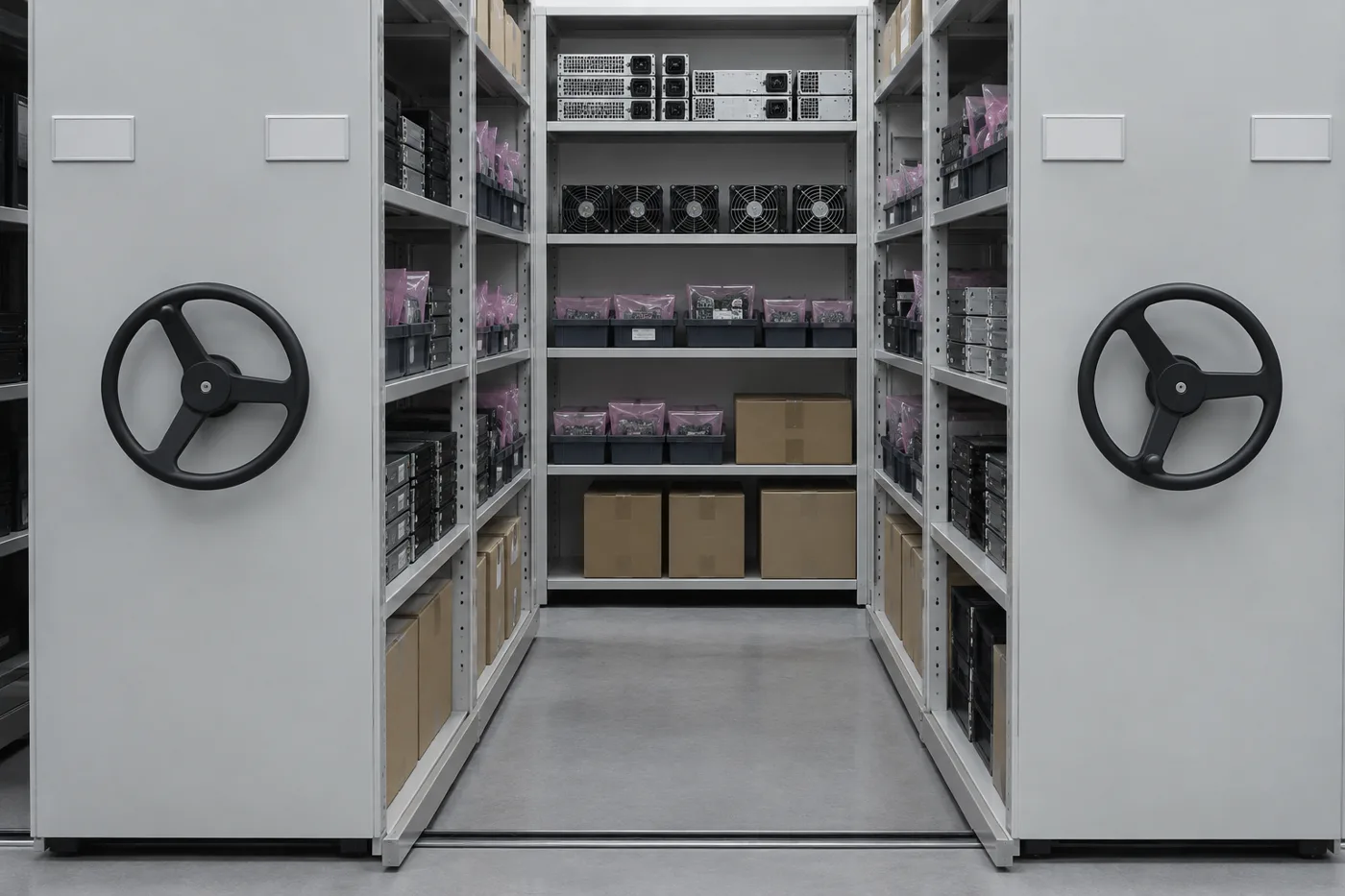
High-density mobile shelving is a common answer. Shelving units ride on carriages that roll on floor rails, so instead of a fixed aisle between every pair of shelving rows you open only the one aisle you need. The same room holds much more shelving, and the closed system can be locked. This guide covers what is specific to data centers and IT operations: what belongs in the room, why it should sit outside the white space, how backup media should be stored, electrostatic discharge (ESD) handling, access control, and how a project gets specified. For the wider facility picture, including cages, raised floors and NOC rooms, see our data center infrastructure overview.
This is general planning guidance, not engineering or fire-protection advice for a specific site. Your authority having jurisdiction (AHJ), insurer, fire-protection engineer and hardware vendors have the final word on your building and your equipment.
What a data center spares and media room actually holds
Before choosing shelving, list what will live in the room and how often each item moves. In most facilities the inventory falls into a few groups:
- Field-replaceable units (FRUs): drives, power supplies, fans, memory, controller and network cards, optics. Small, high value, often in ESD packaging.
- Bulky spares and install hardware: rail kits, cable managers, PDUs, blanking panels, boxed switches and occasional whole servers.
- Consumables: patch cords, fiber jumpers, labels, cable ties, cleaning supplies.
- Backup and archive media: tape cartridges in cases, transport cases between sites, and occasionally removable disk.
- Quarantine: failed parts awaiting return, and retired drives waiting on sanitization or destruction.
Most of these store on shelves in bins or cartons rather than on pallets, which is exactly the load profile four-post and bin shelving handles well. The mix also tells you shelf depth, level spacing and whether some sections need drawers, dividers or locking doors.
Keep the spares room out of the white space
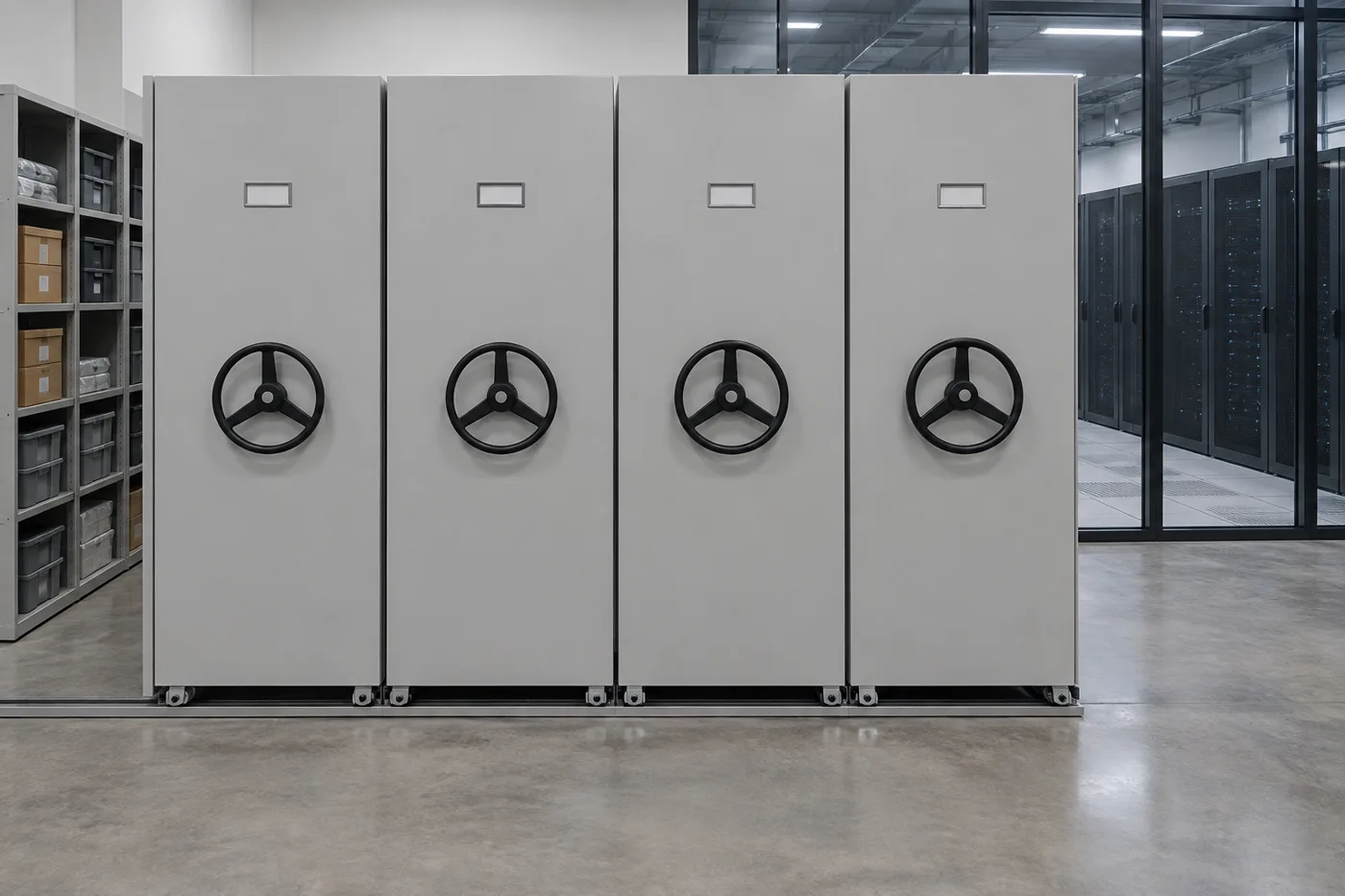
It is tempting to park spares in the computer room itself, close to the racks. Most operators avoid that, for three practical reasons.
Fire protection. NFPA 75, the Standard for the Fire Protection of Information Technology Equipment, has a dedicated chapter on records kept or stored in IT equipment rooms, and recent editions allow only records essential to IT operations to be kept inside the room. Cartons, packaging and stored media add combustible load, so a separate, fire-rated support room is the usual answer. Confirm the edition your AHJ enforces and let your fire-protection engineer decide how the room is protected.
Floors. Mobile carriages concentrate heavy loads onto a few rail lines. Raised access floor panels are rated for concentrated and rolling loads that were never meant to carry loaded storage carriages; where rails must cross a raised floor, floor-loading guidance from high-density manufacturers calls for extra pedestals directly under the rails. Putting the spares room on the structural slab avoids the problem.
Cleanliness and traffic. Unboxing creates cardboard dust and packaging waste, and a stores room means regular foot traffic. Both are better kept outside the controlled space.
For slab checks see our guide to mobile shelving floor load requirements, and for raised floor systems see raised access flooring.
Storing backup tape and archive media on mobile shelving
Tape is still widely used for backup copies and long-term archives, and it is sensitive to its environment. Cartridge makers publish storage conditions on their data sheets. For LTO Ultrium cartridges, Fujifilm and IBM list long-term storage at 16–25°C (61–77°F) and 20–50% relative humidity, with a maximum wet-bulb temperature of 26°C, and a wider short-term range. Always use the data sheet for your media generation and brand.
Three habits matter as much as the shelving:
- Acclimate before use. IBM and Fujifilm advise letting a cartridge adjust to the operating environment before loading it, generally for as long as it was exposed to other conditions, up to 24 hours. Leave a shelf or two near the door as an acclimation zone.
- Store cartridges in their cases, standing on edge, away from heat sources, direct sun and strong magnetic fields, per the manufacturers’ care and handling guides.
- Keep at least one copy somewhere else. The common 3-2-1 rule (three copies, two media types, one off site) means the on-site media room is not the only copy. A mobile system in the room holds the working and rotation sets; a vault or second site holds the off-site set.
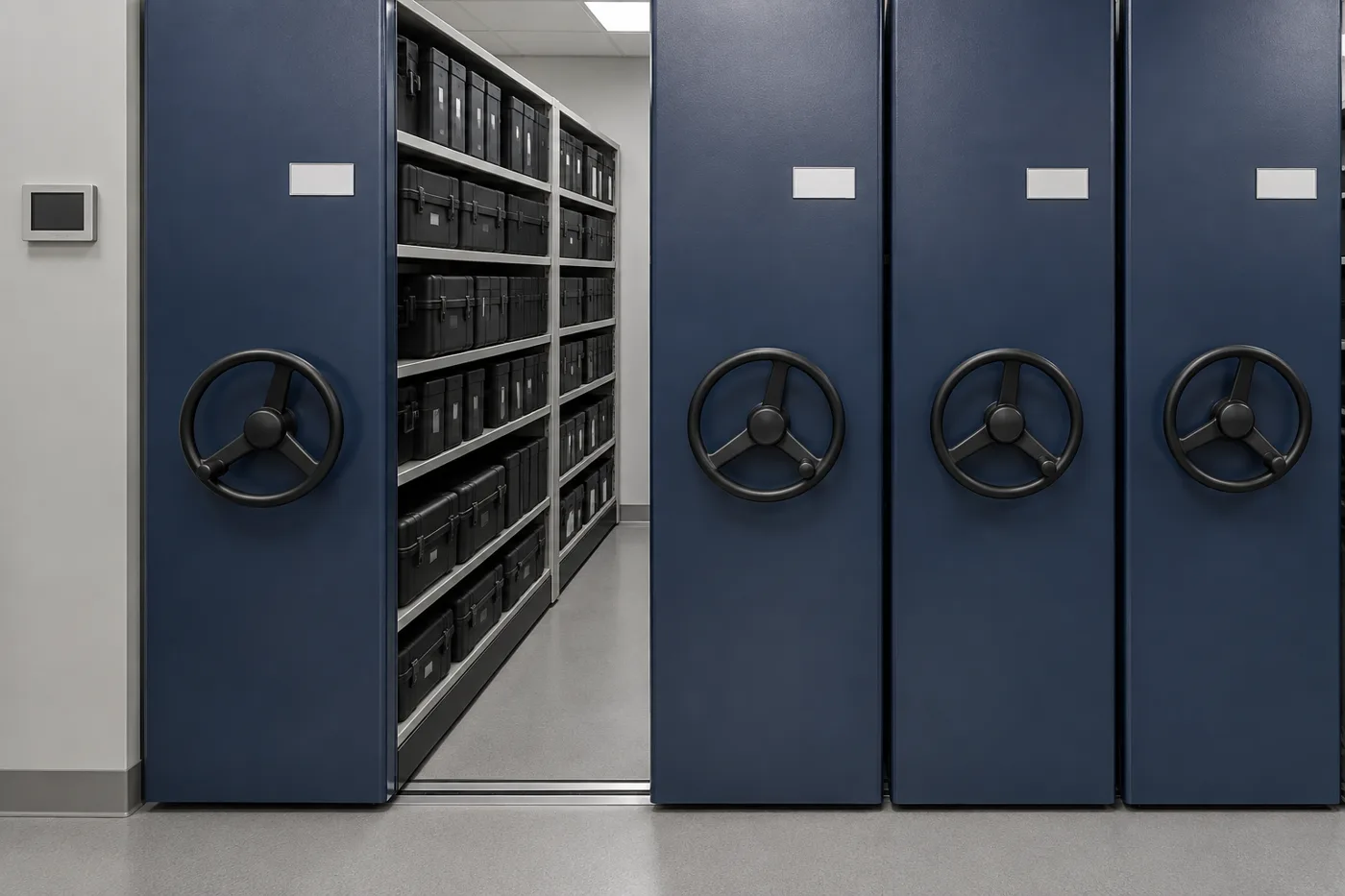
Mobile shelving suits media well: closed carriages cut dust and light exposure, locking end panels restrict access, and the room can be kept small enough to condition economically. Monitoring temperature and humidity in the room itself, not just in the white space, is worth the small cost.
For deciding what stays on site versus in a vault, see off-site vs on-site records storage; for disaster planning, see protecting vital records.
ESD and handling: protect the parts, not just the shelves
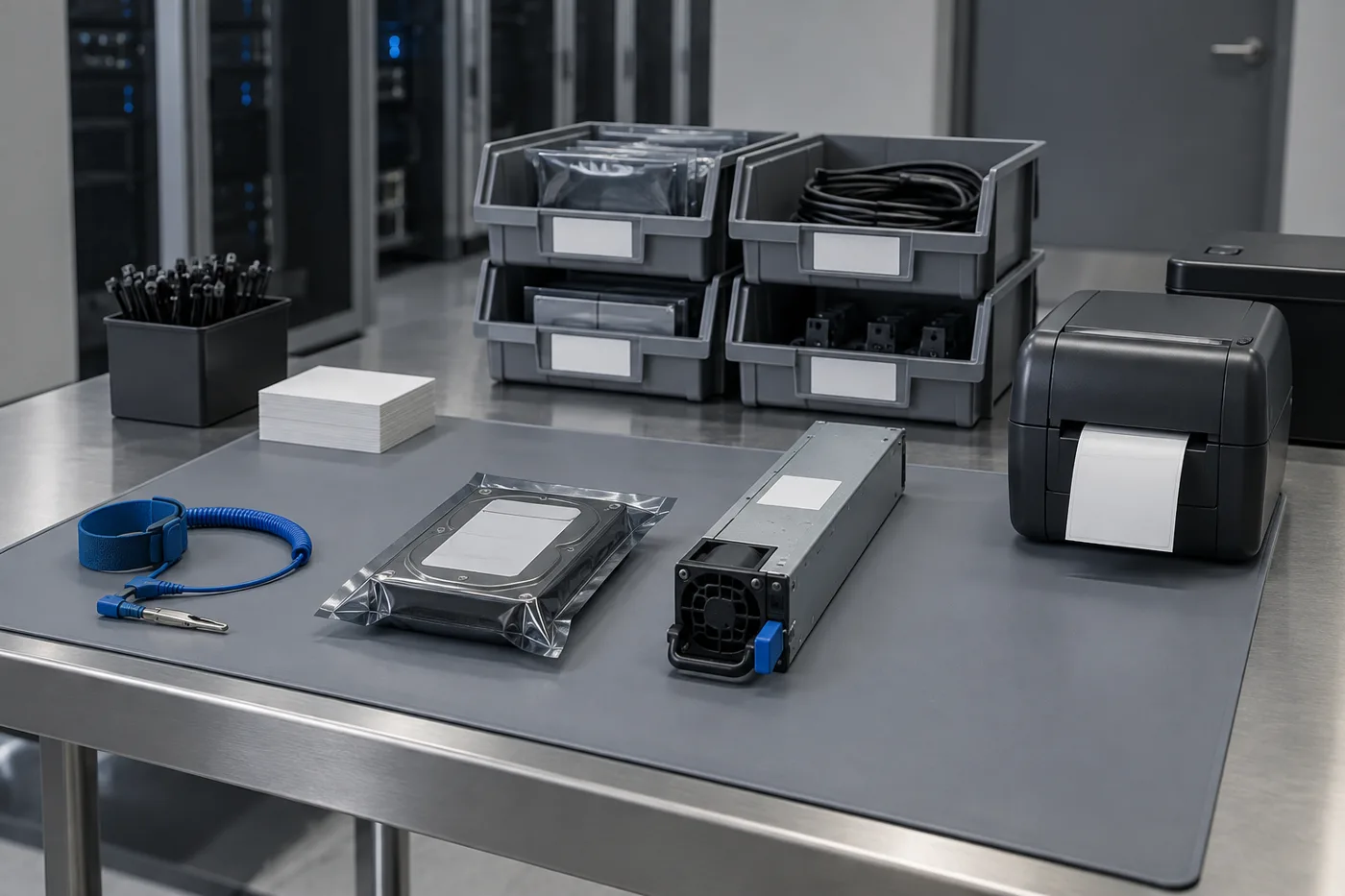
Drives, memory and boards are ESD-sensitive. In an ESD control program built to ANSI/ESD S20.20, shelving that holds unprotected sensitive items is treated as part of the program and checked for a path to ground. In a spares room the simpler and more robust approach is to keep sensitive parts sealed in their static-shielding bags or conductive bins until they reach a grounded workstation.
A few planning points follow from that:
- Specify conductive or static-dissipative bins for loose parts, and keep original static-shielding packaging on drives and boards.
- Put the staging bench, with a grounded mat and wrist-strap point, next to the mobile system, not inside an aisle.
- If you intend to handle unpackaged parts at the shelving, ask how the carriages and shelving are grounded rather than assuming wheels on a steel rail provide it, and have your ESD coordinator verify it.
- Watch humidity: very dry air raises static risk, while the upper limits on media and drive data sheets cap how humid the room should be.
Plan labels and a label printer at the bench, so parts are logged in before they reach the shelf.
What goes where: matching storage to each kind of inventory
Not everything belongs on mobile carriages. Hot spares for the highest-failure parts often sit in the row or in a cabinet near the racks, and pallet loads belong on pallet rack. Mobile shelving earns its keep on the large middle band of small and medium items that are needed occasionally but must be found fast.
| Inventory | Usual home | Why |
|---|---|---|
| Hot spares for high-failure FRUs | In-row cabinet or locked unit near racks | Minutes matter; small quantity |
| Room spares: drives, PSUs, fans, optics, boards | Mobile shelving with bins and dividers | Many SKUs, moderate turns, high value |
| Rail kits, cable managers, boxed switches | Mobile shelving, deeper lower levels | Bulky but shelf-sized; occasional use |
| Backup tape and transport cases | Locking mobile carriages in a conditioned room | Environment and access control |
| Failed parts and retired drives | Separate locked section or cage | Chain of custody before return or destruction |
| Palletized servers and bulk deliveries | Pallet rack or staging floor | Too heavy and large for shelving |
For bulk staging and pallet storage in a data center warehouse, see our data center equipment staging and critical spares racking project. For secure separation of whole areas, see server and data center cages.
Access control for high-value spares and media
A room full of drives and backup tape is a data security issue as well as an inventory one. Mobile shelving helps because a closed system presents only end panels, and most manufacturers offer locking options: a single lock that secures the whole system when it is closed, locking end-panel doors on selected carriages, or lockable doors and drawers inside a range. Powered systems can add keypad or card control at the carriage.
Treat the shelving as one layer inside the room’s own access control, not a replacement for it. Decide early which sections are open to all technicians and which are restricted to a smaller group, such as media librarians or asset managers, so the layout groups restricted items together.
Our guide to mobile shelving security and access control compares the options, and mobile shelving safety features covers aisle safety on manual and powered systems.
Finding the right part at 3 a.m.
The value of a spares room is measured in how quickly an on-call technician can find the right part. A few conventions make a mobile system fast rather than confusing:
See mobile shelving labeling and location coding and shelf depth and level spacing for detail.
Manual, mechanical-assist or powered?
Spares rooms are usually modest in size, and many work well with mechanical-assist carriages moved by a handwheel, which need no power and little maintenance. Powered systems make sense for long or heavily loaded ranges, or where keypad access at the carriage is wanted, but they need power and are one more thing to maintain. Whatever the drive, aisle safety devices keep carriages from closing on someone inside an aisle.
| Drive type | Fits when | Watch for |
|---|---|---|
| Manual (push) | Short, lightly loaded ranges | Effort rises quickly with load |
| Mechanical-assist (handwheel) | Most spares and media rooms | Handwheel clearance at each end |
| Powered | Long or heavy ranges; keypad access | Power, controls and service plan |
Compare them in manual vs mechanical-assist vs powered mobile shelving.
How a data center spares room gets specified
Data center projects run on tight schedules and change control. Settling these points early keeps the storage room from becoming the last-minute item:
Helpful references: sprinkler, lighting and HVAC coordination, seismic anchoring requirements, capacity sizing and the specification and submittal checklist.
Common mistakes in data center spares rooms
- Putting loaded storage on the raised floor without an engineering check.
- Storing tape in a warm, unmonitored closet because the white space is cool.
- Mixing failed parts and new spares on the same shelf.
- Leaving drives and boards loose on shelves outside their ESD packaging.
- Sizing the room for today’s inventory with no space for the next hardware refresh.
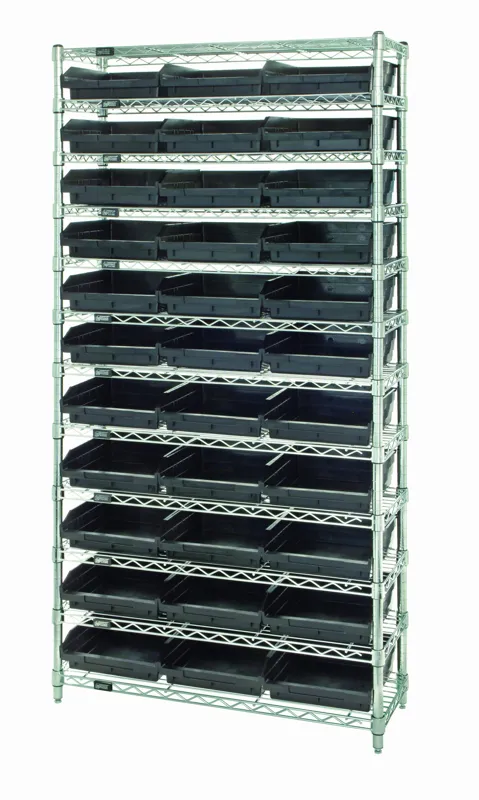
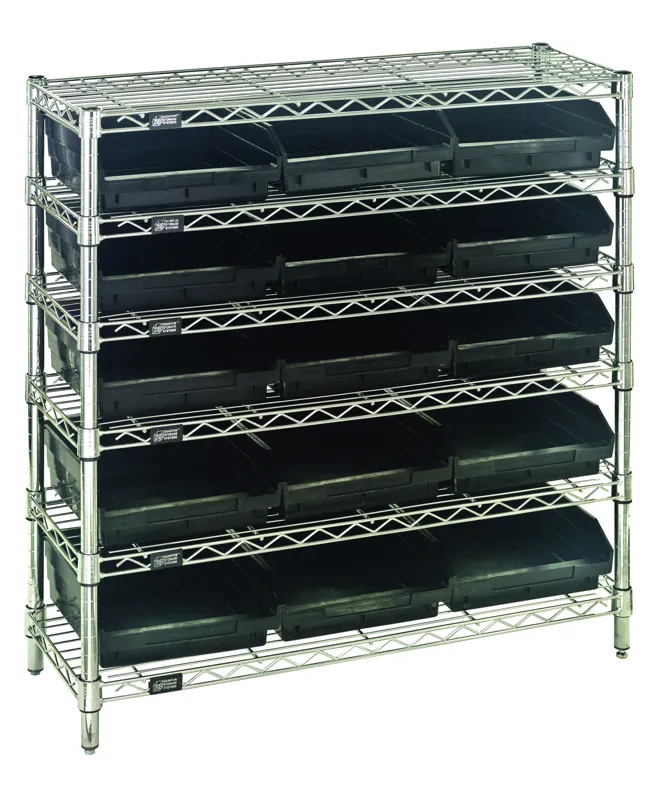
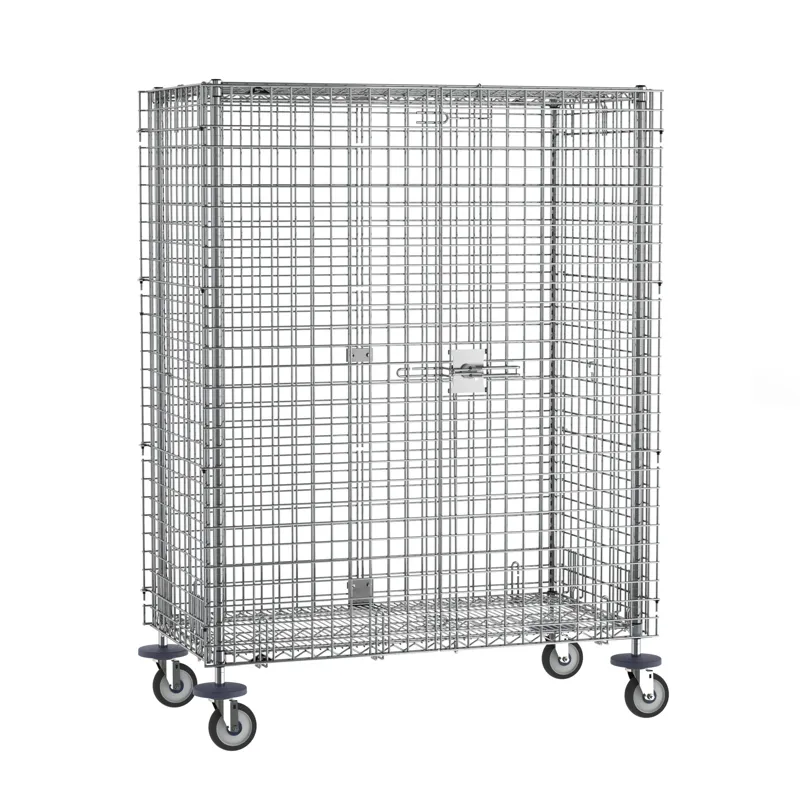
Shop Conductive Bin Shelving and Security Shelving Online
Conductive bin shelving for ESD-sensitive spare parts and lockable security shelving for smaller spares rooms. Engineered mobile systems are designed and quoted per project.
Get a free quote
Tell us what you are storing, the room size and your timeline. A project specialist will follow up with layout options and pricing. Prefer to talk? Call (800) 326-4403.
Frequently asked questions
Can mobile shelving go on a data center raised floor?
Can we keep spares and tape inside the computer room?
What temperature and humidity should backup tape be stored at?
Does mobile shelving need to be ESD-rated for spare drives?
Can a mobile shelving system be locked?
Manual or powered mobile shelving for a spares room?
Planning a spares or backup media room?
Send us the room dimensions, door locations and a rough list of what you plan to store. We will prepare a layout drawing and flag the floor, fire-protection and seismic questions to settle with your engineers. Call (800) 326-4403 to start.